Best 34 Inch Curved Gaming Monitor – Ultrawide Picks for Immersive Gameplay
Disclosure: This post contains affiliate links. LaptopVoyager.com participates in the Amazon Associates Program and may earn commissions on qualifying purchases, at no extra cost to you.
Last Updated: March 2026
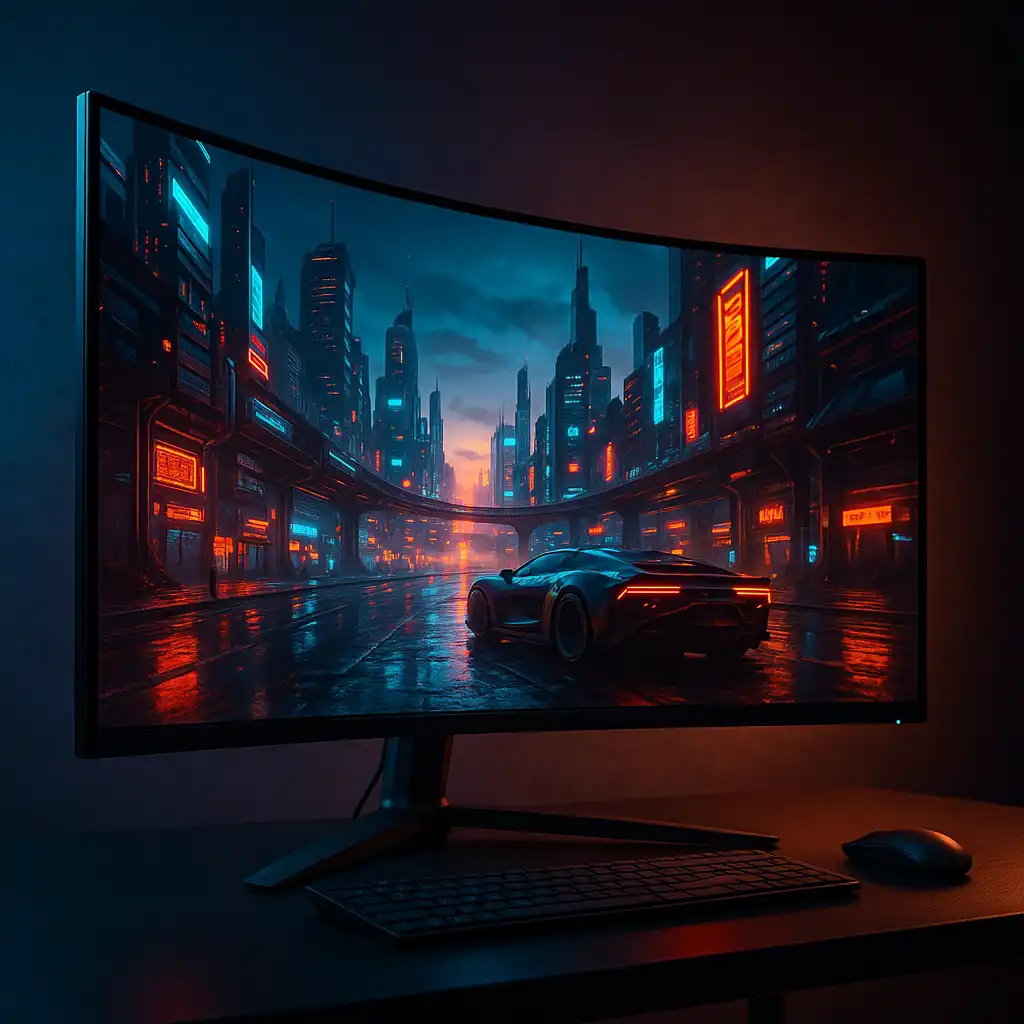
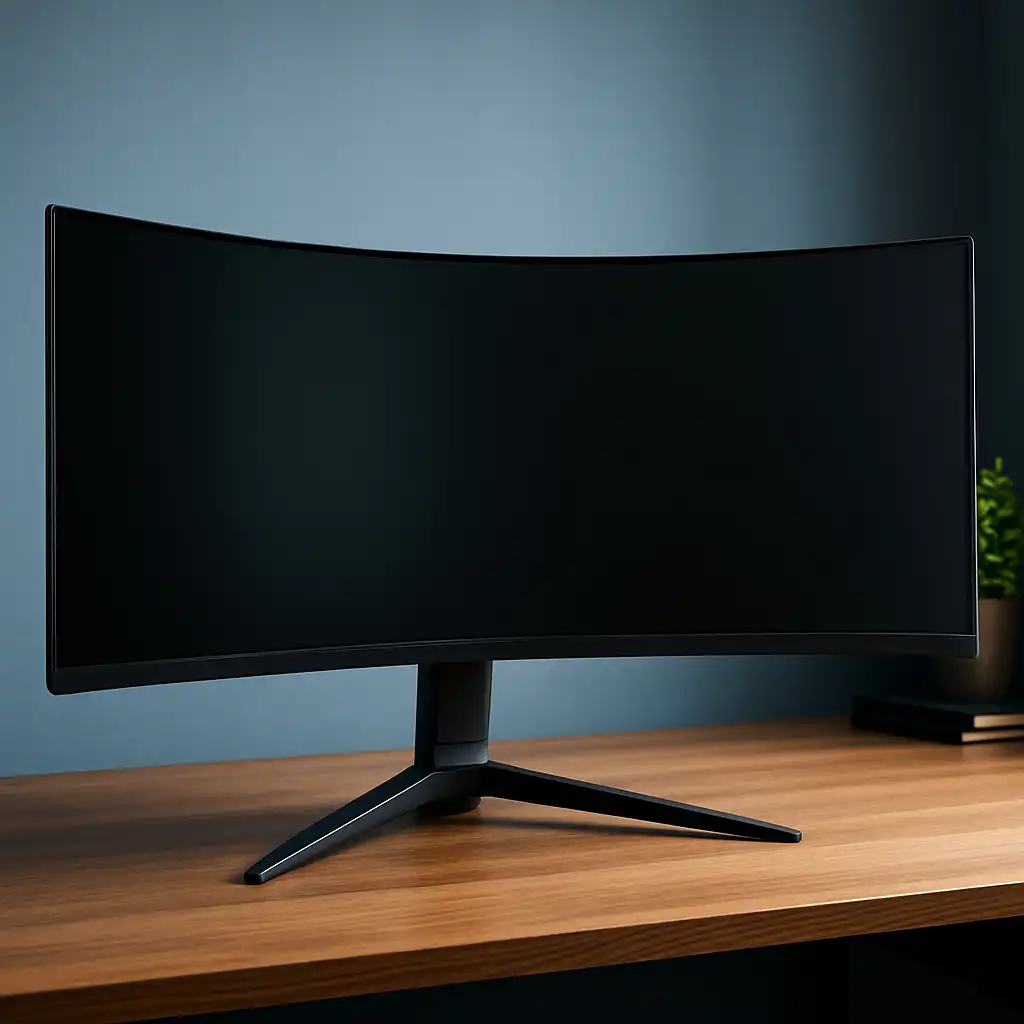
34-inch curved gaming monitors are designed to deliver a wider field of view and more immersive gameplay compared to standard 16:9 displays. They’re especially popular for ultrawide gaming, multitasking, and cinematic experiences.
Based on specifications and common use cases, this size is ideal for users who want more screen space without moving to oversized displays.
👉 If you’re exploring more options, see our guide to best gaming monitors
This guide compares three strong ultrawide models and explains what to look for when choosing the best 34 inch curved gaming monitor.
💰 Check Price & Availability
View on Amazon – Samsung 34″ Odyssey OLED G8 Curved Gaming Monitor
View on Amazon – LG UltraGear 34″ Curved Gaming Monitor 34G630A-B
View on Amazon – ASUS ROG Strix 34″ QD-OLED Gaming Monitor XG34WCDG
📋 Quick-View Comparison List
Best OLED Experience: Samsung Odyssey OLED G8 34″
Best Value Option: LG UltraGear 34G630A-B
Best Premium Ultrawide: ASUS ROG Strix XG34WCDG
🔍 Why Choose a 34 Inch Curved Gaming Monitor
A 34-inch ultrawide monitor typically uses a 21:9 aspect ratio, which provides more horizontal space than standard displays. This is designed to enhance immersion and improve visibility in supported games.
Curved panels are used to match the wider screen, helping keep the edges within your field of view. That’s especially noticeable in racing, simulation, and open-world games.
👉 If you’re comparing setups, see pc gaming on tv vs monitor
🔍 Performance: Refresh Rate and Responsiveness
Most 34-inch curved gaming monitors include higher refresh rates such as 144Hz or above, which are designed to improve motion clarity.
According to specifications and published benchmarks:
- Higher refresh rates reduce motion blur
- Faster response times improve clarity
- Adaptive sync reduces screen tearing
These features are important for both immersive and competitive gameplay.
🔍 Panel Types: OLED vs IPS in Ultrawide Displays
Panel technology plays a major role in ultrawide gaming monitors.
Typical differences based on specifications:
- OLED / QD-OLED → deep blacks and fast response times
- IPS → consistent colors and brightness
- VA → higher contrast in some models
👉 For a deeper comparison, see ips vs va vs oled gaming monitors
Your choice depends on whether you prioritize contrast, brightness, or overall balance.
📦 Samsung Odyssey OLED G8 34″ Curved Gaming Monitor
The Samsung Odyssey OLED G8 is a 34-inch ultrawide monitor designed for premium gaming setups.
According to Samsung specifications:
- OLED panel delivers strong contrast and deep blacks
- Ultrawide resolution enhances immersion
- High refresh rate supports smooth gameplay
This model suits users who want top-tier visual quality in an ultrawide format.
📦 LG UltraGear 34G630A-B 34″ Curved Gaming Monitor
The LG UltraGear 34G630A-B is positioned as a more accessible ultrawide option.
Based on LG specifications:
- Curved ultrawide design improves immersion
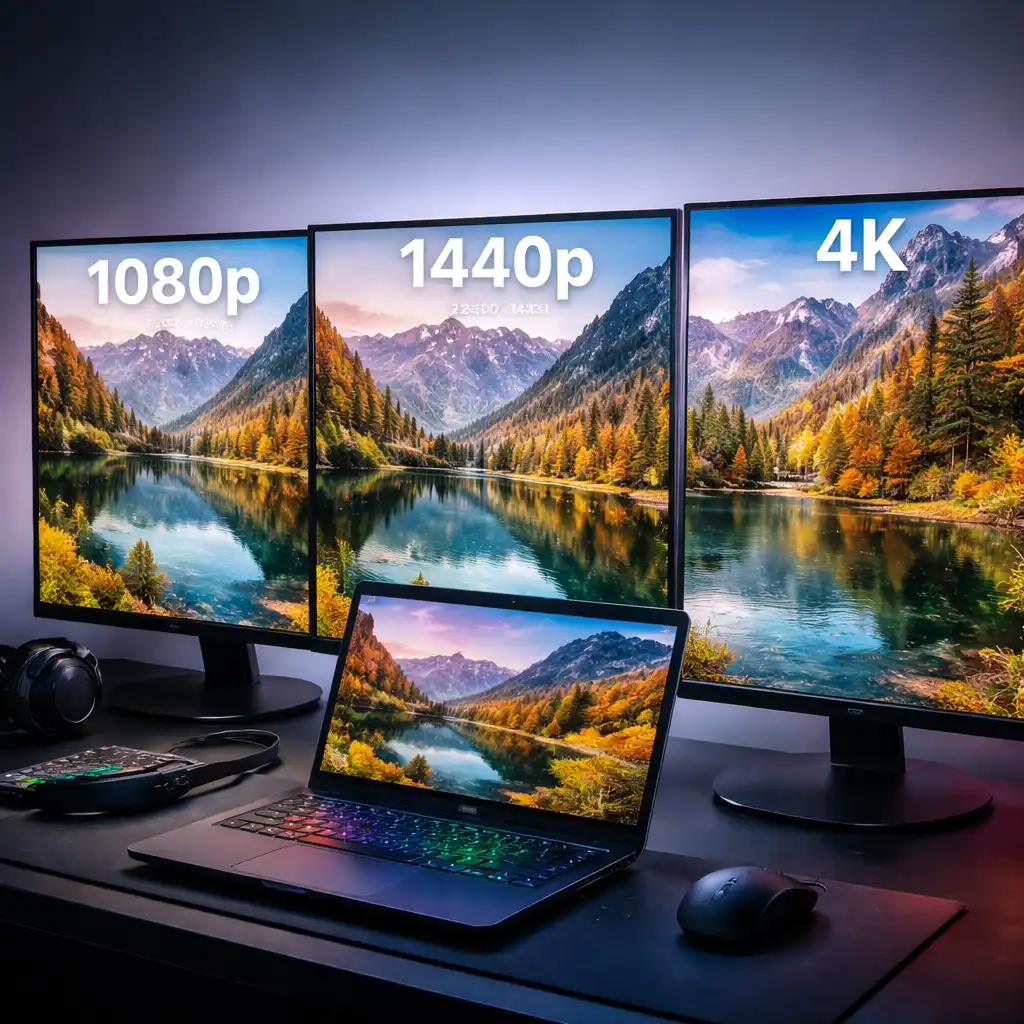
- QHD-level resolution balances clarity and performance
- Gaming features support responsive gameplay
This option fits users who want ultrawide gaming without moving into premium pricing tiers.
📦 ASUS ROG Strix XG34WCDG 34″ QD-OLED Gaming Monitor
The ASUS ROG Strix XG34WCDG combines ultrawide format with QD-OLED technology.
According to ASUS specifications:
- QD-OLED panel enhances contrast and color output
- Ultrawide resolution supports immersive gameplay
- High refresh rate improves motion smoothness
This model suits users looking for a high-end ultrawide gaming experience.
📌 Key Takeaways
- 34-inch ultrawide monitors increase immersion and workspace
- Curved panels are designed to match wider screens
- OLED offers stronger contrast, while IPS provides balance
- High refresh rates improve smooth gameplay
🟢 FAQs
Q: Is a 34-inch monitor good for gaming?
Yes. It provides a wider field of view, which can enhance immersion in supported games.
Q: Is ultrawide better than 16:9?
It depends on your use case. Ultrawide is designed for immersion and multitasking, while 16:9 is more standard.
Q: Do all games support ultrawide?
Not all games support 21:9 resolution, but many modern titles do.
Q: Do you need a powerful GPU for ultrawide gaming?
Yes. Higher resolutions require more GPU performance for smooth gameplay.
✅ Conclusion
The best 34 inch curved gaming monitor depends on whether you prioritize OLED contrast, overall value, or premium ultrawide performance. Based on specifications, these models offer strong immersion and smooth gameplay.
For users who want a wider and more cinematic gaming experience, 34-inch curved monitors provide a clear upgrade over standard displays.