Best 4K Curved Monitor for Gaming in 2025: Top Picks for Immersive Desk Setups
Disclosure: This post contains affiliate links. LaptopVoyager.com participates in the Amazon Associates Program and may earn commissions on qualifying purchases, at no extra cost to you.
Last Updated: December 2025
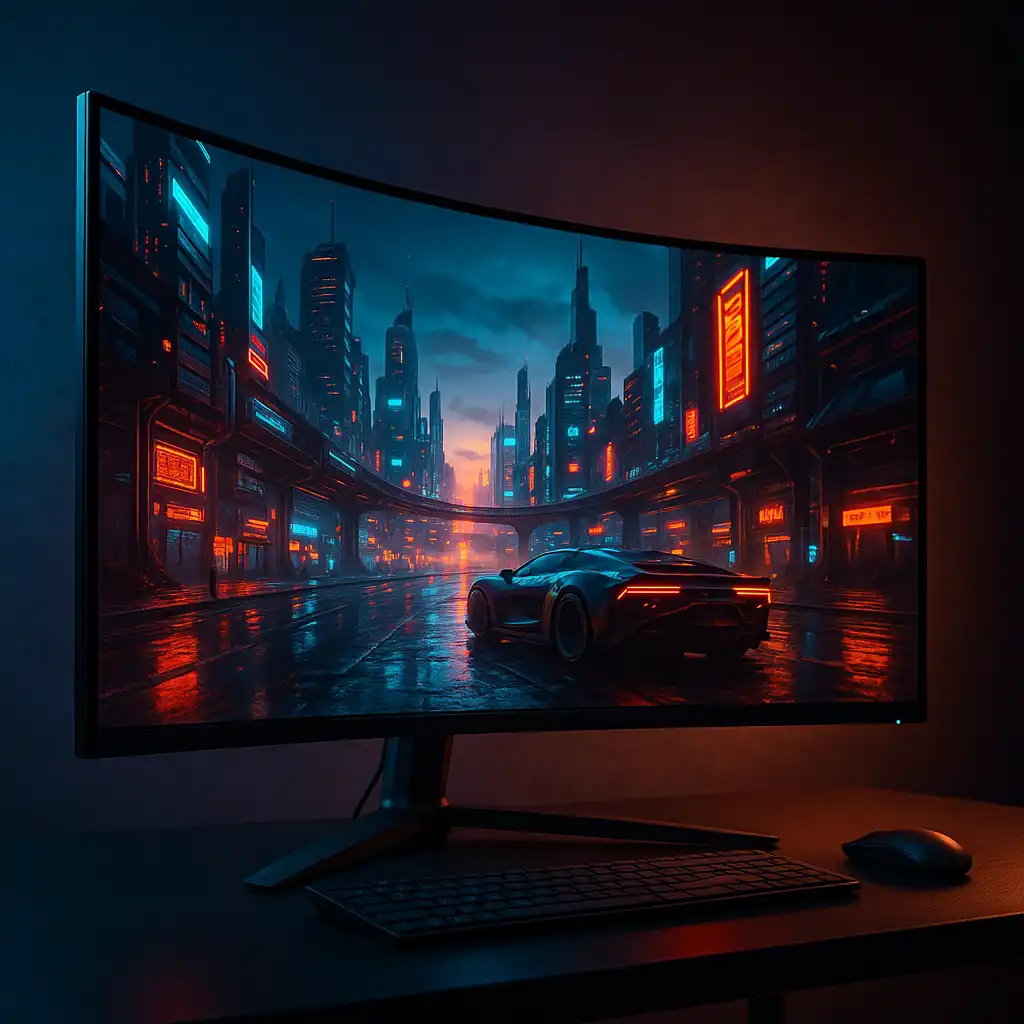
A 4K curved gaming monitor is one of the most satisfying upgrades you can make if you want deeper immersion without moving to a TV-sized display. The curved panel subtly wraps the screen toward you, while 4K resolution keeps games, text, and fine details looking sharp across the entire display.
For desk-based PC gamers and laptop users running a docked setup, this combination feels especially practical. You get a more cinematic gaming experience, plenty of screen space for multitasking, and a monitor that still fits comfortably on a standard desk.
👉 If you’re comparing different gaming displays and screen types, this overview of the best gaming monitors breaks down what actually matters when choosing the right monitor for your setup.
Below are three of the best 4K curved gaming monitors, each designed for a different style of gaming and desk environment.
💰 Check Price & Availability
View on Amazon – Samsung 32″ Odyssey Neo G8 4K Curved Gaming Monitor
View on Amazon – Samsung 37″ Odyssey G7 (G75F) 4K Curved Gaming Monitor
View on Amazon – LG 37″ UltraGear 4K Curved Gaming Monitor (37G800A-B)
📋 Quick-View Comparison List
Best Overall Performance: Samsung Odyssey Neo G8 (4K, 240Hz, Mini-LED)
Best Large-Format Immersion: Samsung Odyssey G7 37″ (4K, 165Hz, 1000R curve)
Best Balanced Alternative: LG UltraGear 37G800A-B (4K, 165Hz, USB-C)
🔍 Why Choose a 4K Curved Gaming Monitor?
Curved monitors start to make more sense as screen sizes increase. The curve keeps the edges of the display closer to your natural field of view, which can feel more immersive and less fatiguing during longer gaming sessions.
Combined with 4K resolution, you get sharper textures, cleaner UI elements, and extra space for productivity when you’re not gaming. It’s a strong option if you want one screen that performs well across gaming, work, and everyday use.
🔍 Refresh Rate & Gaming Smoothness at 4K
Refresh rate plays a major role in how smooth a 4K monitor feels. Moving beyond 60Hz improves responsiveness, reduces motion blur, and makes fast-paced games easier to track.
All three monitors here exceed basic 4K standards, making them suitable for competitive titles as well as slower, cinematic games—provided your GPU can deliver the necessary frame rates.
🔍 Curve Radius & Desk Experience
Not all curved monitors feel the same in daily use. Tighter curves, such as 1000R, create a more immersive wraparound effect, while gentler curves feel closer to a flat display with added depth.
If you sit relatively close to your screen or use a standard desk, the right curve can make a large 4K monitor feel more natural and comfortable over long sessions.
📦 Samsung Odyssey Neo G8 – Best Overall Performance
The Samsung Odyssey Neo G8 is designed for gamers who want top-tier performance without compromise. Its Mini-LED panel delivers strong brightness and contrast, and the 240Hz refresh rate makes gameplay feel exceptionally smooth at 4K.
This model makes the most sense if you’re running high-end hardware and want premium HDR performance alongside fast, responsive gaming.
📦 Samsung Odyssey G7 37″ (G75F) – Best Large-Format Immersion
The 37-inch Odyssey G7 sits neatly between a traditional monitor and a TV-sized display. Its 4K resolution combined with a deep 1000R curve creates a more enveloping experience, especially in racing games, RPGs, and open-world titles.
It’s a great option if you want a bigger screen for immersion while keeping a setup that still works well on a desk.
📦 LG UltraGear 37G800A-B – Best Balanced Alternative
LG’s UltraGear 37G800A-B focuses on versatility. With a 165Hz refresh rate, solid HDR support, and USB-C connectivity, it works well for both gaming desktops and laptop-based setups.
This monitor is a good fit if you want one large curved 4K display that handles gaming, work, and media without leaning too heavily toward a single use case.
📌 Key Takeaways
- 4K curved monitors deliver stronger immersion than flat panels at larger sizes
- Higher refresh rates make 4K gaming feel noticeably smoother and more responsive
- Curve depth can affect comfort more than screen size alone
- Mini-LED panels excel in brightness and HDR performance
- The best choice depends on GPU power, desk space, and gaming style
🟢 FAQs
Q: Is a curved monitor better than flat for 4K gaming?
For larger screens, many users find curved monitors more immersive and more comfortable, especially when sitting closer to the display.
Q: Do you need a powerful GPU for 4K curved gaming monitors?
Yes. To fully benefit from higher refresh rates at 4K, a modern high-end GPU is strongly recommended.
Q: Is 240Hz useful at 4K?
It can be, but it mainly benefits competitive players with systems capable of pushing very high frame rates.
Q: Are these monitors suitable for laptop setups?
Yes. With HDMI 2.1, DisplayPort, and USB-C options, they pair well with both gaming and productivity laptops.
✅ Conclusion
The best 4K curved monitor for gaming comes down to how you balance performance, screen size, and immersion. The Samsung Odyssey Neo G8 leads with class-leading 240Hz performance, the 37-inch Odyssey G7 delivers a more immersive large-screen feel, and LG’s UltraGear 37G800A-B offers a well-rounded option for mixed use. For desk gaming and docked laptop setups, this category remains one of the most compelling display upgrades available.