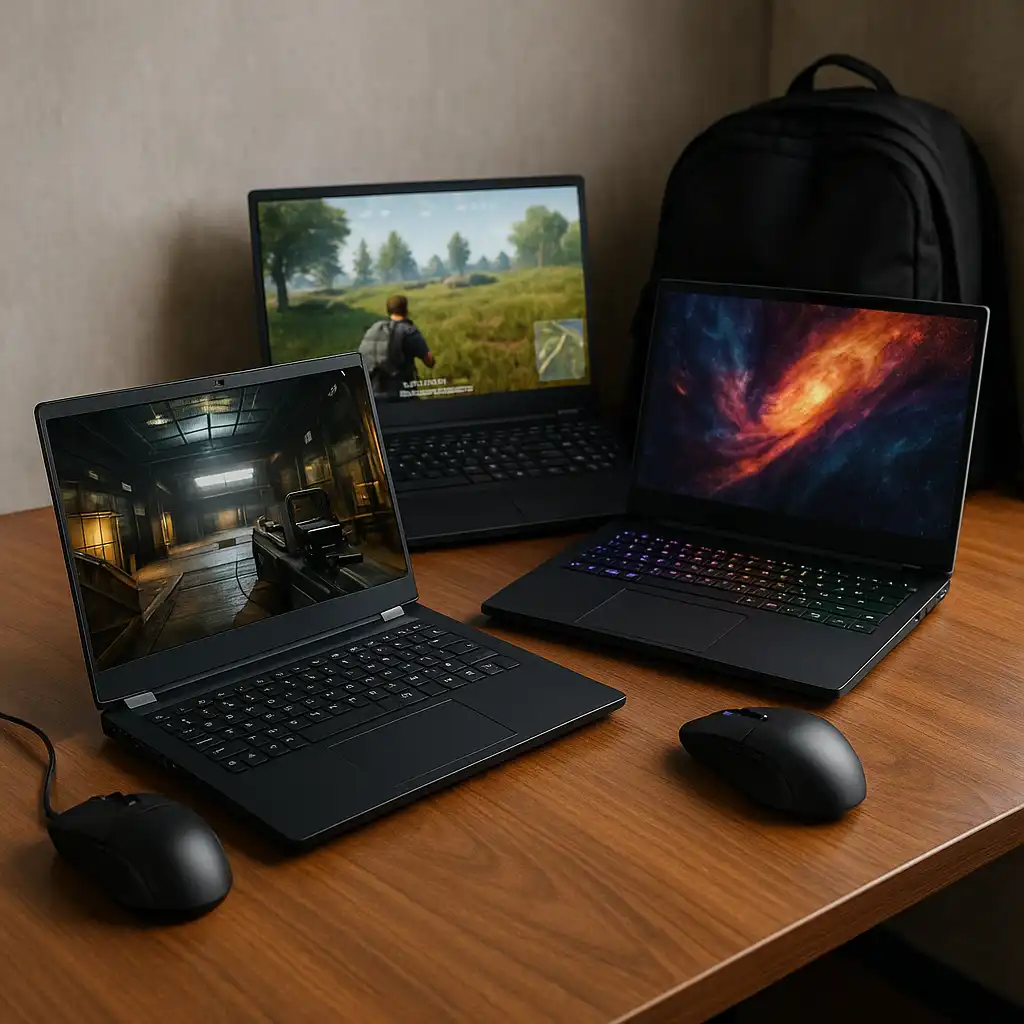
Best Gaming Laptops for Students – Performance for Study and Play
Disclosure: This post contains affiliate links. LaptopVoyager.com participates in the Amazon Associates Program and may earn commissions on qualifying purchases, at no extra cost to you.
Last Updated: February 2026
Gaming laptops appeal to students who want strong performance for both coursework and entertainment. While not every student needs a dedicated GPU, some programs and workloads benefit from the extra power gaming laptops provide.
This guide compares three gaming laptops that suit students at different performance levels, from budget-friendly entry points to high-end systems designed for demanding workloads.
👉 for general buying guidance by education level and workload, see our main guide to best laptops for students.
💰 Check Price & Availability
View on Amazon – HP Victus 15 – i5-12450H, RTX 3050, 16GB RAM, 512GB SSD
View on Amazon – Acer Nitro V – i7-13620H, RTX 4050, 16GB RAM, 1TB SSD
View on Amazon – ASUS ROG Strix G16 – Ultra 9 HX CPU, RTX 50-Series GPU, 32GB RAM, 1TB SSD
📋 Quick-View Comparison List
Best Entry-Level Gaming Laptop for Students: HP Victus 15 with RTX 3050
Best Midrange Gaming Performance: Acer Nitro V with RTX 4050 and 1TB SSD
Best High-End Gaming Laptop: ASUS ROG Strix G16 with Ultra 9 HX and RTX 50-Series
🔍 When Gaming Laptops Make Sense for Students
Gaming laptops are useful for students whose coursework involves GPU-accelerated software or demanding workloads. Fields like engineering, game design, 3D modeling, and some data science tasks can benefit from dedicated graphics.
They also handle heavy multitasking well, supporting multiple applications, external monitors, and long work sessions without slowing down.
📦 HP Victus 15 – Affordable Entry Into Gaming Performance
The HP Victus 15 offers a balance between cost and capability. With an Intel Core i5-12450H, RTX 3050 graphics, and 16GB of RAM, it supports both modern games and GPU-assisted academic software.
Based on its specifications, this model suits students who want gaming capability without moving into higher price tiers. It’s best viewed as an entry-level gaming system rather than a workstation replacement.
📦 Acer Nitro V – Strong Midrange Option for Students
The Acer Nitro V steps up performance with an Intel Core i7-13620H and RTX 4050 graphics. The inclusion of a 1TB SSD provides more storage headroom for games, software, and large project files.
This laptop fits students who want smoother gaming performance alongside demanding coursework. It balances power and price while offering more longevity than entry-level models.
📦 ASUS ROG Strix G16 – High-End Power for Demanding Use
The ASUS ROG Strix G16 targets students who need maximum performance. Equipped with an Ultra 9 HX-class processor, RTX 50-Series GPU, and 32GB of RAM, it’s built for heavy gaming, rendering, and simulation workloads.
This system makes sense for advanced students or those combining gaming with intensive technical programs. Its size and power draw reflect its focus on performance over portability.
🔍 How to Choose the Right Gaming Laptop as a Student
The right gaming laptop depends on how much performance coursework actually requires. Entry-level GPUs handle light gaming and occasional GPU-accelerated tasks, while higher-end systems support advanced workloads.
Students should also consider battery life, weight, and noise. Gaming laptops perform best when plugged in, which affects daily campus use.
📌 Key Takeaways
- Gaming laptops offer strong performance but clear trade-offs
- Dedicated GPUs benefit specific majors and workloads
- Entry-level models suit light gaming and school use
- High-end systems make sense only for demanding programs
🟢 FAQs
Q: Do students need a gaming laptop for school?
Most do not. Gaming laptops are helpful only when coursework benefits from GPU power.
Q: Are gaming laptops bad for battery life?
Battery life is usually shorter than standard laptops, especially under heavy use.
Q: Can gaming laptops replace workstations for students?
They can for some workloads, but workstation laptops often offer better software certification and efficiency.
✅ Conclusion
Gaming laptops can be a good choice for students who need extra performance for both coursework and entertainment. When GPU power is actually required, they provide flexibility that standard laptops can’t.
For most students, however, a balanced laptop offers better portability and battery life. Choosing a gaming laptop only makes sense when its performance advantages match real academic needs.