Best Gaming Monitors – Reviews, Comparisons & Buying Guides
Disclosure: This post contains affiliate links. LaptopVoyager.com participates in the Amazon Associates Program and may earn commissions on qualifying purchases, at no extra cost to you.
Last Updated: March 2026
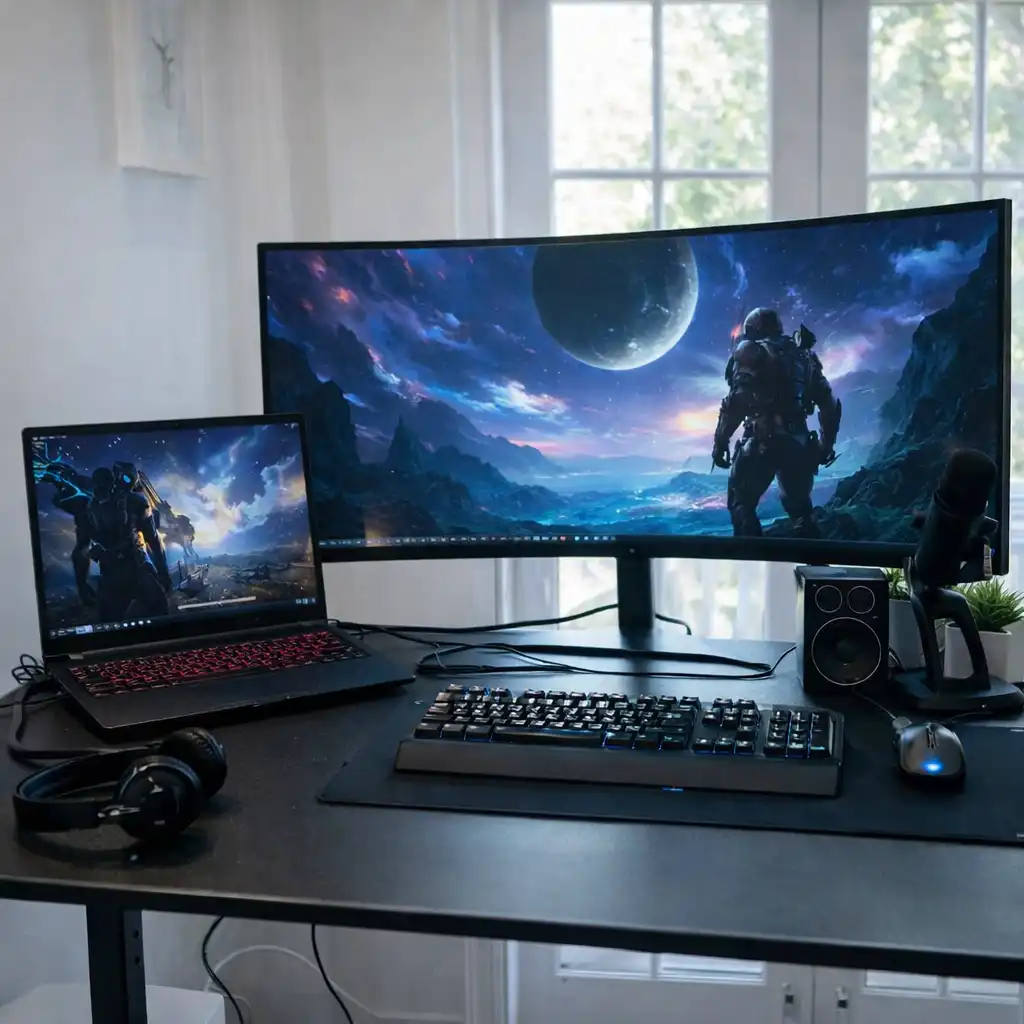
Gaming monitors come in many formats, from compact 24-inch displays to ultrawide and 4K panels designed for immersive experiences. With differences in refresh rate, resolution, and panel type, choosing the right monitor can feel overwhelming without a clear structure.
This hub brings together all gaming monitor reviews, comparisons, and buying guides in one place. Based on specifications and typical use cases, these guides are designed to help you understand how different monitors compare and which options fit your setup.
📌 Key Takeaways
- Gaming monitors vary by resolution, refresh rate, and panel type
- 144Hz to 165Hz is a common sweet spot for most gamers
- 4K monitors prioritize detail, while 1440p balances performance
- Curved and ultrawide displays focus on immersion
- Choosing the right monitor depends on your gaming style and hardware
🔍 Gaming Monitor Reviews
If you want a closer look at specific models, these reviews break down display performance, features, and ideal use cases.
- Samsung Odyssey G55C 27-Inch QHD 165Hz Curved Gaming Monitor Review
- Acer Predator XB273K 27-Inch 4K Gaming Monitor Review
- Alienware 32 4K QD-OLED Gaming Monitor AW3225QF Review
- Alienware 38 Curved Gaming Monitor AW3821DW Review
- ASUS ROG Swift 32 4K OLED Gaming Monitor PG32UCDM Review
- ASUS ROG Swift 41.5 4K OLED Gaming Monitor Review
- Dell Alienware AW3423DWF Review – QD-OLED Ultrawide Gaming Monitor
🔍 Best Gaming Monitors by Use Case
Different setups require different features. These guides group monitors based on how they are typically used.
- Best Gaming Monitor for Laptop – What to Look For
- Best Monitors for Gaming and Work – Balanced Setup Guide
- Best Portable Monitor for Laptop Travel – Lightweight Displays
- Are Portable Monitors Good for Gaming – What You Should Know
🔍 Resolution-Based Monitor Guides
Resolution plays a major role in performance and visual clarity. These guides help you compare options.
- Best 27 Inch 4K Gaming Monitor – Sharp and Smooth Picks
- Best 1440p Curved Gaming Monitor – Immersive QHD Picks
- Best 4K Curved Monitor for Gaming – Ultra HD Options
- Best 4K Gaming Monitor for PS5 – Console Gaming Guide
- Is 4K Worth It on a 27 Inch Monitor – Performance and Clarity
🔍 Ultrawide and Curved Monitor Guides
Ultrawide and curved monitors are designed to improve immersion and expand screen space.
- Best 34 Inch Curved Gaming Monitor – Ultrawide Picks Explained
- Curved vs Flat Monitor for Laptop Gaming – Which to Choose
🔍 Performance and Technical Guides
Understanding performance factors helps you choose the right monitor for your setup.
- Best Monitor Refresh Rate for Laptop Gaming – What You Need
- Best Monitor Resolution for Laptop Gaming – What to Choose
- Response Time vs Refresh Rate Gaming – Key Differences
- What Is Input Lag in Gaming Monitors – Explained
- Is 240Hz Worth It Laptop Gaming – Performance Breakdown
- IPS vs VA vs OLED Gaming Monitors – Panel Comparison Guide
🔍 Setup and Connectivity Guides
These guides help you connect and configure your monitor setup properly.
- Best Connection Laptop to Gaming Monitor – Setup Options
- How to Connect a Laptop to a Monitor – Step-by-Step Guide
- HDMI vs DisplayPort Gaming Monitors – Which to Use
🔍 Choosing the Right Gaming Monitor
If you’re still deciding, this guide explains how to evaluate different monitor features.
🔍 Alternative Gaming Setups
Not all gaming setups rely on traditional monitors. These guides explore alternatives.
🟢 FAQs About Gaming Monitors
Q: What is the best refresh rate for gaming monitors?
Based on specifications, 144Hz to 165Hz is a common balance between smoothness and performance.
Q: Is 4K better than 1440p for gaming?
4K offers sharper visuals, while 1440p is often easier to run at higher frame rates.
Q: Are curved monitors better for gaming?
Curved monitors are designed to enhance immersion, especially on larger screens.
Q: What size monitor is best for gaming?
27-inch and 32-inch are commonly used, depending on desk space and preference.
✅ Conclusion
This Best Gaming Monitors hub organizes all related reviews, comparisons, and guides into one structured resource. Based on specifications and typical use cases, it helps you navigate different monitor types and choose a setup that fits your gaming style, hardware, and space.
Whether you’re focused on performance, immersion, or versatility, these guides provide a clear path to choosing the right gaming monitor.