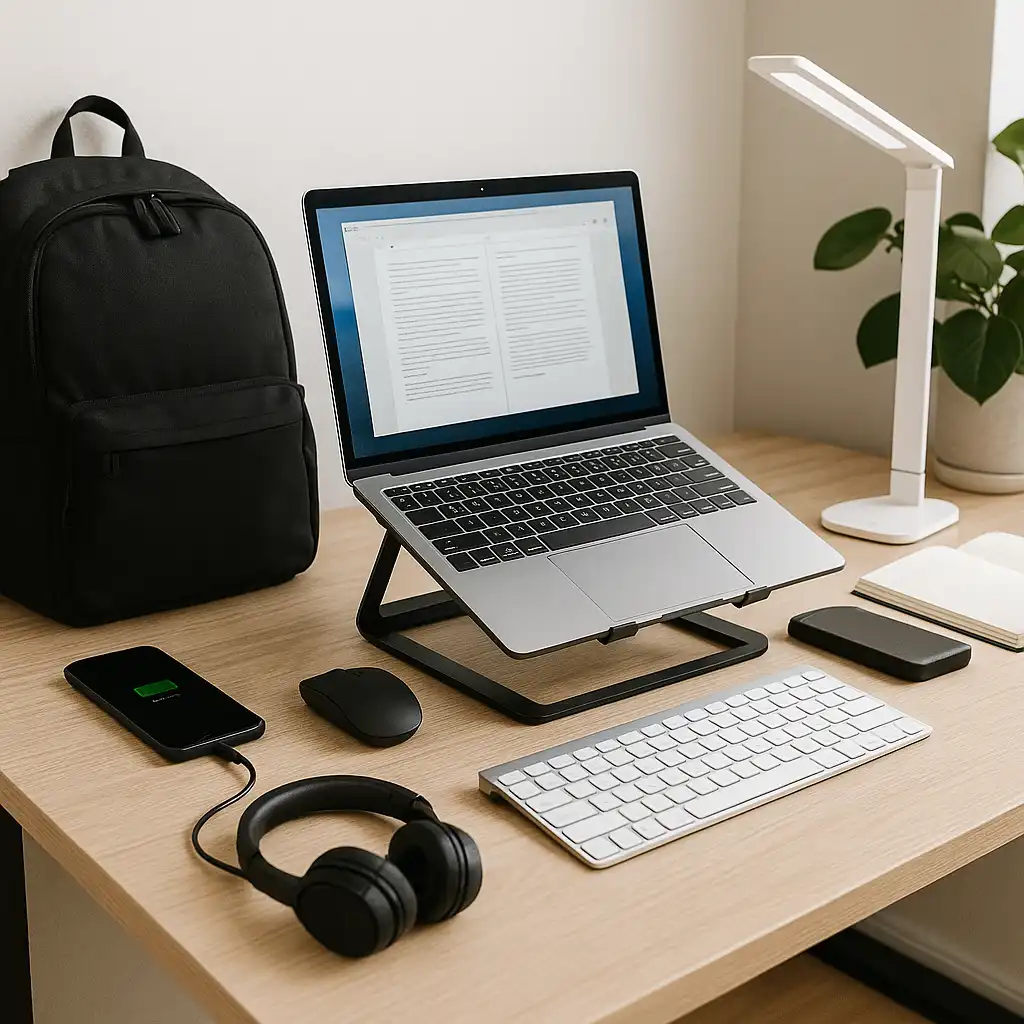
Best Laptop Accessories for Students – Smart Gear for Studying and Everyday Use
Disclosure: This post contains affiliate links. LaptopVoyager.com participates in the Amazon Associates Program and may earn commissions on qualifying purchases, at no extra cost to you.
Last Updated: June 2026
The best laptop accessories for students are the ones that make studying, carrying, and using a laptop easier throughout the school day. Whether you’re attending lectures, working in the library, or studying at home, the right accessories can improve organization and productivity.
This guide compares ten practical accessories based on manufacturer specifications and intended use cases, helping you build a setup that matches your academic routine.
👉 For a complete overview of accessories, see Best Laptop Accessories
💰 Check Price & Availability
View on Amazon – KROSIAS Laptop Bookbag
View on Amazon – Tonmom Laptop Stand
View on Amazon – Wegear Wireless Mouse
View on Amazon – ModusTech 500GB External Hard Drive
View on Amazon – Sony WH-CH720N Wireless Headphones
View on Amazon – UGREEN USB-C Hub
View on Amazon – Anker 10,000mAh Portable Charger
View on Amazon – Nulea RT08 Wireless Ergonomic Keyboard
View on Amazon – White crown LED Desk Lamp
View on Amazon – Laptop Privacy Screen 15.6″
🔍 What Accessories Do Students Actually Need?
Students often move between classrooms, libraries, cafés, and home, so portability is just as important as functionality.
Based on manufacturer specifications, accessories that improve organization, connectivity, and workspace flexibility can make everyday study sessions more convenient.
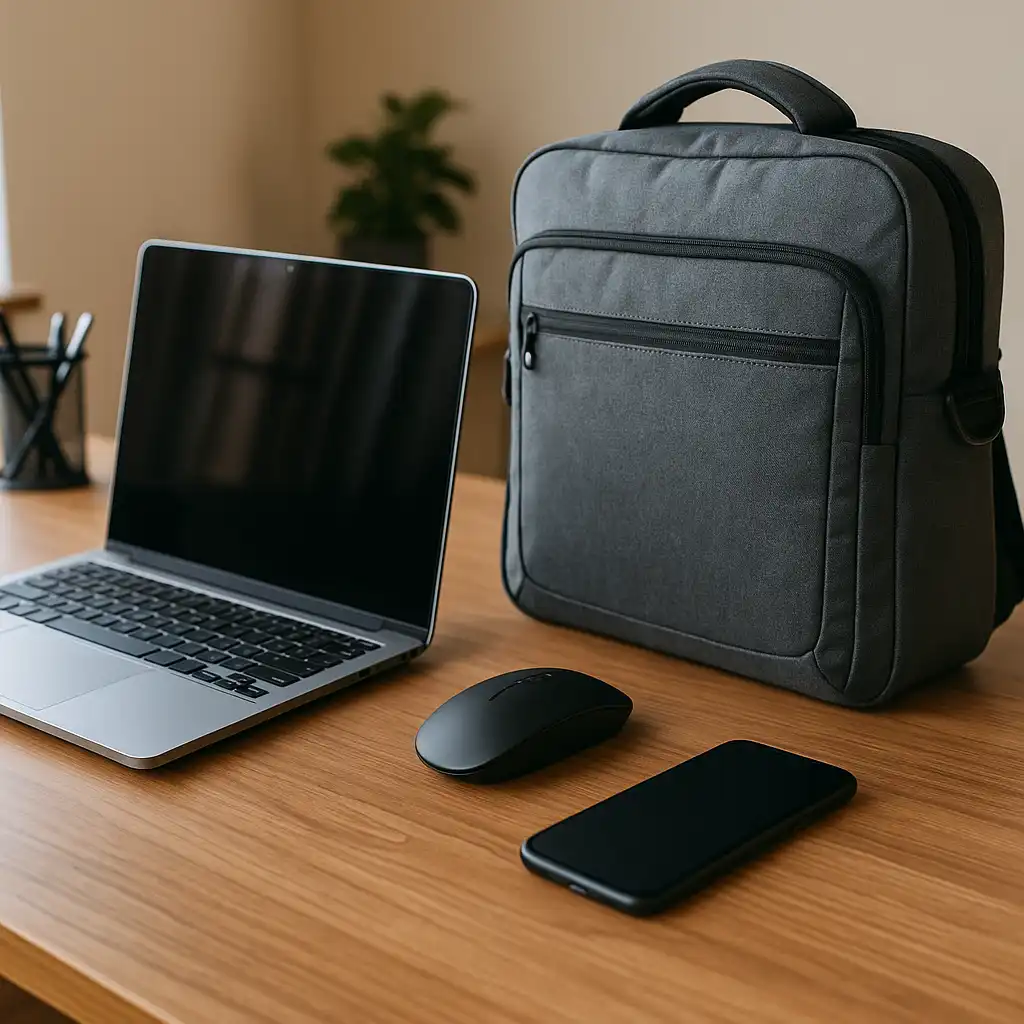
📦 KROSIAS Laptop Bookbag
A dedicated laptop backpack helps organize textbooks, chargers, and accessories in one place.
According to manufacturer specifications, the KROSIAS Laptop Bookbag includes a padded laptop compartment and multiple storage pockets designed for daily commuting.
👉 If you want additional protection while carrying your computer, see Best Laptop Sleeve for Travel.
📦 Tonmom Laptop Stand
Laptop stands raise the display to a higher viewing position while creating additional airflow underneath the device.
According to manufacturer specifications, adjustable stands also allow students to position their laptop more flexibly when paired with an external keyboard.
📦 Wegear Wireless Mouse
A wireless mouse provides greater flexibility than relying solely on a laptop trackpad.
Many models include adjustable DPI settings, silent buttons, and rechargeable batteries designed for everyday productivity.
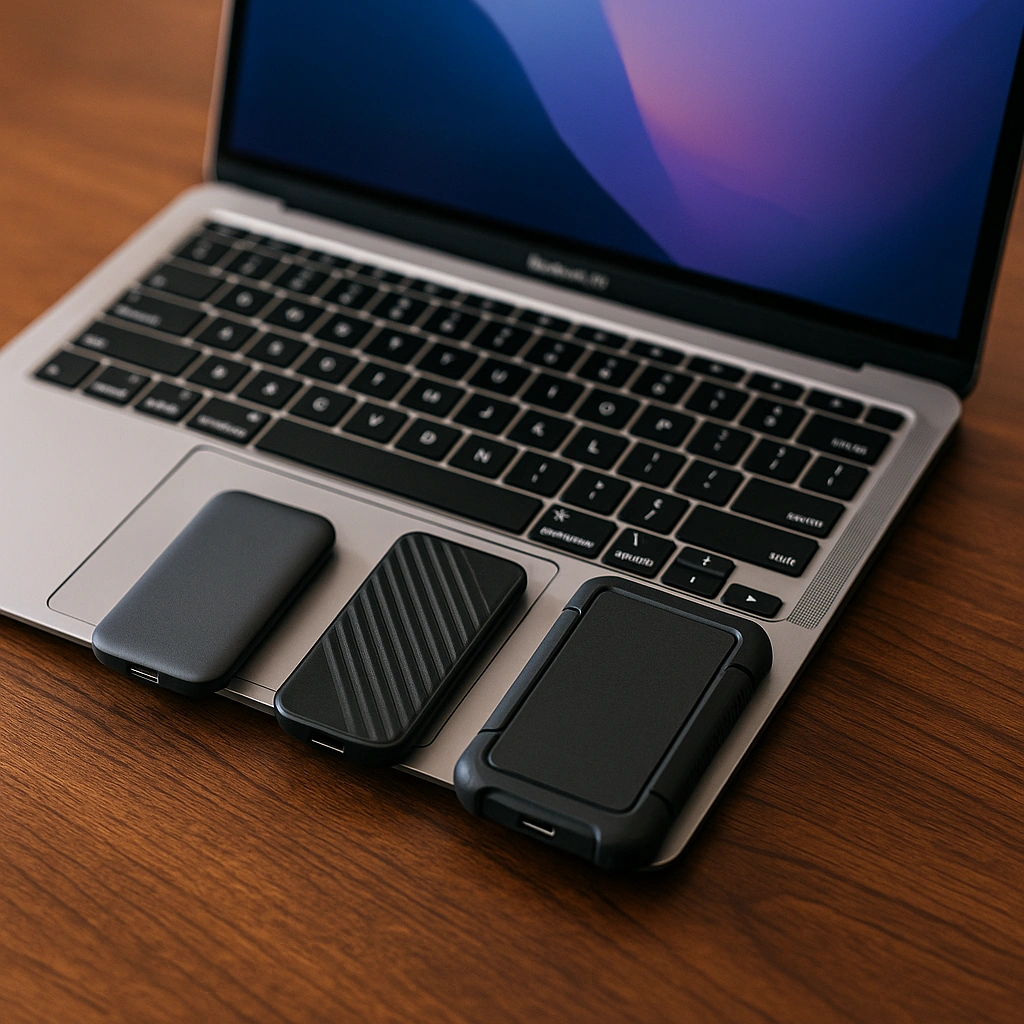
📦 ModusTech 500GB External Hard Drive
External storage is useful for backing up coursework, presentations, and large media files.
Based on manufacturer specifications, portable hard drives provide additional storage without requiring internal laptop upgrades.
📦 Sony WH-CH720N Wireless Headphones
Wireless headphones help students stay focused in shared environments.
According to Sony specifications, the WH-CH720N includes active noise cancellation, Bluetooth connectivity, and long battery life designed for extended listening sessions.
📦 UGREEN USB-C Hub
Modern laptops often include fewer built-in ports than older models.
USB-C hubs are designed to expand connectivity with additional USB ports, HDMI output, card readers, and pass-through charging based on manufacturer specifications.
📦 Anker 10,000mAh Portable Charger
Portable chargers provide backup power when wall outlets aren’t available.
According to Anker specifications, compact power banks are designed to recharge compatible devices throughout the day while remaining easy to carry.
📦 Nulea RT08 Wireless Ergonomic Keyboard
A wireless keyboard provides a larger key layout and more flexible positioning than a laptop keyboard.
This makes it easier to create a study setup when working for extended periods at home or in shared workspaces.
📦 White Crown LED Desk Lamp
Proper desk lighting helps create a more consistent study environment.
According to lighting design principles and manufacturer specifications, adjustable LED desk lamps are designed to direct light across the workspace while offering multiple brightness levels.
📦 Laptop Privacy Screen 15.6″
Privacy screens help limit side-angle viewing in public spaces.
These filters are designed to make on-screen content more difficult to view from the sides while maintaining visibility for the person directly in front of the display.
👉 If your laptop tends to run warm during long study sessions, see Best Laptop Cooling Stands.
📌 Key Takeaways
- A quality backpack keeps laptops and accessories organized.
- USB-C hubs expand connectivity for newer laptops.
- External storage provides additional space for coursework and backups.
- Portable chargers help keep devices powered throughout the day.
- Privacy screens add an extra layer of visual privacy in public places.
🟢 FAQs
Q: What laptop accessories are most useful for students?
Backpacks, portable chargers, wireless mice, USB-C hubs, and external storage are among the most practical accessories for everyday academic use.
Q: Is a USB-C hub worth buying for students?
If your laptop has limited ports, a USB-C hub can expand connectivity for displays, storage devices, and other peripherals.
Q: Why use an external keyboard with a laptop?
An external keyboard provides a larger key layout and allows more flexibility when arranging your study workspace.
Q: Do students need an external hard drive?
External storage is useful for backing up assignments, presentations, and large files while freeing space on the laptop.
✅ Conclusion
The best laptop accessories for students are the ones that support everyday learning without adding unnecessary complexity. From carrying your laptop safely to expanding connectivity and organizing your workspace, these accessories are designed to make studying more convenient based on your needs and your laptop’s specifications.