What Laptop Accessories Do I Need? A Practical Guide for Everyday Use
Disclosure: This post contains affiliate links. LaptopVoyager.com participates in the Amazon Associates Program and may earn commissions on qualifying purchases, at no extra cost to you.
Last Updated: July 2026
Not every laptop setup needs a long list of accessories. The right approach is choosing tools that actually improve how you use your device—whether for work, study, travel, or casual use.
This guide explains what laptop accessories you really need based on different use cases, helping you avoid unnecessary purchases and build a setup that fits your workflow.
👉 For a complete overview, see best laptop accessories
📌 Key Takeaways
- Not all accessories are essential—focus on your workflow
- Start with core tools like a mouse, charger, and basic connectivity
- Add accessories based on ergonomic positioning, productivity features, or portability needs
- The best setup depends on how and where you use your laptop
🔍 Essential Laptop Accessories (Start Here)
These are the most common accessories that improve everyday usability.
- Wireless mouse for dedicated input control and mobility
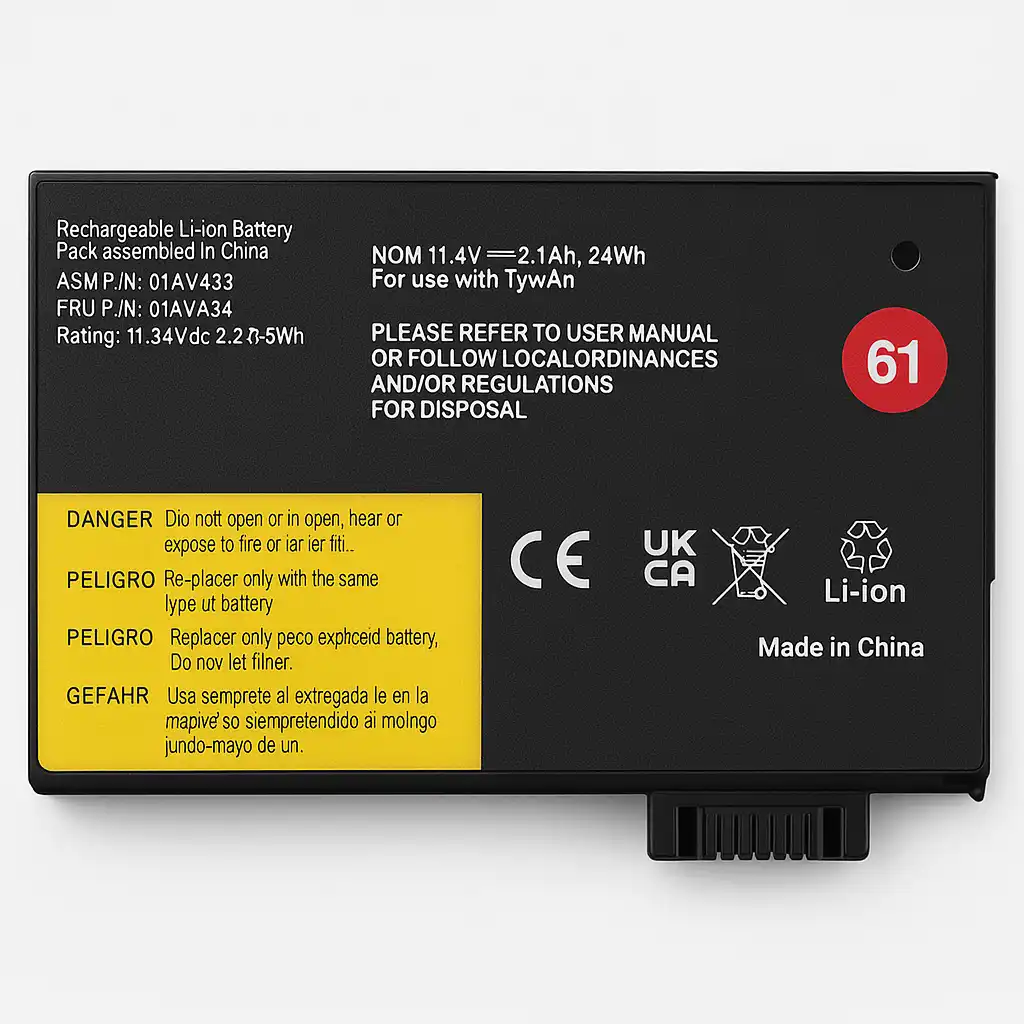
- Portable charger for extended battery life
- USB-C hub for connecting multiple devices
- Laptop sleeve or case for protection
👉 For mouse options, see best wireless mouse for laptops
👉 For connectivity tools, see best usb-c hubs
🔍 Accessories for Productivity
If you spend long hours working or studying, additional accessories can support your setup through better positioning and additional screen space.
- external keyboard for improved typing position according to ergonomic guidelines
- portable monitor for multitasking
- desk lighting to support visual comfort according to lighting design standards
👉 For display options, see best portable monitor for laptop
These tools are designed to support extended work sessions through improved positioning, additional screen space, and better lighting.
🔍 Accessories for Remote Work
Remote work setups often require better communication and organization.
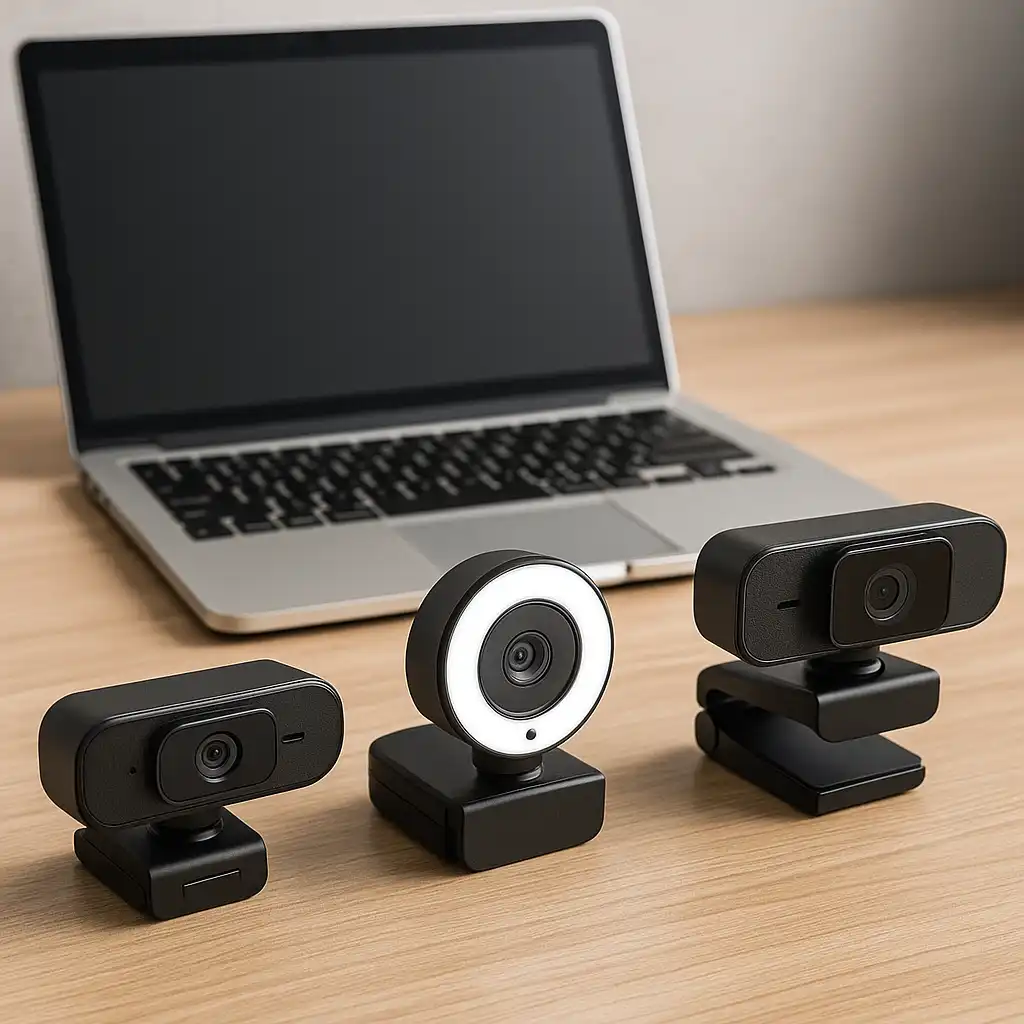
- webcam equipped with larger sensors and improved optics compared to built-in laptop cameras
- headset with mic for clear audio
- docking station or hub for full connectivity
👉 For full setups, see work from home laptop accessories
🔍 Accessories for Travel
Travel setups focus on portability and protection.
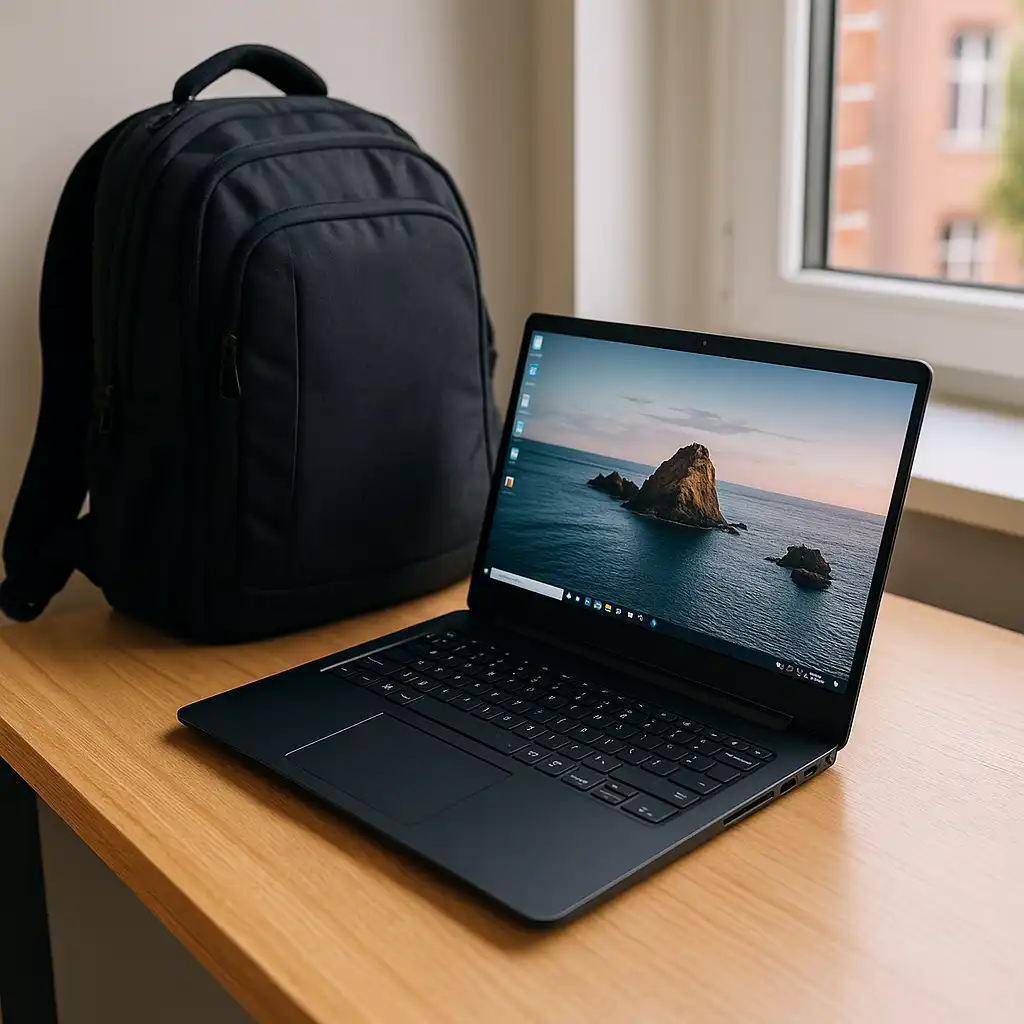
- laptop backpack or sleeve
- compact mouse
- portable charger
- privacy screen
👉 For packing ideas, see laptop accessories for travel
These accessories are designed to keep your setup lightweight and functional on the go.
🔍 Accessories for Performance and Cooling
If your laptop runs hot or handles heavy workloads, cooling solutions may help.
- cooling pads for airflow
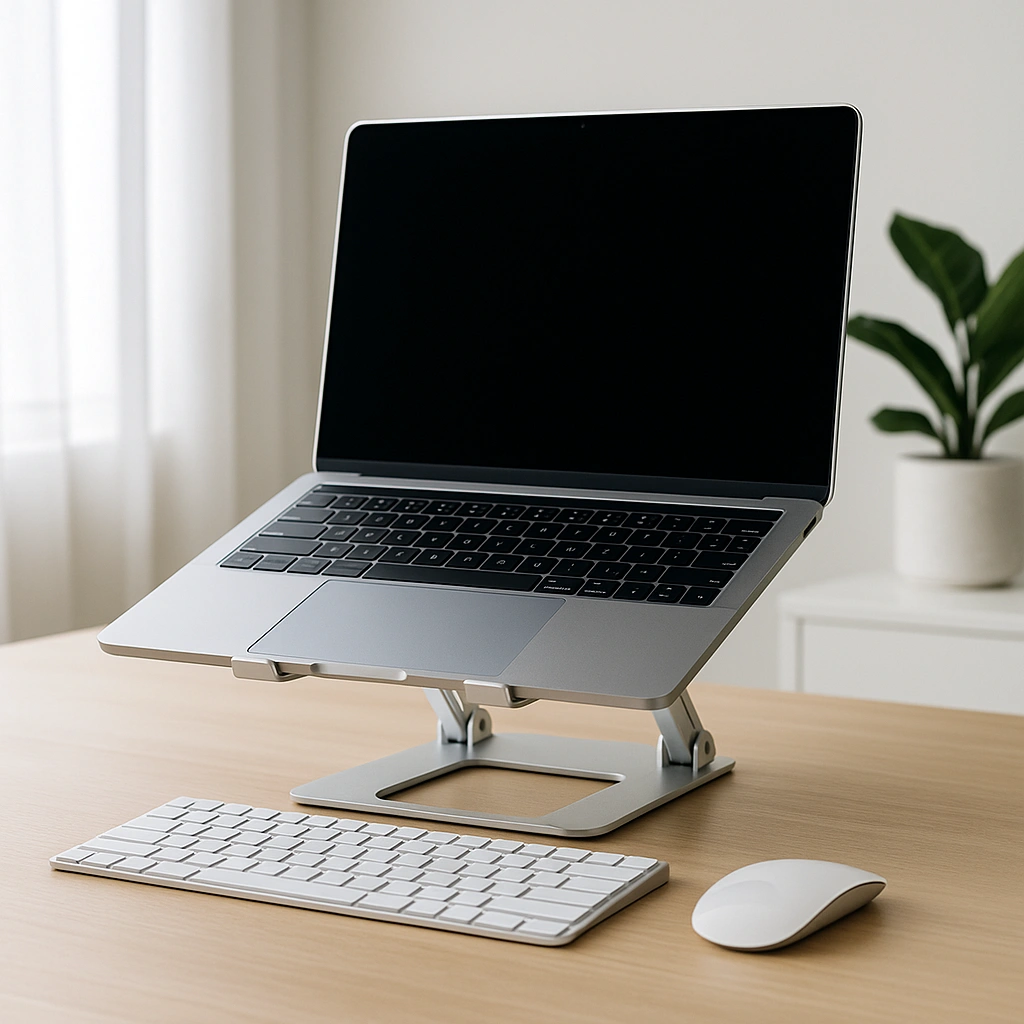
- laptop stands designed to improve airflow underneath the laptop
👉 For heat management, see are laptop cooling pads worth it
👉 For comparisons, see laptop stand vs cooling pad
🔍 How to Choose the Right Accessories
The best accessories depend on how you use your laptop.
- Casual users: mouse + sleeve
- Students: mouse + storage + keyboard
- Remote workers: webcam + headset + hub
- Travel users: lightweight and portable gear
Focusing on your primary use case helps avoid unnecessary accessories.
🟢 FAQs
Q: What are the most important laptop accessories?
A wireless mouse, charger, and basic connectivity tools are the most commonly used.
Q: Do I need a USB-C hub?
It depends on your laptop’s ports and how many devices you use.
Q: Are cooling pads necessary?
They are useful for high-performance or overheating situations.
Q: What accessories improve productivity the most?
External keyboards and monitors are commonly used to support multitasking and extended work sessions.
✅ Conclusion
The accessories you need depend on your daily workflow, not a fixed checklist. Starting with essential tools and adding upgrades based on ergonomic positioning, productivity features, or portability needs is the most practical approach.
Choosing the right combination based on your workflow creates a setup matched to your specific needs.