Best Gaming Laptop Accessories – Performance, Comfort, and Setup Upgrades
Disclosure: This post contains affiliate links. LaptopVoyager.com participates in the Amazon Associates Program and may earn commissions on qualifying purchases, at no extra cost to you.
Last Updated: July 2026
Gaming laptops are designed to handle demanding workloads. Accessories like
cooling pads, input devices, and storage expansion can support different
gaming needs—from thermal management to precise control to faster load times.
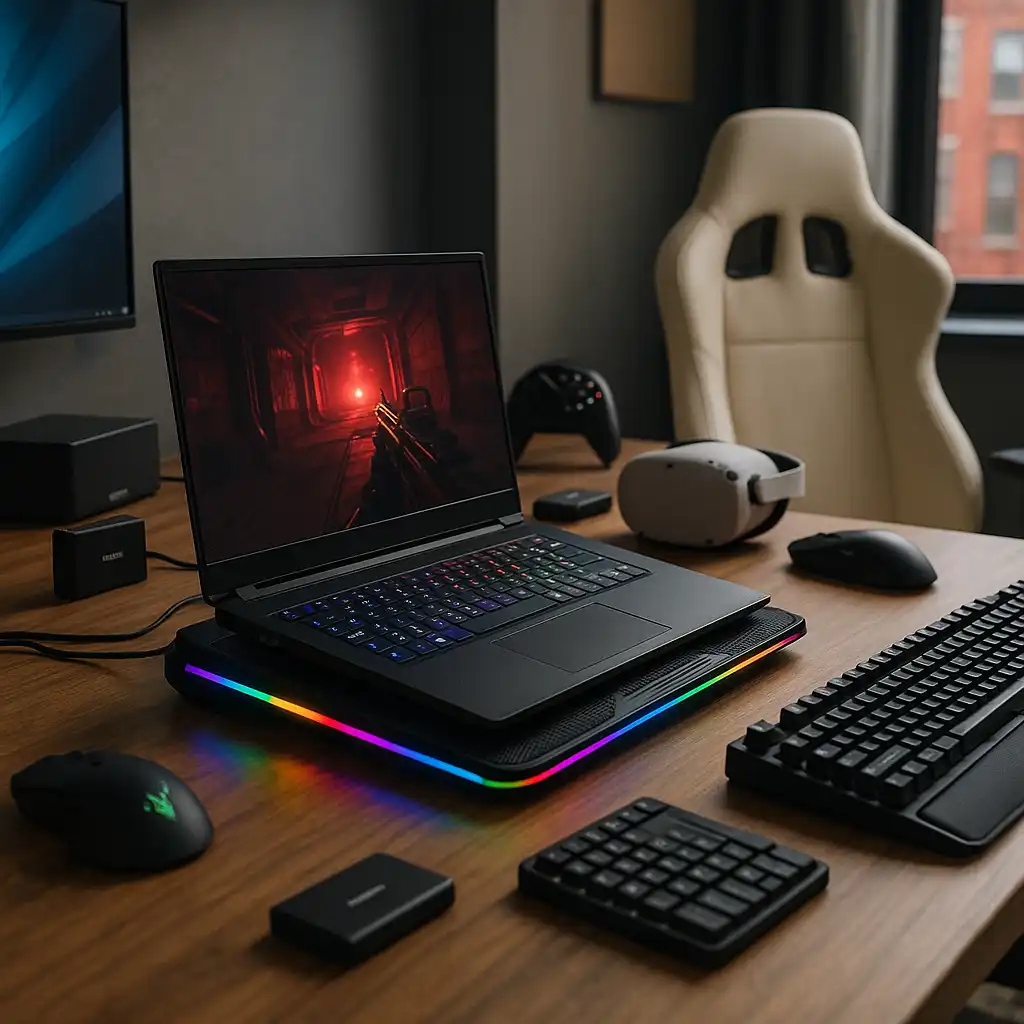
This guide covers the best gaming laptop accessories based on specifications and real-world use cases, helping you build a more capable and comfortable gaming setup.
👉 For a complete overview of all accessories, see best laptop accessories
💰 Check Price & Availability
View on Amazon – ChillCore RGB Cooling Pad
View on Amazon – Razer Thunderbolt 5 Dock Chroma
View on Amazon – Xbox Wireless Controller (2025)
View on Amazon – Razer DeathAdder V3 Pro Mouse
View on Amazon – Samsung T9 Portable SSD 4TB
View on Amazon – ASUS ZenScreen 15.6” Portable Monitor
View on Amazon – SteelSeries Arctis Nova 7 Headset
View on Amazon – Corsair K100 RGB Gaming Keyboard
📋 Quick-View Comparison List
Best for Cooling: ChillCore RGB Cooling Pad (multi-fan airflow, adjustable height)
Best for Connectivity: Razer Thunderbolt Dock (high-speed ports, display expansion)
Best for Controller Gaming: Xbox Wireless Controller (cross-platform support)
Best for Precision Control: Razer DeathAdder V3 Pro (lightweight design, fast response)
Best for Storage Expansion: Samsung T9 SSD (high-speed external storage)
Best for Extra Screen Space: ASUS ZenScreen (portable display, flexible setup)
Best for Audio: SteelSeries Arctis Nova 7 (wireless headset, clear sound)
Best for Keyboard Input: Corsair K100 RGB (mechanical switches, fast input)
🔍 What Makes Gaming Laptop Accessories Different
Gaming accessories are designed to support higher performance demands compared to standard peripherals. Based on specifications, these accessories focus on responsiveness, cooling efficiency, and durability.
This is especially important for users running graphics-intensive games or extended sessions.
🔍 Cooling and Performance Stability
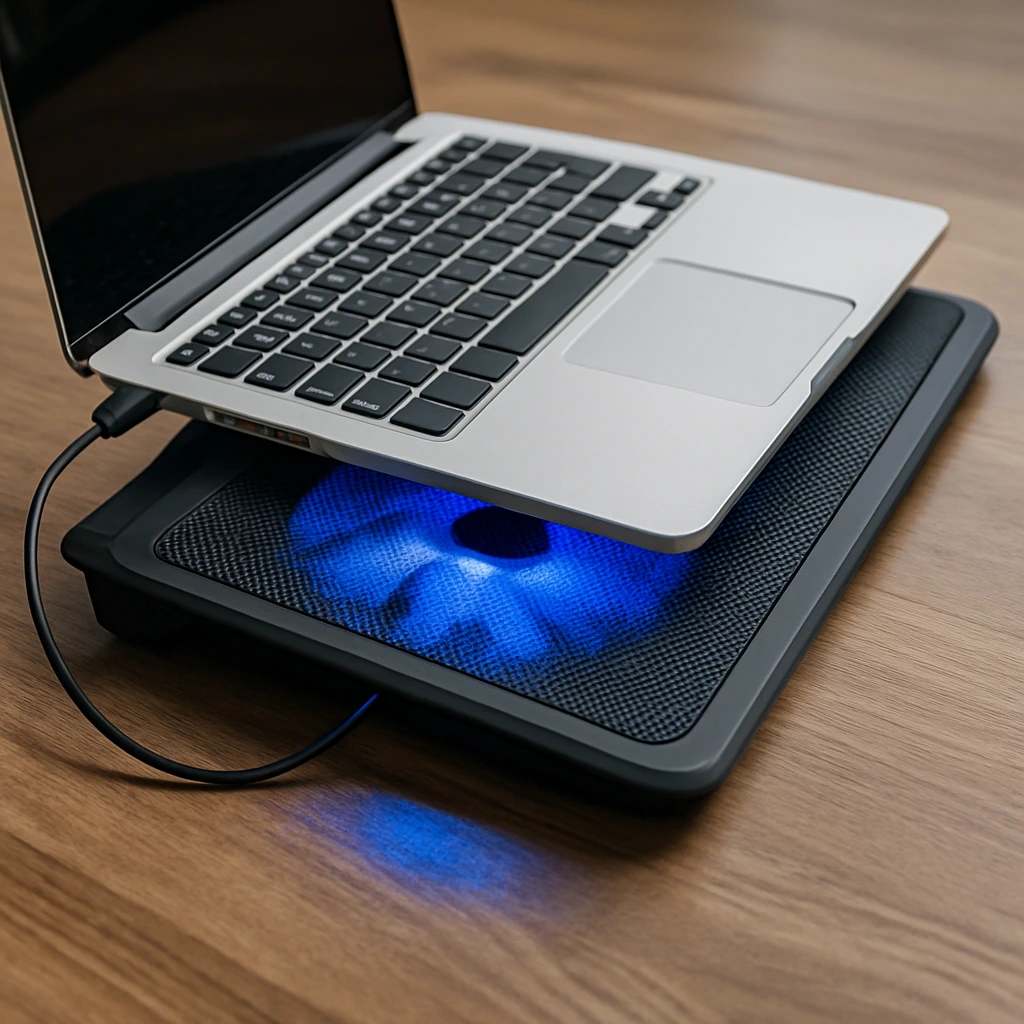
Thermal performance plays a major role in gaming. Cooling pads are equipped with multiple fans designed to improve airflow and reduce heat buildup.
👉 For a deeper breakdown, see are laptop cooling pads worth it
Lower temperatures help prevent thermal throttling, a condition where laptops
automatically reduce performance to manage heat. Cooling pads are designed to
support more consistent operation during extended gaming sessions.
🔍 Input Devices: Precision and Control
External input devices offer dedicated control mechanisms designed for gaming.
Gaming mice and keyboards typically feature:
- Advanced sensors and mechanical switches designed for faster actuation compared to trackpads and laptop keyboards
- Customizable button mapping and programmable controls
- Ergonomic shapes designed according to standard guidelines to support prolonged use
Controllers are also widely supported, offering a different style of gameplay depending on the title.
🔍 Storage and Game Library Expansion
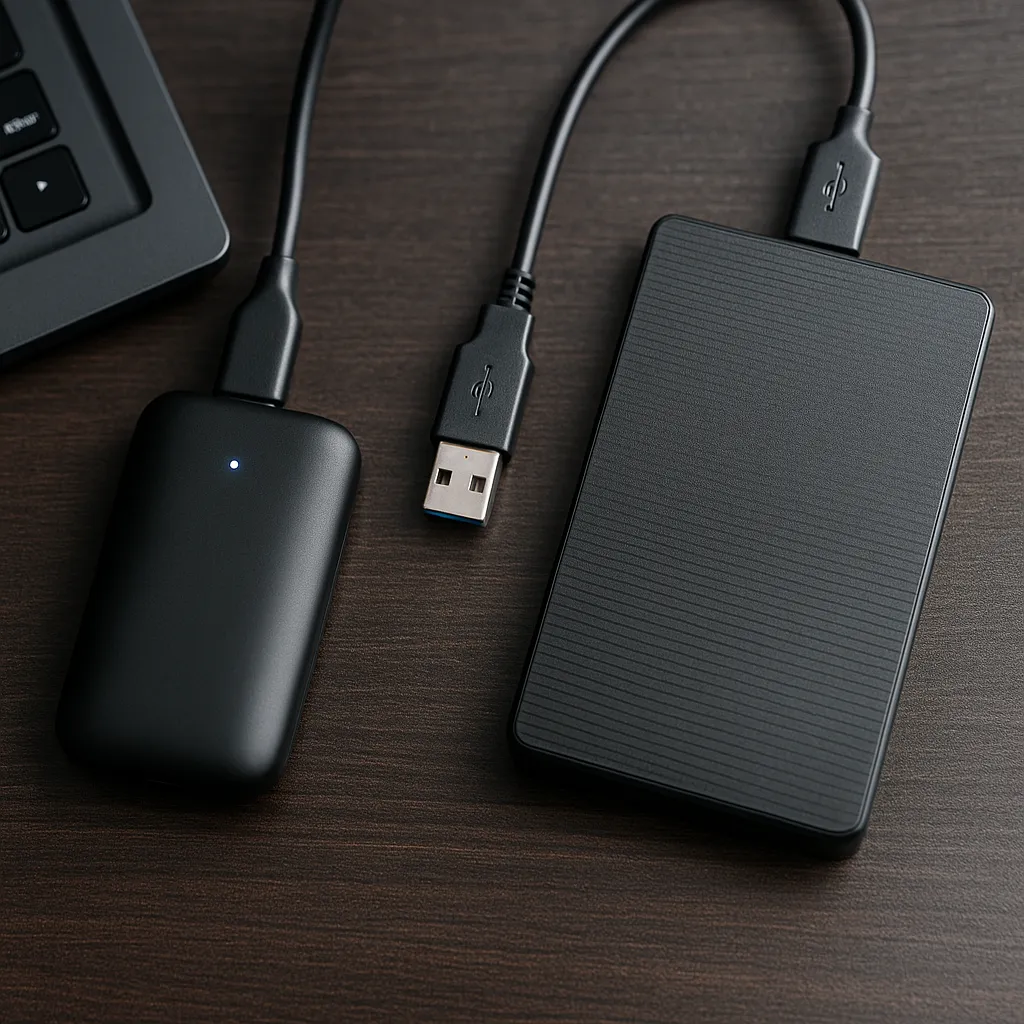
Modern games require significant storage space. External SSDs are designed to provide high-speed data transfer and additional capacity without replacing internal storage.
This allows users to expand their game library and reduce load times
compared to installing games on the internal hard drive.
🔍 Display and Multi-Screen Gaming
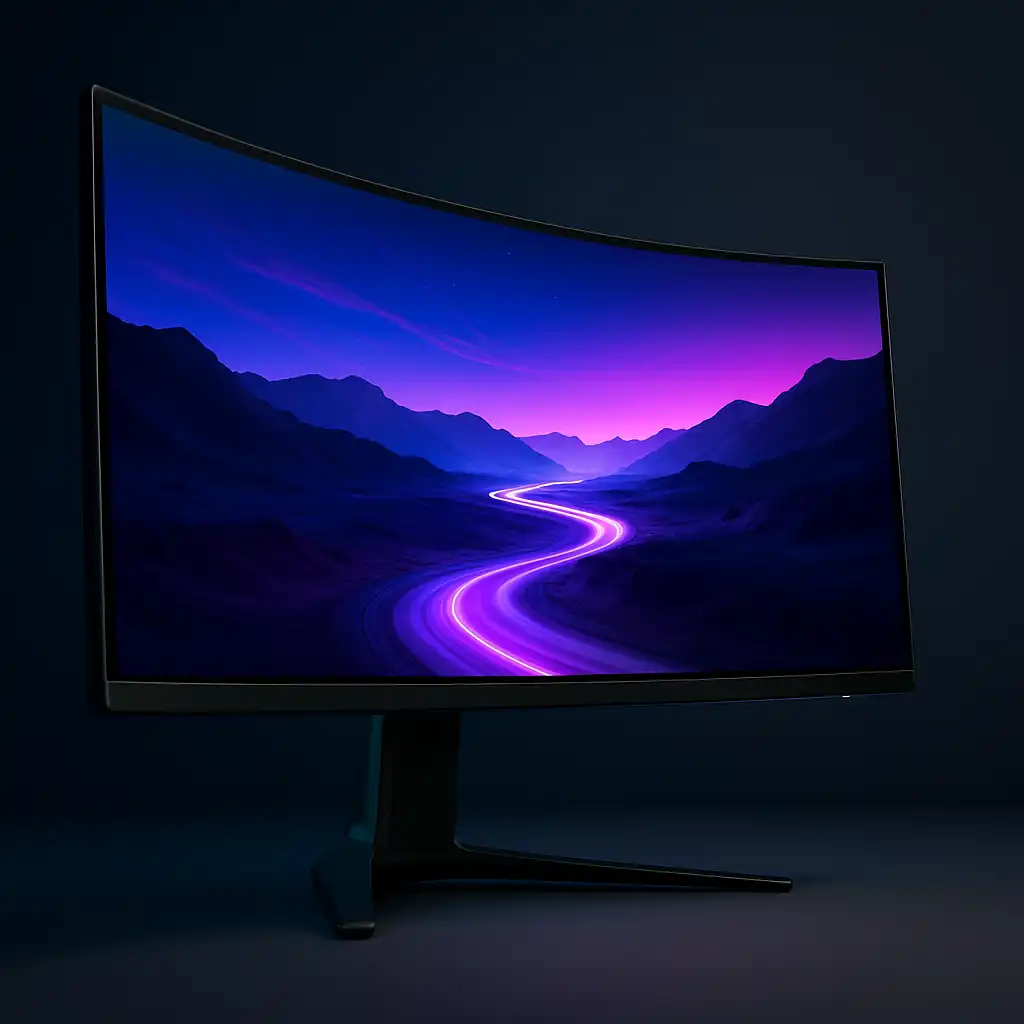
Portable monitors are designed to expand screen space for multitasking or secondary displays.
👉 For display setup differences, see portable monitor vs laptop screen extender
This can be useful for streaming setups, monitoring applications, or extended gameplay environments.
📦 ChillCore RGB Cooling Pad – Best for Cooling
The ChillCore cooling pad is equipped with multiple fans designed to improve airflow. Based on specifications, adjustable height settings also support better ergonomics during long sessions.
📦 Razer Thunderbolt Dock – Best for Connectivity
This docking solution is designed to expand ports and connectivity. It supports multiple devices, external displays, and high-speed data transfer based on Thunderbolt specifications.
📦 Xbox Wireless Controller – Best for Controller Gaming
The Xbox Wireless Controller is designed for compatibility across different platforms. It supports wireless connectivity and offers consistent control for a wide range of games.
📦 Razer DeathAdder V3 Pro – Best for Precision Control
This gaming mouse is designed for fast response and accuracy. Lightweight construction and advanced sensors support competitive gameplay.
📦 Samsung T9 Portable SSD – Best for Storage Expansion
The Samsung T9 SSD is equipped with high-speed transfer capabilities designed to handle large game files and reduce loading times.
📦 ASUS ZenScreen Portable Monitor – Best for Extra Display
This portable monitor is designed to expand screen space and support multitasking. Based on specifications, it offers flexible positioning and compatibility with laptops.
📦 SteelSeries Arctis Nova 7 – Best for Audio
This headset is designed to deliver clear audio and communication. Wireless connectivity and noise management features support immersive gameplay.
📦 Corsair K100 RGB – Best for Keyboard Input
The Corsair K100 is equipped with mechanical switches designed for fast input and durability. Customizable lighting and controls support gaming environments.
📌 Key Takeaways
- Gaming accessories are designed to improve performance, cooling, and control
- External peripherals enhance precision and responsiveness
- Cooling and storage upgrades support long gaming sessions
- The best setup depends on your gaming style and environment
🟢 FAQs
Q: Do gaming laptop accessories improve performance?
Cooling pads help manage thermal throttling that can reduce performance.
Gaming mice and keyboards provide faster input response times. Storage upgrades
support faster game loading. The impact depends on your specific setup and
gaming needs.
Q: Is a cooling pad necessary for gaming laptops?
It depends on thermal performance, but cooling pads are designed to help manage heat.
Q: Are external keyboards and mice better for gaming?
Many gamers use external keyboards and mice because they provide dedicated
input control and faster actuation compared to laptop keyboards and trackpads.
Whether they benefit your gaming depends on your gaming style and preferences.
Q: Do I need a docking station for gaming?
It is useful if you connect multiple devices or displays.
✅ Conclusion
The best gaming laptop accessories depend on how you use your system. From cooling solutions to input devices and storage expansion, each accessory is designed to improve a specific part of the gaming experience.
Choosing the right combination of accessories depends on your gaming style and setup needs. Cooling pads manage thermal performance, input devices provide precise control, and storage upgrades support faster game loading—each addressing specific gaming requirements.