Do USB-C Hubs Damage Laptops – Safety, Power, and What to Know
Disclosure: This post contains affiliate links. LaptopVoyager.com participates in the Amazon Associates Program and may earn commissions on qualifying purchases, at no extra cost to you.
Last Updated: April 2026
USB-C hubs are widely used to expand connectivity on modern laptops, especially for users who need extra ports for displays, storage, and peripherals. But a common concern is whether these devices can damage your laptop over time.
This guide explains how USB-C hubs work, when they are safe to use, and what risks to be aware of based on specifications, power delivery standards, and typical usage scenarios.
👉 For a complete overview of all accessories, see best laptop accessories
📌 Key Takeaways
- USB-C hubs are designed to be safe when used within specifications
- Power delivery compatibility is critical for safe charging
- Heat buildup can occur but is usually manageable
- Using certified hubs and cables reduces risk significantly
🔍 How USB-C Hubs Work with Laptops
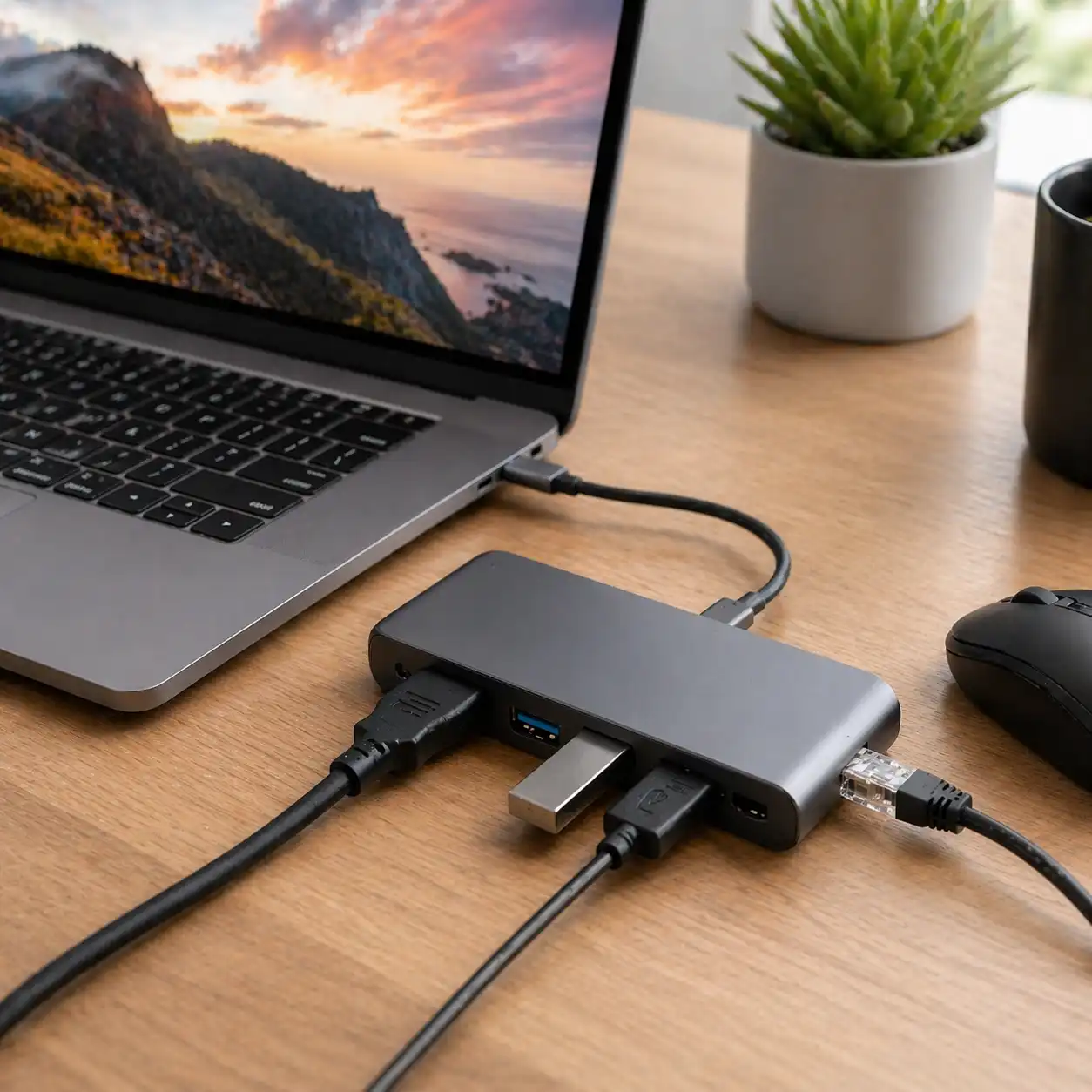
USB-C hubs are designed to expand a single port into multiple connections, including USB-A, HDMI, Ethernet, and charging.
Based on USB-C specifications, these hubs rely on:
- Power Delivery (PD) for charging
- DisplayPort Alt Mode for video output
- Data transfer protocols for connected devices
When used correctly, they are designed to operate within the limits defined by laptop manufacturers.
🔍 Can USB-C Hubs Damage a Laptop?
Under normal conditions, USB-C hubs are not designed to damage laptops. According to USB-IF standards and manufacturer guidelines, compliant hubs regulate power and data safely.
However, risks can occur in specific situations:
- Using low-quality or uncertified hubs
- Exceeding power delivery limits
- Faulty cables or connectors
These issues can lead to overheating, unstable connections, or reduced charging efficiency rather than direct hardware damage.
🔍 Power Delivery and Charging Safety
Power delivery is one of the most important factors in USB-C hub safety.
Based on specifications:
- Most laptops support defined wattage limits (e.g., 45W, 65W, 100W)
- USB-C hubs pass power through from the charger to the laptop
- Overcurrent protection is built into compliant devices
Using a hub that matches your laptop’s required power level helps ensure safe operation.
👉 For a deeper comparison of power and functionality, see docking station vs usb hub
🔍 Heat, Overload, and Long-Term Use
USB-C hubs can generate heat, especially when multiple devices are connected.
According to manufacturer descriptions and design constraints:
- compact hubs have limited cooling
- high data transfer or display output increases load
- passive cooling relies on airflow
This does not typically damage laptops, but excessive heat may affect performance or longevity if sustained over long periods.
🔍 Compatibility and Device Limitations
Not all USB-C ports support the same features. Some laptops have limited support for video output or charging through USB-C.
Based on device specifications:
- some ports support data only
- others support full USB-C functionality (power + display)
- compatibility varies by chipset and manufacturer
👉 For compatibility differences, see portable monitor vs laptop screen extender
🔍 When Problems Can Occur
While hubs are generally safe, problems can arise from improper use or poor-quality hardware.
Common risk scenarios include:
- mismatched chargers and hubs
- damaged cables
- unsupported power delivery levels
These situations may cause connection drops or charging issues, but permanent damage is rare when using certified equipment.
🟢 FAQs
Q: Can a USB-C hub damage my laptop battery?
No, compliant hubs follow power delivery standards designed to regulate charging safely.
Q: Is it safe to leave a USB-C hub plugged in all the time?
Yes, as long as the hub is certified and operating within supported limits.
Q: Do cheap USB-C hubs cause problems?
Lower-quality hubs may have weaker components, which can lead to instability or overheating.
Q: Can USB-C hubs overheat laptops?
They can add heat to the setup, but laptops are designed to manage thermal loads under normal use.
✅ Conclusion
USB-C hubs do not damage laptops when used within their intended specifications. Most issues are related to compatibility, power delivery mismatches, or low-quality accessories rather than the hub itself.
Choosing a certified hub that matches your laptop’s requirements helps ensure stable and safe performance over time.