Docking Station vs USB Hub – Which One Should You Choose?
Disclosure: This post contains affiliate links. LaptopVoyager.com participates in the Amazon Associates Program and may earn commissions on qualifying purchases, at no extra cost to you.
Last Updated: July 2026
Expanding your laptop’s connectivity often comes down to two options: a USB hub or a docking station. While they may appear similar at first glance, they are designed for different types of users and setups.
This guide compares docking stations and USB hubs based on specifications, connectivity, portability, and everyday use cases to help you decide which option fits your workflow.
👉 For a complete overview of accessories, see Best Laptop Accessories
📌 Key Takeaways
- USB hubs focus on portability and basic connectivity expansion
- Docking stations are designed for full workstation setups
- Hubs are typically smaller and more affordable
- Docking stations support more devices and displays
- The best option depends on your workspace and connectivity needs
🔍 What Is a USB Hub?
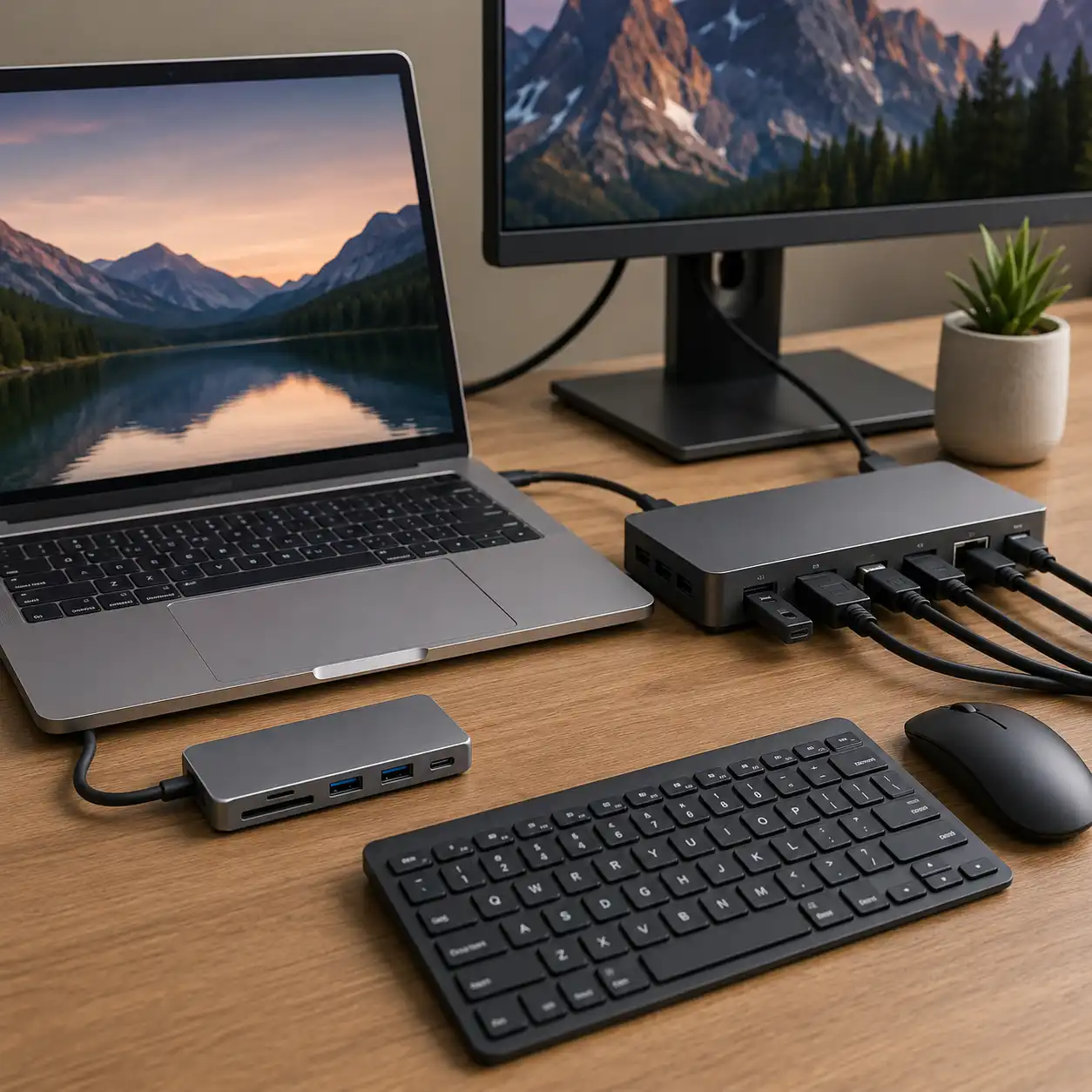
A USB hub is a compact accessory designed to add extra ports to your laptop.
Based on manufacturer specifications, most hubs provide additional USB ports, HDMI output, SD card readers, and power delivery support through a single USB-C connection.
USB hubs are commonly used by travelers, students, and users who need basic connectivity without carrying extra equipment.
👉 For specific recommendations, see Best USB-C Hubs for Laptops
🔍 What Is a Docking Station?
A docking station functions as a central connection point for your laptop.
According to manufacturer specifications, docking stations often include multiple display outputs, Ethernet, USB ports, audio connections, and higher power delivery capabilities.
They are designed primarily for desk-based environments where multiple peripherals remain connected permanently.
🔍 Portability and Desk Space
One of the biggest differences between these devices is portability.
USB hubs are lightweight and easy to carry in a backpack or laptop bag. They are ideal for users who move between locations regularly.
Docking stations are generally larger and intended to remain on a desk. They prioritize connectivity over portability.
👉 If you frequently work from different locations, see Laptop Accessories for Travel
🔍 Display Support and Connectivity
Display support is often where docking stations have a significant advantage.
Based on specifications:
- USB hubs typically support one external monitor
- Docking stations commonly support dual or multiple displays
- Docks often include wired Ethernet and additional high-speed ports
Users running complex workstation setups typically use docking stations
because they support multiple displays and higher power delivery compared
to USB hubs.
👉 For multi-monitor setups, see Best Docking Station for Dual Monitors
🔍 Power Delivery and Charging
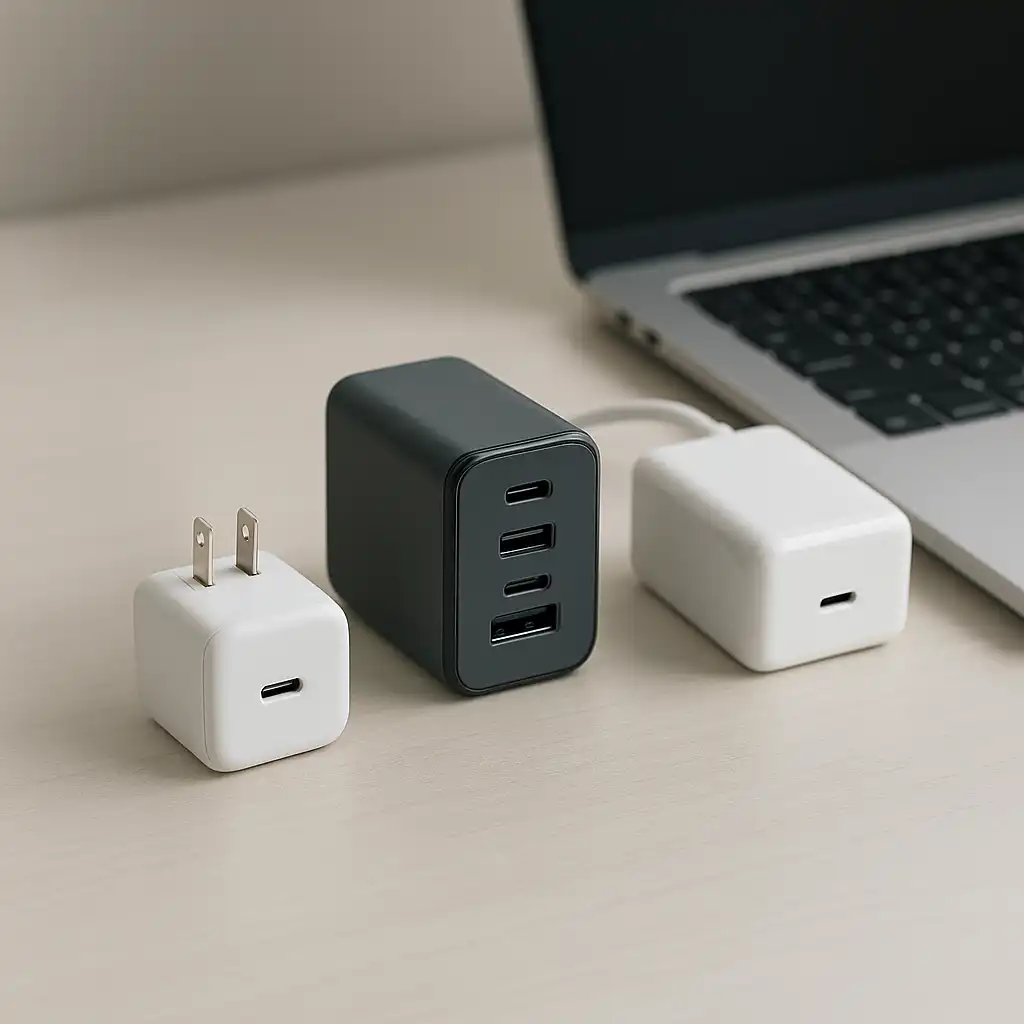
Both devices can support charging, but capabilities vary.
USB hubs often provide pass-through charging suitable for everyday laptops.
Docking stations typically offer higher power delivery and are designed to handle multiple connected devices while charging the laptop simultaneously.
This can be particularly useful for workstation and home office environments.
🔍 Which One Should You Buy?
A USB hub is usually the better choice if you:
- Travel frequently
- Need basic port expansion
- Prefer a compact setup
- Want a lower-cost solution
A docking station is usually the better choice if you:
- Use multiple monitors
- Have a dedicated desk setup
- Connect many peripherals
- Want a single-cable workstation solution
🟢 FAQs
Q: Is a docking station better than a USB hub?
Not necessarily. Docking stations offer more functionality, while USB hubs prioritize portability and simplicity.
Q: Can a USB hub support external monitors?
Yes. Many USB-C hubs include HDMI or DisplayPort outputs for external displays.
Q: Do docking stations improve laptop performance?
They improve connectivity and workflow efficiency but do not increase processing performance.
Q: Are docking stations worth it for home offices?
They can be valuable for users running multiple peripherals and monitors from a dedicated workspace.
✅ Conclusion
Docking stations and USB hubs solve similar problems but target different users. USB hubs are designed for portability and everyday connectivity, while docking stations focus on creating a full workstation environment with multiple displays and peripherals.
Choosing the right option depends on whether portability or maximum connectivity is your priority.