Business Laptop Security Features Explained – What Actually Protects Your Data
Disclosure: This post contains affiliate links. LaptopVoyager.com participates in the Amazon Associates Program and may earn commissions on qualifying purchases, at no extra cost to you.
Last Updated: April 2026
Business laptops handle sensitive information every day, from emails and financial data to client files. That makes security features just as important as performance or battery life when choosing the right device.
This guide explains the key security features found in modern business laptops and how they protect your data based on manufacturer specifications and industry standards.
👉 For a complete overview of work-ready devices, see our guide to best business laptop
📌 Key Takeaways
- Hardware-based security features provide stronger protection than software alone
- Biometric login options improve both security and convenience
- Business laptops often include encryption and remote management tools
- Security needs depend on how and where the laptop is used
🔍 Why Security Matters in Business Laptops
Business laptops are designed to handle confidential information. This includes company documents, customer data, and login credentials across multiple platforms.
Because of this, manufacturers integrate security features directly into the hardware and firmware. These protections are designed to reduce risks like unauthorized access, data theft, and malware attacks.
🔍 Trusted Platform Module (TPM)
A Trusted Platform Module (TPM) is a dedicated security chip built into many business laptops. According to manufacturer documentation, TPM stores encryption keys and protects sensitive data at the hardware level.
This feature works with operating systems like Windows to enable secure boot and disk encryption. It’s commonly used in enterprise environments where data protection is a priority.
🔍 Biometric Authentication (Fingerprint and Face Recognition)
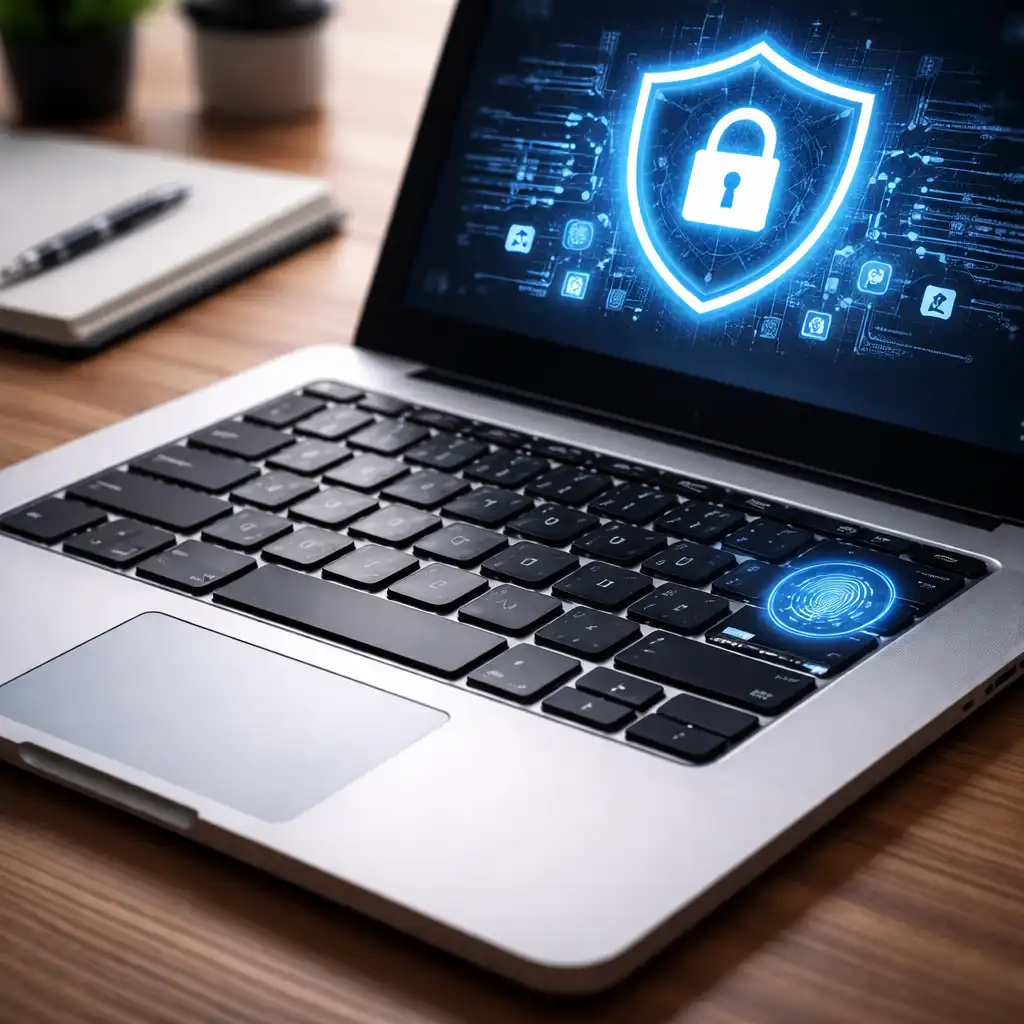
Biometric security allows users to unlock their laptop using fingerprints or facial recognition. These features are designed to reduce reliance on passwords, which can be weak or reused.
Modern business laptops often include:
- Fingerprint readers integrated into the keyboard or power button
- Infrared cameras for facial recognition
These options improve both security and convenience for everyday use.
🔍 Full Disk Encryption
Full disk encryption protects all data stored on the laptop. According to operating system documentation, tools like BitLocker encrypt files so they can’t be accessed without proper authentication.
This is especially important if:
- The laptop is lost or stolen
- You work with sensitive company data
- You travel frequently with your device
🔍 Secure Boot and Firmware Protection
Secure Boot ensures that only trusted software loads during startup. This prevents malicious programs from running before the operating system is fully loaded.
Many business laptops also include firmware-level protections designed to guard against low-level attacks. These features are often managed through BIOS or UEFI settings.
🔍 Remote Management and Enterprise Security
Business laptops often support remote management tools. These allow IT teams to:
- Monitor device health
- Apply security updates
- Lock or wipe devices remotely
According to manufacturer specifications, enterprise-grade laptops may include technologies like Intel vPro or AMD PRO for centralized management.
🔍 Physical Security Features
Some security features are physical rather than digital. These include:
- Kensington lock slots to secure laptops to desks
- Privacy shutters for webcams
- Tamper-resistant chassis designs
These features add an extra layer of protection in shared or public environments.
🔍 Matching Security Features to Your Needs
Basic Business Use
For general office work:
- Password protection
- Biometric login
- Standard encryption
These features are typically sufficient for everyday productivity tasks.
Remote Work and Travel
For mobile professionals:
- Full disk encryption
- Secure boot
- Lightweight design with built-in security
👉 You can explore portable options in this guide to best lightweight laptops for business
Small Business and Teams
For shared environments:
- Remote management tools
- Multi-user security controls
- Hardware-level protection
👉 For practical setups, see this guide to best laptop computer for small business
🟢 FAQs
Q: What is the most important security feature in a business laptop?
Hardware-based features like TPM and encryption are considered essential because they protect data at a deeper level.
Q: Are biometric logins secure enough for business use?
They are designed to improve security compared to passwords, especially when combined with other protections.
Q: Do all business laptops include encryption?
Many support it, but it may need to be enabled through the operating system.
Q: Is security different between business and consumer laptops?
Business laptops are typically equipped with additional hardware and management features designed for data protection.
✅ Conclusion
Business laptop security features are designed to protect both data and access. From TPM chips to encryption and remote management tools, these technologies work together to reduce risk in everyday use.
Choosing the right combination of features depends on your workflow, especially if you handle sensitive information or work across multiple locations.