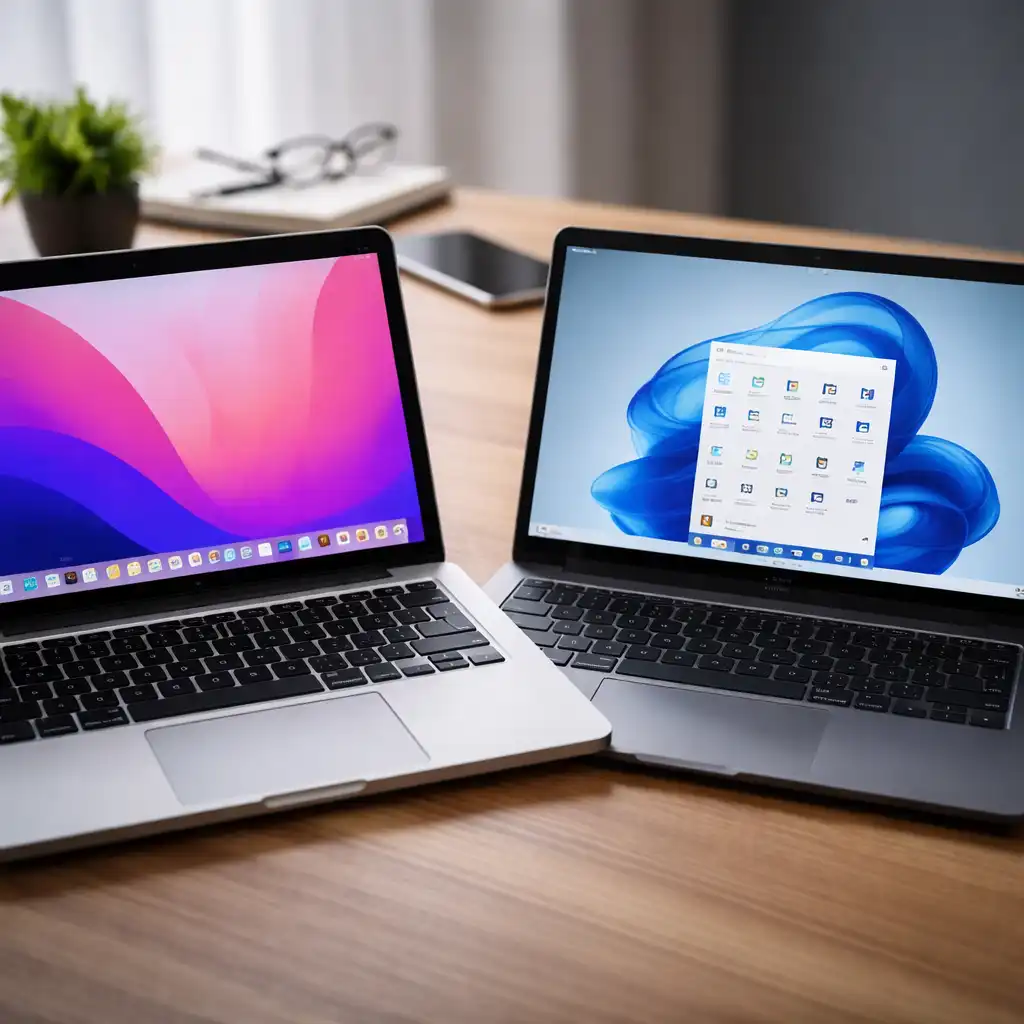
Mac vs Windows for Business Laptops – Which Platform Fits Your Workflow?
Disclosure: This post contains affiliate links. LaptopVoyager.com participates in the Amazon Associates Program and may earn commissions on qualifying purchases, at no extra cost to you.
Last Updated: April 2026
Choosing between Mac and Windows for business laptops depends on how you work, the software you rely on, and the level of flexibility you need. Both platforms are designed for productivity, but they approach performance, compatibility, and ecosystem integration differently.
This guide explains the key differences based on specifications, operating system design, and typical business use cases.
👉 For a full breakdown of work-ready devices, see our guide to best business laptop
📌 Key Takeaways
- Mac laptops are designed for efficiency, battery life, and ecosystem integration
- Windows laptops offer broader compatibility and hardware variety
- Software requirements often determine the best platform
- Business needs like management tools and flexibility favor Windows in many cases
🔍 macOS vs Windows – Core Differences
macOS is developed by Apple and runs exclusively on Mac hardware. According to Apple specifications, macOS is optimized for Apple silicon chips, focusing on performance efficiency and system integration.
Windows, developed by Microsoft, runs on a wide range of hardware from different manufacturers. This allows for more flexibility in choosing configurations, including budget and enterprise options.
🔍 Software Compatibility for Business
Software compatibility is one of the biggest deciding factors.
Windows supports a wider range of business applications, including:
- Enterprise software
- Legacy tools
- Industry-specific programs
macOS supports many modern productivity apps, but some specialized business software may only be available on Windows.
👉 If you’re considering Apple devices, see how they fit professional workflows in this guide to best apple laptop for business
🔍 Performance and Efficiency
Mac laptops with Apple silicon chips are designed for high performance per watt. According to manufacturer claims, these processors prioritize efficiency, which can support longer battery life and quieter operation.
Windows laptops vary widely depending on hardware. Systems equipped with Intel or AMD processors can deliver strong performance, especially in configurations designed for multitasking or demanding workloads.
👉 For a deeper look at how CPUs impact performance, see this guide to best processor for business laptops
🔍 Security and System Management
macOS includes built-in security features such as hardware-level encryption and secure boot. These are integrated into the system design according to Apple documentation.
Windows laptops often include enterprise-level security tools, including:
- TPM (Trusted Platform Module)
- BitLocker encryption
- Remote device management
These features are commonly used in business environments where IT teams manage multiple devices.
🔍 Hardware Flexibility and Pricing Range
Windows laptops are available in a wide range of configurations. This includes budget-friendly options, premium ultrabooks, and enterprise-grade systems.
Mac laptops are limited to Apple’s lineup, which focuses on premium build quality and optimized hardware.
🔍 Ecosystem and Integration
Mac laptops integrate closely with Apple devices like iPhones and iPads. Features like file sharing and device continuity are built into the system.
Windows laptops integrate well with Microsoft services such as:
- Microsoft 365
- OneDrive
- Enterprise cloud tools
The best choice depends on which ecosystem your workflow already uses.
🔍 Which One Should You Choose?
Choose Mac if you:
- Use Apple devices regularly
- Prioritize battery efficiency and quiet operation
- Work with macOS-supported productivity tools
Choose Windows if you:
- Need compatibility with a wide range of software
- Work in a managed IT environment
- Want more hardware options and configurations
Neither platform is universally better. The right choice depends on your workflow, software requirements, and business environment.
🟢 FAQs
Q: Is Mac or Windows better for business laptops?
It depends on your software and workflow. Windows offers broader compatibility, while Mac focuses on efficiency and integration.
Q: Are Macs secure for business use?
They include built-in security features such as encryption and secure boot, designed to protect user data.
Q: Do businesses prefer Windows laptops?
Many organizations use Windows due to compatibility and centralized management tools.
Q: Can Macs run Windows software?
Some applications can run through virtualization or cloud solutions, but compatibility varies.
✅ Conclusion
Mac and Windows both offer strong options for business laptops, but they serve different needs. macOS focuses on efficiency and ecosystem integration, while Windows provides flexibility and broad compatibility.
Choosing the right platform comes down to aligning system capabilities with your daily workflow and software requirements.