Common Laptop Repairs and Their Costs: What to Expect Before You Fix Anything
Disclosure: This post contains affiliate links. LaptopVoyager.com participates in the Amazon Associates Program and may earn commissions on qualifying purchases, at no extra cost to you.
Last Updated: January 2026
Laptop issues have a habit of showing up at the worst possible time. A cracked screen, a battery that suddenly won’t last, or a keyboard that stops responding can turn into an unexpected expense if you’re not prepared.
This guide walks through the most common laptop repairs, what usually causes them, and what they typically cost, so you can decide whether fixing your laptop makes sense—or if replacing it might be the smarter move.
👉 Looking for a complete overview of laptop fixes, maintenance tips, and cost-saving advice?
laptop repair and maintenance guide: Costs, Fixes, and What’s Worth Repairing
🔍 Screen Replacement Costs
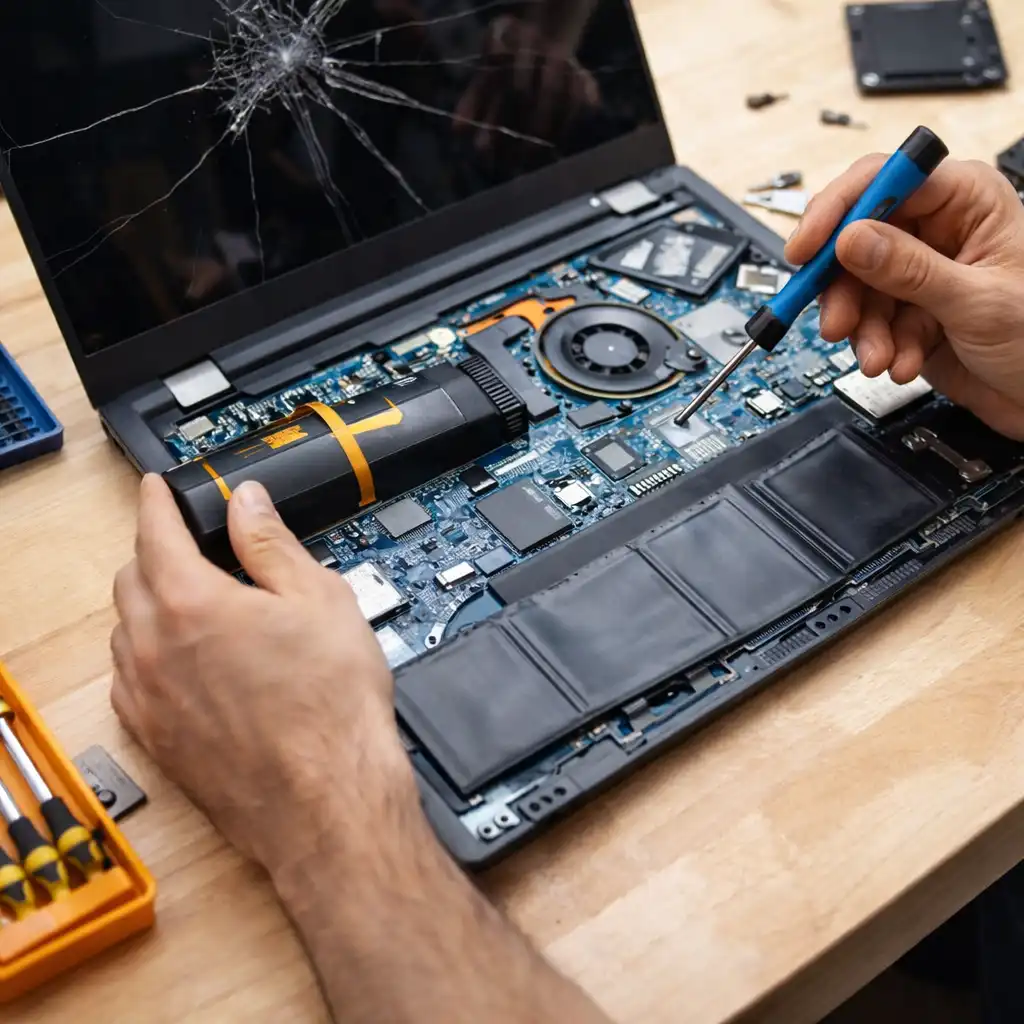
Screen damage is one of the most common laptop repairs, especially for thinner, more portable models.
Drops, pressure inside backpacks, or even closing the lid on small objects can crack a display or cause flickering and dead pixels.
Most standard Full HD screen replacements cost $100–$200, while touchscreen or high-resolution panels often land between $200–$400. Ultrabooks and gaming laptops tend to cost more due to thinner panels and proprietary parts, which is why screen repairs are one of the biggest cost variables—something we break down in more detail in our guide on how much it costs to repair a laptop screen.
🔍 Battery Replacement Costs
If your laptop shuts down quickly or struggles to hold a charge, the battery is usually to blame.
Battery wear is normal over time, especially with daily use or frequent charging cycles. Heat can also accelerate battery degradation.
A typical internal battery replacement costs $80–$150, while premium or ultrabook batteries can reach $150–$250, mainly due to labor and part availability.
🔍 Keyboard Repair or Replacement Costs
Unresponsive keys, sticky buttons, or liquid damage can make everyday use frustrating very quickly.
Minor issues can sometimes be fixed with cleaning, but full keyboard replacements are common after spills or heavy wear.
Built-in laptop keyboards usually cost $80–$200 to replace. On many thin laptops, the keyboard is integrated into the top case, which increases labor costs.
🔍 Hard Drive or SSD Replacement Costs
Slow performance, freezing, or boot errors often point to storage problems.
Older hard drives wear out over time, while SSDs can fail after extensive use or data corruption.
HDD replacements typically cost $80–$150, while SSD replacements or upgrades range from $100–$250. Upgrading to an SSD is one of the most cost-effective ways to extend a laptop’s usable life.
🔍 Motherboard Repair Costs
Motherboard problems are less common, but they’re usually the most expensive to fix.
Liquid spills, power surges, or long-term overheating are common causes. In many cases, repairing the board isn’t possible, and full replacement is required.
Repairs, when possible, cost around $200–$400, while full motherboard replacements often fall between $400–$800. At that point, replacement is often the better financial decision.
🔍 Fan and Cooling System Repairs
Overheating, loud fan noise, or sudden shutdowns often trace back to cooling issues.
Dust buildup, worn fans, or dried thermal paste can all reduce cooling efficiency over time.
Fan cleaning or replacement usually costs $50–$120, while a full cooling service may run $100–$200. Ignoring these issues can lead to more expensive internal damage later.
🔍 Charging Port Repair Costs
If your laptop only charges at certain angles or disconnects easily, the charging port may be damaged.
This often happens from cable strain or repeated plugging and unplugging.
Simple charging port repairs typically cost $80–$150, while soldered port replacements can reach $150–$300, depending on motherboard design.
📌 Key Takeaways
- Screen and battery replacements are the most common laptop repairs
- SSD upgrades are often worth the cost and noticeably improve performance
- Motherboard repairs are expensive and rarely cost-effective on older laptops
- Cooling problems should be fixed early to avoid long-term damage
- If repair costs exceed half the laptop’s value, replacement is usually smarter
🟢 FAQs
Q: Is it worth repairing an older laptop?
If the repair cost is more than 50% of the laptop’s current value, replacing it is usually the better option.
Q: Are third-party repair shops reliable?
Reputable local shops are often cheaper than manufacturer repairs, especially for out-of-warranty laptops.
Q: Can I repair my laptop myself to save money?
Simple upgrades like SSDs are DIY-friendly, but complex repairs can easily cause additional damage if done incorrectly.
✅ Conclusion
Laptop repair costs vary widely depending on the issue, the model, and how easy the internal components are to access. While fixes like battery or SSD replacements are often worthwhile, major repairs such as motherboard replacements rarely make sense for older machines.
Understanding typical repair costs ahead of time helps you avoid overpaying and makes it easier to decide whether repairing or replacing your laptop is the smarter move.