Cracked Laptop Screen: What to Do Next (Repair, Replace, or Keep Using It?)
Disclosure: This post contains affiliate links. LaptopVoyager.com participates in the Amazon Associates Program and may earn commissions on qualifying purchases, at no extra cost to you.
Last Updated: January 2026
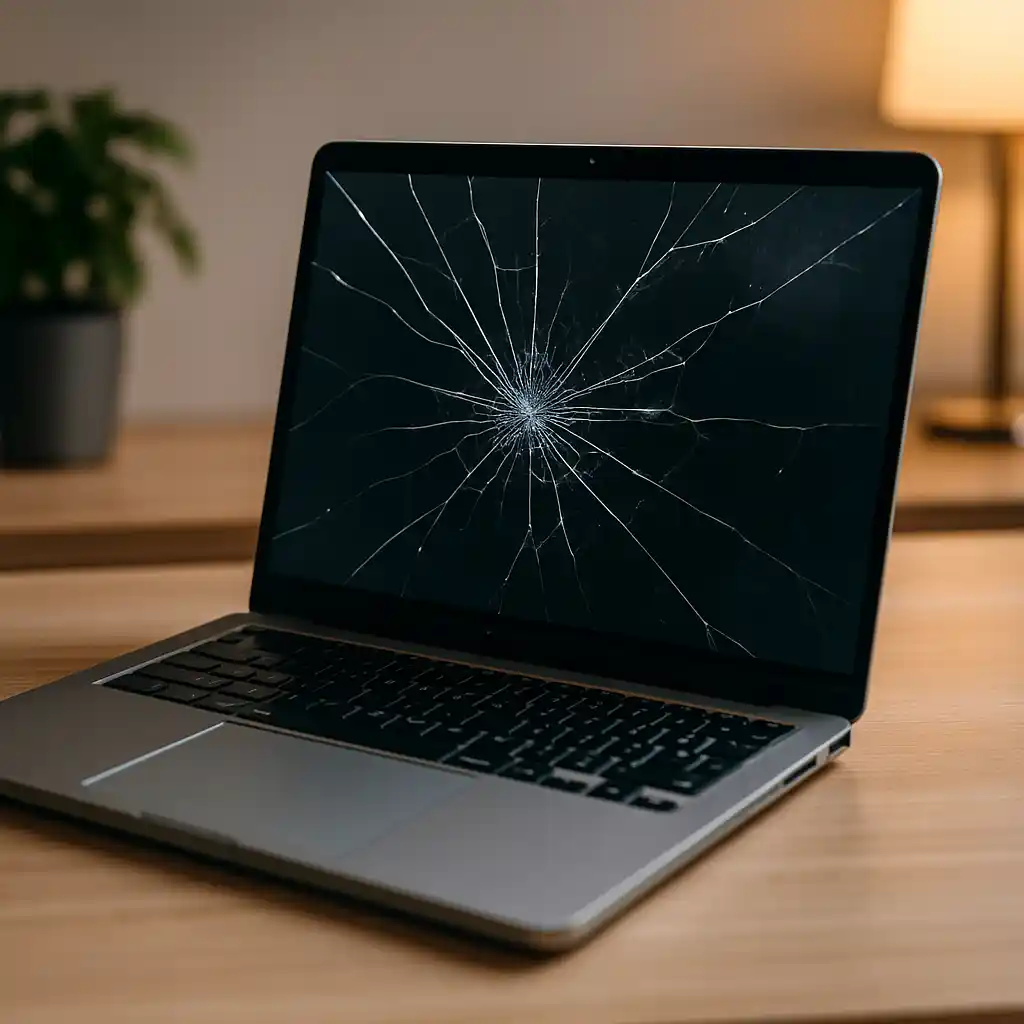
A cracked laptop screen is one of those issues that instantly feels stressful. Even a small crack can be distracting, affect how you work, and make you wonder if the laptop is still safe to use. The good news is that a cracked screen doesn’t always mean the laptop is finished.
Knowing what to do next after a cracked laptop screen helps you decide whether repair is worth the money, if replacement makes more sense, or if you can safely keep using the laptop for a while without making the problem worse.
👉 Our laptop repair and maintenance guide explains repair costs, lifespan expectations, and when replacement makes more sense.
🔍 Check How Bad the Screen Damage Really Is
The first step is figuring out how serious the damage actually is.
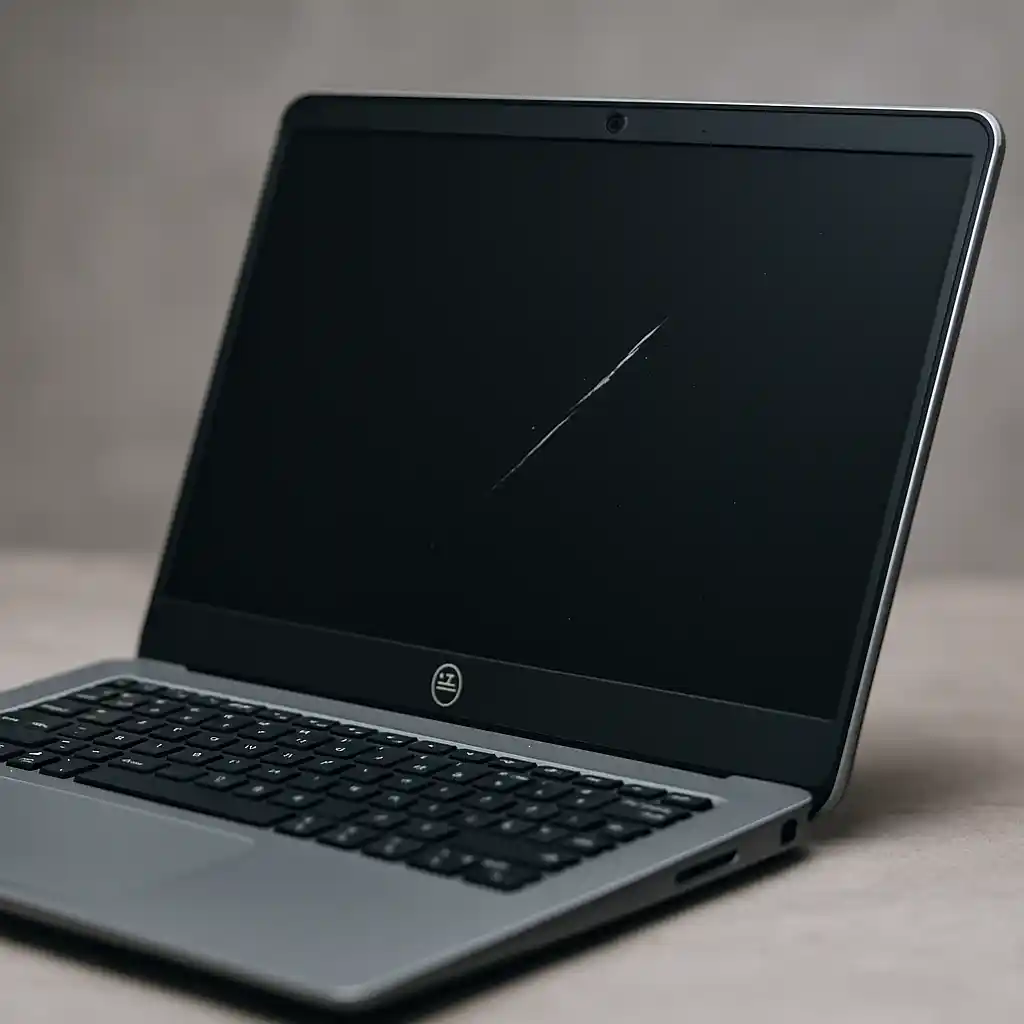
Some cracks are purely cosmetic, like fine hairline fractures that don’t affect image quality. Others cause visible lines, black spots, flickering, or sections of the screen that stop displaying properly.
If image distortion spreads or worsens over time, the damage is no longer cosmetic and will likely continue to get worse.
🔍 Is It Safe to Keep Using a Laptop With a Cracked Screen?
In many cases, a cracked screen can still be used short term—but with caution.
If the crack is small and the display works normally, using the laptop temporarily is often fine. That said, sharp glass edges, pressure points, and expanding cracks can become safety issues, especially if the laptop is frequently moved or packed in a bag.
Touchscreen laptops are more at risk, since cracks can interfere with touch input and tend to spread faster.
🔍 Temporary Workarounds You Can Use Right Now
If repairing the screen isn’t an option immediately, there are a few practical ways to keep working.
Connecting an external monitor lets you avoid the damaged screen entirely. Lowering brightness and avoiding pressure on the lid can also help reduce further cracking.
These solutions don’t fix the screen, but they can buy you time while you decide on the best next step.
🔍 When Screen Repair Makes Sense
Screen replacement is often worth considering when the rest of the laptop is still in good shape.
If the laptop is fairly new, performs well, and the repair cost is reasonable, replacing the screen can extend its life by several years. Business and premium laptops are often better candidates for repair due to stronger build quality.
Repair usually makes the most sense when the screen is the only major issue. For a detailed breakdown of pricing by display type and model, see how much it costs to repair a laptop screen.
🔍 When Replacement Is the Better Option
In some situations, replacing the laptop entirely is the smarter move.
If the laptop is already several years old, struggles with performance, or needs additional repairs, the cost of a screen replacement may not be worth it. Entry-level laptops often fall into this category, where repair costs come close to the laptop’s current value.
In these cases, replacement often provides better long-term reliability.
🔍 How Much Does It Cost to Fix a Cracked Laptop Screen?
Screen repair costs vary widely depending on the laptop and the type of display.
Screen size, resolution, touchscreen support, and brand all play a role. High-resolution and touchscreen panels cost significantly more to replace, and labor can add a large portion to the final price.
Knowing the typical cost range helps set expectations before committing to a repair.
📌 Key Takeaways
- Not all cracked screens need immediate replacement
- Cosmetic cracks are different from functional damage
- External monitors can be a short-term solution
- Screen repair is often worth it on newer laptops
- Replacement may make more sense for older or low-value laptops
🟢 FAQs
Q: Can a cracked laptop screen get worse over time?
Yes. Cracks often spread due to pressure, heat, or regular movement.
Q: Is it safe to use a laptop with a cracked screen?
Sometimes, but sharp edges and worsening cracks can become a risk.
Q: Can you fix a cracked laptop screen yourself?
DIY repair is possible but risky. Professional repair is usually safer.
Q: Does a cracked screen affect laptop performance?
It doesn’t affect internal performance, but it can impact usability and reliability.
✅ Conclusion
A cracked laptop screen doesn’t automatically mean you need a new laptop—but it does require a decision. Understanding how severe the damage is, what temporary options are available, and how much repair costs helps you choose between fixing the screen, replacing the laptop, or safely using it a little longer. Making that call early can save both money and frustration.