How to Charge a Laptop – Safe Charging Steps and Tips
Disclosure: This post contains affiliate links. LaptopVoyager.com participates in the Amazon Associates Program and may earn commissions on qualifying purchases, at no extra cost to you.
Last Updated: March 2026
Charging a laptop seems simple, but using the correct charger and charging habits can affect battery lifespan and long-term performance. Modern laptops rely on lithium-ion batteries designed for hundreds of charging cycles, so following safe charging practices helps maintain battery health.
This guide explains how to charge a laptop properly, what type of charger to use, and what to avoid when charging your device.
👉 For a complete overview of chargers, wattage, and battery care, see the laptop charging guide.
🔍 Step-by-Step: How to Charge a Laptop
Charging a laptop usually involves three simple steps.
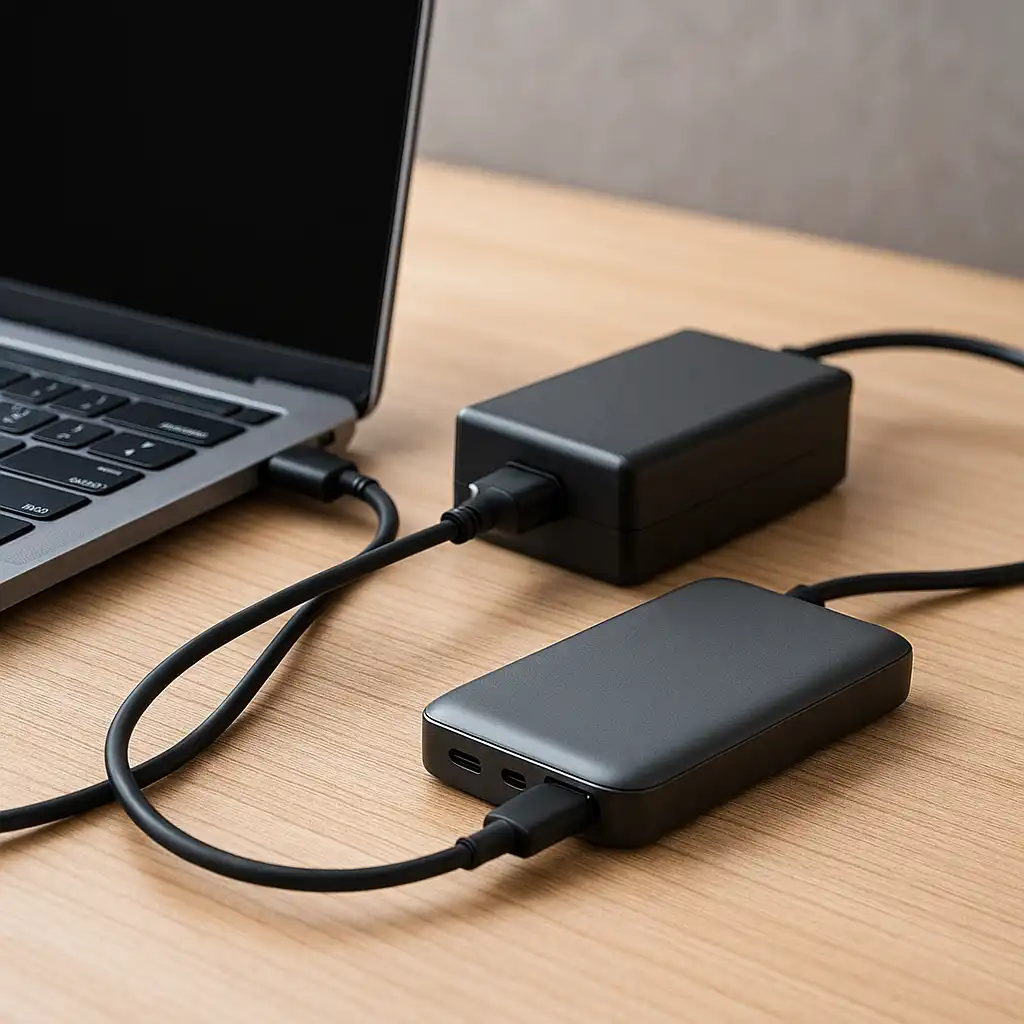
1. Connect the power adapter to the laptop
Plug the charger cable into the laptop’s charging port. Depending on the model, this may be a traditional barrel connector or a USB-C charging port.
2. Plug the adapter into a power outlet
Connect the power brick to a wall outlet or surge protector. According to most laptop manufacturers, charging directly from a stable power source helps maintain consistent power delivery.
3. Confirm the charging indicator
Most laptops show a charging icon in the operating system or an LED light near the charging port. These indicators confirm the battery is receiving power.
If the battery does not begin charging, checking the charger, cable, or outlet may help identify the problem.
🔍 Choosing the Correct Laptop Charger
Using the correct charger is important for safe charging.
Laptop power adapters are rated by voltage and wattage, which must match the laptop’s requirements. According to manufacturer specifications, using the proper wattage ensures the laptop receives enough power to charge while running.
For example:
- Thin ultrabooks may charge with 45W–65W adapters
- Larger performance laptops may require 90W–140W adapters
Using a charger with incorrect specifications can prevent charging or reduce performance.
If you’re unsure how power ratings work, this guide on laptop charger wattage explained breaks down how charger power levels affect laptops.
🔍 USB-C Charging vs Traditional Laptop Chargers
Many modern laptops support USB-C Power Delivery, which allows charging through the same port used for data and accessories.
According to manufacturer documentation, USB-C charging can support power levels up to 100W or more depending on the device and charger.
Traditional barrel chargers remain common for:
- gaming laptops
- workstation laptops
- older devices
If you’re comparing charging types, the differences between connectors are explained in this guide on usb-c vs barrel charger.
🔍 Charging Tips for Better Battery Health
Battery care habits can influence how long a laptop battery remains effective.
Many manufacturers recommend avoiding constant deep discharges and keeping the battery within moderate charge ranges when possible.
Helpful practices include:
- Avoiding repeated 0% battery drain
- Keeping laptops in cool environments
- Using chargers designed for the device
- Avoiding damaged or incompatible cables
These habits help reduce heat and stress on lithium-ion battery cells.
📌 Key Takeaways
- Charging a laptop requires the correct adapter and stable power source.
- Laptop chargers must match the device’s voltage and wattage specifications.
- USB-C charging is common on modern laptops, while barrel connectors remain widely used.
- Avoid deep battery discharges and excessive heat to support long-term battery health.
🟢 FAQs
Q: Can you use your laptop while it is charging?
Yes. Modern laptops are designed to operate while charging, and power management systems distribute power between the device and battery.
Q: Is it bad to leave a laptop plugged in all the time?
Modern laptops include battery management systems that regulate charging, though occasional discharge cycles may still help maintain battery calibration.
Q: How long does it take to charge a laptop battery?
Charging time depends on battery capacity and charger wattage. Smaller ultrabooks may charge within 1–2 hours, while larger laptops may take longer.
✅ Conclusion
Charging a laptop correctly is mostly about using the proper charger and maintaining healthy charging habits. Matching the charger’s wattage to the laptop’s specifications and avoiding extreme battery drain can help maintain reliable battery performance over time.