How to Charge a Laptop Without a Charger – Alternative Power Methods
Disclosure: This post contains affiliate links. LaptopVoyager.com participates in the Amazon Associates Program and may earn commissions on qualifying purchases, at no extra cost to you.
Last Updated: March 2026
Most laptops are designed to charge with a dedicated power adapter, but situations can arise where the original charger is unavailable. Travelers, students, and remote workers may occasionally need temporary charging alternatives.
This guide explains how to charge a laptop without a charger, what options may work depending on your laptop model, and what limitations to expect.
👉 For a full overview of compatible chargers, wattage requirements, and battery care, see the laptop charging guide.
🔍 USB-C Charging as an Alternative
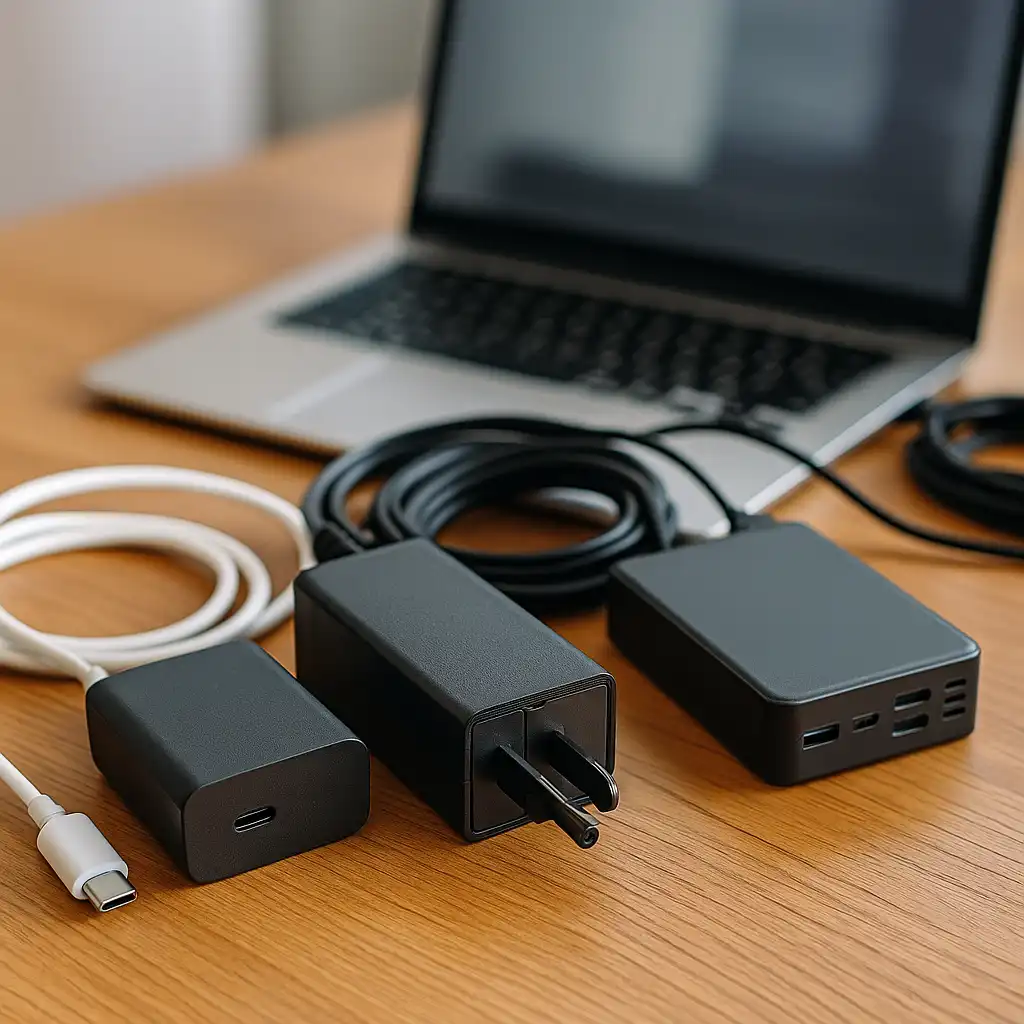
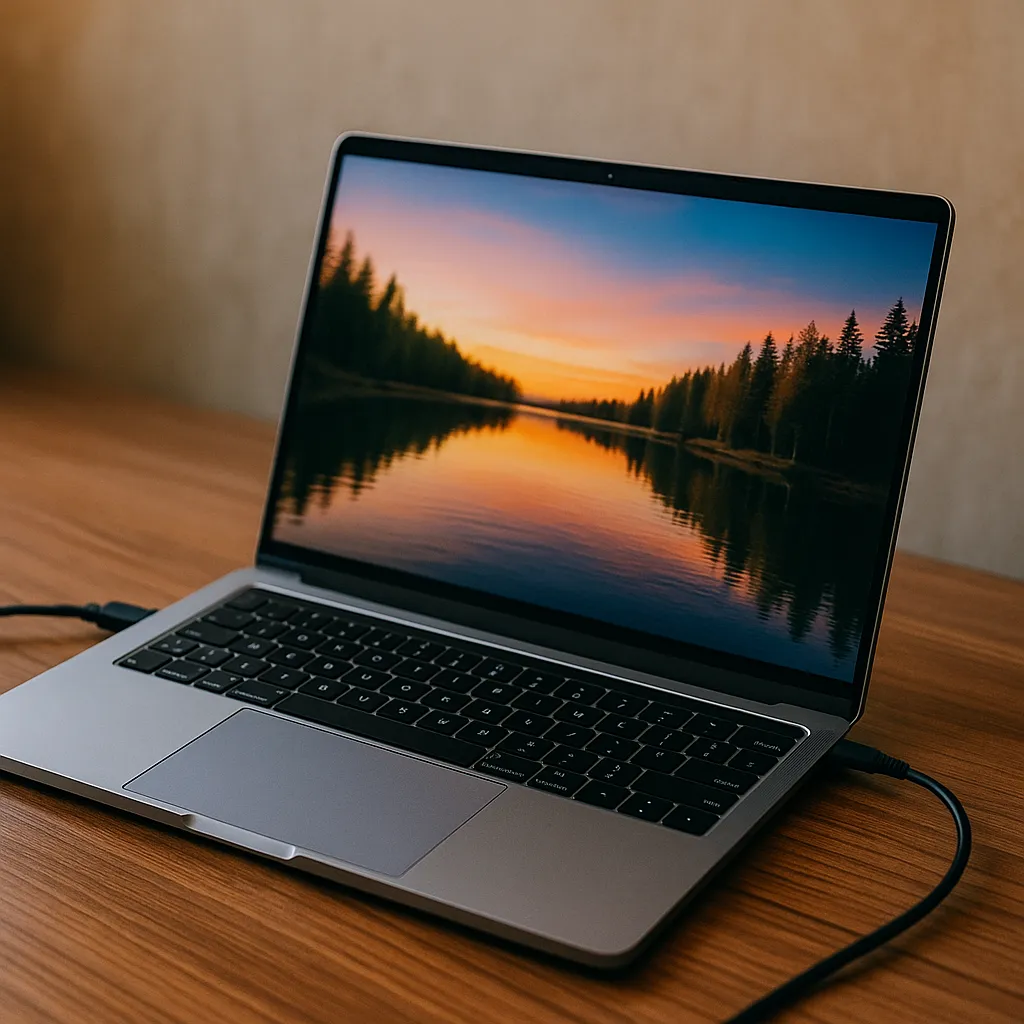
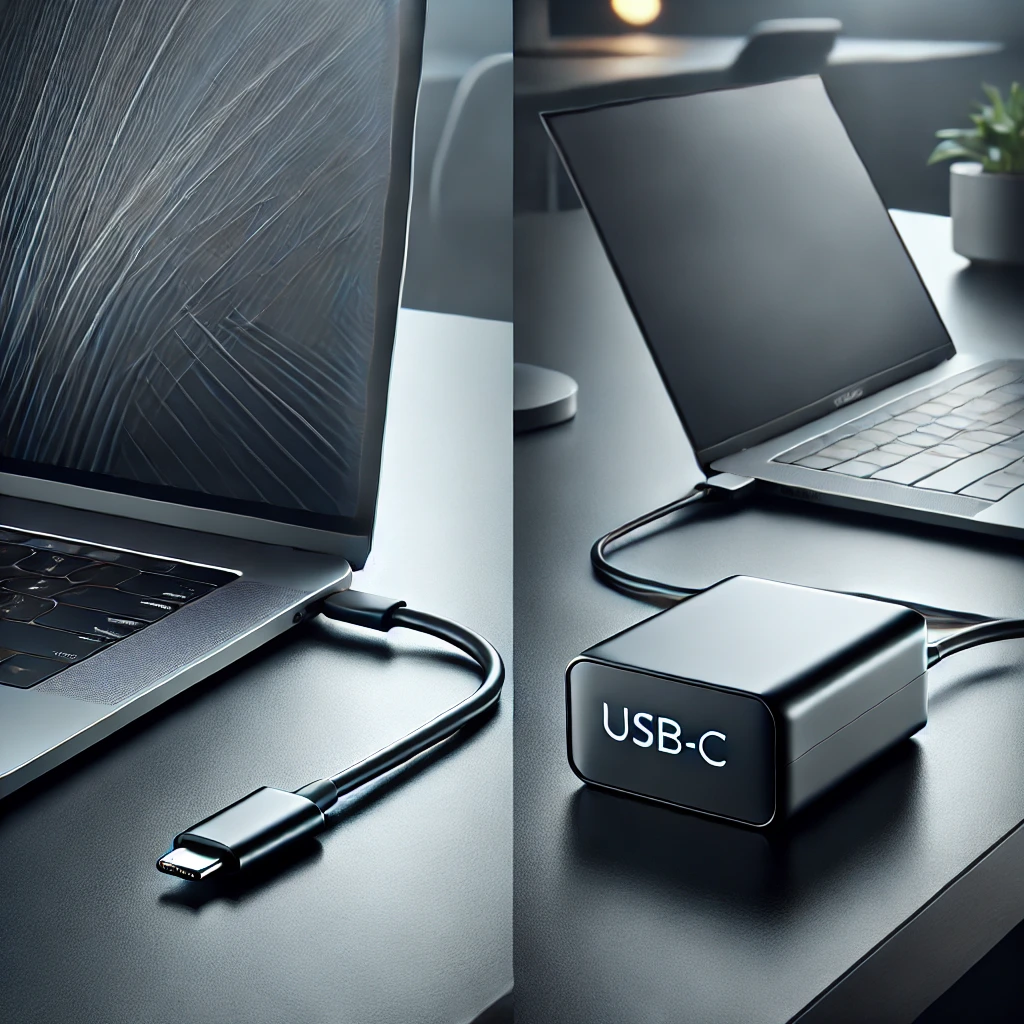
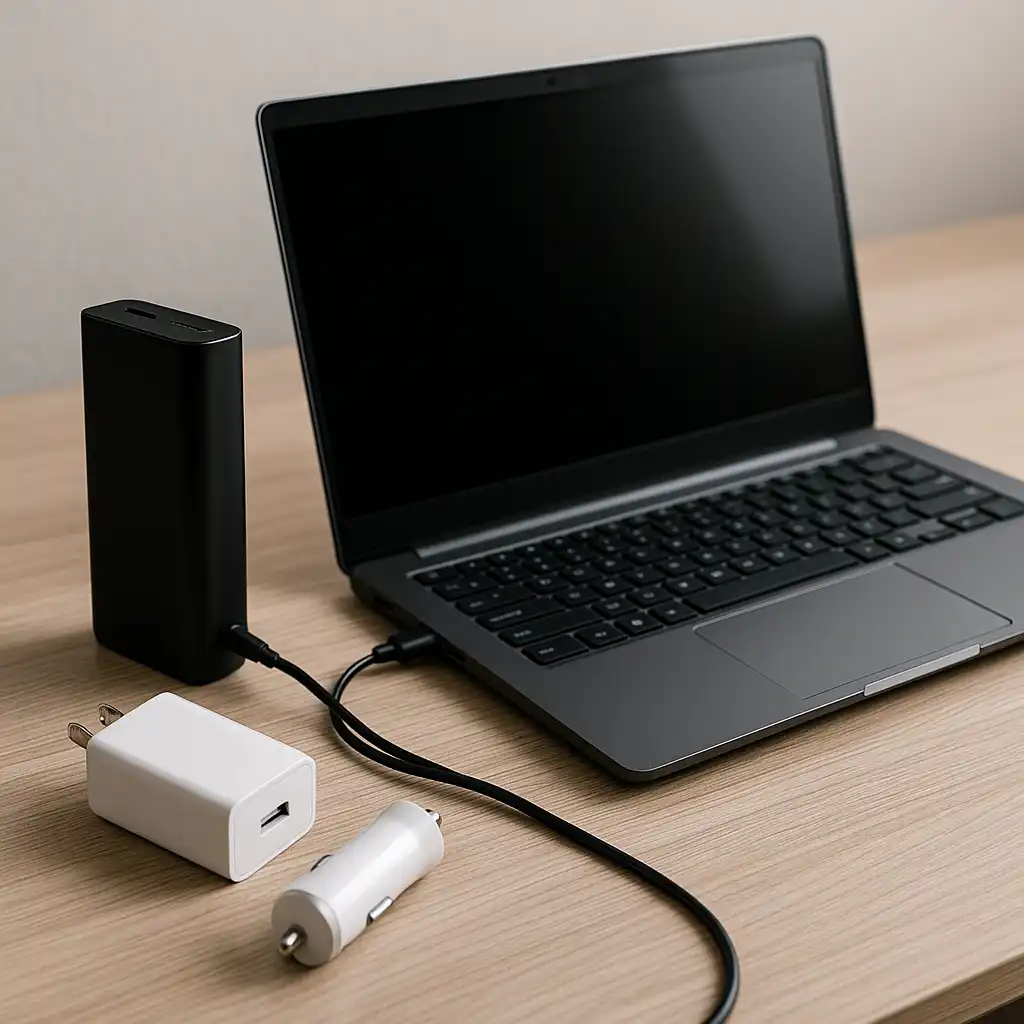
Many modern laptops support charging through USB-C Power Delivery. This allows compatible USB-C chargers or power banks to supply power through the same port used for data and accessories.
According to manufacturer documentation, USB-C Power Delivery can support charging levels up to 100W or more, depending on the device and charger.
If you’re comparing different charging connector types, this guide on usb-c vs barrel charger explains how modern laptops handle power delivery.
🔍 Using a Portable Power Bank
High-capacity power banks designed for laptops can provide temporary charging when wall outlets are unavailable.
These devices typically support:
- 65W–100W USB-C output
- Large capacities such as 20,000–30,000 mAh
- Multiple device charging
Some models are designed specifically for laptops and include higher wattage outputs required by ultrabooks and thin productivity laptops.
If you’re exploring portable charging options, this guide on best portable laptop chargers and power banks explains how capacity and wattage affect compatibility.
🔍 Charging Through a Docking Station or Monitor
Some laptops can receive power through USB-C docking stations or USB-C monitors that provide power delivery.
According to manufacturer specifications, these devices may deliver between 45W and 100W depending on the model.
This setup is commonly used in office environments where a single USB-C cable provides:
- power delivery
- display output
- data connectivity
However, not all laptops support charging through USB-C docks, so checking device specifications is important.
🔍 Why Improvised Charging Methods Rarely Work
Methods such as connecting two laptops together or using random USB cables generally do not provide enough power to charge a laptop battery.
Laptop batteries require significantly more wattage than smartphones or small electronics. Without sufficient power delivery, the device may fail to charge or may discharge while plugged in.
Understanding the laptop’s power requirements helps avoid compatibility problems.
📌 Key Takeaways
- Many modern laptops support USB-C Power Delivery charging.
- High-wattage power banks can provide temporary laptop charging.
- USB-C docking stations and monitors may deliver power to compatible laptops.
- Standard USB cables and low-power adapters usually cannot charge a laptop.
🟢 FAQs
Q: Can you charge a laptop with a phone charger?
Most phone chargers do not provide enough wattage to charge a laptop, though some high-power USB-C chargers may work with compatible devices.
Q: Can a laptop charge through USB-C?
Yes. Many modern laptops support USB-C Power Delivery, which allows charging through compatible USB-C adapters or power banks.
Q: Is it safe to charge a laptop without the original charger?
Yes, if the replacement charger meets the device’s voltage and wattage requirements according to manufacturer specifications.
✅ Conclusion
Charging a laptop without its original charger is possible in some situations, especially with USB-C Power Delivery or high-capacity power banks. However, compatibility depends on the laptop’s charging port and power requirements.
Understanding charger wattage and supported charging standards helps ensure safe and reliable charging when the original adapter isn’t available.