How to Choose the Right Laptop for Students – A Practical Buying Guide
Disclosure: This post contains affiliate links. LaptopVoyager.com participates in the Amazon Associates Program and may earn commissions on qualifying purchases, at no extra cost to you.
Last Updated: February 2026
Choosing the right laptop as a student isn’t about buying the most powerful device available. It’s about matching hardware to real academic needs, budget constraints, and how the laptop will actually be used day to day.
This guide walks through the key factors students and parents should consider before buying, helping avoid overpaying for specs that won’t be used or underbuying for programs that demand more.
👉 for an overview by age group and study level, see our main guide to best laptops for students.
🔍 Start With the Student’s Education Level
Laptop needs change significantly depending on age and coursework. Elementary and middle school students typically rely on web-based learning platforms, basic typing, and video lessons, which require minimal hardware.
High school and college students often juggle multiple applications, research tools, and longer assignments. Graduate and technical students may need additional memory, storage, or software compatibility depending on their field.
🔍 Understand the Program or Major Requirements
Some academic programs rely on specialized software that runs best on specific operating systems or hardware. Engineering, cybersecurity, and data science programs often recommend Windows laptops with higher memory capacity.
Writing-focused, business, and creative programs may work well on either platform, depending on software requirements. Always check department recommendations before choosing an operating system.
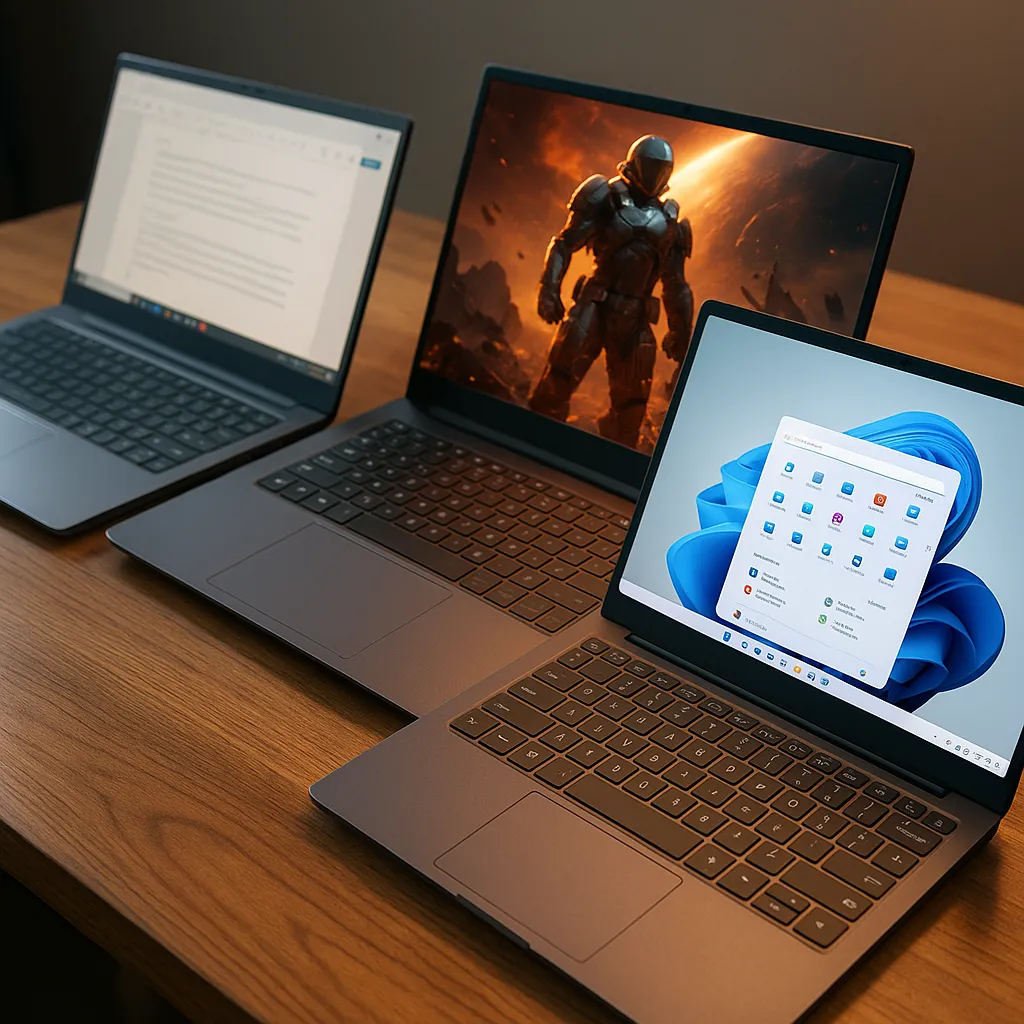
🔍 Choose the Right Operating System
Windows laptops offer the widest software compatibility and the broadest range of hardware options. They’re commonly recommended for technical and STEM-focused programs.
macOS laptops emphasize efficiency, build quality, and long-term support. They’re often preferred for writing-heavy programs, creative work, and Unix-based workflows, as long as required software is supported.
🔍 Prioritize RAM and Storage Over CPU Class
For most students, memory and storage have a bigger impact on usability than processor branding. Running multiple browser tabs, documents, and apps benefits directly from sufficient RAM.
As a general guideline, 8GB RAM works for basic coursework, while 16GB or more provides better long-term flexibility. Storage needs vary, but many students benefit from at least 512GB if storing files locally.
🔍 Balance Portability and Screen Size
Portability matters for students who carry laptops between classes. Lighter laptops are easier to transport but often come with smaller screens.
Larger displays improve comfort for reading, writing, and multitasking but add weight. The right balance depends on how often the laptop will be moved versus used at a desk.
🔍 Consider Battery Life and Build Quality
Long battery life helps students get through full days of classes without searching for outlets. Manufacturer-rated battery life offers a rough comparison, but real-world usage varies by workload.
Build quality also matters, especially for students who travel frequently. Durable hinges, solid keyboards, and reliable trackpads contribute to long-term usability.
🔍 Set a Realistic Budget
Laptop pricing ranges widely, but higher cost doesn’t always mean better value for students. Entry-level laptops can handle basic coursework, while midrange models often offer the best balance of performance and longevity.
Premium laptops make sense when software demands, battery expectations, or long-term usage justify the extra cost. Buying more than needed upfront rarely improves the student experience.
📌 Key Takeaways
- Match laptop specs to education level and program needs
- RAM and storage matter more than CPU branding for most students
- Operating system choice should follow software requirements
- Portability, battery life, and budget all play key roles
🟢 FAQs
Q: How much RAM does a student really need?
8GB works for basic use, but 16GB provides better multitasking and future flexibility.
Q: Should students choose Windows or macOS?
The right choice depends on required software and personal workflow preferences.
Q: Is it worth buying a more powerful laptop “just in case”?
Only if coursework is expected to scale significantly. Otherwise, it often leads to unnecessary spending.
✅ Conclusion
Choosing the right laptop for students comes down to understanding real academic needs rather than chasing specifications. Education level, program requirements, and daily usage patterns should guide every decision.
By focusing on what actually matters—software compatibility, memory, storage, and usability—students can choose a laptop that supports learning without unnecessary cost or compromise.