How to Make Your Laptop Last Through College – Practical Habits That Extend Lifespan
Disclosure: This post contains affiliate links. LaptopVoyager.com participates in the Amazon Associates Program and may earn commissions on qualifying purchases, at no extra cost to you.
Last Updated: February 2026
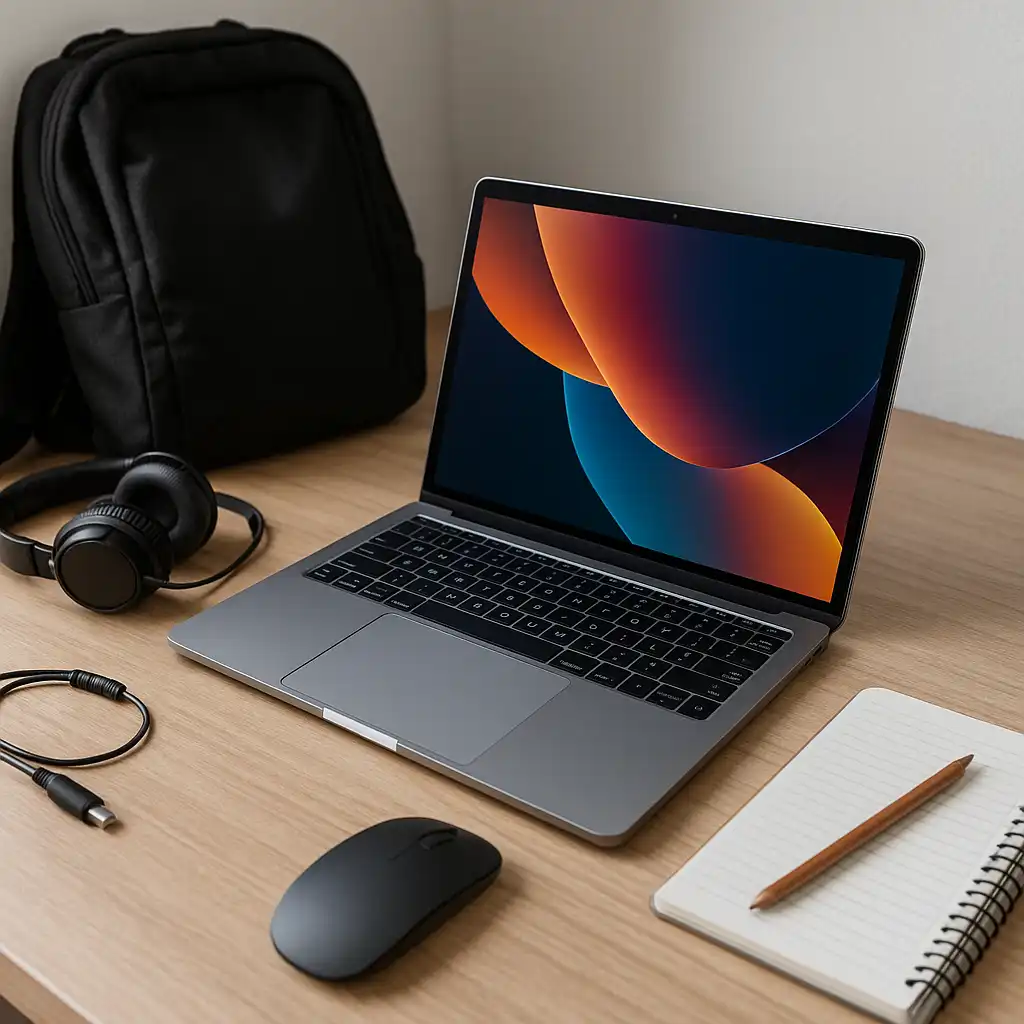
A college laptop is expected to handle years of coursework, research, and daily use. While hardware choice matters, how the laptop is used and maintained often plays a bigger role in how long it stays reliable.
This guide explains practical steps students can take to extend laptop lifespan throughout college, focusing on real-world habits rather than technical tweaks most students never use.
👉 for guidance on choosing a system that fits your workload from the start, see our main guide to best laptops for students.
🔍 Start With the Right Performance Headroom
Laptops tend to age poorly when they’re underpowered from day one. Choosing enough RAM and storage upfront reduces slowdowns as coursework becomes more demanding.
For most college students, 16GB of RAM and sufficient SSD storage provide a smoother experience across multiple academic years. Running close to hardware limits accelerates wear and frustration.
🔍 Manage Storage to Prevent Slowdowns
Running out of storage affects performance and increases the risk of system issues. Keeping at least 15–20% of storage free helps maintain responsiveness and reduces system strain.
Using cloud storage for older projects and backing up files regularly keeps the internal drive from filling up unnecessarily.
🔍 Protect the Battery From Long-Term Wear
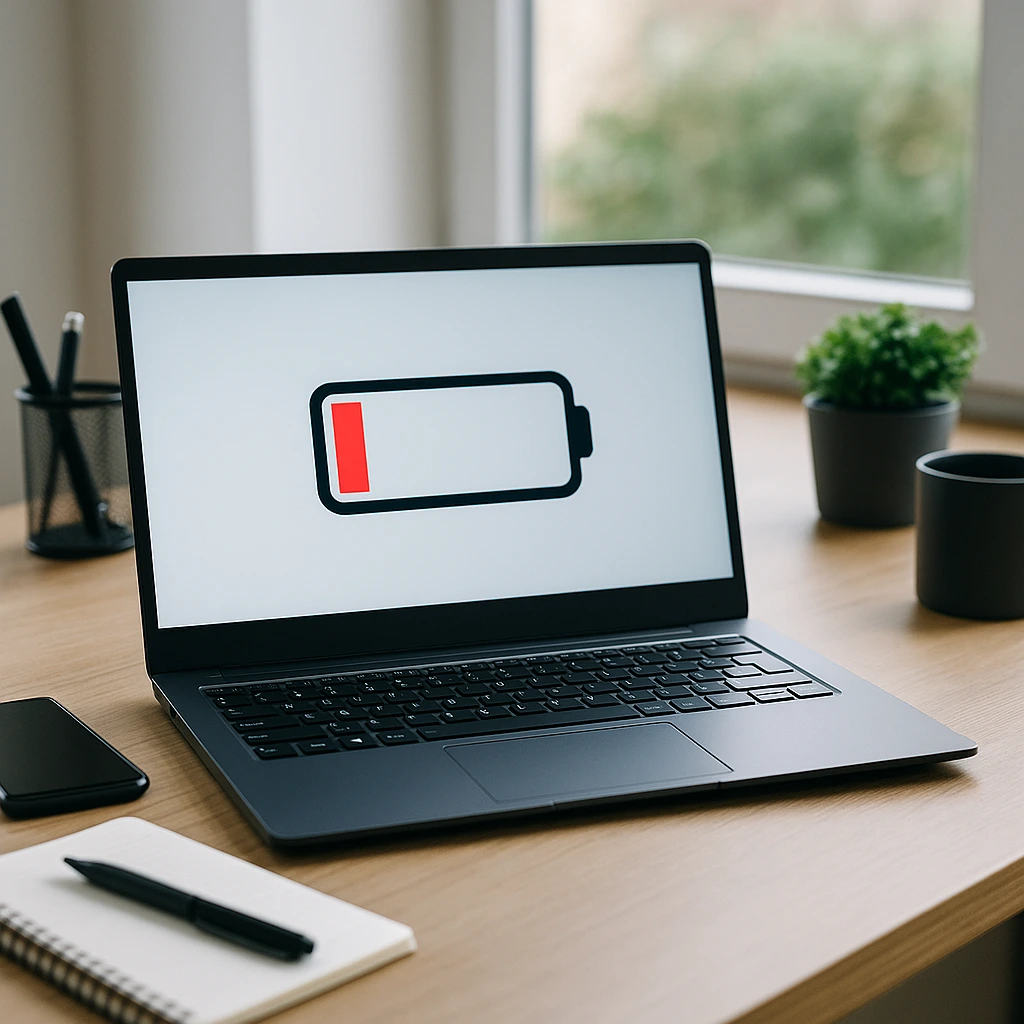
Laptop batteries degrade over time, but charging habits can slow that process. Avoid keeping the laptop plugged in at 100% constantly, especially in warm environments.
Letting the battery cycle periodically and avoiding extreme heat helps preserve battery health across multiple school years.
🔍 Keep the Laptop Physically Protected
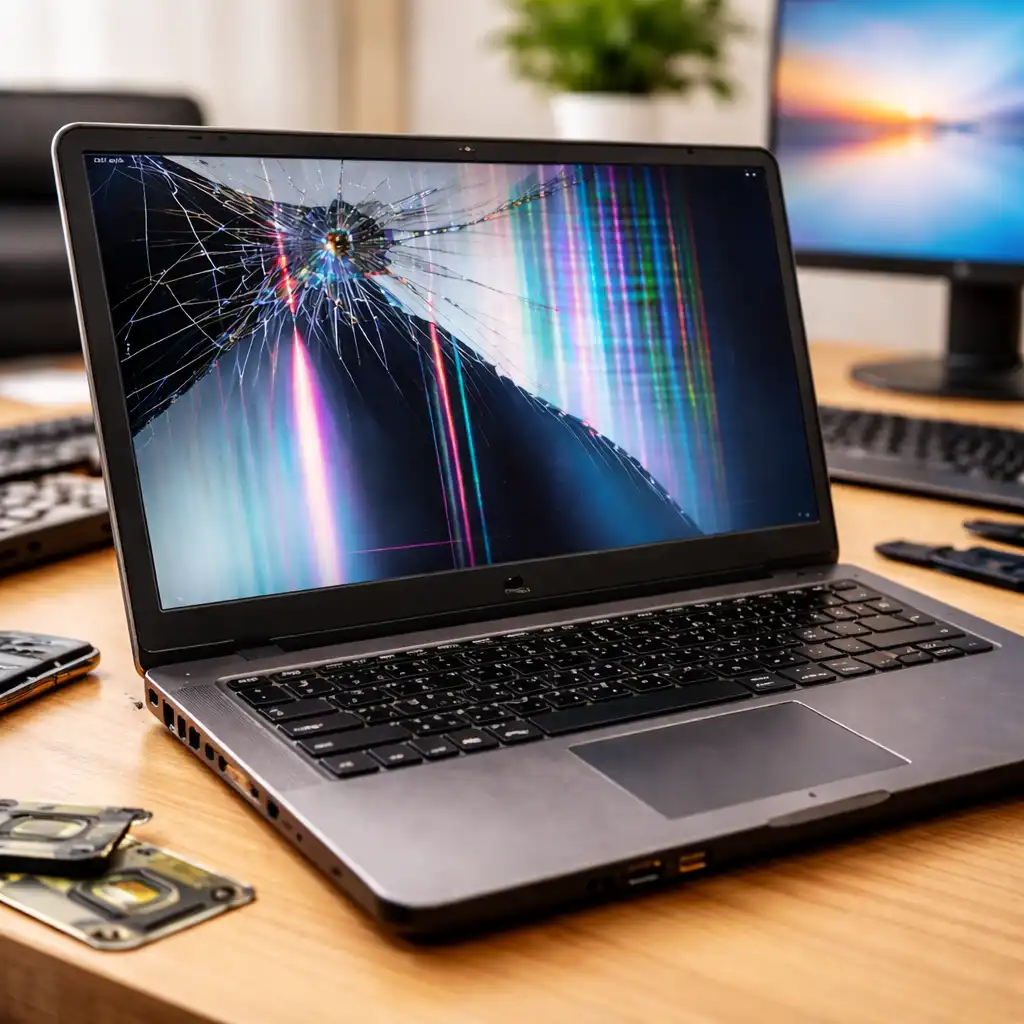
Physical damage is one of the most common reasons laptops fail during college. Using a padded backpack, avoiding pressure on the lid, and keeping liquids away from the keyboard prevents costly accidents.
Simple habits like closing the lid before carrying the laptop and keeping vents clear also help reduce internal stress.
🔍 Maintain Software and System Updates
Operating system and driver updates often include performance improvements and security fixes. Staying reasonably up to date helps keep the laptop stable and protected.
At the same time, removing unused applications and browser extensions reduces background load and improves long-term performance.
🔍 Use Cooling and Ventilation Properly
Heat shortens component lifespan. Using the laptop on hard surfaces instead of beds or couches allows proper airflow and keeps internal temperatures under control.
For performance-heavy tasks, giving the system breaks and ensuring good ventilation helps prevent thermal stress over time.
🔍 Know When to Upgrade vs Replace
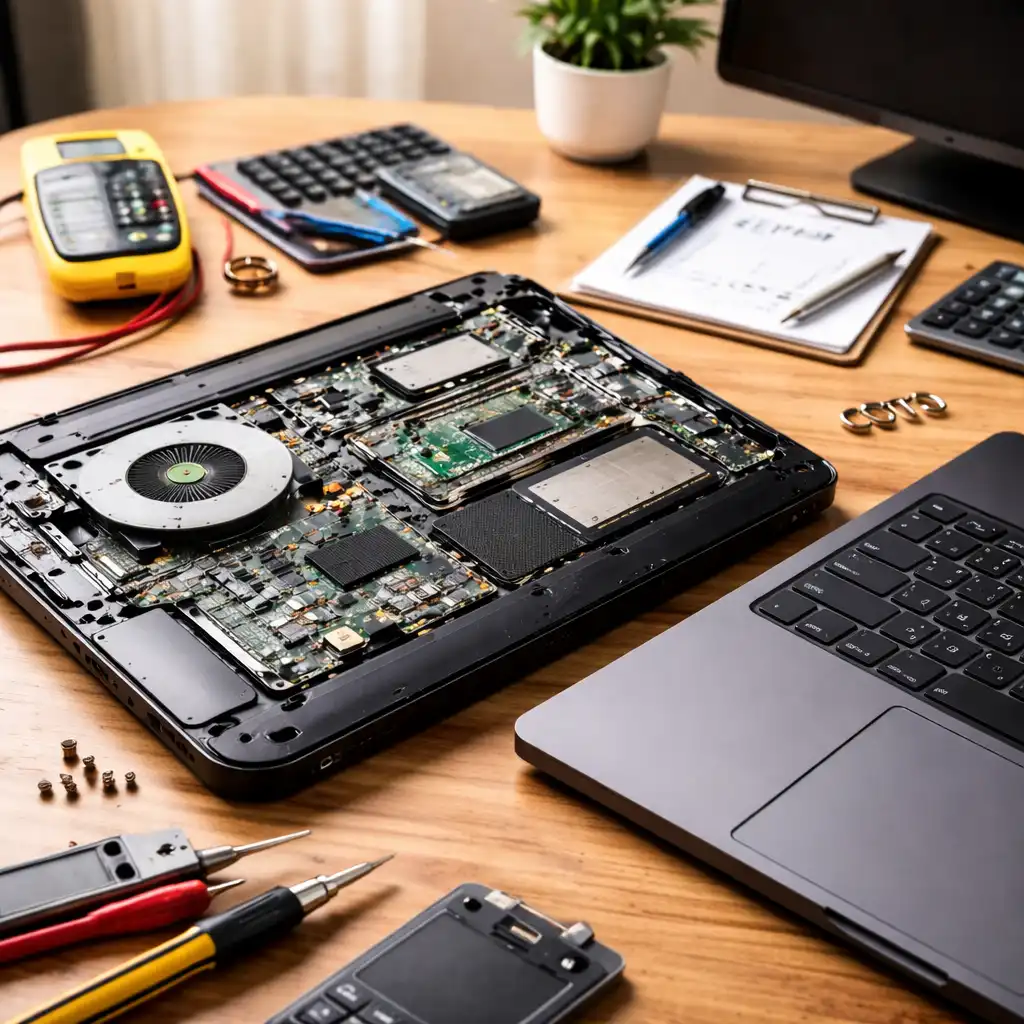
Not every slowdown means a laptop needs replacing. Adding storage through external drives or reducing background processes can extend usability.
However, if the laptop no longer meets coursework requirements, replacing it may be more practical than forcing it through another year of heavy use.
📌 Key Takeaways
- Starting with enough RAM and storage improves long-term usability
- Managing storage and battery habits slows hardware wear
- Physical protection prevents most college laptop failures
- Heat and clutter shorten laptop lifespan more than age
🟢 FAQs
Q: Can a laptop really last all four years of college?
Yes, if it has enough performance headroom and is properly maintained.
Q: Does battery replacement help extend laptop life?
It can, especially if the rest of the hardware still meets coursework needs.
Q: Do software updates slow laptops down?
They can on very old hardware, but updates usually improve stability and security.
✅ Conclusion
Making a laptop last through college isn’t about extreme care or constant upgrades. It’s about choosing the right hardware upfront and developing habits that reduce unnecessary wear.
With sensible maintenance, storage management, and physical protection, most students can rely on a single laptop throughout their entire college experience.
🔗 Related Articles You Might Find Helpful
- Best Laptops for Cyber Security Students – Hardware for Technical Programs
- Best Laptops for Aerospace Engineering Students – Performance for Engineering Workloads
- How Much Storage Does a Student Need on a Laptop – Capacity Planning Guide
- Are Gaming Laptops Good for Students – Performance vs Practicality