HP Laptop 17t-cn300 17.3 Review – Best Configurations for Performance and Everyday Use
Disclosure: This post contains affiliate links. LaptopVoyager.com participates in the Amazon Associates Program and may earn commissions on qualifying purchases, at no extra cost to you.
Last Updated: March 2026
The HP 17t-cn300 is a 17.3-inch laptop series designed for users who prioritize screen size, productivity, and comfortable everyday use. Instead of a single fixed configuration, this model is offered in multiple variants with different processors, memory capacities, and storage options.
Based on specifications, these laptops are built for home users, students, and professionals who prefer a larger display for multitasking, media consumption, and office work.
👉 To explore how this model fits into the full lineup, see our guide to the best HP laptops.
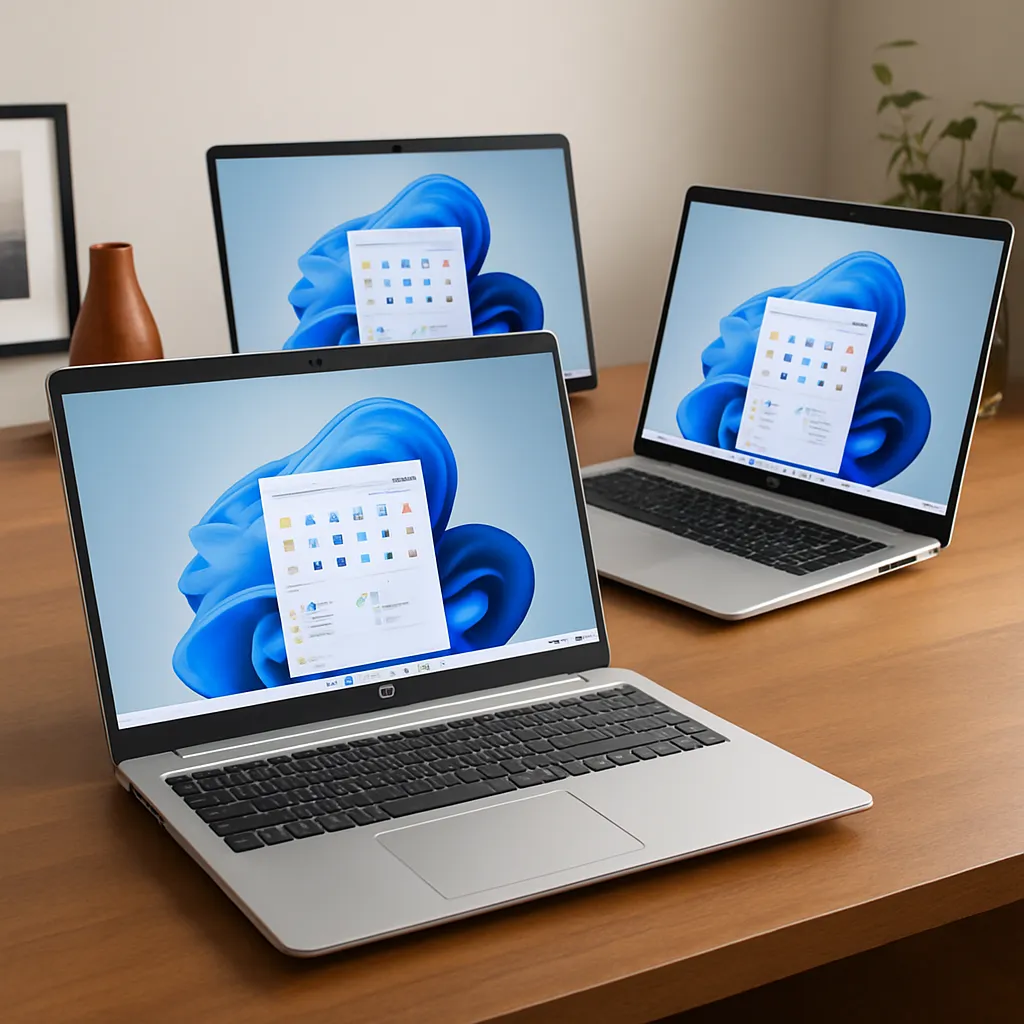
This review compares three HP 17t-cn300 configurations to highlight how performance and usability change across processor tiers.
💰 Check Price & Availability
View on Amazon – HP 17t-cn300 (Intel i3-N305, 8GB RAM, 256GB SSD, 17.3″ Display)
View on Amazon – HP 17t-cn300 (Intel i5-1334U, 16GB RAM, 512GB SSD, FHD IPS, Fingerprint Reader)
View on Amazon – HP 17t-cn300 (Intel i7-1355U, 32GB RAM, 2TB SSD, Touchscreen, Backlit Keyboard)
📋 Quick-View Comparison List
Best Budget Option: HP 17t-cn300 (i3, 8GB RAM) – basic everyday use
Best Balanced Option: HP 17t-cn300 (i5, 16GB RAM, 512GB SSD) – productivity and value
Best Performance Option: HP 17t-cn300 (i7, 32GB RAM, 2TB SSD) – multitasking and storage
🔍 What Is the HP 17t-cn300 Series
The HP 17t-cn300 is a configurable 17.3-inch laptop series that shares the same chassis and design while offering different internal hardware options.
These models typically include:
- Large 17.3-inch display
- Full-size keyboard with numeric keypad
- SSD storage configurations
- Modern Intel processors
This design is intended to provide a desktop-like experience in a portable form factor.
🔍 Performance Differences Across Configurations
Performance varies depending on the processor tier.
The Intel i3-N305 model is designed for:
- Basic computing tasks
- Web browsing
- Light office work
The Intel i5-1334U configuration introduces a hybrid architecture. According to Intel specifications, this improves multitasking efficiency and responsiveness for everyday productivity workloads.
The Intel i7-1355U version provides higher clock speeds and improved performance for:
- Multitasking
- Larger workloads
- More demanding applications
👉 For a comparison with older processors, see the HP i7-6500U laptop review.
🔍 Display and Productivity Experience
The 17.3-inch display is one of the main advantages of this series.
Larger screens provide:
- More workspace for multitasking
- Better visibility for spreadsheets and documents
- Improved media viewing experience
Higher-end models include Full HD IPS panels, while some entry-level versions may use HD+ displays.
Additional features such as touchscreen support, fingerprint readers, and backlit keyboards are available depending on the configuration.
📦 HP 17t-cn300 (Intel i3-N305, 8GB RAM, 256GB SSD)
This configuration represents the entry-level option.
The i3 processor supports basic tasks such as browsing and document editing. With 8GB RAM, it is suitable for light multitasking but may struggle with more demanding workloads.
This model is best suited for casual users or simple home use.
📦 HP 17t-cn300 (Intel i5-1334U, 16GB RAM, 512GB SSD)
This configuration provides a balanced performance level.
The i5 processor is designed for multitasking, and 16GB RAM supports smoother performance across multiple applications. The Full HD IPS display also improves visual clarity.
This model is suitable for productivity, work-from-home setups, and everyday multitasking.
📦 HP 17t-cn300 (Intel i7-1355U, 32GB RAM, 2TB SSD)
This configuration represents the highest performance tier.
With 32GB RAM and a large 2TB SSD, it supports heavy multitasking and large file storage. The i7 processor provides higher performance for demanding workloads.
This model is suited for users who need maximum performance and storage capacity.
🔍 Which Configuration Should You Choose
Choosing the right configuration depends on your needs.
- Basic use → i3 configuration
- Everyday productivity → i5 configuration
- Heavy multitasking → i7 configuration
For most users, the i5 version offers the best balance between performance and value.
📌 Key Takeaways
- HP 17t-cn300 is a configurable 17.3-inch laptop series
- Larger display improves productivity and usability
- i3 models are suitable for basic tasks
- i5 configurations provide the best balance for most users
- i7 models offer higher performance and storage capacity
🟢 FAQs
Q: Is the HP 17t-cn300 good for everyday use?
Based on specifications, it is designed for productivity, browsing, and general computing tasks.
Q: Is a 17.3-inch laptop too big?
It offers more screen space but is less portable compared to smaller laptops.
Q: Which configuration is best for work?
The i5 configuration with 16GB RAM is typically the most balanced option for productivity.
✅ Conclusion
The HP 17t-cn300 series is designed to provide a large-screen laptop experience with flexible configuration options. Based on specifications, it supports a range of use cases from basic computing to productivity workloads, depending on the selected configuration.