Is a Chromebook Enough for Students? Use Cases, Limits, and When It Works
Disclosure: This post contains affiliate links. LaptopVoyager.com participates in the Amazon Associates Program and may earn commissions on qualifying purchases, at no extra cost to you.
Last Updated: February 2026
Chromebooks are often recommended to students because they’re affordable, simple to use, and tightly integrated with cloud-based learning tools. But whether a Chromebook is actually “enough” depends heavily on the student’s age, coursework, and software requirements.
This guide explains when a Chromebook works well for students and when a traditional laptop becomes necessary.
👉 for a broader breakdown by age group and study level, see our main guide to best laptops for students.
🔍 What a Chromebook Is Designed to Do
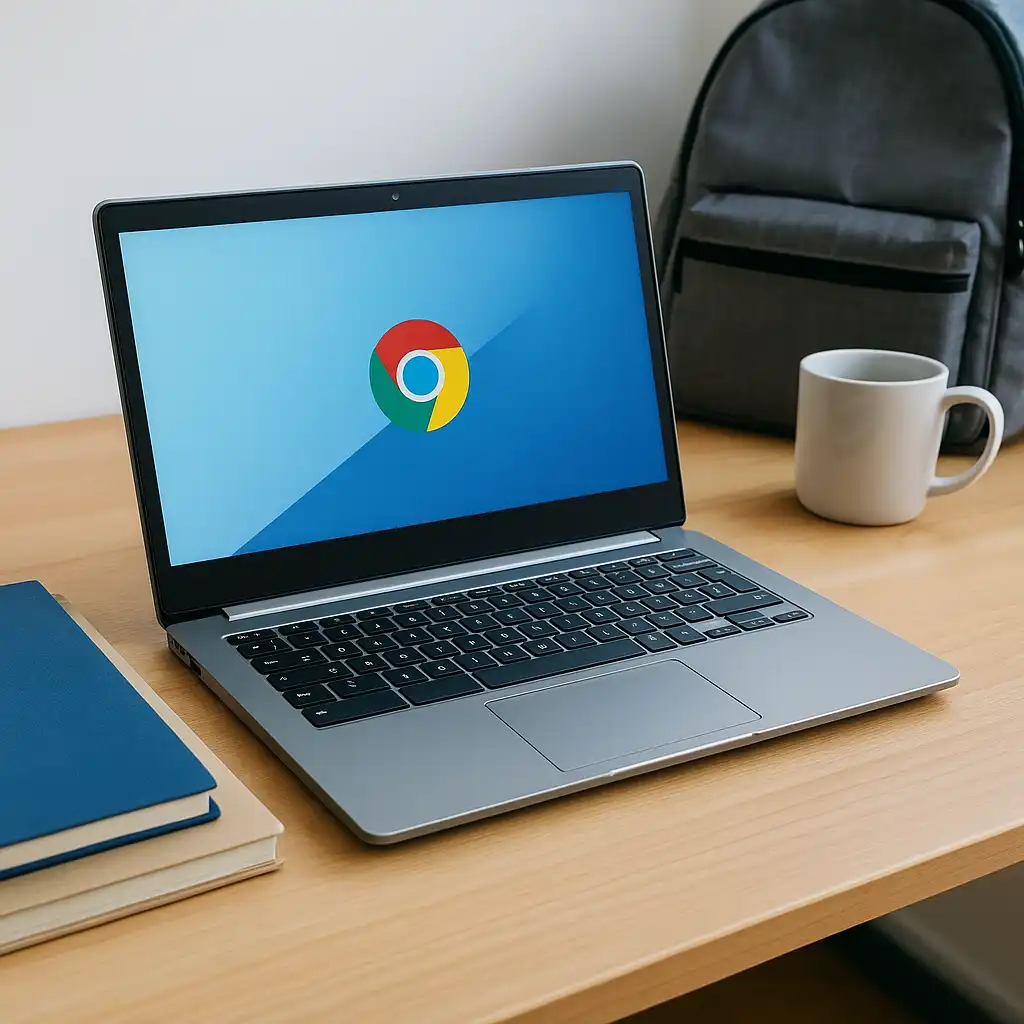
Chromebooks run ChromeOS, an operating system built around web apps, cloud storage, and browser-based workflows. Most tasks happen inside the Chrome browser, with files stored online rather than locally.
Because of this design, Chromebooks prioritize simplicity, fast startup, and low maintenance over raw performance or software flexibility.
🔍 Where Chromebooks Work Well for Students
Chromebooks are a strong fit for elementary and middle school students. Many schools already use Google Classroom, Docs, and Drive, which integrate seamlessly with ChromeOS.
They also work well for students whose coursework is entirely web-based. Writing assignments, research, presentations, and online quizzes run smoothly without needing powerful hardware.
🔍 Limitations of Chromebooks for Schoolwork
The biggest limitation is software compatibility. Chromebooks cannot run many traditional desktop applications used in college-level programs, such as engineering tools, advanced data analysis software, or professional creative suites.
Local storage is also limited on many Chromebook models. While cloud storage helps, students who need offline access or large local files may find this restrictive.
🔍 Chromebooks for High School and College Students
For high school students, a Chromebook can work if coursework remains browser-based and doesn’t require specialized software. However, flexibility becomes more important as students progress.
For college students, Chromebooks are rarely sufficient for technical majors. Programs involving engineering, data science, cybersecurity, or simulation typically require Windows or macOS systems with more memory and local processing power.
🔍 Performance, Storage, and Longevity
Chromebooks rely on modest hardware and cloud services, which keeps them responsive for basic tasks. However, limited RAM and storage can become frustrating if multitasking increases.
They also offer limited upgrade paths. As coursework grows more demanding, students may need to replace a Chromebook sooner than a traditional laptop.
🔍 When a Chromebook Is Enough—and When It Isn’t
A Chromebook is enough if:
- coursework is entirely web-based
- cloud storage is acceptable
- no specialized desktop software is required
A Chromebook is not enough if:
- coursework requires Windows- or macOS-only applications
- large datasets or offline files are common
- long-term flexibility is a priority
📌 Key Takeaways
- Chromebooks work best for younger students and web-based learning
- Software limitations restrict their usefulness for technical majors
- Cloud storage reduces local needs but requires reliable internet
- Many students outgrow Chromebooks as coursework becomes complex
🟢 FAQs
Q: Can college students use a Chromebook?
Some can, but only if their program relies entirely on web-based tools.
Q: Are Chromebooks good for long-term student use?
They’re reliable for basic tasks but limited for growing academic demands.
Q: Do Chromebooks work offline?
Limited offline access is available, but most features require internet connectivity.
✅ Conclusion
A Chromebook can be enough for students—but only in the right context. For younger students and web-based learning environments, they offer simplicity and affordability.
For older students or those in technical programs, a Chromebook’s limitations often outweigh its convenience. Matching the device to coursework requirements is the key to avoiding frustration later.