Is Touchscreen Laptop Worth It? – Pros, Cons, and Who Benefits
Disclosure: This post contains affiliate links. LaptopVoyager.com participates in the Amazon Associates Program and may earn commissions on qualifying purchases, at no extra cost to you.
Last Updated: February 2026
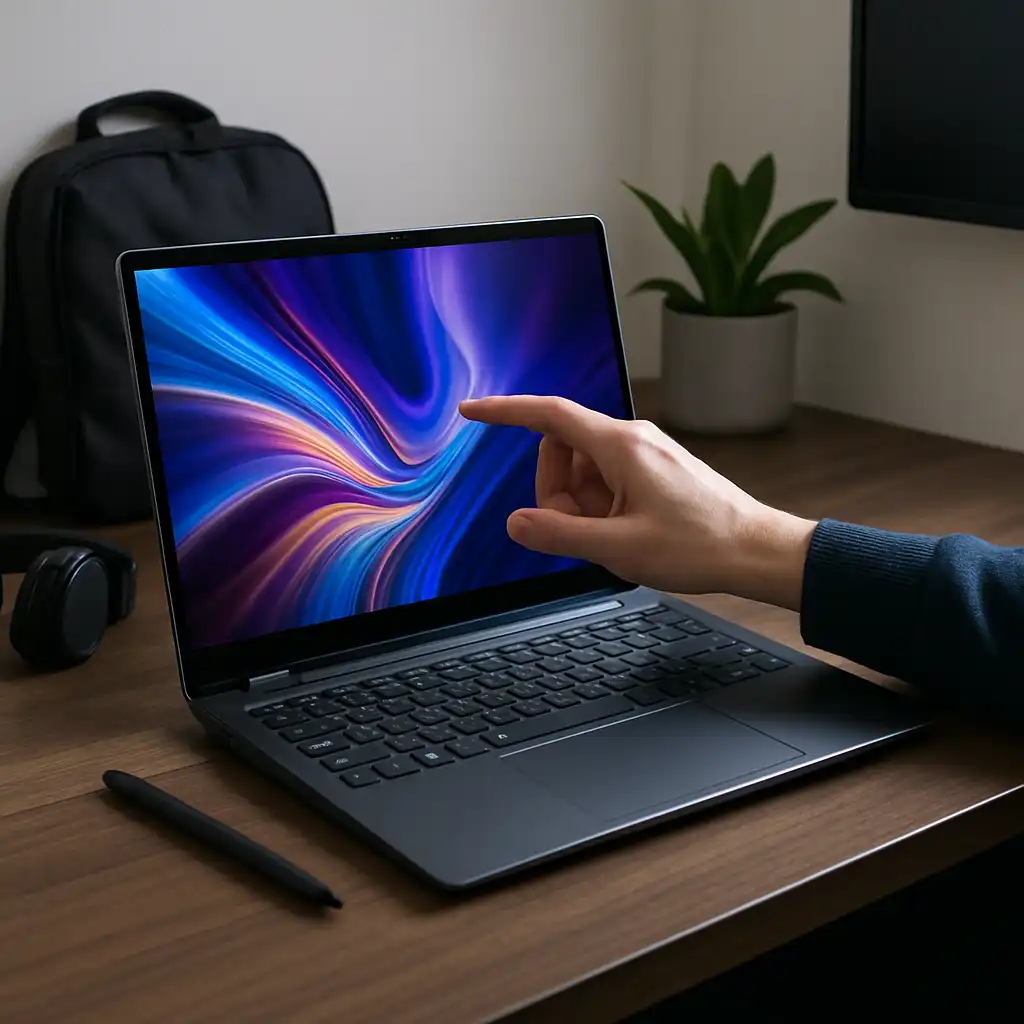
Touchscreen laptops combine traditional keyboard input with direct screen interaction. For some users, that flexibility improves workflow. For others, it adds cost and screen glare without clear benefits.
Whether a touchscreen laptop is worth it depends on how you plan to use your device.
👉 If you want to compare categories and sizes, our guide to the best touchscreen laptops breaks down current options.
🔍 What Are the Main Benefits?
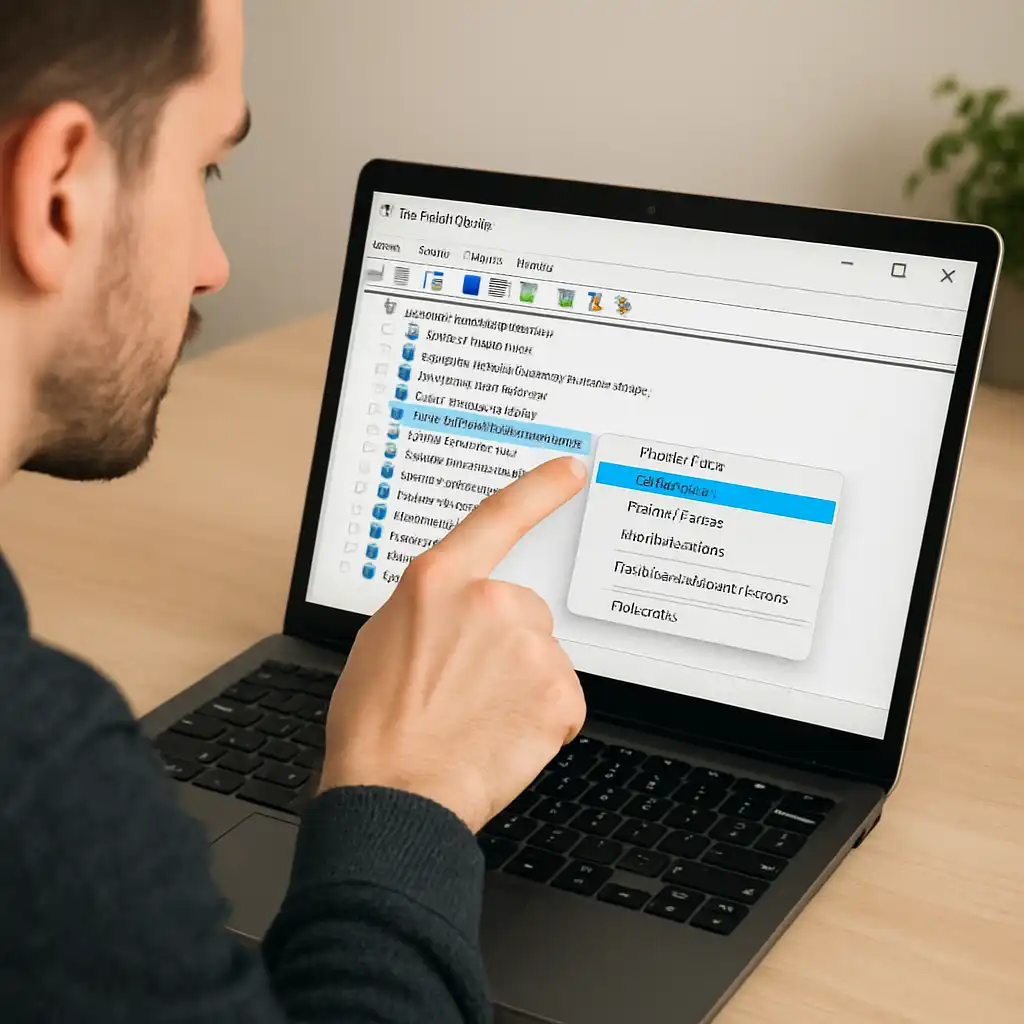
Touchscreens offer faster navigation for scrolling, zooming, and tapping interface elements.
They’re especially useful for:
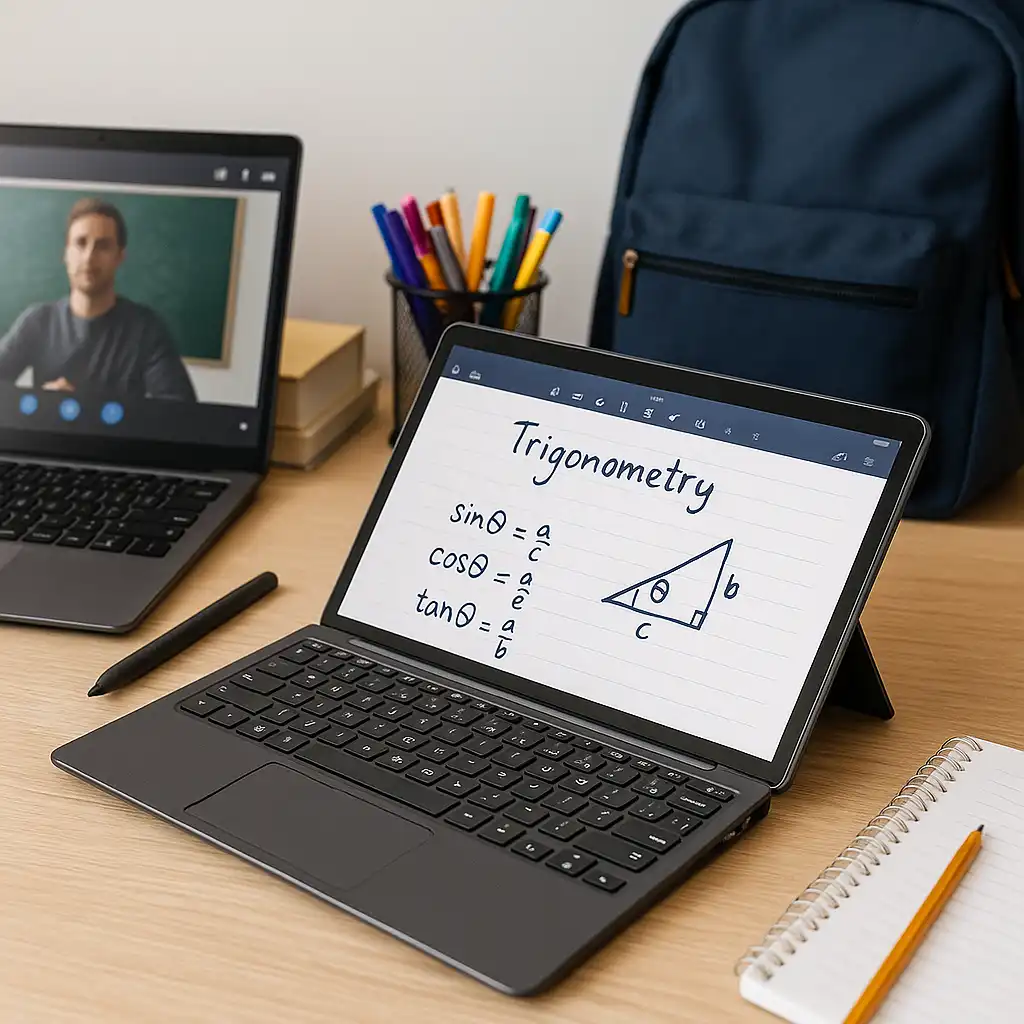
- Students taking notes with a stylus
- Professionals presenting or annotating documents
- Users who prefer tablet-style browsing
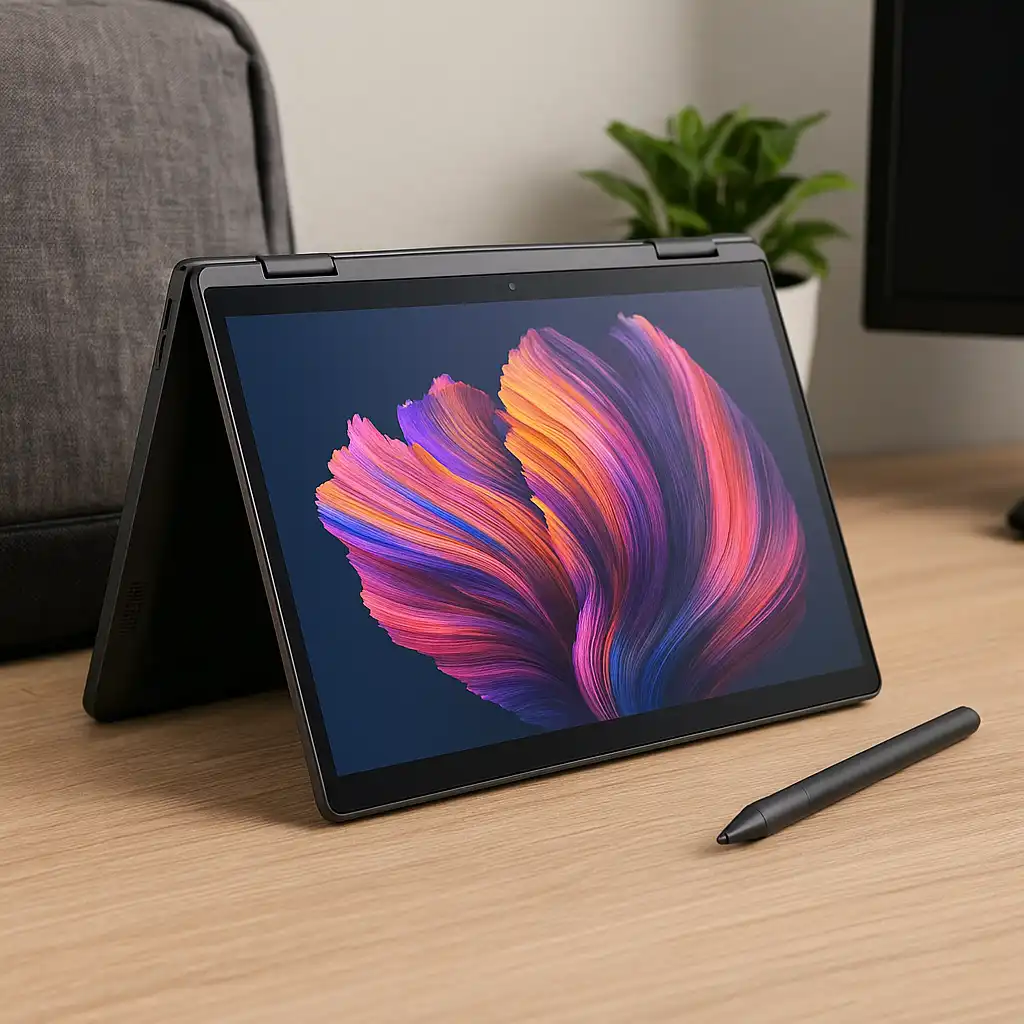
In 2-in-1 models, touch input becomes more practical because the screen can fold into tablet mode.
🔍 Are There Downsides?
Touchscreens typically add a glass layer to the display.
This can:
- Increase weight slightly
- Add screen reflections on some models
- Raise overall cost compared to non-touch versions
Battery impact is usually minimal, but higher brightness usage may influence power consumption over long sessions.
If you’re comparing alternatives, our breakdown of laptop touchscreen vs non-touch screen explains how the two setups differ in daily use.
🔍 Is It Useful for Productivity?
For tasks like spreadsheets, coding, or extended typing, most users rely on keyboard and mouse.
Touch input tends to complement rather than replace traditional controls. It’s helpful for quick gestures but not essential for structured productivity workflows.
Some users even disable touch input if accidental taps become distracting.
🔍 What About Durability?
Modern touchscreen laptops use reinforced glass designed for regular interaction.
Durability depends more on build quality and hinge design than on touch capability alone. This guide on are touchscreen laptops durable explains what affects long-term reliability.
🔍 Who Should Choose a Touchscreen?
A touchscreen laptop makes sense if you:
- Frequently scroll or zoom documents
- Use drawing or note-taking apps
- Want flexible 2-in-1 functionality
- Prefer more interactive navigation
It may be less necessary if you primarily use a mouse and keyboard at a desk.
📌 Key Takeaways
- Touchscreens add flexibility but aren’t essential for everyone
- Best suited for students, creatives, and 2-in-1 users
- Slightly heavier and sometimes more reflective
- Durability depends on overall build quality
- Adds convenience, not raw performance
🟢 FAQs
Q: Does a touchscreen improve performance?
No. Performance depends on CPU, RAM, and storage—not touch capability.
Q: Are touchscreen laptops more expensive?
They often cost more than equivalent non-touch models.
Q: Is touchscreen useful for students?
It can be helpful for note-taking and interactive coursework.
Q: Can I disable the touchscreen if I don’t use it?
Yes. Windows allows you to turn off touch input if needed.
✅ Conclusion
A touchscreen laptop is worth it if you value interactive navigation, stylus support, or 2-in-1 flexibility. For traditional desk-based productivity, it’s a convenience rather than a necessity.
Choosing between touch and non-touch ultimately comes down to your workflow and input preferences.