Laptop Specs for College Students – What Actually Matters for School
Disclosure: This post contains affiliate links. LaptopVoyager.com participates in the Amazon Associates Program and may earn commissions on qualifying purchases, at no extra cost to you.
Last Updated: February 2026
Laptop specs can feel overwhelming, especially for college students trying to balance performance, budget, and longevity. Processor names, RAM numbers, and storage sizes are often marketed aggressively, even when they don’t meaningfully affect everyday schoolwork.
This guide explains which laptop specs actually matter for college students, and which ones are often overemphasized, so you can make a practical, informed choice.
👉 for age-based recommendations and complete buying context, see our main guide to best laptops for students.
🔍 Processor (CPU): Midrange Is Usually Enough
For most college students, a midrange processor is more than sufficient. Tasks like writing papers, researching online, attending video lectures, and creating presentations don’t require high-end CPUs.
Modern Intel Core i5 / Ultra 5, AMD Ryzen 5, or Apple M-series chips handle typical college workloads comfortably. Higher-tier processors make sense mainly for engineering, data science, or simulation-heavy majors.
🔍 Memory (RAM): One of the Most Important Specs
RAM has a direct impact on how smooth a laptop feels during everyday use. Running multiple browser tabs, documents, and apps at once quickly exposes low memory limits.
For college students, 8GB RAM works for light use, but 16GB is a safer baseline for multitasking and long-term usability. Technical majors often benefit from 32GB or more.
🔍 Storage: Balance Capacity and Practicality
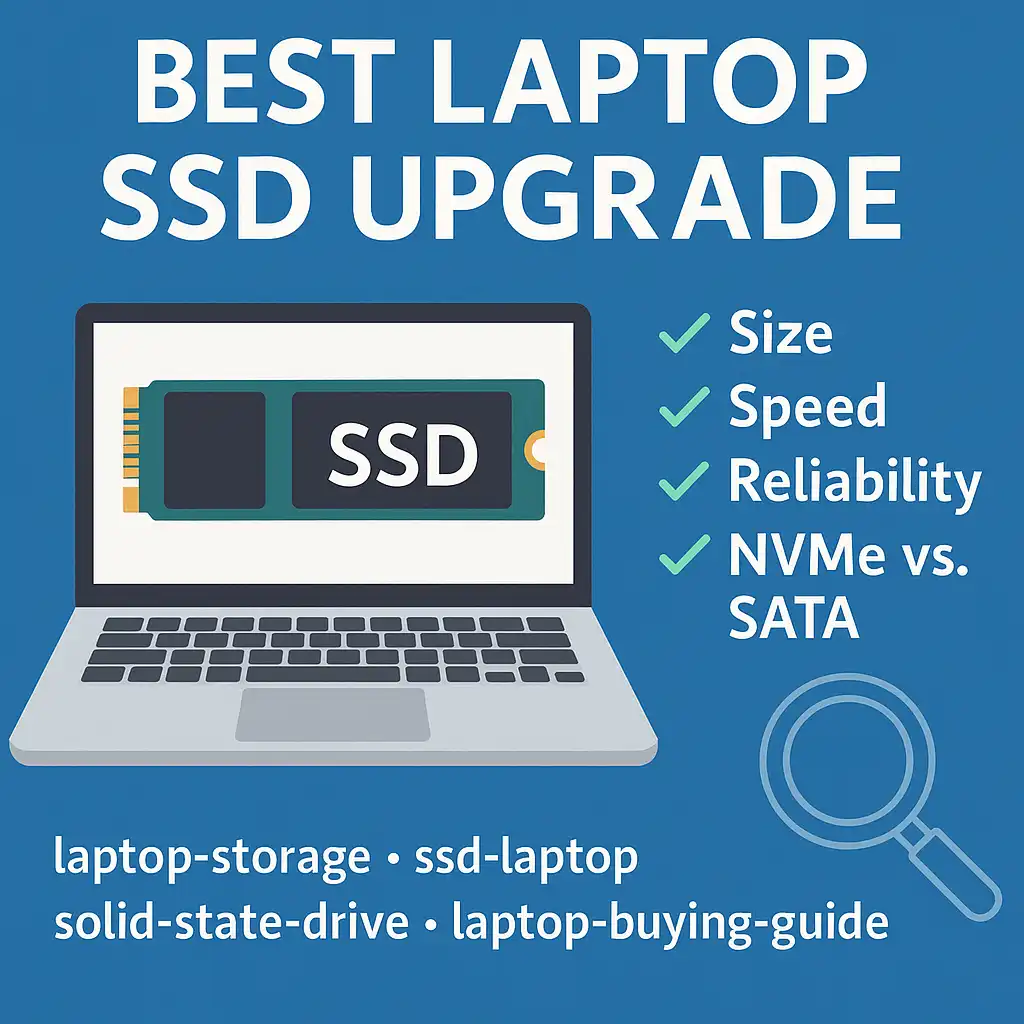
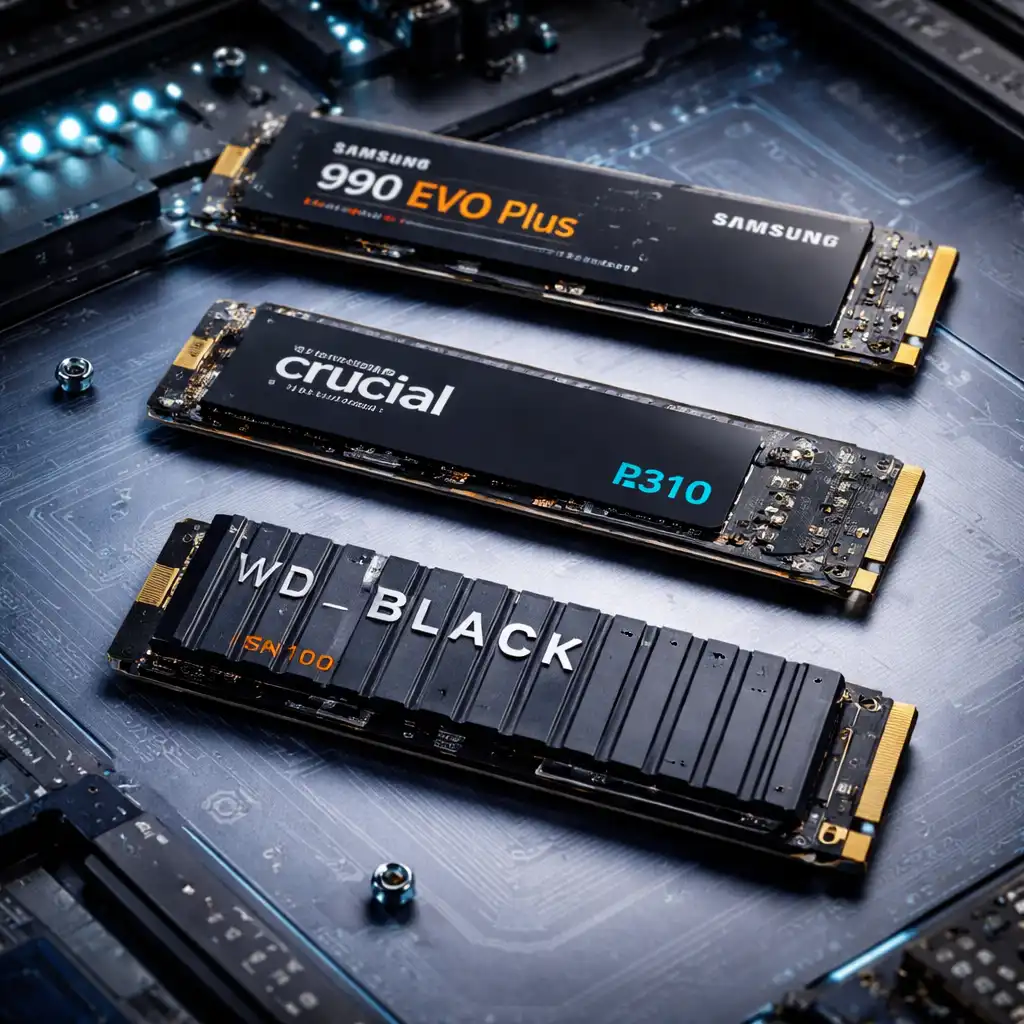
Storage holds the operating system, applications, coursework, and personal files. SSD storage is essential for responsiveness and reliability.
256GB storage can work for students who rely heavily on cloud storage, but many students are more comfortable with 512GB or more. Majors involving media files, datasets, or engineering software may require 1TB or higher.
🔍 Graphics (GPU): Often Unnecessary for Most Students
Most college students do not need a dedicated graphics card. Integrated graphics handle everyday tasks, streaming, and basic creative work without issue.
Dedicated GPUs are mainly useful for gaming, 3D modeling, CAD, video editing, or GPU-accelerated computing. For general coursework, they add cost, weight, and power draw without real benefit.
🔍 Display: Size and Resolution Matter More Than Refresh Rate
A clear, comfortable display improves productivity more than most students expect. Screen size affects multitasking, while resolution impacts text clarity.
A 13–15 inch display with Full HD or higher resolution works well for most students. High refresh rate screens are nice to have but not necessary for academic work.
🔍 Battery Life: Specs vs Real Use
Battery life is rarely as advertised. Manufacturer ratings are based on ideal conditions and light usage.
Students should prioritize efficient platforms and realistic battery expectations over advertised numbers. A laptop that lasts a full school day under mixed use offers the most practical value.
🔍 Ports and Connectivity: Often Overlooked
USB ports, HDMI, and headphone jacks still matter in college environments. Presentations, external drives, and shared equipment often require physical connections.
Choosing a laptop with enough built-in ports can reduce the need for adapters and improve everyday convenience.
🔍 Build Quality and Keyboard Comfort
College laptops are used daily for years. Keyboard comfort, hinge durability, and overall build quality affect long-term satisfaction more than spec sheets suggest.
A well-built laptop with a comfortable keyboard can outperform a faster system that’s unpleasant to use.
📌 Key Takeaways
- Midrange CPUs handle most college workloads
- 16GB RAM offers the best balance for multitasking and longevity
- SSD storage is essential, with 512GB fitting most students
- Dedicated GPUs are only needed for specific majors
- Comfort and reliability matter as much as performance
🟢 FAQs
Q: Is 8GB RAM enough for college students?
It can work for basic use, but 16GB provides smoother multitasking and longer usefulness.
Q: Do college students need a powerful processor?
Only if coursework includes simulations, large datasets, or technical software.
Q: Are expensive laptops always better for college?
No. Balanced specs and usability often matter more than high-end components.
✅ Conclusion
Understanding laptop specs helps college students avoid both underpowered systems and unnecessary overspending. Most academic workloads don’t demand top-tier hardware, but they do benefit from balanced memory, storage, and reliability.
By focusing on specs that actually affect daily use, students can choose a laptop that supports their studies comfortably throughout college.