Laptop SSD vs HDD – Key Differences Explained
Disclosure: This post contains affiliate links. LaptopVoyager.com participates in the Amazon Associates Program and may earn commissions on qualifying purchases, at no extra cost to you.
Last Updated: February 2026
Choosing between an SSD and HDD affects your laptop’s speed, durability, and overall responsiveness. While both serve as storage devices, they operate differently and deliver very different performance characteristics.
This guide compares SSD vs HDD in terms of speed, reliability, cost, capacity, and real-world usage.
👉 If you’re planning a storage upgrade, see our complete guide to the best laptop ssd upgrade.
🔍 What Is an HDD?
A Hard Disk Drive (HDD) stores data on spinning magnetic disks. A mechanical arm reads and writes information as the disk rotates.
Because HDDs rely on moving parts, access times are slower compared to solid-state storage. They are typically found in older or budget laptops.
HDDs generally offer larger storage capacity at a lower cost per gigabyte.
🔍 What Is an SSD?
A Solid-State Drive (SSD) uses flash memory with no moving parts. Data is accessed electronically, which allows faster read and write speeds.
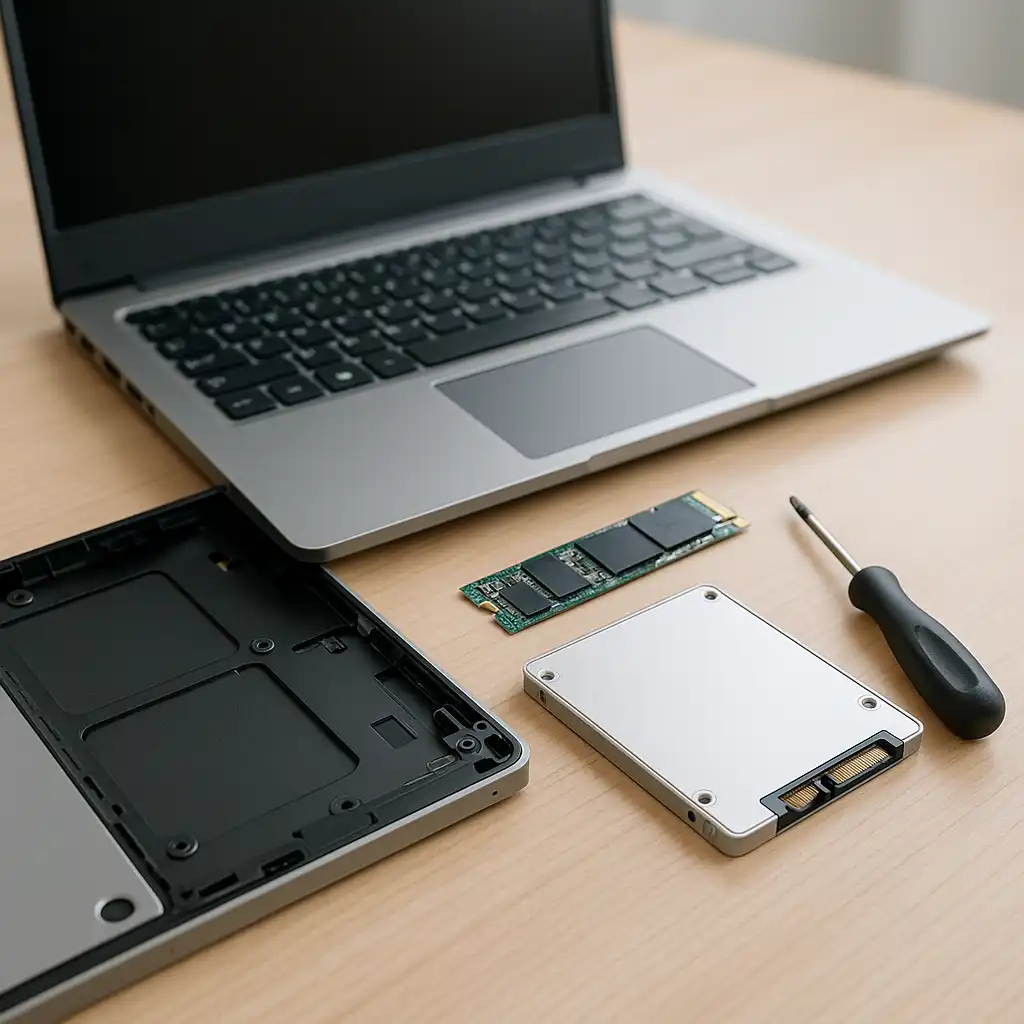
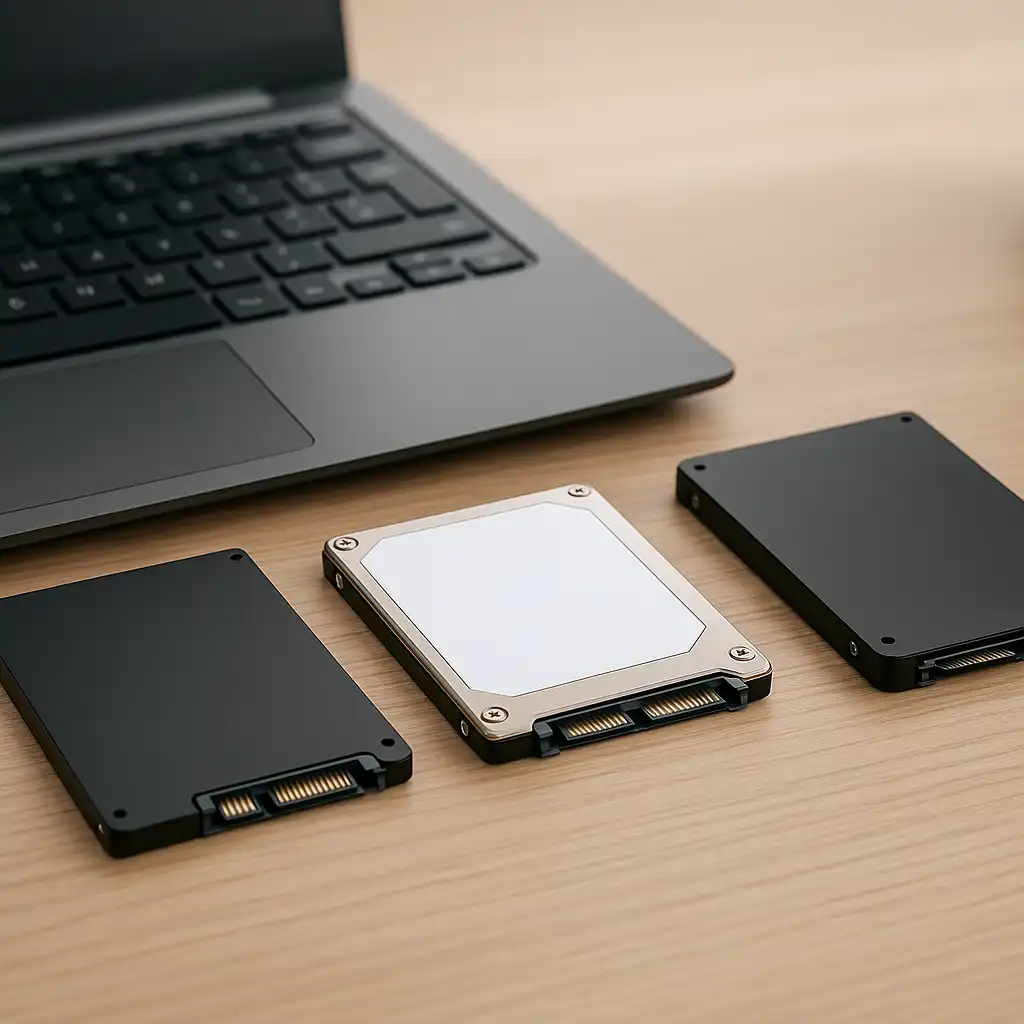
Modern laptops commonly use SATA SSDs or NVMe SSDs. NVMe drives operate over PCIe and provide significantly higher theoretical speeds based on manufacturer specifications.
If you’re unsure whether your laptop currently uses solid-state or mechanical storage, our guide on how to check if your laptop has ssd or hdd explains how to verify it.
🔍 Speed Comparison: SSD vs HDD
The most noticeable difference between SSD and HDD is performance.
SSDs offer:
- Faster boot times
- Quicker application launches
- Shorter file transfer durations
- Lower latency
HDDs operate at slower rotational speeds (typically 5,400–7,200 RPM), which limits access speed compared to flash-based storage.
For a deeper look at real-world impact, our guide on does ssd improve laptop performance explains what changes after upgrading.
🔍 Reliability and Durability
Because HDDs contain mechanical components, they are more vulnerable to physical shock and wear over time.
SSDs have no moving parts, which improves durability and resistance to physical damage. According to manufacturer design differences, this makes SSDs generally more robust for portable devices.
🔍 Cost and Capacity
HDDs typically cost less per gigabyte, making them appealing for large storage needs.
SSDs cost more per gigabyte but deliver significantly better performance. Over time, SSD pricing has become more competitive, especially for 1TB and 2TB capacities.
🔍 Which Is Better for Gaming and Creative Work?
For gaming, SSDs reduce load times and improve asset streaming. However, frame rates depend on CPU and GPU performance.
For video editing and large media workflows, SSDs provide faster file access and smoother editing timelines due to higher throughput.
📌 Key Takeaways
- SSDs provide faster boot and application loading speeds
- HDDs offer larger capacity at lower cost per gigabyte
- SSDs are more durable due to no moving parts
- NVMe SSDs offer higher theoretical speeds than SATA SSDs
- Upgrading from HDD to SSD improves responsiveness
🟢 FAQs
Q: Is SSD always better than HDD?
For performance and responsiveness, SSD is generally superior. HDD may be suitable for bulk storage at lower cost.
Q: Can I replace my HDD with an SSD?
Many laptops support replacing a 2.5-inch HDD with a SATA SSD, but compatibility should be verified.
Q: Does SSD increase gaming FPS?
No. SSD improves load times but does not directly increase frame rates.
Q: Which lasts longer, SSD or HDD?
Both have lifespan limits, but SSDs are generally more resistant to physical shock.
✅ Conclusion
When comparing laptop SSD vs HDD, SSD storage delivers significantly better speed and durability. HDDs remain more affordable for high-capacity storage, but they cannot match SSD responsiveness.
For most modern laptops and everyday workloads, SSD storage offers a more practical and future-ready solution.