Lenovo Yoga 7i 16 2-in-1 Laptop Review – A Large Convertible Built for Productivity
Disclosure: This post contains affiliate links. LaptopVoyager.com participates in the Amazon Associates Program and may earn commissions on qualifying purchases, at no extra cost to you.
Last Updated: February 2026
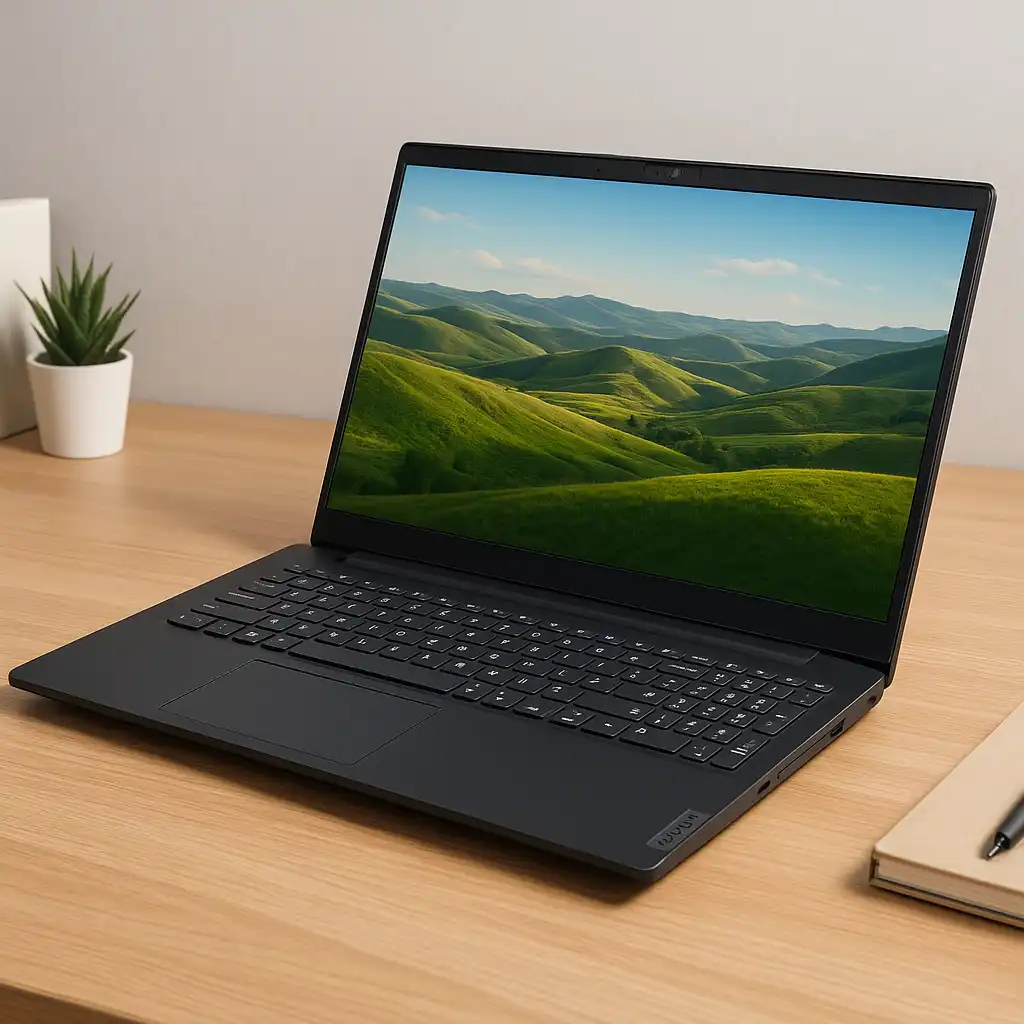
Large 2-in-1 laptops occupy a narrower niche than smaller convertibles, but they appeal strongly to users who want flexibility without sacrificing screen space. The Lenovo Yoga 7i 16 2-in-1 is designed for productivity-focused users who prefer a bigger display for multitasking, coursework, or home office setups.
This review looks at the Yoga 7i 16 from a specification and design perspective, explaining where it fits within the 2-in-1 category and which users it’s best suited for.
👉 Looking for alternatives? See our full comparison guide to the best 2-in-1 laptops.
💰 Check Price & Availability
View on Amazon – Lenovo Yoga 7i 2-in-1 14″ (83JQ0001US)
🔍 Design and Build Quality
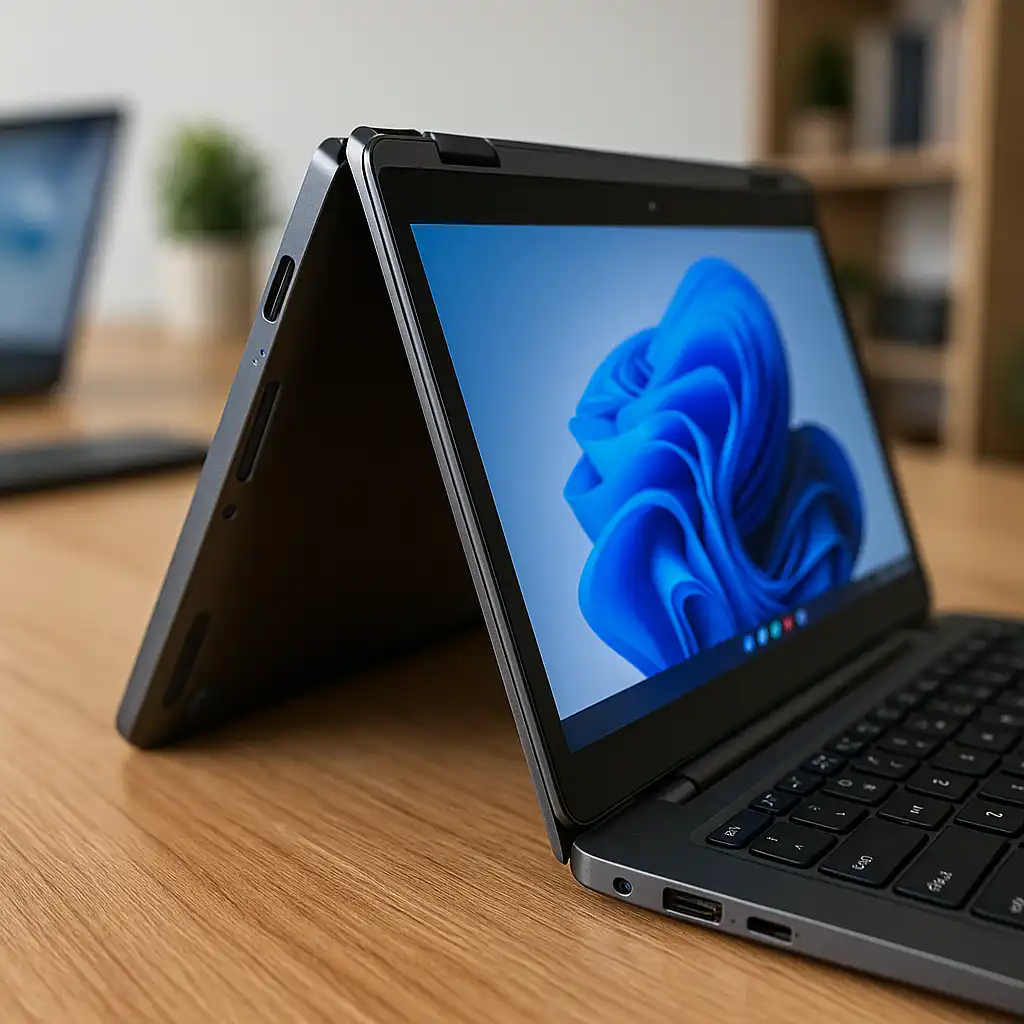
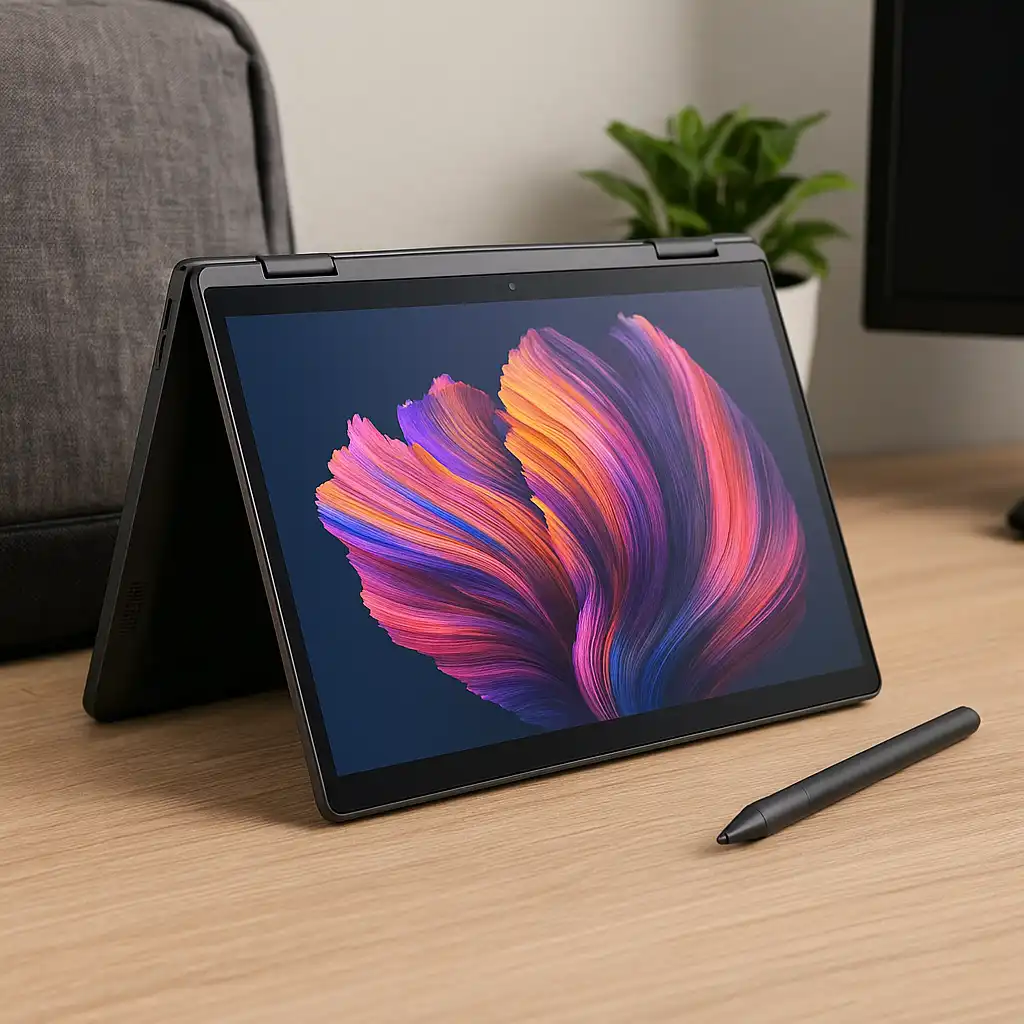
The Yoga 7i 16 uses Lenovo’s familiar 360-degree hinge, allowing it to switch between laptop, tent, stand, and tablet modes. The aluminum chassis is designed to balance rigidity with flexibility, which is especially important given the larger 16-inch display.
Because of its size and weight, this model is better suited for desk-based or lap use rather than extended handheld tablet use. The hinge mechanism is engineered to support the larger panel while keeping the device stable in different modes.
🔍 Display and Screen Experience
A key reason to choose this model is its 16-inch touchscreen display. Compared to 13- or 14-inch 2-in-1 laptops, the larger panel offers more vertical space for documents, spreadsheets, and split-screen workflows.
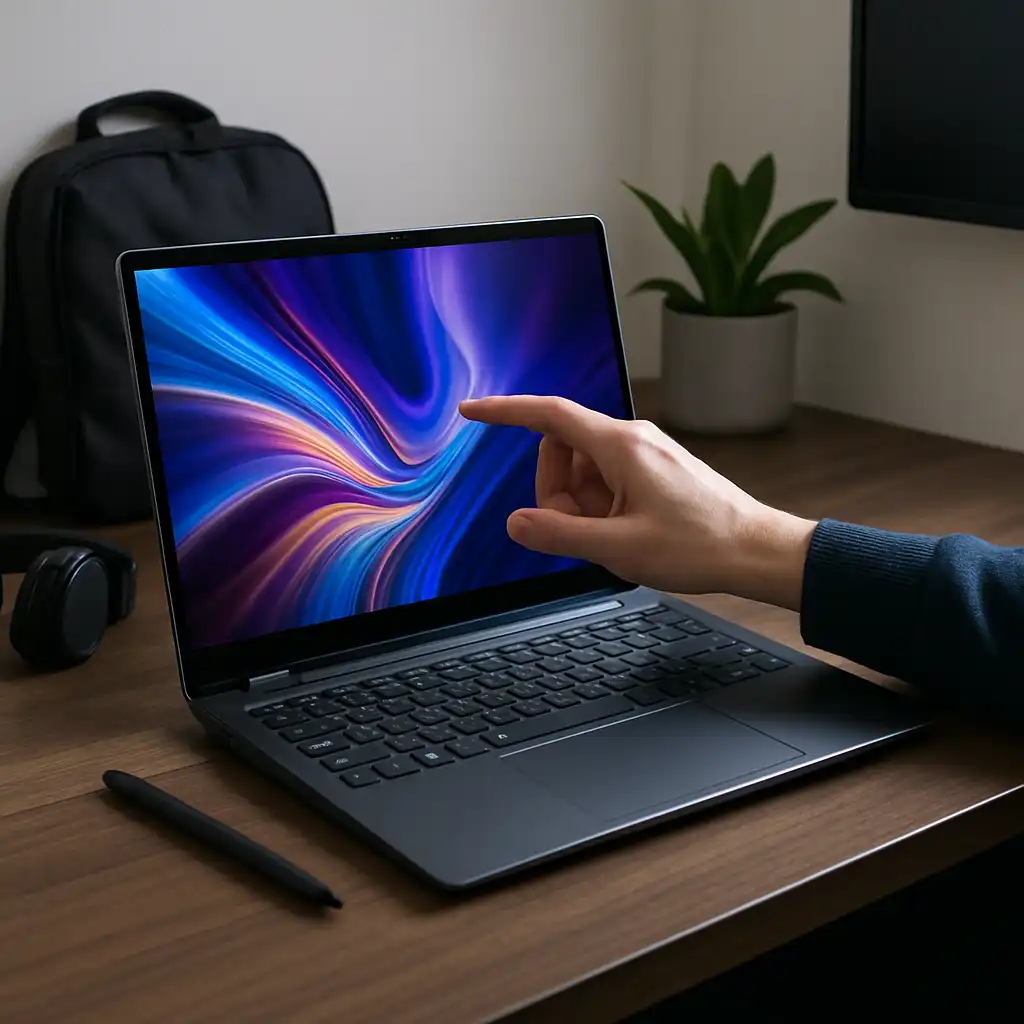
High-resolution IPS options provide sharp visuals and wide viewing angles, making the display practical for media consumption and casual creative tasks. Touch support and optional pen compatibility also make it useful for note-taking and light sketching.
🔍 Performance and Hardware Overview
The Lenovo Yoga 7i 16 is typically configured with Intel Core Ultra processors and integrated Intel graphics. Based on specifications, this hardware setup is designed to handle:
- Everyday productivity tasks
- Multitasking across multiple applications
- Web-based workloads and streaming
- Light photo editing and creative software
This isn’t intended as a high-performance workstation, but the configuration makes sense for users who value screen size and versatility over discrete GPU power.
🔍 Battery Life and Connectivity
Battery capacity is sized to support a typical workday of mixed use, though larger displays naturally draw more power than smaller 2-in-1 models. Efficiency features in Intel’s newer platforms are intended to help balance performance and battery life.
Port selection usually includes USB-C, USB-A, HDMI, and a headphone jack, which is helpful for users who connect external displays or peripherals without relying heavily on adapters.
🔍 Who the Lenovo Yoga 7i 16 Is Best For
This 2-in-1 makes the most sense for users who want:
- A large touchscreen for multitasking
- Flexible laptop and presentation modes
- A productivity-focused convertible for home or school
- Fewer compromises compared to smaller 2-in-1 displays
Users who prioritize ultra-portability or tablet-first ergonomics may find smaller convertibles easier to carry and handle.
📌 Key Takeaways
- Large 16-inch display stands out in the 2-in-1 category
- Convertible hinge supports multiple usage modes
- Intel Core Ultra configurations suit productivity workloads
- Best suited for desk-centric or home office use
🟢 FAQs
Q: Is the Lenovo Yoga 7i 16 good for students?
Yes, especially for students who want more screen space for multitasking, research, and note-taking.
Q: Can the Yoga 7i 16 replace a tablet?
It supports tablet mode, but its size makes it more practical as a flexible laptop than a handheld tablet replacement.
Q: Is this laptop suitable for creative work?
It can handle light creative tasks like photo editing and sketching, but it isn’t designed for demanding 3D or professional video workflows.
✅ Conclusion
The Lenovo Yoga 7i 16 2-in-1 targets users who want the flexibility of a convertible laptop without giving up a large display. Based on its specifications and design, it’s a strong fit for productivity-focused workflows that benefit from extra screen space and multiple usage modes.
For users who spend most of their time working at a desk or moving between classrooms and home offices, this model fits naturally within the broader 2-in-1 laptop category.
🔗 Related Articles You Might Find Helpful
- Best 2-in-1 Laptops
- HP Spectre x360 14 OLED Review
- Best 16-Inch 2-in-1 Laptops
- Are 2-in-1 Laptops Good for Students