Mac vs Windows Laptop for Students – Which Platform Makes More Sense?
Disclosure: This post contains affiliate links. LaptopVoyager.com participates in the Amazon Associates Program and may earn commissions on qualifying purchases, at no extra cost to you.
Last Updated: February 2026
Choosing between a Mac and a Windows laptop is one of the most common decisions students face. While both platforms handle everyday school tasks, differences in software support, pricing, and long-term flexibility can matter depending on grade level and field of study.
This guide breaks down how macOS and Windows compare for students, focusing on real academic use cases rather than brand preference.
👉 for a broader breakdown by age group and study needs, see our main guide to best laptops for students.
🔍 Core Differences Between Mac and Windows for Students
At a basic level, both platforms support web browsing, document work, video calls, and learning platforms. The differences start to matter when coursework involves specialized software, hardware flexibility, or budget constraints.
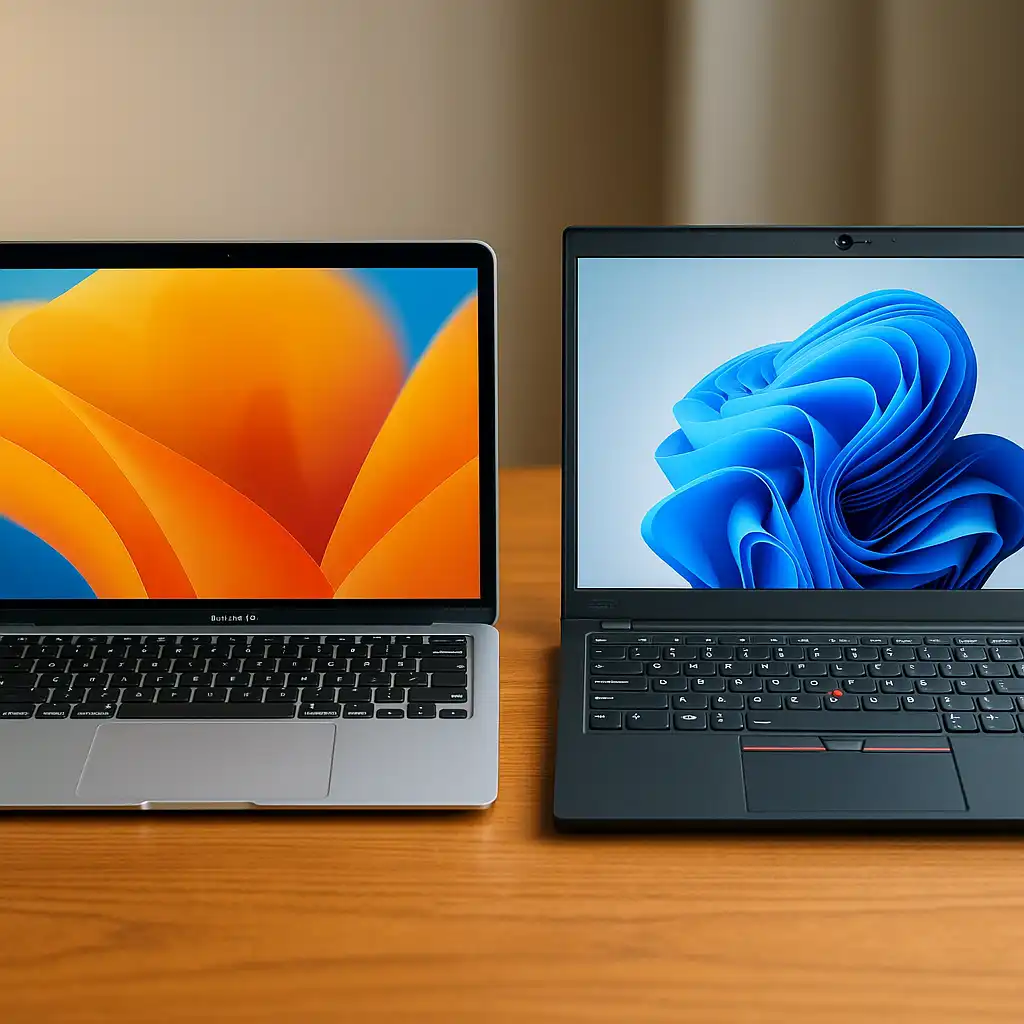
Windows laptops are available across a wide range of price points and hardware configurations. Macs focus on a narrower lineup with tighter hardware and software integration.
🔍 Software Compatibility and Academic Programs
Windows offers broader compatibility with academic and professional software. Many engineering, science, and business tools are developed primarily for Windows environments, which can simplify setup for technical majors.
macOS works well for writing-heavy programs, creative fields, and Unix-based workflows. Some specialized tools may require alternatives, virtualization, or web-based access depending on the program.
🔍 Performance and Hardware Flexibility
Windows laptops come in many configurations, allowing students to prioritize RAM, storage, or graphics based on their workload. This flexibility can be helpful for programs that scale in complexity over time.
Mac laptops focus on efficiency and consistency rather than customization. Unified memory and tightly integrated hardware can deliver strong performance for supported applications, but upgrades after purchase aren’t possible.
🔍 Battery Life, Portability, and Build Quality
Mac laptops are known for efficient power management and lightweight designs, which suits students who move between classes frequently. Apple’s hardware and software integration plays a role in these battery expectations.
Windows laptops vary more widely. Some models match or exceed Mac battery life, while others prioritize performance or affordability instead of portability.
🔍 Cost and Long-Term Value
Windows laptops offer more entry-level and midrange options, making them easier to fit into tighter budgets. Students can often find capable systems without paying for premium materials or displays.
Mac laptops typically cost more upfront but emphasize long-term support and resale value. Whether that trade-off makes sense depends on how long the laptop is expected to last and how it will be used.
🔍 Which Students Benefit More From Each Platform
Mac laptops tend to suit students in writing-focused programs, creative fields, and those who prefer a Unix-based environment. They’re also popular with students who prioritize battery life and build quality.
Windows laptops suit students in engineering, cybersecurity, data science, and other technical majors that rely on Windows-first software. They’re also a better fit for students who need hardware flexibility or lower starting prices.
📌 Key Takeaways
- Both Mac and Windows handle basic student tasks well
- Windows offers broader software compatibility and hardware choice
- Macs emphasize efficiency, build quality, and long-term support
- Platform choice should match program requirements, not brand preference
🟢 FAQs
Q: Is macOS better than Windows for students?
Neither is universally better. The right choice depends on coursework, software needs, and budget.
Q: Can students run Windows software on a Mac?
Some Windows software can run through virtualization or compatibility layers, but support varies by application.
Q: Do colleges prefer Mac or Windows laptops?
Most institutions support both, but specific programs may recommend one platform over the other.
✅ Conclusion
The Mac vs Windows decision for students comes down to how the laptop will actually be used. Software requirements, budget, and long-term flexibility matter more than brand loyalty.
By choosing a platform that aligns with academic needs, students can avoid compatibility issues and get more value from their laptop throughout their studies.