Skip to content
A square blue logo for Laptop Voyager, featuring a white minimalist laptop icon with a Voyager spacecraft silhouette and clean sans-serif typography.
  • Home
  • Blog
  • About LaptopVoyager
A square blue logo for Laptop Voyager, featuring a white minimalist laptop icon with a Voyager spacecraft silhouette and clean sans-serif typography.
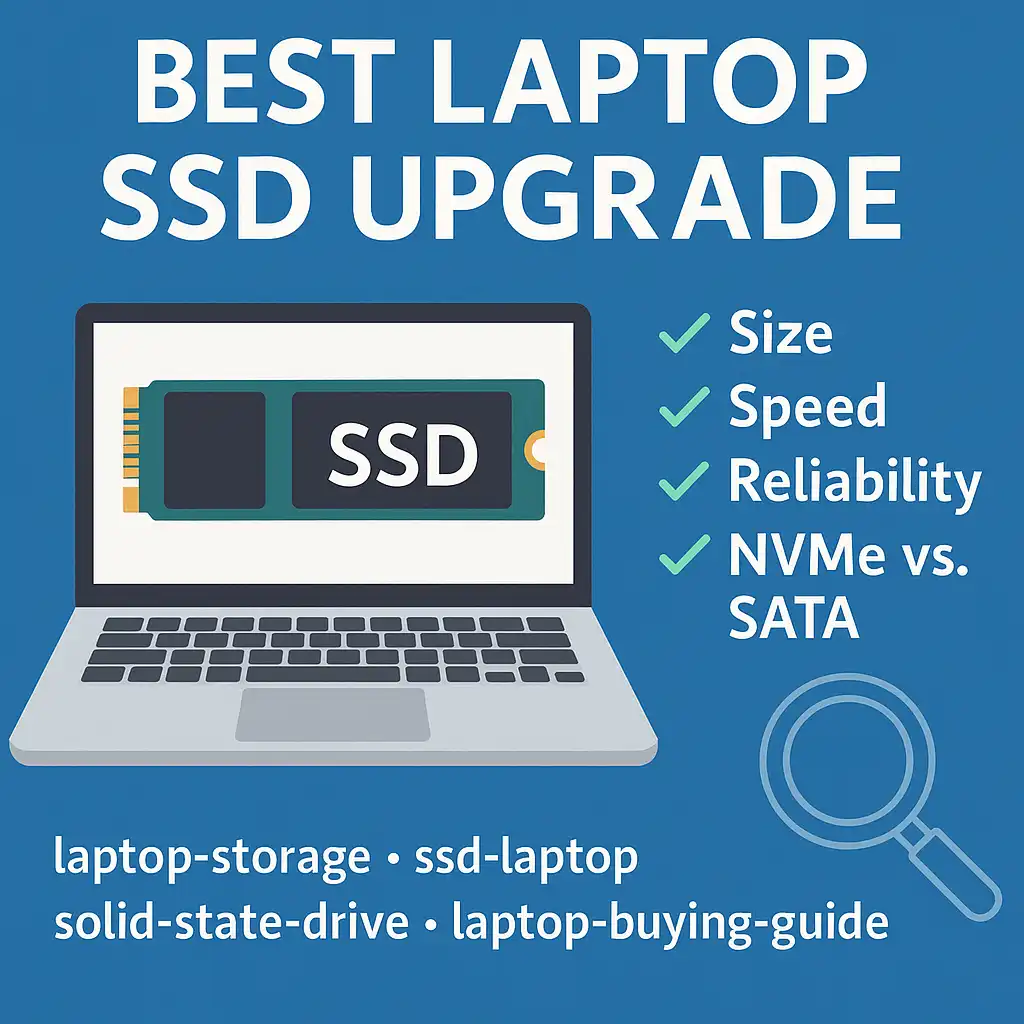
  • A modern laptop on a blue background with an illustrated SSD on the screen and upgrade-related icons displayed around it.
    Hardware

    Best Laptop SSD Upgrade – Complete Guide for Faster Performance (2025)

    ByLaptopVoyager Team November 20, 2025November 20, 2025

    Last Updated: November 2025 Upgrading your laptop to an SSD is one of the most effective ways to improve performance without replacing the entire machine. Faster start-ups, quicker app loading, and smoother file handling are all immediate benefits. Whether you’re updating an older system or adding more storage to a newer one, the right SSD…

    Read More Best Laptop SSD Upgrade – Complete Guide for Faster Performance (2025)Continue

  • A close-up view of a laptop with its bottom panel open, showing an M.2 NVMe SSD installed on the motherboard next to the cooling fan and keyboard.
    Hardware

    What Does SSD Mean on a Laptop? (Simple Explanation for 2025)

    ByLaptopVoyager Team November 20, 2025November 20, 2025

    Last Updated: November 2025 When a laptop includes an SSD, you’ll usually feel the speed right away. Windows loads faster, apps open smoothly, and the whole system responds with less delay. That’s why SSDs have replaced older hard drives in almost every new laptop today. An SSD is one of the biggest contributors to a…

    Read More What Does SSD Mean on a Laptop? (Simple Explanation for 2025)Continue

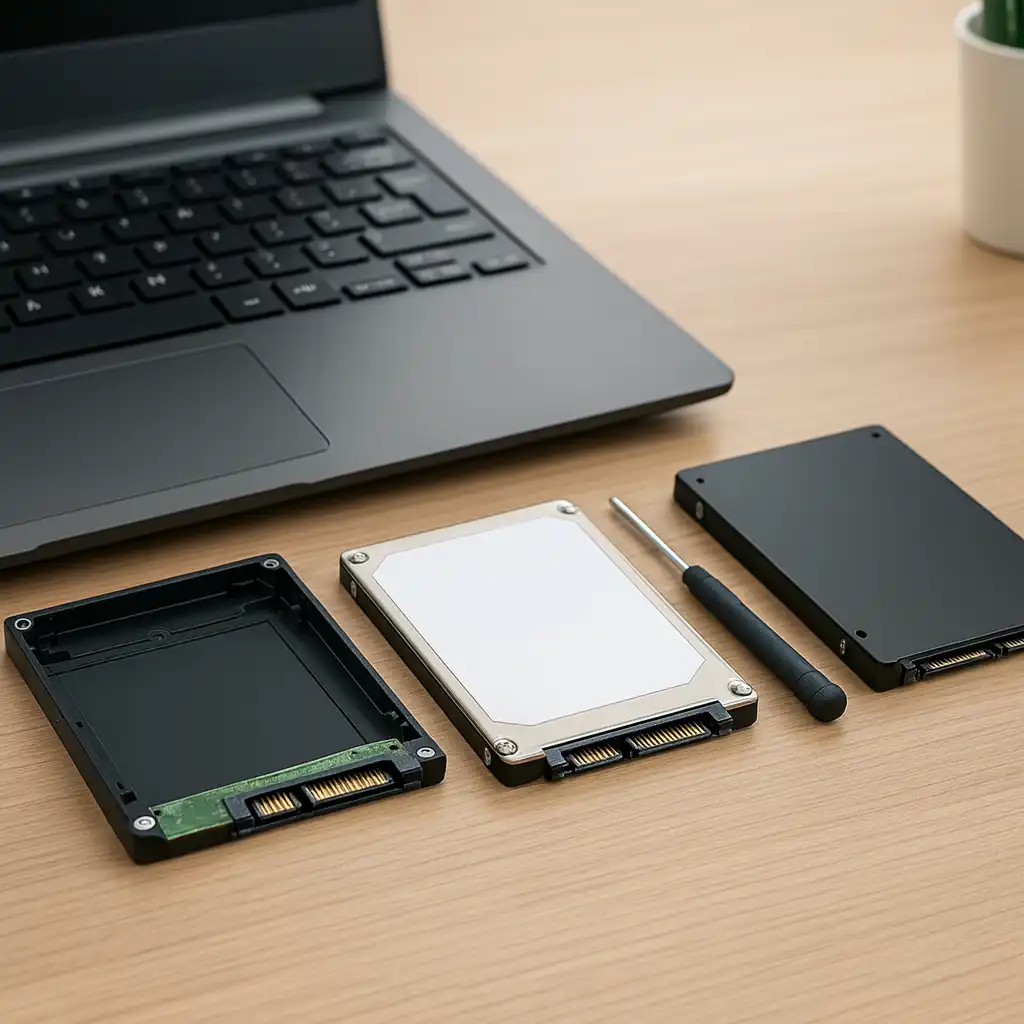
  • SSD and HDD placed side-by-side in front of an open laptop, showing the visual differences between the two storage types.
    Hardware

    Laptop SSD vs HDD: What’s the Difference and Which One Is Better?

    ByLaptopVoyager Team November 20, 2025November 20, 2025

    Last Updated: November 2025 Choosing between an SSD and an HDD has a huge impact on how fast and responsive your laptop feels. SSDs are now standard in most modern machines because they offer better speed, reliability, and everyday performance. HDDs still show up in older or budget laptops, but their slower design makes a…

    Read More Laptop SSD vs HDD: What’s the Difference and Which One Is Better?Continue

  • How to Replace a Hard Drive With an SSD (Beginner-Friendly Upgrade Guide)
    Hardware

    How to Replace a Hard Drive With an SSD (Beginner-Friendly Upgrade Guide)

    ByLaptopVoyager Team November 20, 2025November 20, 2025

    Last Updated: November 2025 Replacing a slow hard drive with an SSD is one of the easiest upgrades you can make to speed up an older laptop. The difference is immediate—Windows loads quicker, apps respond faster, and the whole system feels smoother. Even if you’ve never opened a laptop before, this step-by-step guide keeps things…

    Read More How to Replace a Hard Drive With an SSD (Beginner-Friendly Upgrade Guide)Continue

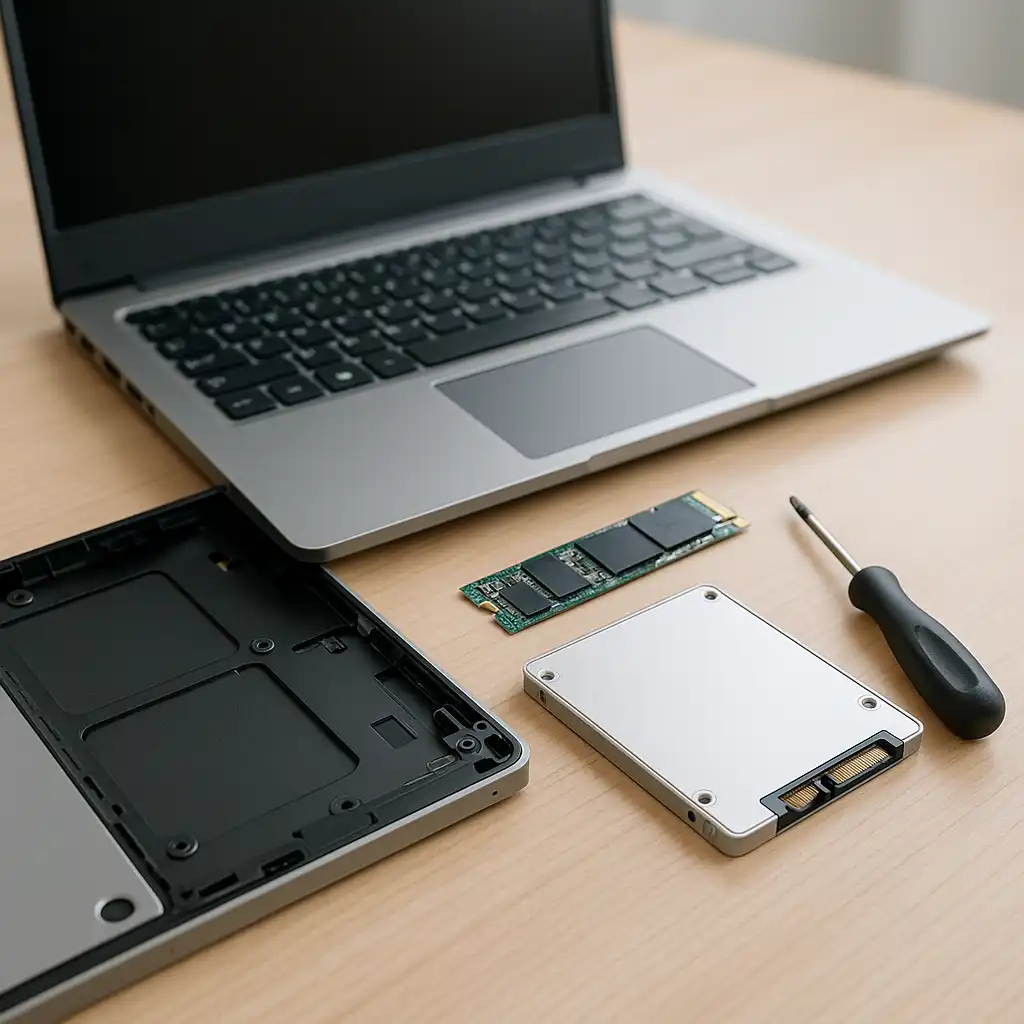
  • Open laptop with exposed storage area on a desk, showing an M.2 SSD and a 2.5-inch SATA SSD ready for installation.
    Hardware

    How to Install an SSD in a Laptop (Beginner-Friendly Guide)

    ByLaptopVoyager Team November 20, 2025November 20, 2025

    Last Updated: November 2025 Upgrading your laptop with an SSD is one of the fastest ways to bring new life to your system. It cuts boot times, reduces freezing, and makes everyday tasks feel smoother. The good news: installing one is easier than most people expect, and you can do it at home with just…

    Read More How to Install an SSD in a Laptop (Beginner-Friendly Guide)Continue

  • A person holding an M.2 SSD and a 2.5-inch HDD in front of a laptop screen showing the Windows Task Manager storage details, illustrating how to check if a laptop has an SSD or HDD.
    Hardware

    How to Check If Your Laptop Has an SSD or HDD (Fast & Simple Guide)

    ByLaptopVoyager Team November 20, 2025November 20, 2025

    Last Updated: November 2025 If your laptop takes a while to boot up or freezes during simple tasks, the type of storage inside it is often the culprit. Most laptops come with either an HDD or an SSD, and figuring out which one you have is extremely quick. You don’t need tools, and you don’t…

    Read More How to Check If Your Laptop Has an SSD or HDD (Fast & Simple Guide)Continue

  • Close-up of a Samsung NVMe SSD installed inside a laptop motherboard.
    Hardware

    Does SSD Improve Laptop Performance? (Clear, Simple Breakdown)

    ByLaptopVoyager Team November 20, 2025December 17, 2025

    Last Updated: November 2025 If your laptop feels slow or takes a long time to boot, the storage drive is often the biggest reason. Many older laptops still use mechanical hard drives, and those moving parts slow everything down. Switching to an SSD removes that bottleneck and makes your laptop feel faster right away. 👉…

    Read More Does SSD Improve Laptop Performance? (Clear, Simple Breakdown)Continue

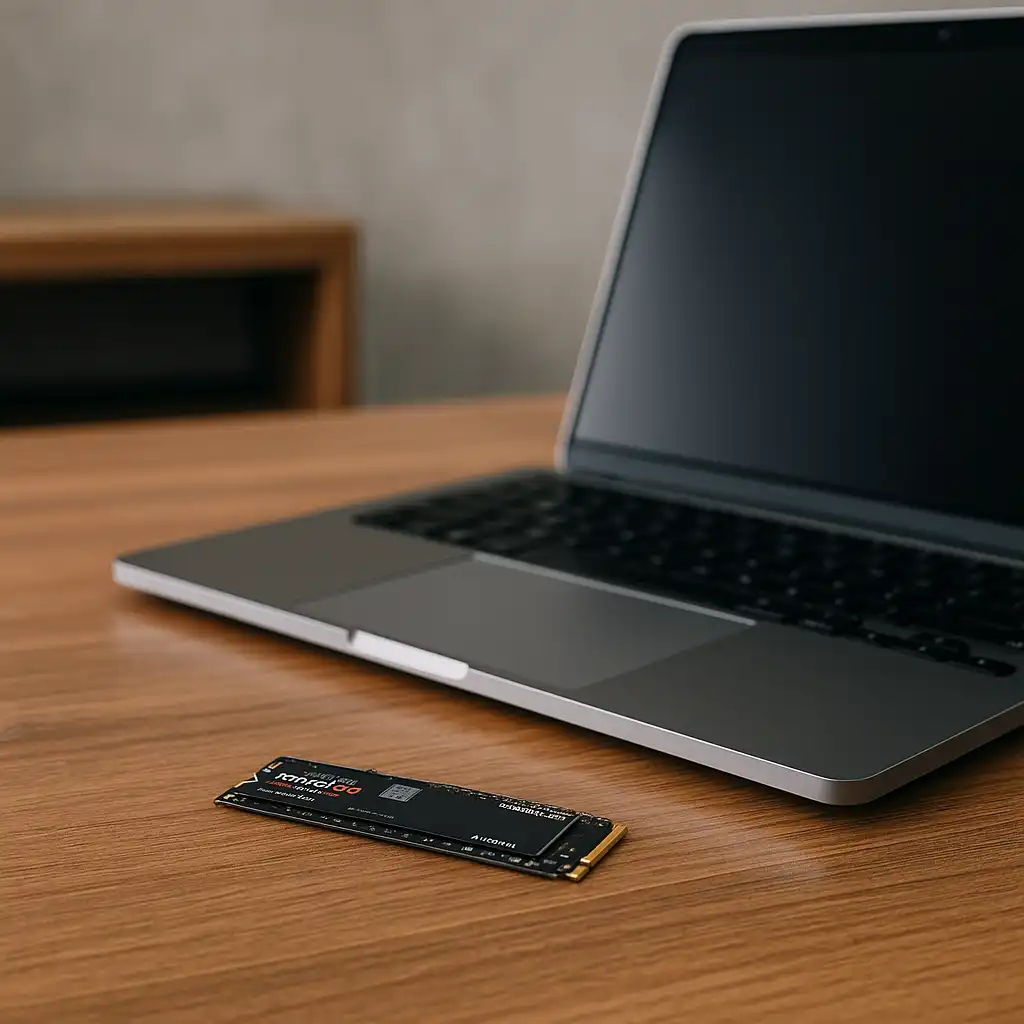
  • Laptop on a wooden desk with an M.2 NVMe SSD placed in front of it, ready for installation.
    Hardware

    Can I Add an SSD to My Laptop? (Easy Upgrade Explained)

    ByLaptopVoyager Team November 20, 2025November 20, 2025

    Last Updated: November 2025 If your laptop has been slowing down or taking forever to boot, adding an SSD is one of the simplest upgrades you can make. The speed boost is immediate ― apps open faster, files load quicker, and your whole system feels more responsive. 👉 For a quick overview of top-performing drives,…

    Read More Can I Add an SSD to My Laptop? (Easy Upgrade Explained)Continue

  • Three gaming NVMe SSDs—Samsung 990 PRO, WD_BLACK SN850X, and Crucial P3—lined up on a dark background.
    Hardware

    Best SSD for Laptop Gaming – Faster Load Times & Smoother Gameplay (2025)

    ByLaptopVoyager Team November 20, 2025November 20, 2025

    Last Updated: November 2025 A fast SSD can instantly make your gaming laptop feel more responsive. Modern games rely heavily on storage speed to load maps, textures, and assets, so a strong NVMe drive helps cut load times and smooth out in-game streaming. 👉 If you’re planning a storage upgrade and want a clearer breakdown…

    Read More Best SSD for Laptop Gaming – Faster Load Times & Smoother Gameplay (2025)Continue

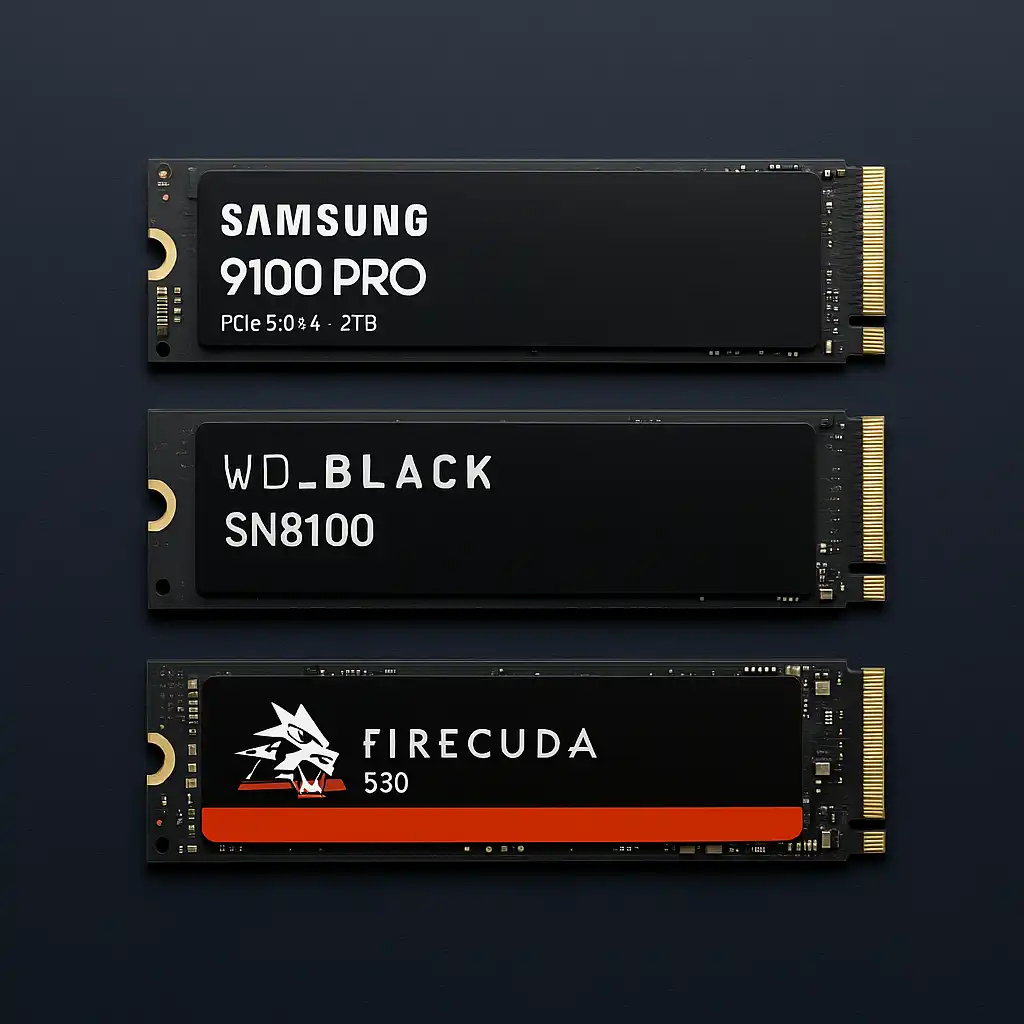
  • Three high-performance SSDs—Samsung 9100 PRO, WD_BLACK SN8100, and Seagate FireCuda 530—lined up on a dark background.
    Hardware

    Best SSD Drive for Video Editing – Fast, Reliable Storage for 2025

    ByLaptopVoyager Team November 20, 2025November 20, 2025

    Last Updated: November 2025 Fast, stable storage can make a huge difference in your editing workflow. When you’re scrubbing 4K footage, previewing heavy timelines, or exporting long videos, the right SSD helps your laptop or desktop stay responsive and consistent. 👉 For a full overview of upgrade choices, take a look at our guide on…

    Read More Best SSD Drive for Video Editing – Fast, Reliable Storage for 2025Continue

Page navigation

Previous PagePrevious 1 … 7 8 9 10 11 … 60 Next PageNext

© 2026 LaptopVoyager

  • Privacy Policy
  • Editorial Policy
  • About LaptopVoyager
  • Contact LaptopVoyager
  • Affiliate Disclosure
  • Terms of Service
  • Disclaimer
  • Cookies Policy
Manage Consent
To provide the best experiences, we use technologies like cookies to store and/or access device information. Consenting to these technologies will allow us to process data such as browsing behavior or unique IDs on this site. Not consenting or withdrawing consent, may adversely affect certain features and functions.
Functional Always active
The technical storage or access is strictly necessary for the legitimate purpose of enabling the use of a specific service explicitly requested by the subscriber or user, or for the sole purpose of carrying out the transmission of a communication over an electronic communications network.
Preferences
The technical storage or access is necessary for the legitimate purpose of storing preferences that are not requested by the subscriber or user.
Statistics
The technical storage or access that is used exclusively for statistical purposes. The technical storage or access that is used exclusively for anonymous statistical purposes. Without a subpoena, voluntary compliance on the part of your Internet Service Provider, or additional records from a third party, information stored or retrieved for this purpose alone cannot usually be used to identify you.
Marketing
The technical storage or access is required to create user profiles to send advertising, or to track the user on a website or across several websites for similar marketing purposes.
  • Manage options
  • Manage services
  • Manage {vendor_count} vendors
  • Read more about these purposes
View preferences
  • {title}
  • {title}
  • {title}
  • Home
  • Blog
  • About LaptopVoyager