Snapdragon Processor vs Intel – Laptop CPU Architecture and Performance Differences
Disclosure: This post contains affiliate links. LaptopVoyager.com participates in the Amazon Associates Program and may earn commissions on qualifying purchases, at no extra cost to you.
Last Updated: March 2026
Laptop processors are evolving as manufacturers explore new architectures focused on performance, efficiency, and AI acceleration. Two processor platforms that often appear in modern laptop discussions are Qualcomm Snapdragon processors and Intel processors.
Snapdragon chips are based on ARM architecture, commonly used in smartphones and mobile devices, while Intel processors use the traditional x86 architecture found in most desktop and laptop computers.
👉 For a broader overview of laptop CPU platforms, see our guide to best laptop processor.
This guide explains how Snapdragon processors compare with Intel laptop CPUs, including architecture design, performance characteristics, efficiency, and software compatibility based on manufacturer specifications and published benchmarks.
🔍 Snapdragon Laptop Processors
Snapdragon laptop processors are designed around ARM-based architecture, which emphasizes power efficiency and mobile-style computing.
According to Qualcomm documentation, many Snapdragon laptop chips integrate several components directly into the processor, including graphics, AI acceleration hardware, and connectivity features.
Many Snapdragon-powered laptops are designed for:
- long battery life
- thin and lightweight designs
- always-connected devices with cellular support
- mobile-style computing experiences
These processors are increasingly used in laptops focused on portability and extended battery life.
🔍 Intel Laptop Processors
Intel processors are based on x86 architecture, which has been the standard platform for personal computers for decades.
Intel produces several processor families used in laptops, including Core i5, Core i7, Core Ultra, and high-performance HX-series processors.
According to Intel specifications, these processors are designed for a wide range of workloads, including:
- productivity applications
- creative software
- gaming workloads
- development environments
Because most desktop software has historically been built for x86 platforms, Intel processors generally offer broad compatibility with traditional applications.
🔍 Architecture Differences
The most significant difference between Snapdragon and Intel processors lies in the underlying architecture.
Snapdragon processors use ARM architecture, which focuses on energy efficiency and mobile-style power management.
Intel processors use x86 architecture, designed to support complex desktop applications and a wide range of computing workloads.
These architectural differences influence how laptops manage performance, battery consumption, and software compatibility.
🔍 Performance and Workloads
Performance differences between Snapdragon and Intel processors depend on the specific processor model and laptop design.
According to manufacturer specifications and published benchmarks:
- Snapdragon processors often prioritize efficiency and AI-related features
- Intel processors often deliver strong performance in traditional desktop workloads
Workloads such as software development, video editing, and gaming may benefit from the performance and compatibility of x86 processors.
Meanwhile, Snapdragon processors can be well suited to web-based workloads and lightweight productivity applications.
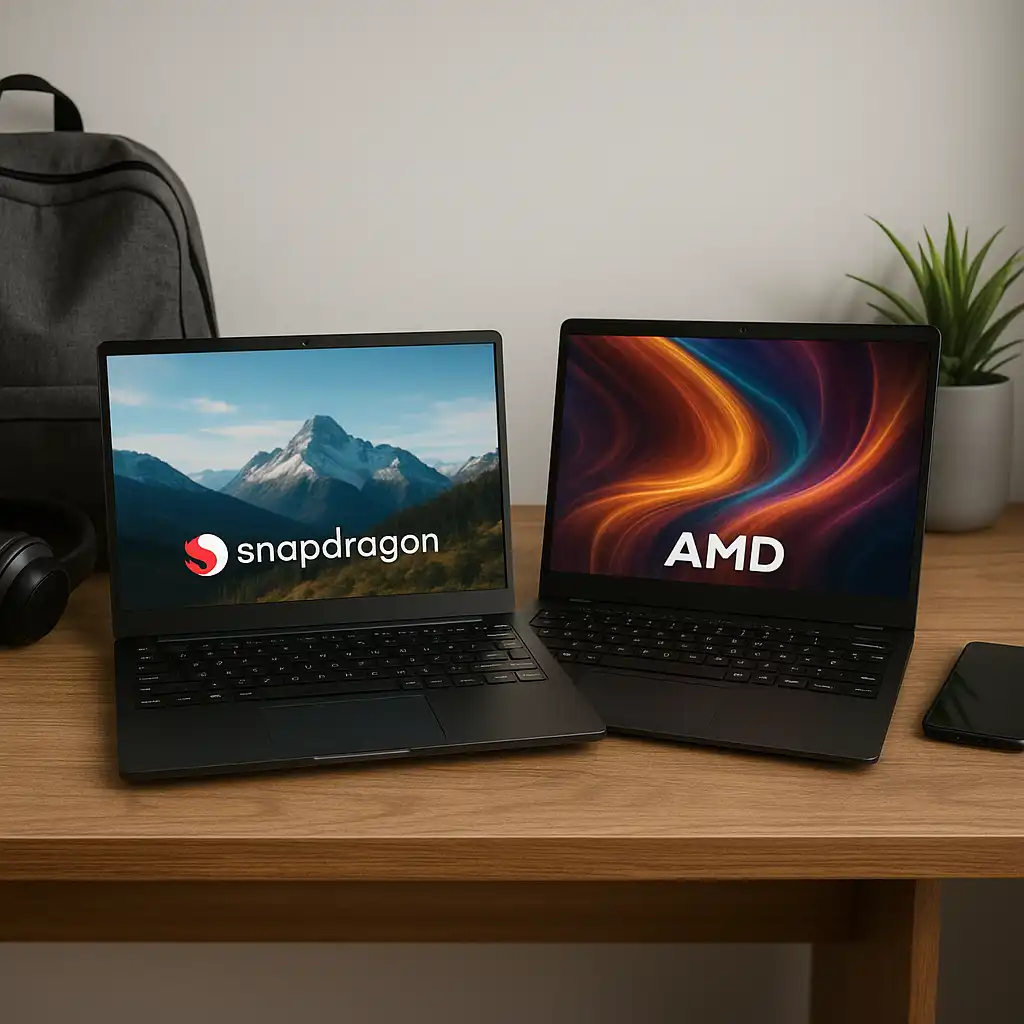
For a deeper look at how ARM-based processors compare with traditional laptop CPUs, see our guide to snapdragon vs amd laptops.
🔍 Battery Life and Efficiency
ARM-based processors such as Snapdragon are designed to operate efficiently during everyday computing tasks.
This design can help laptops achieve longer battery life depending on system configuration and workload.
Intel processors also include advanced power-management technologies, and many modern Intel laptops are designed to balance performance and efficiency effectively.
Battery performance ultimately depends on factors such as battery capacity, display type, and laptop power settings.
📌 Key Takeaways
- Snapdragon processors use ARM architecture designed for efficiency
- Intel processors use x86 architecture designed for broad software compatibility
- Snapdragon laptops often emphasize portability and battery life
- Intel processors commonly support demanding desktop workloads
- Laptop performance depends on the overall system configuration
🟢 FAQs
Q: Are Snapdragon processors better than Intel for laptops?
Neither platform is universally better. Snapdragon processors often focus on efficiency, while Intel processors support a broader range of desktop software.
Q: Can Snapdragon laptops run Windows programs?
Many Windows applications run on ARM-based laptops, although some programs may rely on compatibility layers depending on the software.
Q: Do Snapdragon laptops have better battery life?
ARM-based processors are designed for efficiency, which can help improve battery life depending on the laptop design and usage patterns.
✅ Conclusion
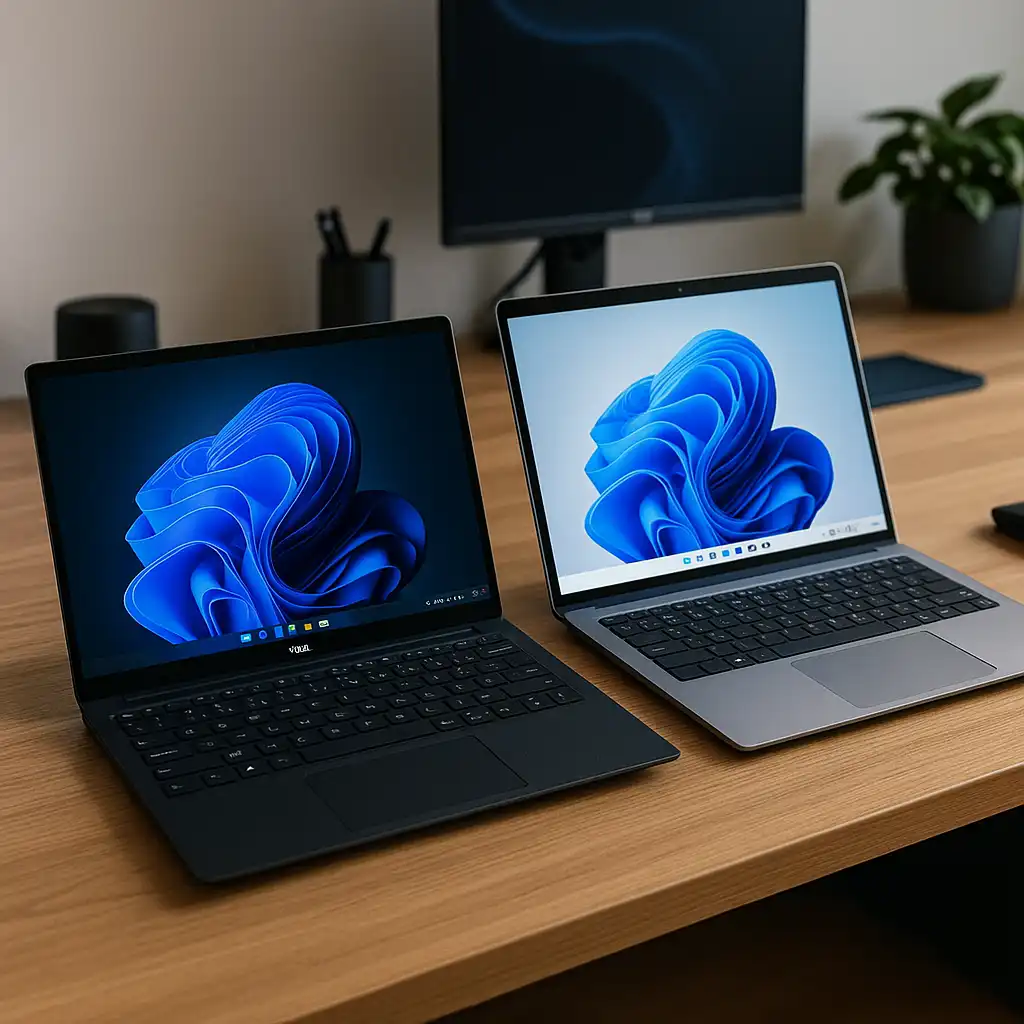
Comparing Snapdragon processors and Intel laptop CPUs highlights two different approaches to laptop computing.
Snapdragon processors focus on ARM-based efficiency and mobile-style power management, while Intel processors emphasize performance and compatibility with traditional desktop software.
Choosing between them depends on workload requirements, software compatibility, and the type of laptop experience you prefer.