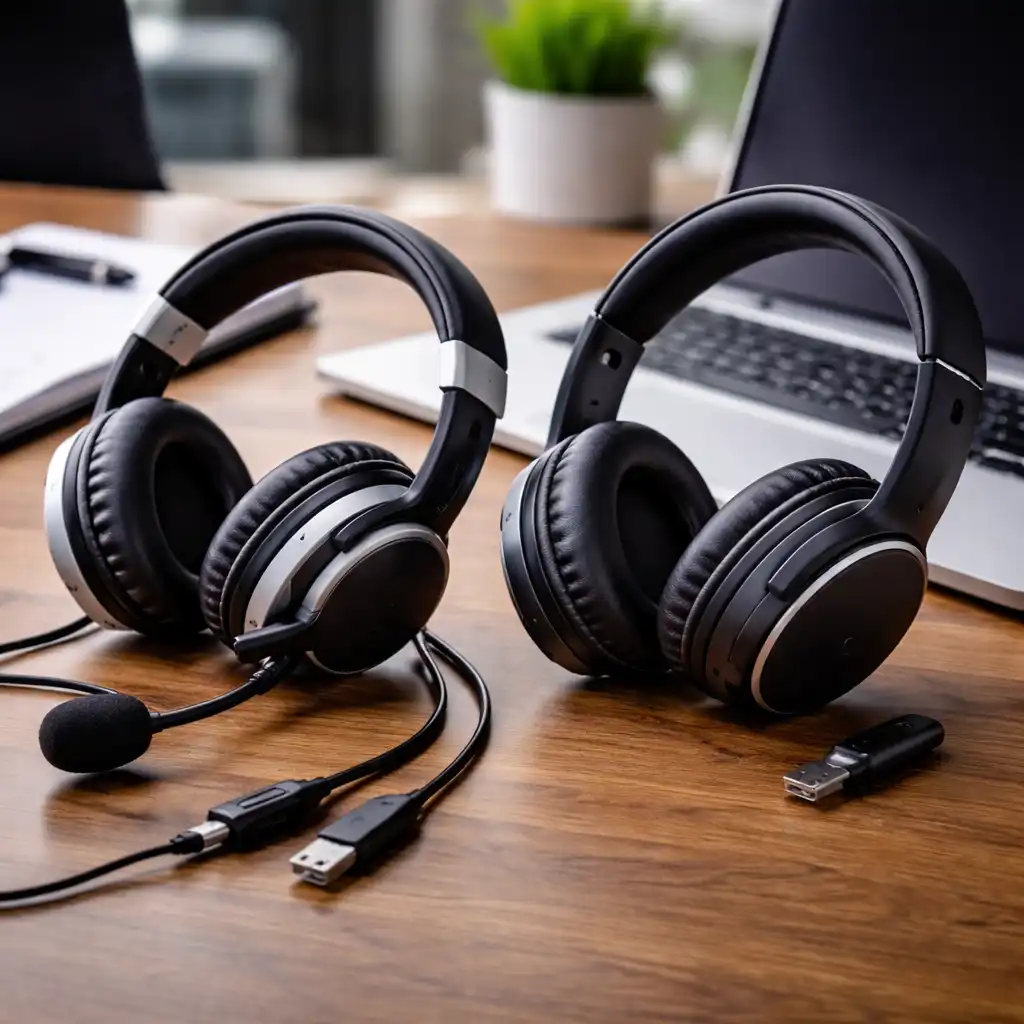
Wired vs Wireless Headset for Laptop – Which One Makes More Sense?
Disclosure: This post contains affiliate links. LaptopVoyager.com participates in the Amazon Associates Program and may earn commissions on qualifying purchases, at no extra cost to you.
Last Updated: February 2026
Choosing between a wired vs wireless headset for laptop use depends on how and where you work, study, or game. Both options connect easily to modern laptops, but they differ in latency, portability, battery needs, and overall flexibility.
This guide explains the key differences based on connection types, specifications, and real-world use scenarios so you can match the right headset style to your setup.
👉 for a broader overview of compatible models and audio accessories, see our guide to best laptop audio gear.
🔍 Connection Types Explained
Wired headsets typically connect via a 3.5mm audio jack or USB. USB models often include built-in digital audio processing, which may support features like virtual surround sound or software-based EQ controls.
Wireless headsets connect through Bluetooth or a 2.4GHz USB dongle. Bluetooth is widely compatible, while 2.4GHz connections are designed to offer lower latency and more stable performance.
🔍 Audio Quality and Latency
In a wired vs wireless headset for laptop comparison, latency is a key difference. Wired connections transmit audio directly, which minimizes delay.
Bluetooth can introduce slight latency, especially in fast-paced gaming. 2.4GHz wireless models are generally better suited for real-time use because they’re designed for lower audio delay.
🔍 Battery and Power Considerations
Wired headsets don’t require charging. They draw power directly from the laptop or operate passively through the audio jack.
Wireless headsets rely on internal batteries. Manufacturers typically specify battery life ranges, often between 15 and 40 hours depending on features like RGB lighting or active noise cancellation.
If you prefer a no-maintenance setup, wired models eliminate battery concerns — something we break down in our guide to wired vs wireless headset for laptop.
🔍 Portability and Desk Setup
Wireless headsets offer more freedom of movement. This can be useful for multitasking, standing desks, or moving between calls.
Wired headsets stay physically connected to your laptop, which can help maintain a tidy, consistent workstation. However, cable length and management become part of your setup.
If you travel often, Bluetooth headsets can pair easily with multiple devices including phones and tablets — especially models featured in our guide to best headset for laptop and phone.
🔍 Microphone Performance
Both wired and wireless headsets can include high-quality microphones. Many models feature cardioid pickup patterns designed to reduce background noise.
USB wired headsets may support digital mic processing through companion software. Wireless models with 2.4GHz dongles often prioritize stable voice transmission for gaming and conferencing.
🔍 Compatibility With Your Laptop
Before deciding, check your laptop’s available ports. Some ultrabooks include USB-C but not a traditional 3.5mm jack.
Bluetooth is built into most modern laptops, while 2.4GHz wireless headsets require a USB-A or USB-C dongle. Always confirm operating system compatibility with Windows or macOS.
📌 Key Takeaways
- Wired headsets offer minimal latency and no battery management
- Bluetooth provides wide compatibility but may introduce slight delay
- 2.4GHz wireless is typically better for gaming and real-time communication
- Wireless models offer greater mobility and cleaner desk setups
- Always verify port and OS compatibility before buying
🟢 FAQs
Q: Is wired better than wireless for gaming?
Wired generally provides the lowest latency, while 2.4GHz wireless can offer similarly stable performance.
Q: Do wireless headsets sound worse than wired ones?
Not necessarily. Sound quality depends more on driver tuning and build quality than connection type alone.
Q: Does Bluetooth work well for video calls?
Yes, but connection stability can vary depending on the laptop’s Bluetooth version and environment.
Q: Do wireless headsets need special drivers?
Some USB wireless models include companion software, while standard Bluetooth usually works without additional drivers.
✅ Conclusion
The choice between a wired vs wireless headset for laptop use depends on your priorities. If you want maximum stability and zero charging, wired makes sense.
If mobility and multi-device flexibility matter more, wireless models can be more convenient. Matching the connection type to your workflow helps ensure long-term satisfaction.