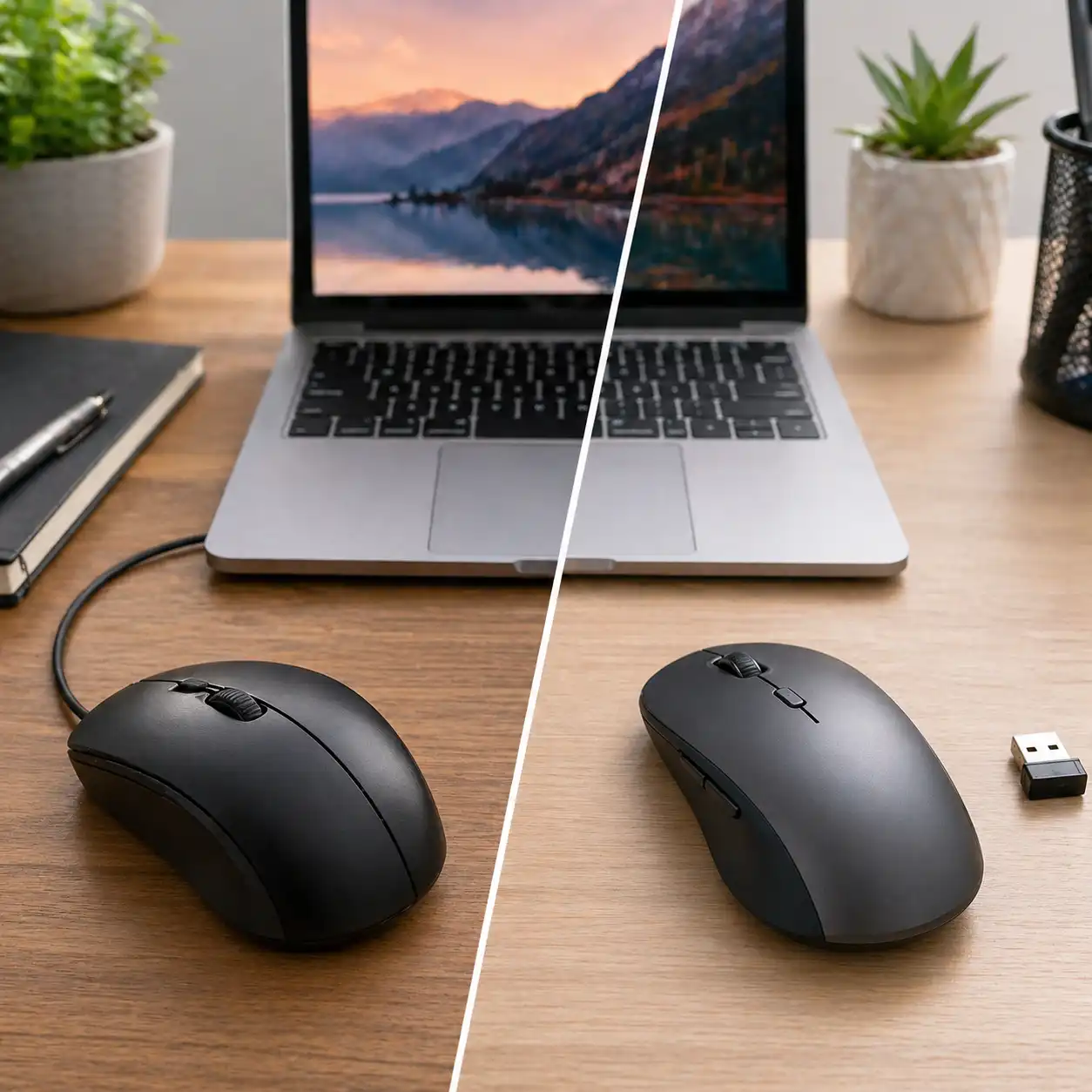
Wired vs Wireless Mouse for Laptop – Which One Should You Choose?
Disclosure: This post contains affiliate links. LaptopVoyager.com participates in the Amazon Associates Program and may earn commissions on qualifying purchases, at no extra cost to you.
Last Updated: July 2026
Choosing between a wired and wireless mouse can affect how comfortable and efficient your laptop setup feels. While both options are designed for everyday use, they differ in connectivity, performance, and portability.
This guide explains the differences between wired and wireless mice based on specifications, connection types, and real-world usage scenarios to help you decide which option suits your workflow.
👉 For a complete overview of all accessories, see best laptop accessories
📌 Key Takeaways
- Wired mice provide stable connections with no battery requirements
- Wireless mice are designed for portability and cleaner setups
- Performance differences depend on connection type and usage
- The best choice depends on your workspace and mobility needs
🔍 What Is a Wired Mouse?
A wired mouse connects directly to your laptop through a USB cable. Based on specifications, this type of mouse is designed to deliver a consistent connection without relying on batteries.
This makes wired mice suitable for users who prioritize reliability and uninterrupted performance during long sessions.
🔍 What Is a Wireless Mouse?
A wireless mouse connects via Bluetooth or a USB receiver. According to manufacturer specifications, these devices are designed to reduce cable clutter and improve portability.
They are commonly used in mobile setups where flexibility and convenience are important.
👉 For productivity-focused setups, see best laptop accessories for productivity
🔍 Performance and Responsiveness
Performance differences between wired and wireless mice depend on connection stability.
Based on design:
- Wired mice provide direct input with minimal latency
- Wireless mice rely on signal transmission, which may vary slightly
- Modern wireless technology is designed to minimize delays
For most everyday tasks, both options are designed to perform reliably within their intended use cases.
🔍 Battery Life and Power
Battery management is a key difference between these two options.
- Wired mice do not require batteries
- Wireless mice use rechargeable or replaceable batteries
- Battery life varies based on usage and specifications
This makes wired mice more predictable, while wireless options offer flexibility at the cost of occasional charging.
🔍 Portability and Desk Setup
Wireless mice are designed to improve portability and reduce clutter.
- no cables for easier transport
- cleaner desk appearance
- suitable for travel setups
Wired mice are better suited for fixed desk environments where cable management is not a concern.
👉 For complete workspace setups, see laptop desk setup accessories
🔍 When to Choose Each Option
Choosing between wired and wireless depends on your priorities.
Choose a wired mouse if you:
- want consistent performance
- prefer no battery management
- use a fixed desk setup
Choose a wireless mouse if you:
- need portability
- want a cleaner workspace
- work across multiple locations
🟢 FAQs
Q: Is a wired mouse better than a wireless mouse?
Neither option is universally better—it depends on whether you prioritize stability or portability.
Q: Do wireless mice have input lag?
Modern wireless mice are designed to minimize latency, though wired connections remain more direct.
Q: Are wireless mice good for work?
Yes, they are commonly used in professional environments, especially for mobile setups.
Q: Do wired mice work with all laptops?
Most laptops support USB connections, making wired mice widely compatible.
✅ Conclusion
Wired and wireless mice serve different needs. Based on specifications and design, wired mice focus on stability and simplicity, while wireless options are designed for portability and convenience.
Choosing the right option depends on how you use your laptop and whether you prioritize performance consistency or flexibility.