8GB RAM vs 16GB RAM Laptop – Performance Differences Explained
Disclosure: This post contains affiliate links. LaptopVoyager.com participates in the Amazon Associates Program and may earn commissions on qualifying purchases, at no extra cost to you.
Last Updated: March 2026
Laptop memory plays a major role in how smoothly a system runs applications, manages multitasking, and handles demanding workloads. RAM allows the operating system and active programs to store temporary data so tasks can run quickly without relying on slower storage drives.
Many entry-level and mid-range laptops are commonly configured with 8GB or 16GB of RAM, making this one of the most frequent upgrade decisions when choosing a new laptop.
👉 If you’re comparing modern laptop CPUs and architectures, see our guide to best laptop processor.
This guide explains the differences between 8GB RAM and 16GB RAM laptops, how memory capacity affects everyday performance, and which configuration makes sense for different types of users.
🔍 How RAM Affects Laptop Performance
RAM (Random Access Memory) stores the data that your laptop actively uses while running programs. When you open applications, switch browser tabs, or edit files, the system temporarily keeps that information in memory so it can be accessed quickly.
If available RAM becomes limited, the system may move some data to the storage drive, which is significantly slower. This can lead to delays when switching between programs or running multiple applications at the same time.
More RAM allows the system to keep more active data available in fast memory, improving responsiveness and multitasking performance.
🔍 8GB RAM – Basic Everyday Computing
Laptops with 8GB RAM are typically designed for everyday computing tasks and light workloads.
This configuration is commonly sufficient for:
- web browsing with several tabs open
- streaming video and music
- office applications and document editing
- video calls and remote work tools
- basic multitasking
Modern operating systems can run comfortably on 8GB RAM, but performance may start to slow down when many applications or browser tabs are open simultaneously.
For casual users and students who mainly perform lightweight tasks, 8GB RAM can still provide acceptable performance.
🔍 16GB RAM – Better Multitasking and Longevity
A laptop with 16GB RAM provides significantly more headroom for multitasking and demanding applications.
This configuration is well suited for:
- heavy web browsing with many tabs
- productivity workflows with multiple applications open
- photo editing and creative tools
- moderate gaming workloads
- running background programs while working
The additional memory capacity allows the system to keep more applications active without relying on slower storage memory.
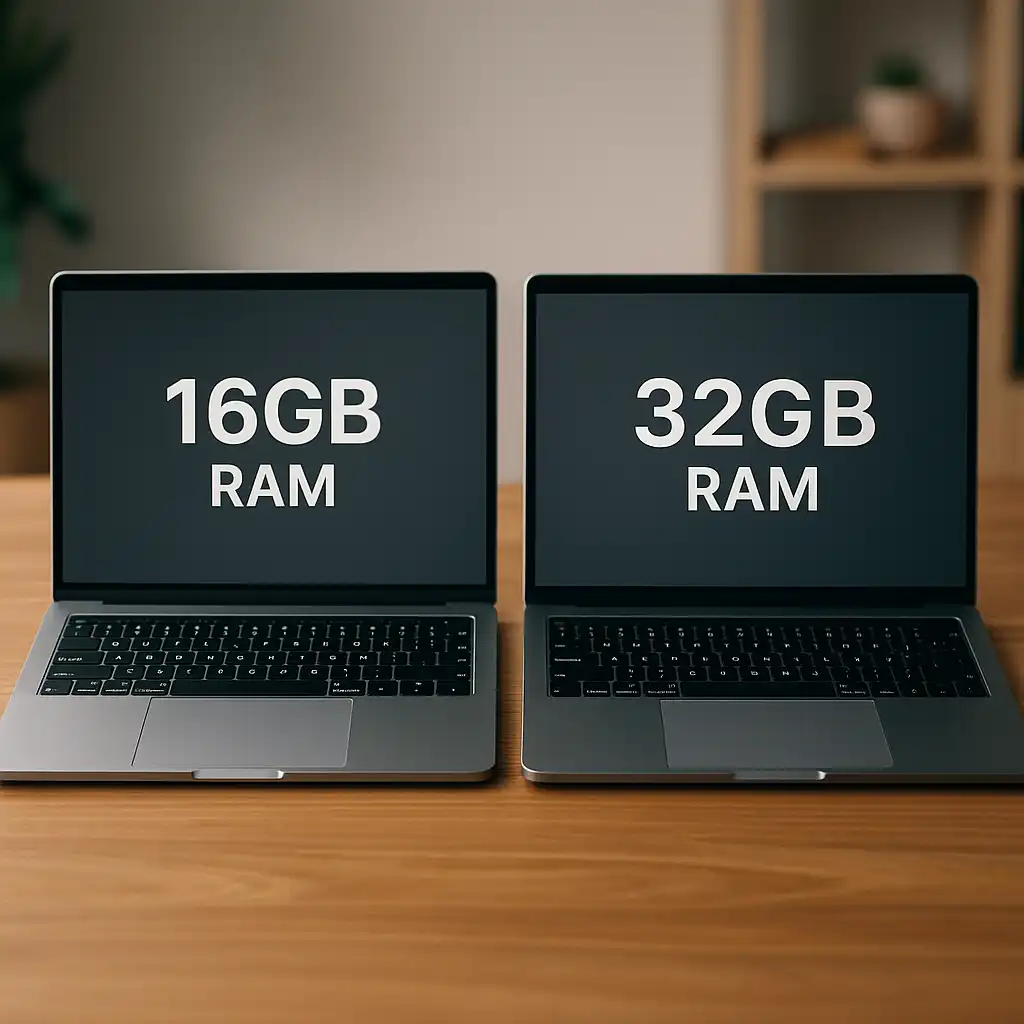
If you’re comparing larger memory configurations, our guide to 16gb ram vs 32gb ram laptop explains when higher RAM capacity becomes useful.
🔍 Multitasking Differences Between 8GB and 16GB
The most noticeable difference between the two configurations appears during multitasking.
With 8GB RAM, running several applications simultaneously may eventually consume most available memory. When this happens, the operating system starts using storage memory, which slows performance.
With 16GB RAM, laptops can maintain smooth performance while running multiple applications, browser tabs, and background services.
This additional headroom makes 16GB RAM a popular choice for users who frequently multitask.
🔍 Gaming and Creative Workloads
Most modern games recommend at least 16GB RAM for optimal performance, particularly when running background applications such as voice chat or streaming tools.
Creative applications like photo editing software, video editing programs, and design tools also benefit from additional memory.
While some lighter games and creative tasks can run on 8GB RAM, 16GB generally provides a smoother experience in demanding workloads.
📌 Key Takeaways
- RAM determines how many applications a laptop can run simultaneously
- 8GB RAM supports basic computing tasks and light multitasking
- 16GB RAM improves performance for multitasking and modern software
- Gaming and creative workloads often benefit from higher memory capacity
- Choosing the right RAM depends on how the laptop will be used
🟢 FAQs
Q: Is 8GB RAM enough for a laptop?
For basic computing tasks such as browsing, office applications, and streaming, 8GB RAM can be sufficient.
Q: Is 16GB RAM worth it for a laptop?
For users who multitask frequently, run demanding applications, or want a laptop that remains capable for several years, 16GB RAM often provides better long-term value.
Q: Does more RAM make a laptop faster?
More RAM can improve performance when running multiple programs or memory-intensive applications, allowing the system to manage workloads more efficiently.
✅ Conclusion
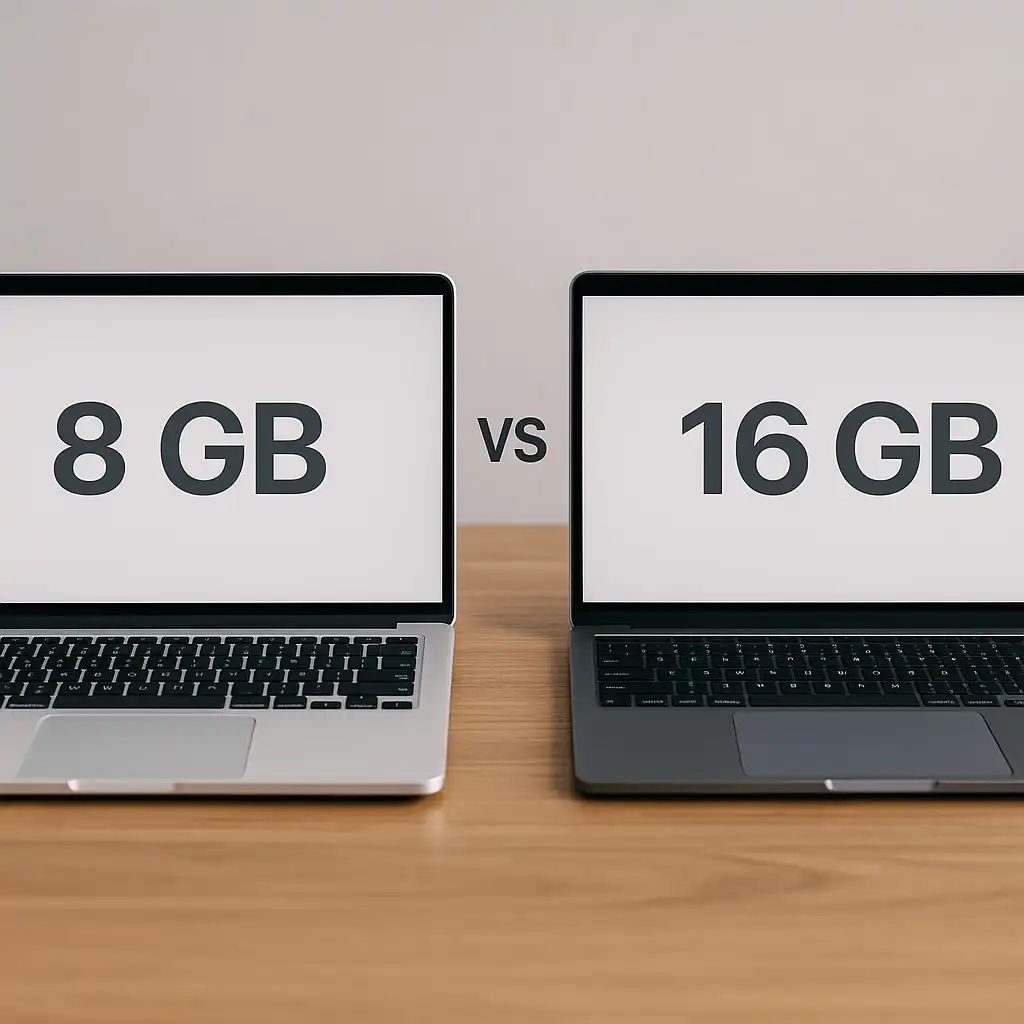
Choosing between 8GB RAM and 16GB RAM in a laptop depends largely on how the system will be used. For light everyday tasks, 8GB RAM may still provide acceptable performance.
However, for users who multitask heavily, run modern software, or want a laptop that remains responsive over time, 16GB RAM typically offers a more comfortable and future-proof configuration.
Understanding how memory capacity influences laptop performance helps buyers choose systems suited to their workloads.