Best Home Office Accessories for Laptops – Build a More Comfortable Workspace
Disclosure: This post contains affiliate links. LaptopVoyager.com participates in the Amazon Associates Program and may earn commissions on qualifying purchases, at no extra cost to you.
Last Updated: June 2026
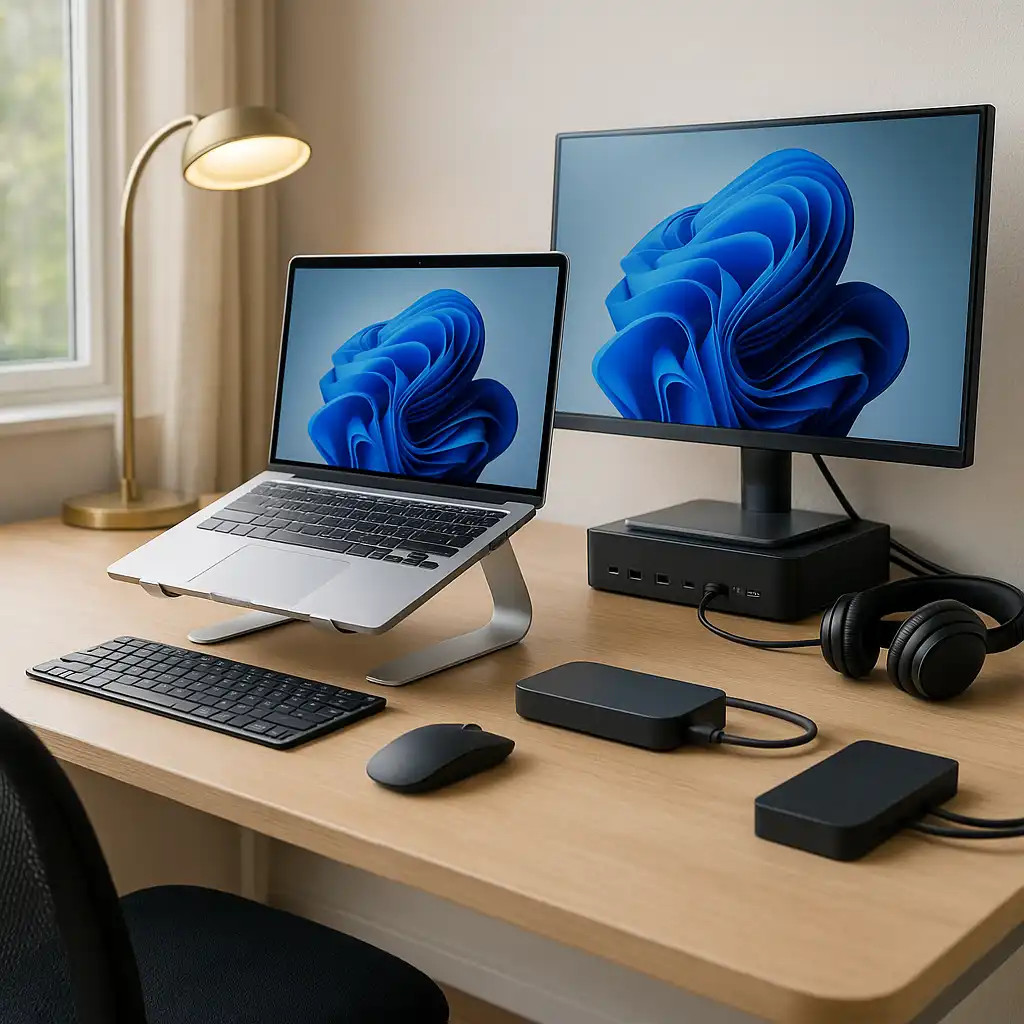
A well-designed home office isn’t just about having a laptop on your desk. The right accessories can improve comfort, reduce clutter, and make everyday tasks like video calls, multitasking, and long work sessions much easier.
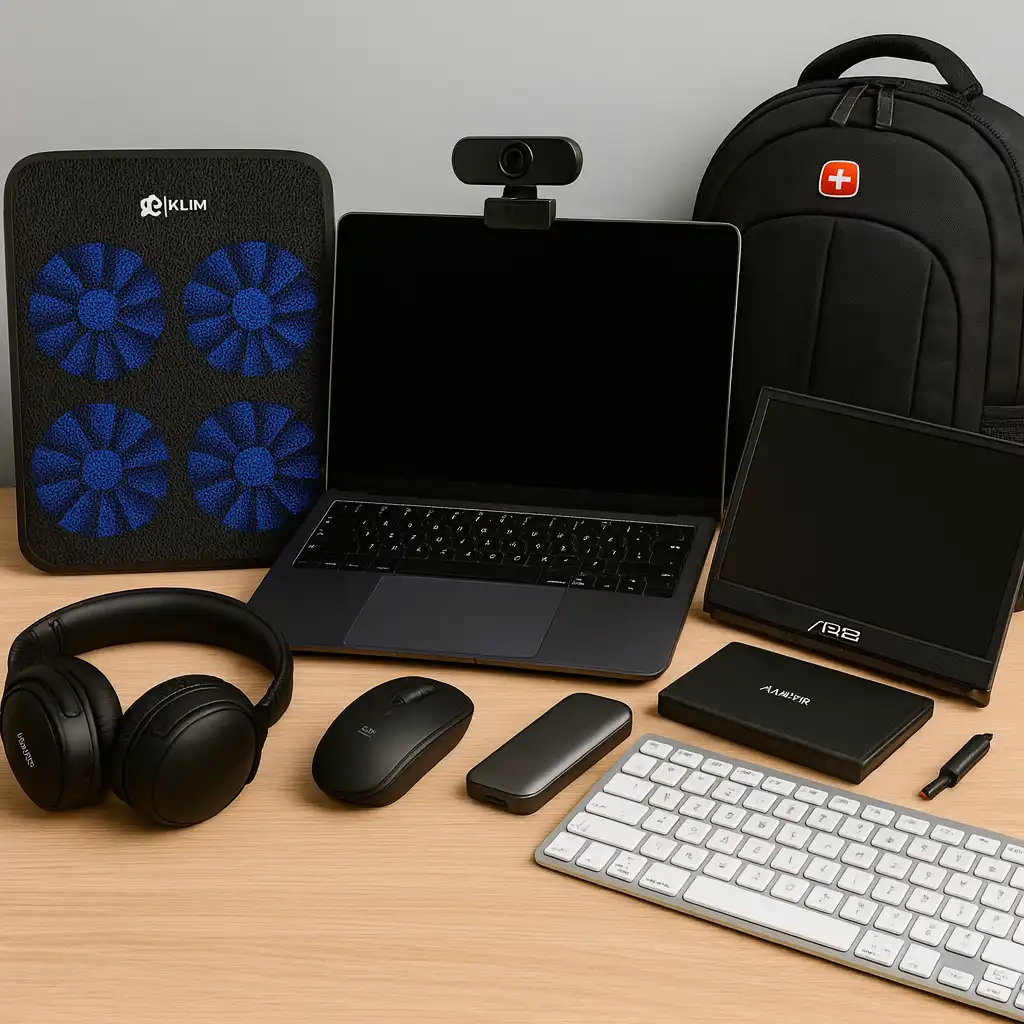
This guide highlights nine home office accessories based on specifications, features, and practical use cases. Whether you’re creating a new workspace or upgrading an existing one, these accessories are designed to help you work more comfortably and efficiently.
👉 For a complete overview of accessories, see Best Laptop Accessories
💰 Check Price & Availability
View on Amazon – BenQ e-Reading Desk Lamp
View on Amazon – CalDigit TS4 Thunderbolt 4 Dock
View on Amazon – Univivi Under Desk Cable Management Tray
View on Amazon – SAMSUNG T9 Portable SSD 4TB
View on Amazon – Dell U2723QE UltraSharp 27-Inch 4K Monitor
View on Amazon – Rain Design mStand Laptop Stand
View on Amazon – Sony WH-1000XM5 Noise-Canceling Headphones
View on Amazon – Logitech Brio 4K Webcam
View on Amazon – Logitech MX Keys S Combo
📋 Quick-View Comparison List
Best Desk Lighting: BenQ e-Reading Desk Lamp
Best Docking Station: CalDigit TS4 Thunderbolt 4 Dock
Best Cable Management: Univivi Under Desk Cable Management Tray
Best External Storage: Samsung T9 Portable SSD 4TB
Best 4K Monitor: Dell U2723QE UltraSharp
Best Laptop Stand: Rain Design mStand
Best Noise-Canceling Headphones: Sony WH-1000XM5
Best Webcam: Logitech Brio 4K
Best Keyboard and Mouse Combo: Logitech MX Keys S Combo
🔍 What Makes a Great Home Office Setup?
A productive workspace is built around comfort, organization, and efficient connectivity.
Based on manufacturer specifications, accessories such as external displays, ergonomic stands, quality lighting, and docking stations help create a workspace that’s easier to use throughout the day.
👉 If you’re building a complete desk setup, see Laptop Desk Setup Accessories.
📦 BenQ e-Reading Desk Lamp
Proper lighting supports visual comfort during extended work sessions.
The BenQ e-Reading Desk Lamp is designed with adjustable brightness,
multiple color temperature settings, and wide illumination coverage.
According to lighting design standards, these features help reduce
glare across work surfaces.
📦 CalDigit TS4 Thunderbolt 4 Dock
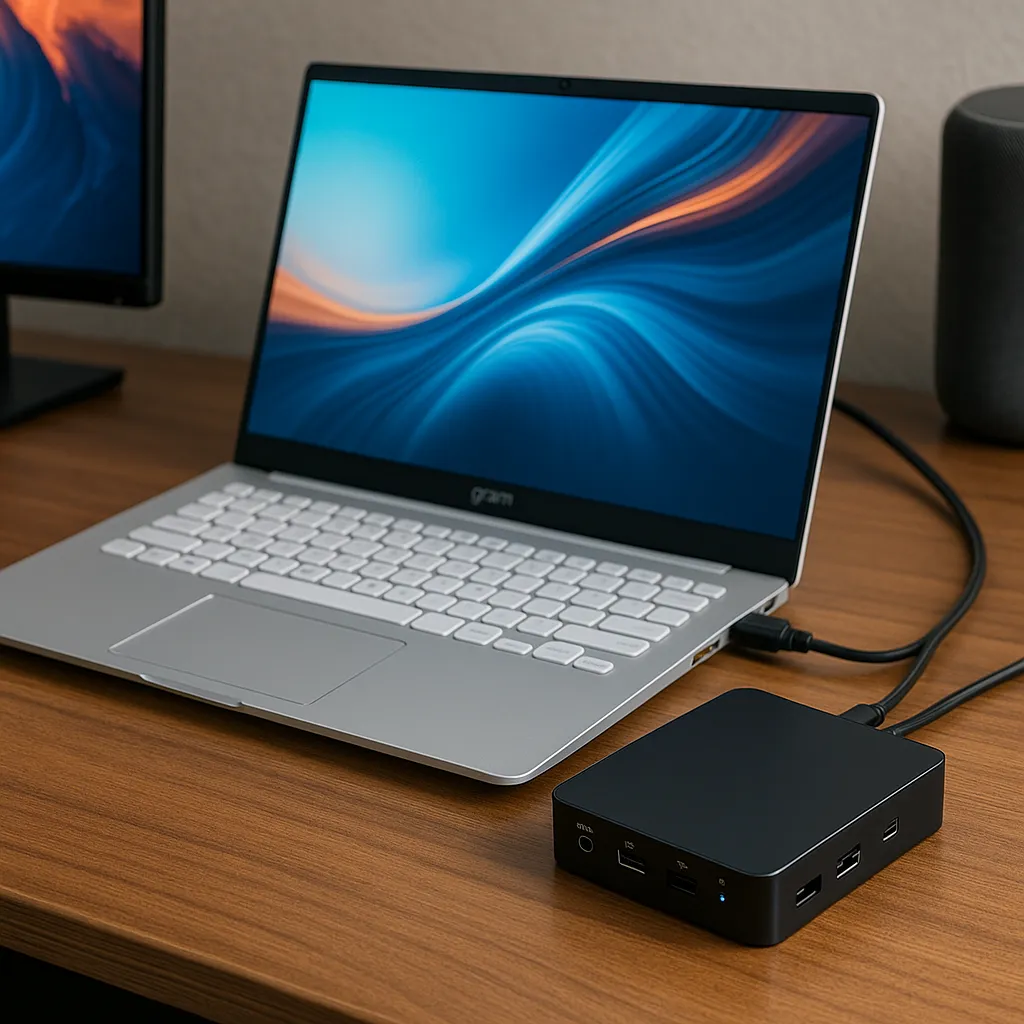
The CalDigit TS4 is designed for users who connect multiple peripherals every day.
According to manufacturer specifications, it provides numerous Thunderbolt, USB, Ethernet, audio, and display connections while supporting laptop charging through a single cable.
📦 Univivi Under Desk Cable Management Tray
Cable management helps keep workspaces clean and organized.
The Univivi tray mounts underneath the desk to hide power strips, chargers, and excess cables, making everyday setups easier to maintain.
📦 Samsung T9 Portable SSD 4TB
External storage is useful for backups, large files, and creative projects.
Based on Samsung specifications, the T9 Portable SSD offers high-speed data transfers and generous storage capacity in a compact design that’s easy to move between devices.
📦 Dell U2723QE UltraSharp 27-Inch 4K Monitor
A larger external display provides additional workspace for multitasking.
According to Dell specifications, the U2723QE features a 27-inch 4K IPS display with excellent color accuracy, USB-C connectivity, and ergonomic adjustments suitable for professional work.
📦 Rain Design mStand Laptop Stand
Laptop stands are designed to support better screen positioning.
According to ergonomic guidelines, the Rain Design mStand is designed to raise the laptop to approximately eye level, which supports more neutral neck positioning. It also allows additional airflow underneath the device.
📦 Sony WH-1000XM5 Noise-Canceling Headphones
Noise cancellation helps reduce distractions in busy environments.
Sony equips the WH-1000XM5 with advanced active noise cancellation and long battery life, making it suitable for meetings, focused work, and music.
📦 Logitech Brio 4K Webcam
Video quality has become increasingly important for remote meetings.
The Logitech Brio supports Ultra HD 4K resolution, HDR, autofocus, and multiple fields of view according to manufacturer specifications, helping users present a professional image during video calls.
👉 If video calls are part of your daily workflow, see Best External Webcams for Laptops.
📦 Logitech MX Keys S Combo
A quality keyboard and mouse can improve comfort throughout the workday.
The MX Keys S Combo combines Logitech’s low-profile keyboard with an ergonomic wireless mouse, offering multi-device connectivity and customizable productivity features.
📌 Key Takeaways
- Good lighting and ergonomics improve long-term comfort.
- A docking station simplifies connecting multiple peripherals.
- External monitors increase workspace and multitasking efficiency.
- Quality webcams and headphones improve remote meetings.
- Cable management helps create a cleaner, more organized desk.
🟢 FAQs
Q: Which accessory makes the biggest difference in a home office?
An external monitor is often one of the most impactful upgrades because it provides significantly more workspace.
Q: Is a docking station worth buying?
It can be valuable for users connecting multiple monitors, storage devices, and peripherals from a permanent desk setup.
Q: Do I need an external webcam?
If you regularly attend video meetings, an external webcam typically offers better image quality than most built-in laptop cameras.
Q: Why is cable management important?
Organized cables make the workspace easier to maintain while reducing clutter around the desk.
✅ Conclusion
The best home office accessories for laptops are the ones that improve your daily workflow without making your workspace more complicated. Whether you’re adding better lighting, expanding your display, organizing cables, or improving video call quality, each accessory contributes to a more comfortable and productive setup based on your needs.