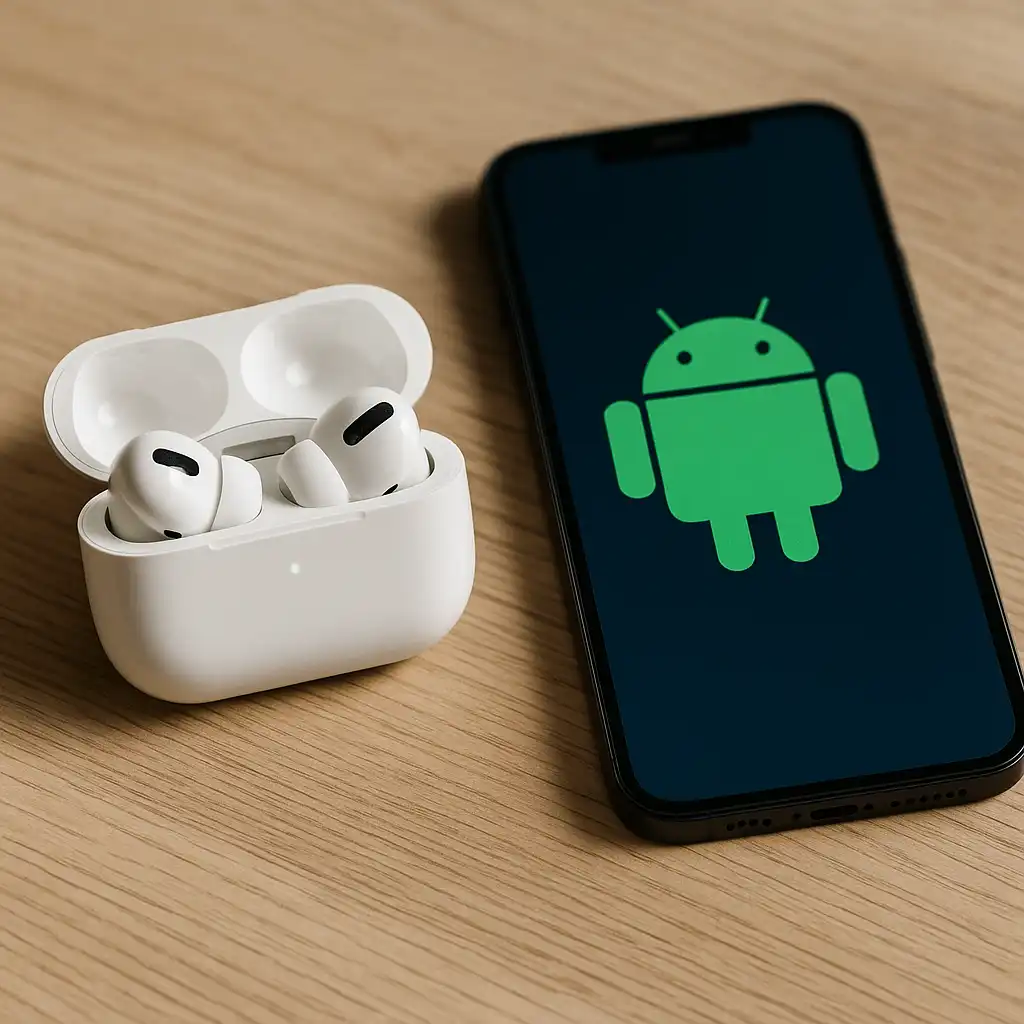
Do AirPods Pro 2 Work With Android? What You Get, What You Lose
Disclosure: This post contains affiliate links. LaptopVoyager.com participates in the Amazon Associates Program and may earn commissions on qualifying purchases, at no extra cost to you.
Last Updated: February 2026
AirPods Pro 2 can connect to Android phones, but the experience isn’t identical to using them with an iPhone. The key question isn’t whether they pair, but which features still work normally and which ones are limited outside Apple’s ecosystem.
This guide breaks down Android compatibility in practical terms, including pairing, core audio features, and the most common limitations.
👉 for a broader overview of compatible earbuds and headsets, see our guide to best laptop audio gear.
🔍 Do AirPods Pro 2 Pair With Android?
Yes. AirPods Pro 2 use standard Bluetooth, so they can pair with most Android phones like any other wireless earbuds.
Pairing is done through Android’s Bluetooth menu. Once connected, you can use them for music, calls, podcasts, and video audio.
🔍 What Works Normally on Android
On Android, you can still use AirPods Pro 2 for core features like:
- Listening to music and video audio
- Taking calls with the built-in microphones
- Using basic touch/press controls (play/pause, skip, call answer/end)
- Active Noise Cancellation (ANC) and Transparency mode (via stem controls)
In other words, the fundamentals still work well because they’re handled through Bluetooth and onboard hardware.
🔍 What Features Are Limited or Missing?
Some Apple-only features are limited or unavailable on Android, including:
- Automatic device switching between Apple devices
- “Hey Siri” voice activation
- iCloud-based pairing and device syncing
- Battery pop-up widgets and Apple-specific UI integration
- Find My network features (full integration is iOS-based)
- Firmware updates (typically require iPhone/iPad/macOS access)
You can still check battery and manage Bluetooth from Android, but the experience is less seamless than on iOS.
🔍 Can You Control Noise Cancellation on Android?
Yes, but not through Apple’s settings menus.
AirPods Pro 2 allow switching between ANC and Transparency using the stem controls. That’s usually the simplest way on Android since you won’t have access to Apple’s detailed audio controls.
If you want a noise-cancelling model comparison, see our guide to best apple airpods for noise cancelling.
🔍 Are AirPods Pro 2 a Good Choice for Android Users?
They can be a good pick if you mainly care about:
- Strong sound quality
- Noise control modes
- A comfortable in-ear fit
- Reliable Bluetooth audio for daily use
They’re less ideal if you want maximum feature integration, customization, or a fully Android-native experience. In that case, Android-focused earbuds may offer more app features and settings access.
📌 Key Takeaways
- AirPods Pro 2 work with Android via standard Bluetooth
- Core audio, calls, and ANC/Transparency still function
- Apple ecosystem features (Siri, auto-switch, Find My) are limited
- Detailed settings and firmware updates usually require Apple devices
- Best for Android users who prioritize sound and ANC over integration
🟢 FAQs
Q: Can AirPods Pro 2 connect to Android like normal Bluetooth earbuds?
Yes. They pair through Android Bluetooth settings and work like standard wireless earbuds.
Q: Does noise cancellation work on Android?
Yes. ANC and Transparency can be toggled using the AirPods stem controls.
Q: Can you update AirPods Pro 2 firmware using Android?
Typically no. Firmware updates generally require an Apple device.
Q: Are AirPods Pro 2 waterproof for Android users too?
The water resistance rating is the same regardless of device. See are airpods pro 2 waterproof for details.
✅ Conclusion
AirPods Pro 2 do work with Android, and the essentials — sound, calls, and noise control — still perform as expected through Bluetooth. The main tradeoff is ecosystem integration, since several convenience features are designed around Apple devices.
If you’re okay with a slightly less seamless setup, AirPods Pro 2 can still be a solid everyday earbud option for Android users.