How to Clean Your Laptop Bag – Safe Care and Maintenance Guide
Disclosure: This post contains affiliate links. LaptopVoyager.com participates in the Amazon Associates Program and may earn commissions on qualifying purchases, at no extra cost to you.
Last Updated: February 2026
Laptop bags collect dust, moisture, food crumbs, and daily grime faster than most people expect. Regular cleaning helps preserve fabric coatings, maintain zipper function, and extend overall lifespan.
This guide explains safe cleaning steps based on common manufacturer care instructions for fabric, leather, and waterproof laptop bags.
👉 For a broader overview of carry styles and materials, see our guide to best laptop bags and cases.
🔍 Step 1: Empty and Inspect the Bag
Before cleaning, remove everything from all compartments. Shake the bag gently to remove loose debris and turn pockets inside out where possible.
Inspect seams, zippers, and padded compartments. Identifying worn areas early helps prevent long-term damage.
Organization plays a role in long-term cleanliness. If your bag constantly accumulates clutter, this guide on how to organize your laptop bag explains how better compartment use reduces mess buildup.
🔍 Step 2: Vacuum Loose Dirt
Use a handheld vacuum with a brush attachment to remove dust from interior compartments. Pay attention to corners and padded sleeves where particles collect.
For waterproof or coated fabrics, avoid aggressive brushing that could weaken protective layers.
🔍 Step 3: Spot Clean Fabric Bags
For nylon, polyester, or canvas materials, mix mild soap with lukewarm water. Lightly dampen a cloth and gently wipe stained areas.
Avoid soaking padded compartments. Excess moisture can weaken structure and internal padding.
Let the bag air dry completely before reuse.
🔍 Step 4: Cleaning Leather Laptop Bags
Leather bags require different care. Use a leather-safe cleaner applied to a soft cloth rather than directly to the surface.
After cleaning, some manufacturers recommend conditioning to prevent cracking. Always follow brand-specific care instructions for premium materials.
🔍 Step 5: Maintain Zippers and Hardware
Zippers often collect dust and grit. Use a soft brush or compressed air to clear debris.
If movement feels stiff, zipper lubricant designed for fabric gear can help restore smooth function.
🔍 Choosing the Right Cleaning Approach by Bag Type
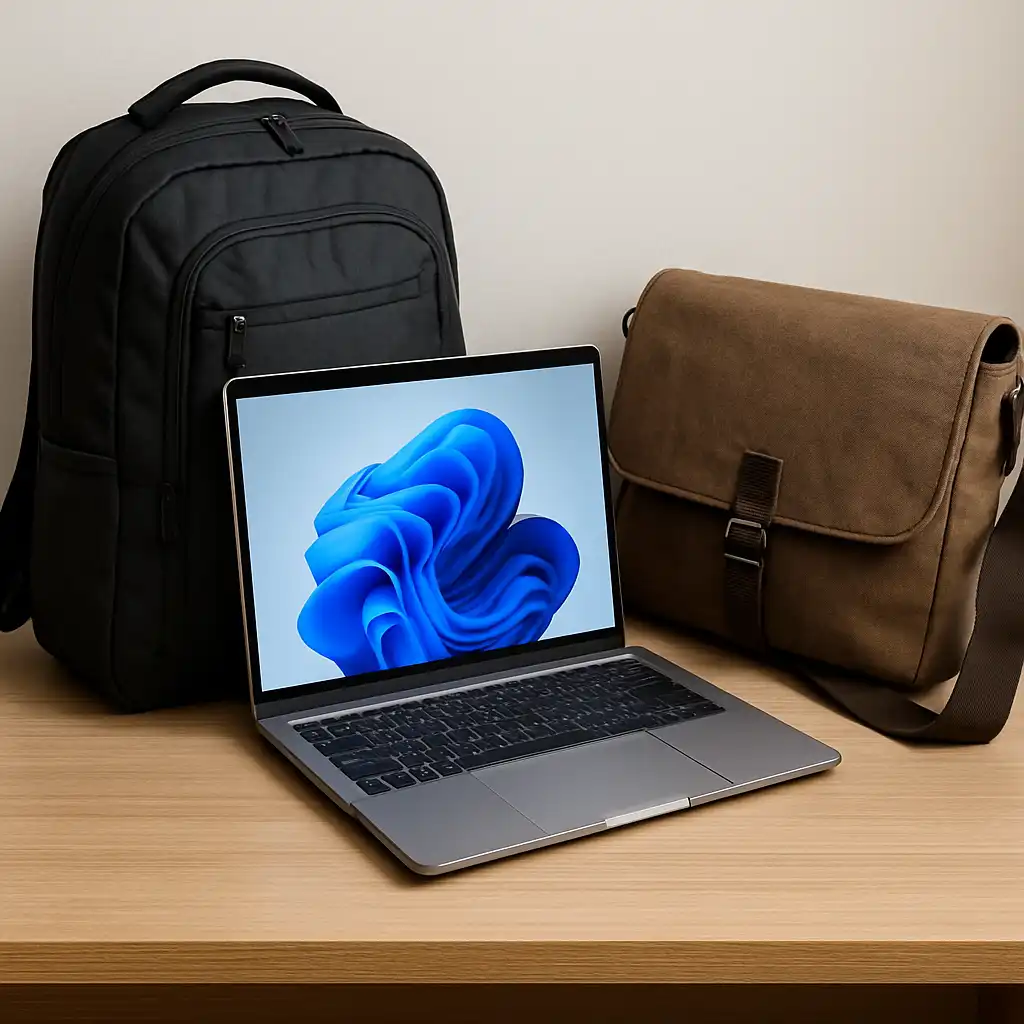
Different formats may require slightly different maintenance routines. Backpacks with multiple padded sections may need more frequent vacuuming, while messenger bags often require attention around flap closures and strap connections.
If you’re comparing carry styles and structural differences, this guide on backpack vs messenger bag for laptop explains how design affects daily wear patterns.
📌 Key Takeaways
- Empty and inspect the bag before cleaning
- Vacuum interior compartments to remove grit
- Use mild soap for fabric and proper cleaner for leather
- Air dry fully before storing electronics
🟢 FAQs
Q: Can I machine wash a laptop bag?
Most manufacturers do not recommend machine washing due to internal padding and structural components. Always check care labels.
Q: How often should I clean my laptop bag?
Light cleaning every few weeks and deeper cleaning every few months is typical for daily commuters.
Q: Can cleaning damage waterproof coatings?
Harsh detergents or scrubbing can weaken coatings. Mild soap and gentle wiping are safer.
✅ Conclusion
Cleaning your laptop bag regularly helps protect both the bag and the device inside it. Using the right method for the material preserves structure, coatings, and padding over time.
Routine maintenance also reduces odor buildup and improves long-term durability, especially for daily commuters and frequent travelers.