Best Laptop Stand for Neck Pain – Screen Height and Alignment Guide
Disclosure: This post contains affiliate links. LaptopVoyager.com participates in the Amazon Associates Program and may earn commissions on qualifying purchases, at no extra cost to you.
Last Updated: March 2026
Neck discomfort is often linked to screen position rather than the laptop itself. When the screen sits too low, it encourages a downward head tilt that can increase strain over time.
Laptop stands are designed to raise the screen closer to eye level, helping support a more neutral posture. This guide compares three options based on adjustability, stability, and how they support better screen alignment.
👉 For a full setup overview, see laptop ergonomics and posture
💰 Check Price & Availability
View on Amazon – BESIGN LS03 Aluminum Laptop Stand
View on Amazon – Tounee Telescopic Laptop Stand for Desk
View on Amazon – Lamicall Adjustable Laptop Stand
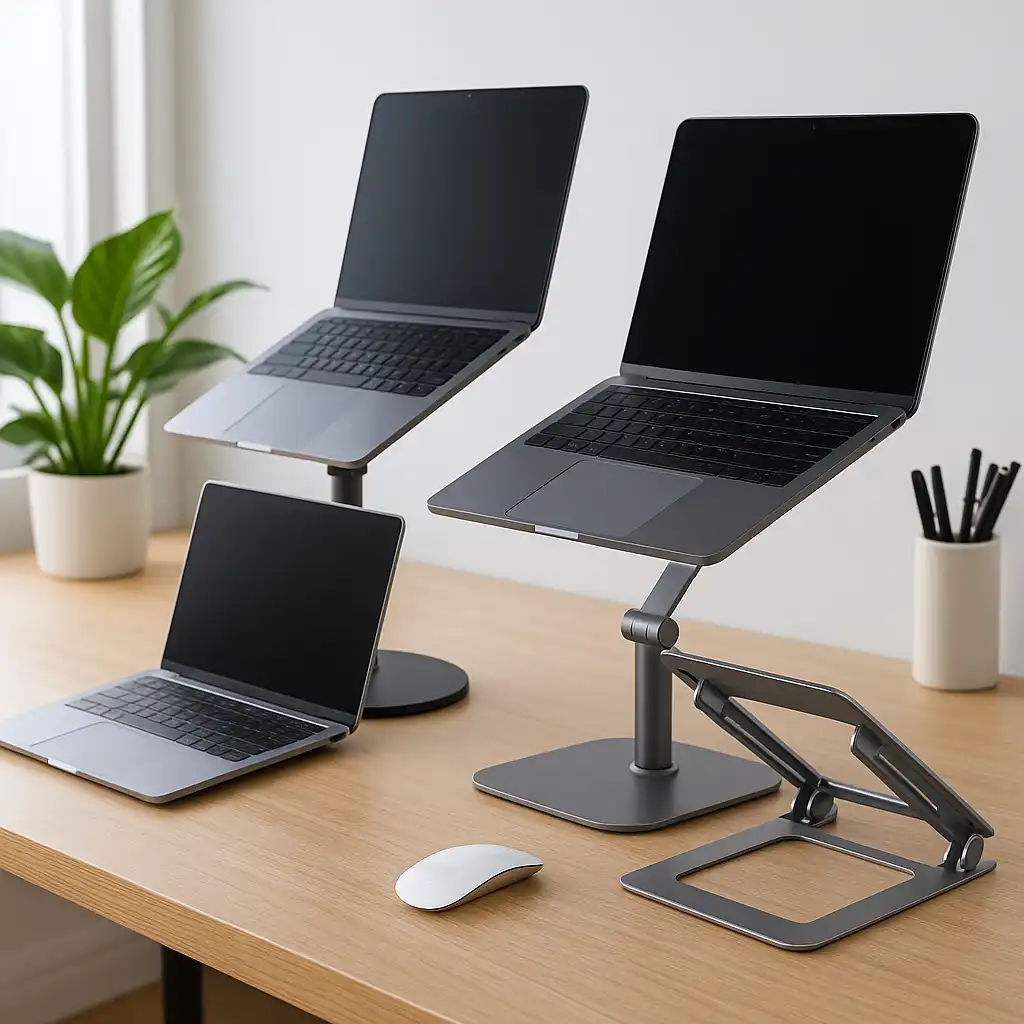
This guide highlights three laptop stands designed to improve screen height and reduce neck strain during desk use.
📋 Quick-View Comparison List
Best Stable Option: BESIGN LS03 Aluminum Laptop Stand for consistent positioning
Best Adjustable Option: Tounee Telescopic Laptop Stand for flexible height alignment
Best Balanced Option: Lamicall Adjustable Laptop Stand for everyday ergonomic use
🔍 Why Screen Height Matters for Neck Pain
Laptop screens are typically positioned below eye level when placed directly on a desk. This leads to a forward head tilt during use.
According to ergonomic guidelines, maintaining a neutral head position reduces strain on the neck and upper back. Raising the screen helps align your gaze more naturally.
📦 Best Stable – BESIGN LS03 Aluminum Laptop Stand
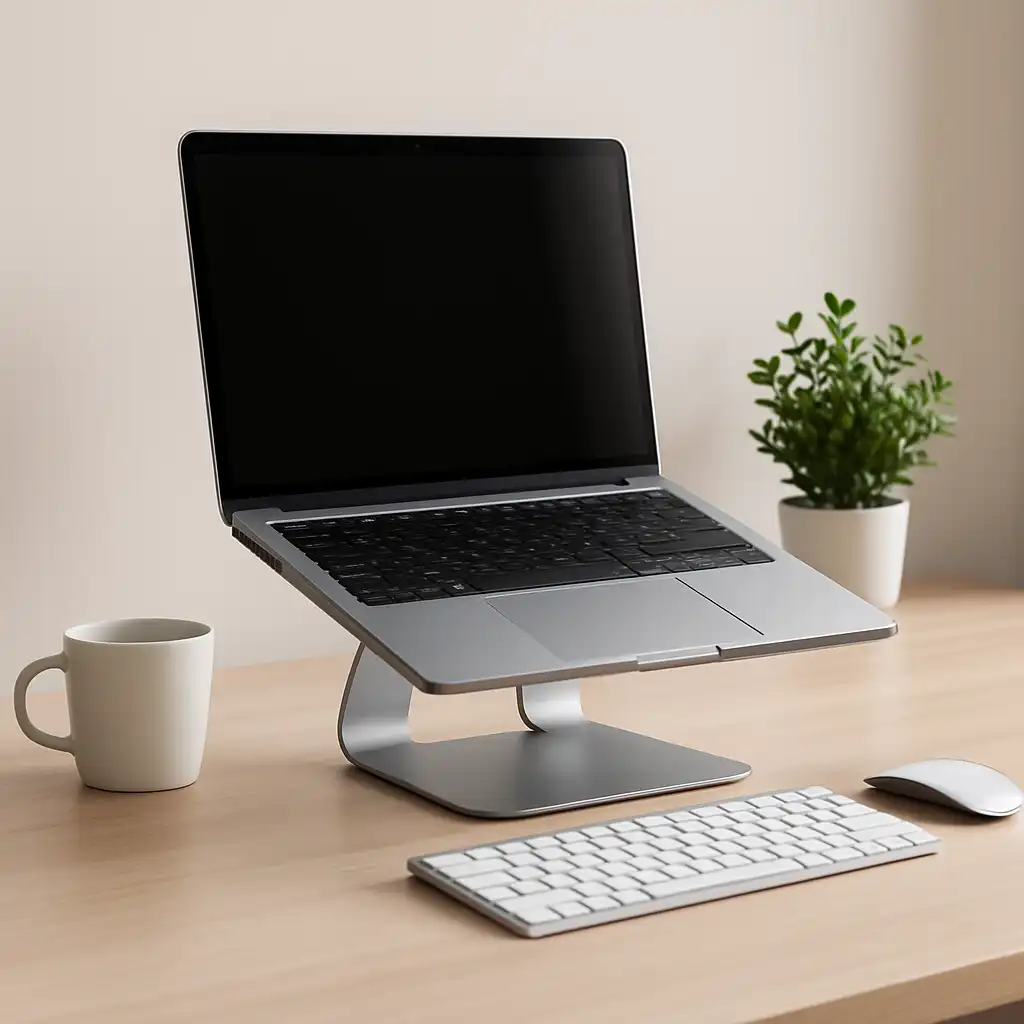
The BESIGN LS03 uses a fixed aluminum design to provide a stable and consistent viewing angle.
Based on manufacturer specifications, its angled platform raises the screen to a moderate height while improving airflow. The solid frame minimizes movement during use.
This setup suits users who want a simple, stable solution without adjusting height frequently.
📦 Best Adjustable – Tounee Telescopic Laptop Stand
The Tounee telescopic stand is designed for precise height control. Its adjustable column allows users to raise the screen closer to eye level.
According to product specifications, the 360° swivel base adds flexibility for repositioning the laptop. This makes it easier to fine-tune screen alignment for different seating positions.
This option suits users who need maximum adjustability for long sessions.
📦 Best Balanced – Lamicall Adjustable Laptop Stand
The Lamicall adjustable stand offers a combination of portability and flexibility. Its foldable design allows height and angle adjustments without a fixed base.
Based on specifications, the adjustable hinges help position the screen at different heights while keeping the device stable. The open design also supports airflow.
This type of stand works well for users who want adjustability without a larger desk footprint.
🔍 Adjustable vs Fixed Stands for Neck Relief
Different stand designs affect how well you can align your screen.
Adjustable stands:
Allow you to match screen height closely to eye level, improving posture alignment.
Fixed stands:
Provide a consistent angle, which may be sufficient if your desk height already fits your posture.
According to ergonomic recommendations, the ability to fine-tune height can make a noticeable difference in reducing neck strain.
🔍 Using a Laptop Stand Effectively
A stand improves screen height, but full setup matters for overall comfort.
A typical ergonomic setup includes:
- Screen positioned near eye level
- Keyboard placed at elbow height
- Neutral wrist and shoulder alignment
👉 For a complete setup approach, see laptop ergonomics setup for desk work
Separating screen height from typing position helps maintain better alignment.
📌 Key Takeaways
- Raising the screen helps reduce downward head tilt
- Adjustable stands offer better alignment flexibility
- Fixed stands provide stable, simple positioning
- Full ergonomic setups combine stands with external input devices
🟢 FAQs
Q: Can a laptop stand reduce neck pain?
It can help by raising the screen closer to eye level, which supports a more neutral head position.
Q: What height should my laptop screen be?
The top of the screen should be at or slightly below eye level in most desk setups.
Q: Are adjustable stands better for neck pain?
They allow more precise positioning, which can improve alignment.
Q: Do I need accessories with a laptop stand?
Using external keyboards and mice helps maintain proper typing posture when the laptop is elevated.
✅ Conclusion
The best laptop stand for neck pain depends on how well it supports proper screen height and alignment. Based on specifications, adjustable stands provide more flexibility, while fixed stands offer stability.
Choosing the right stand—and combining it with a balanced setup—can help reduce strain during long desk sessions.