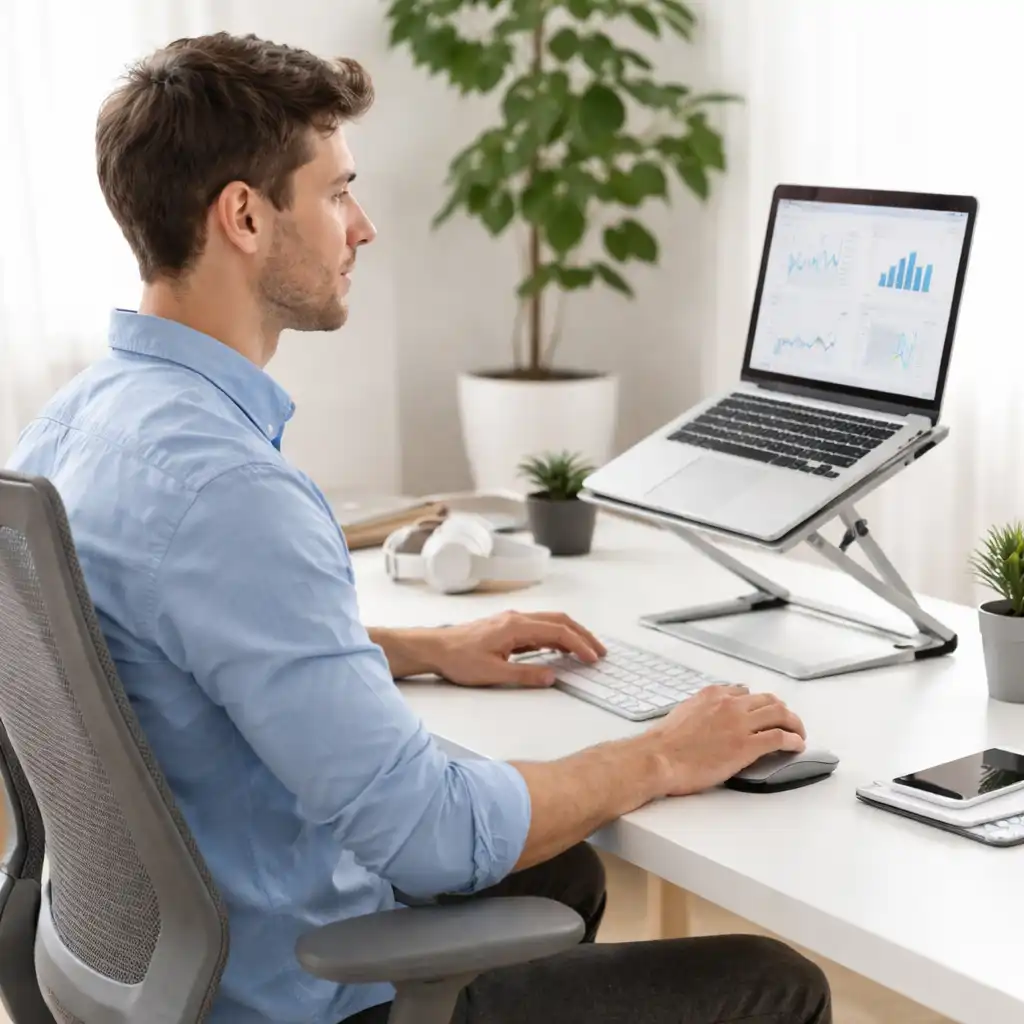
Laptop Ergonomics and Posture – Setup, Positioning, and Comfort Guide
Disclosure: This post contains affiliate links. LaptopVoyager.com participates in the Amazon Associates Program and may earn commissions on qualifying purchases, at no extra cost to you.
Last Updated: April 2026
Laptop ergonomics and posture are closely connected because laptops combine the screen and keyboard in a single device. This design can make it harder to maintain proper alignment, especially during long work sessions.
Understanding how to position your laptop, adjust your workspace, and choose the right accessories can help reduce strain. This hub brings together all related guides to help you build a more comfortable and balanced setup based on ergonomic principles.
📌 Key Takeaways
- Screen height is one of the main factors affecting posture
- External accessories help separate typing and viewing positions
- Desk setup plays a major role in long-term comfort
- Different setups (desk, bed, sofa) require different solutions
🔍 Core Posture and Ergonomics Guides
These guides explain the fundamentals of laptop posture, including why discomfort happens and how to improve alignment.
- Are Laptops Bad for Posture – Causes and Fixes
- Laptop Ergonomics Setup for Desk Work – Proper Positioning Guide
- Laptop Screen Height for Proper Posture – Ideal Position Explained
- Laptop vs External Monitor for Posture – Setup Comparison Guide
🔍 Pain Prevention and Comfort Guides
These guides focus on specific areas of discomfort and how setup adjustments can help reduce strain.
- How to Avoid Neck Pain While Using Laptop – Practical Setup Tips
- How to Reduce Wrist Pain When Using a Laptop – Setup and Positioning Tips
- Best Mouse for Shoulder Pain – Ergonomic Design and Comfort Guide
🔍 Laptop Stands and Setup Accessories
Laptop stands and accessories help improve positioning by separating screen height from typing position.
- Are Laptop Stands Good for Posture – Benefits and Limitations Explained
- Best Ergonomic Laptop Stand for Desk – Stability and Height Adjustability
- Best Laptop Stand for Typing – Wrist Angle and Keyboard Comfort Guide
- External Keyboard for Laptop Ergonomics – When and Why It Helps
🔍 Bed, Sofa, and Flexible Setups
These guides focus on more relaxed environments where traditional desk ergonomics are harder to maintain.
- Best Laptop Stand for Bed and Sofa – Flexible Setup Options Explained
- Upside Down Laptop Stand for Bed – Flexible Overhead Setup Guide
🔍 Specialized Use Cases
Some setups require more specific solutions depending on how the laptop is used.
🟢 FAQs About Laptop Ergonomics and Posture
Q: Is it bad to use a laptop for long hours?
Extended use can lead to discomfort if the setup does not support proper alignment.
Q: What is the most important factor for posture?
Screen height is one of the most important elements, as it affects head and neck position.
Q: Do laptop stands improve ergonomics?
They help raise the screen, but full setup adjustments are usually needed for best results.
Q: Is an external keyboard necessary?
It allows better hand positioning when the screen is raised, improving overall alignment.
✅ Conclusion
This laptop ergonomics and posture hub organizes all related guides into one structured resource. Based on ergonomic principles and common setup practices, these articles help you understand how to position your laptop and choose the right accessories.
Whether you’re working at a desk or using your laptop in a more relaxed environment, these guides provide a clear path to improving comfort and reducing strain.