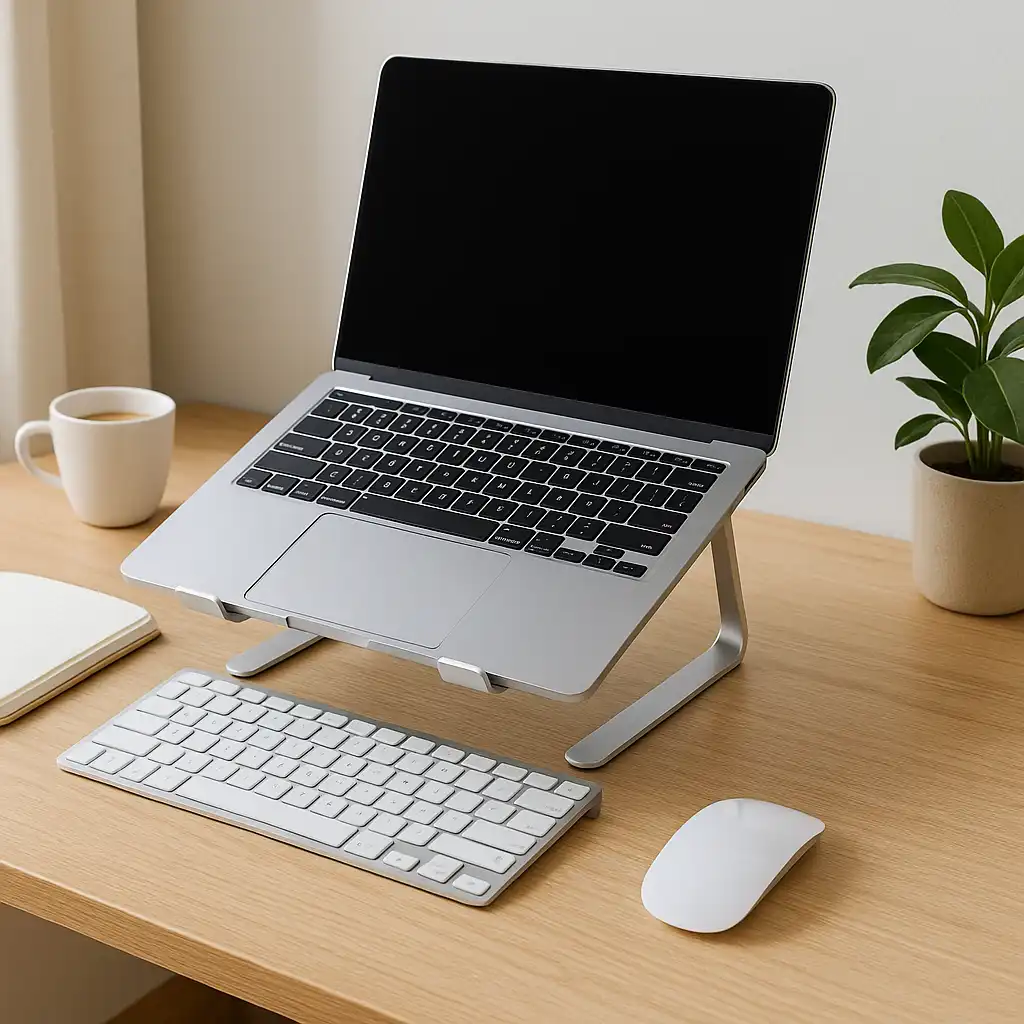
Best Laptop Stand for Typing – Wrist Angle and Comfort Guide
Disclosure: This post contains affiliate links. LaptopVoyager.com participates in the Amazon Associates Program and may earn commissions on qualifying purchases, at no extra cost to you.
Last Updated: March 2026
Typing comfort on a laptop depends heavily on wrist angle and keyboard position. When a laptop sits flat or is raised too high, it can force your wrists into awkward positions during long sessions.
Laptop stands designed for typing focus on maintaining a flatter angle or adding wrist support. This helps reduce strain while keeping the keyboard accessible for extended use.
👉 For a full setup overview, see laptop ergonomics and posture
💰 Check Price & Availability
View on Amazon – LOXP Laptop Stand for Desk, Metal Laptop Stand with Wrist Support
View on Amazon – Lamicall Adjustable Aluminum Foldable Notebook Stand Holder
View on Amazon – JCZT Aluminum Laptop Stand with Wrist Rest
This guide compares three laptop stands designed to improve typing comfort, focusing on wrist angle, support, and everyday usability.
📋 Quick-View Comparison List
Best Typing Comfort: LOXP Laptop Stand with built-in wrist support
Best Adjustable Option: Lamicall Foldable Stand for flexible positioning
Best Support Option: JCZT Aluminum Stand with wrist rest for stable typing
🔍 What Makes a Laptop Stand Good for Typing
Typing-focused laptop stands are designed differently from screen-elevation stands. The goal is to maintain a comfortable wrist position rather than maximize height.
Key factors include:
- Low or moderate angle for natural typing
- Wrist support to reduce pressure
- Stable base to prevent movement while typing
According to ergonomic guidelines, keeping wrists in a neutral position helps reduce strain during extended typing sessions.
👉 For more on wrist positioning, see how to reduce wrist pain when using a laptop
📦 Best Typing Comfort – LOXP Laptop Stand with Wrist Support
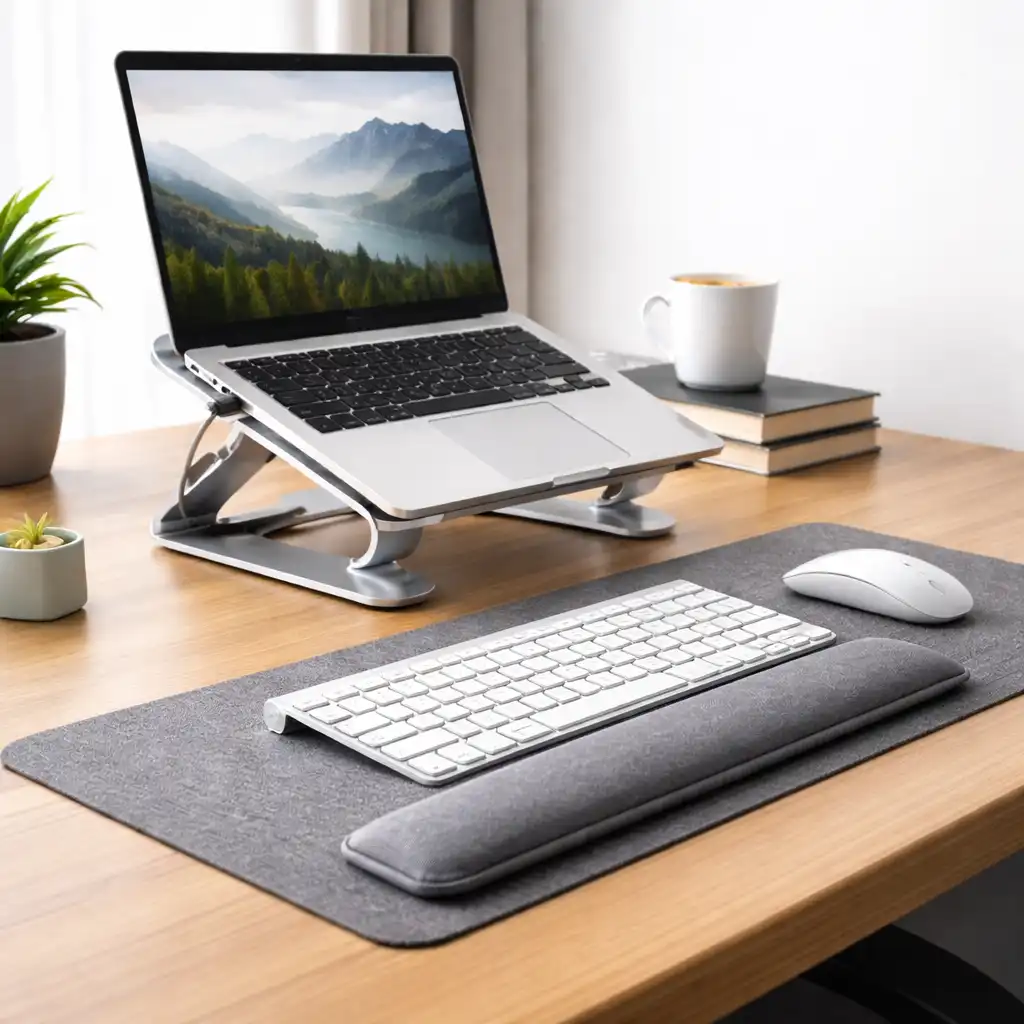
The LOXP stand is designed with built-in wrist support, which helps maintain a more comfortable typing position.
Based on product specifications, the low-angle design keeps the keyboard accessible while reducing wrist extension. The integrated support helps distribute pressure across the wrists.
This type of setup suits users who type for long periods without using an external keyboard.
📦 Best Adjustable – Lamicall Foldable Aluminum Laptop Stand
The Lamicall stand offers adjustable height and angle, allowing users to switch between typing and viewing positions.
According to manufacturer specifications, its foldable design makes it easy to reposition while maintaining stability. Lower angle settings are better suited for typing, while higher angles support screen elevation.
This option works well for users who want flexibility in how they use their laptop.
📦 Best Support Option – JCZT Aluminum Laptop Stand with Wrist Rest
The JCZT stand combines a stable aluminum frame with an added wrist rest for improved typing comfort.
Based on specifications, the wrist support helps keep hands aligned with the keyboard while reducing pressure on hard surfaces. The structure also maintains a consistent typing angle.
This makes it suitable for users who prioritize comfort during extended typing sessions.
🔍 Typing vs Screen Height Trade-Off
Laptop stands often require balancing typing comfort with screen positioning.
Typing-focused stands:
Keep the keyboard at a lower angle for wrist comfort.
Screen-focused stands:
Raise the display higher but may require external keyboards.
According to ergonomic recommendations, choosing the right type depends on whether typing or screen height is the priority.
🔍 When to Use a Typing-Focused Stand
Typing-focused stands are best suited for:
- Long writing or work sessions
- Users who rely on the built-in keyboard
- Desk setups without external input devices
For users prioritizing posture and screen alignment, combining a stand with an external keyboard may provide better results.
📌 Key Takeaways
- Lower angles help maintain a neutral wrist position
- Wrist support can improve comfort during long sessions
- Adjustable stands offer more flexibility
- Typing and screen height often require different setups
🟢 FAQs
Q: What is the best angle for typing on a laptop?
A low or slightly inclined angle helps keep wrists in a neutral position.
Q: Are laptop stands good for typing?
Some are designed specifically for typing, especially those with lower angles or wrist support.
Q: Should I use a wrist rest with a laptop?
It can help reduce pressure and improve comfort during extended typing.
Q: Is a flat surface better than a stand for typing?
Flat surfaces can work, but typing-focused stands may improve wrist alignment.
✅ Conclusion
The best laptop stand for typing depends on how well it supports wrist position and comfort. Based on specifications, stands with lower angles and wrist support are better suited for typing, while adjustable designs offer more flexibility.
Choosing the right setup helps improve comfort and reduce strain during long typing sessions.