Are SSD Drives More Reliable Than HDD – What the Data and Specs Show
Disclosure: This post contains affiliate links. LaptopVoyager.com participates in the Amazon Associates Program and may earn commissions on qualifying purchases, at no extra cost to you.
Last Updated: February 2026
If you’re choosing between an SSD and an HDD, reliability matters just as much as speed. A storage failure can interrupt work, affect productivity, and risk important files.
Based on storage architecture, manufacturer endurance ratings, and large-scale reliability reports, SSD drives are generally considered more reliable than HDDs in typical laptop environments.
👉 For a complete overview of SSD types, compatibility, performance, and installation, see our Laptop SSD Upgrade Guide.
🔍 Why SSD Drives Are Generally More Reliable
The biggest difference comes down to moving parts.
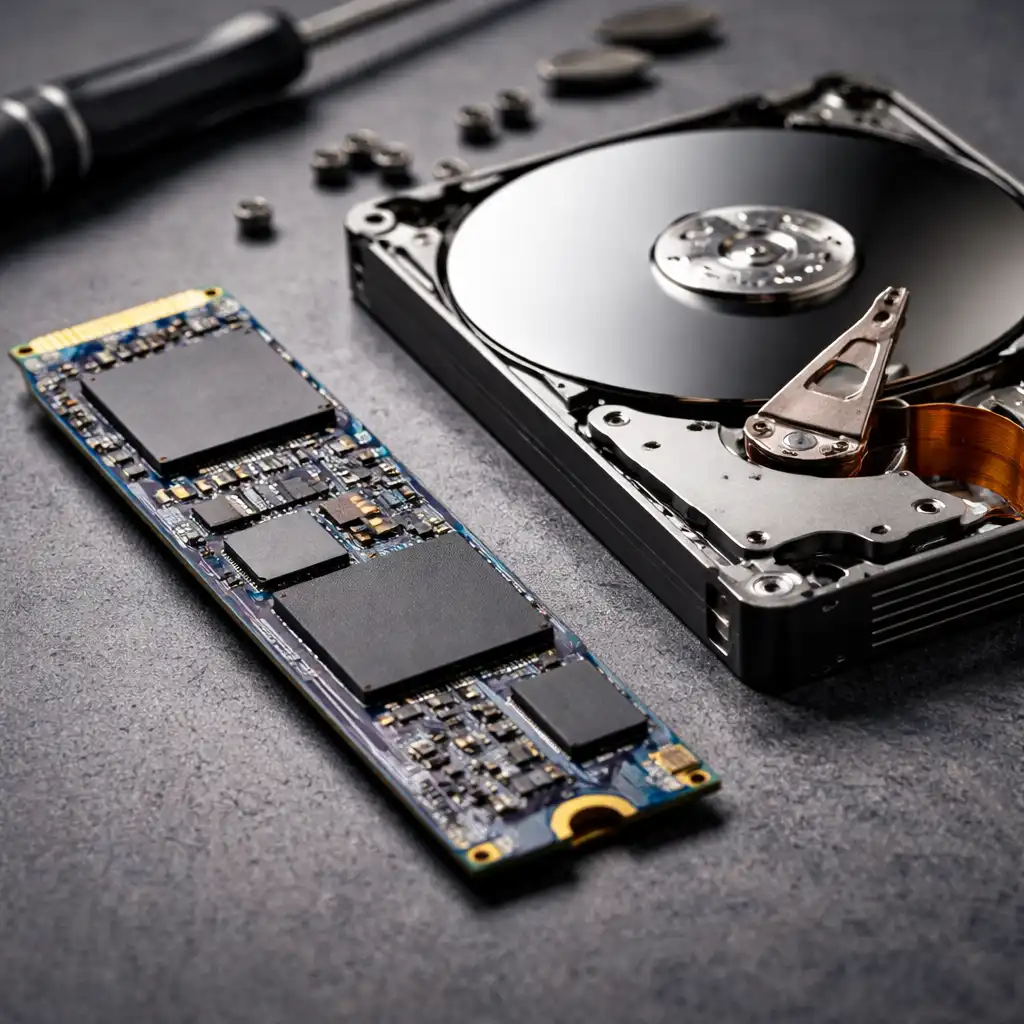
Traditional hard disk drives (HDDs) use spinning platters and mechanical read/write heads. Those internal components can wear out over time or become damaged from drops, vibration, or shock.
Solid-state drives (SSDs) use flash memory and contain no moving mechanical parts. That solid-state design reduces physical failure risks, especially in laptops that are frequently moved.
🔍 Mechanical Failure vs Flash Memory Wear
HDD reliability is closely tied to mechanical stress. Since the drive physically spins at thousands of RPM, long-term wear and sudden impact can affect durability.
SSDs don’t spin or move internally. However, they have a finite number of write cycles. Manufacturers specify endurance using TBW (terabytes written), which indicates how much data can be written before flash cells begin to degrade.
For students, office users, and general home use, modern consumer SSD endurance ratings are typically designed to last many years under normal workloads.
🔍 What Large-Scale Failure Data Suggests
Enterprise storage studies and published reliability reports often show lower annual failure rates for SSDs compared to HDDs in many controlled environments.
That doesn’t mean SSDs never fail. Instead, their failure pattern differs. HDDs often experience mechanical breakdown over time, while SSD wear is generally linked to sustained heavy write activity.
For everyday laptop users, the absence of moving parts gives SSDs a structural reliability advantage.
🔍 Are SSDs Always the Better Choice?
In most laptop scenarios, SSDs align better with portability and modern system design.
They’re built to handle vibration and movement more effectively, which matters in mobile use. SSDs also improve responsiveness, as explained in our guide on does ssd improve laptop performance.
HDDs can still make sense for large, low-cost bulk storage, particularly in desktop setups or external backup drives where movement is minimal.
If you’re unsure what your laptop currently uses, this guide explains how to check if your laptop has ssd or hdd.
📌 Key Takeaways
- SSD drives have no moving parts, reducing mechanical failure risk
- HDDs rely on spinning components that are more sensitive to shock
- SSD endurance is rated using TBW and designed for long-term consumer use
- For laptops, SSDs are typically the more reliable storage option
- HDDs may still suit bulk storage or backup use cases
🟢 FAQs
Q: Do SSD drives last longer than HDDs?
Based on manufacturer endurance ratings and failure data trends, SSDs typically last longer in everyday laptop use due to fewer mechanical wear points.
Q: Can SSDs fail suddenly?
Yes. While SSDs lack moving parts, flash memory cells can wear out over time, and electronic failures remain possible.
Q: Are HDDs better for long-term storage?
HDDs can be suitable for bulk archival storage, but mechanical wear remains a factor. A proper backup strategy is more important than the drive type.
Q: Should I replace my HDD with an SSD?
If your laptop supports it, upgrading to an SSD often improves system responsiveness and durability. Our guide on how to replace a hard drive with an ssd explains the process.
✅ Conclusion
Are SSD drives more reliable than HDD? In most laptop environments, yes. Their solid-state architecture eliminates mechanical wear points, and modern endurance ratings are designed for long-term everyday use.
For users prioritizing durability, portability, and consistent performance, SSD storage aligns better with today’s laptop designs.