What Does GHz Mean on a Laptop – CPU Speed Explained
Disclosure: This post contains affiliate links. LaptopVoyager.com participates in the Amazon Associates Program and may earn commissions on qualifying purchases, at no extra cost to you.
Last Updated: March 2026
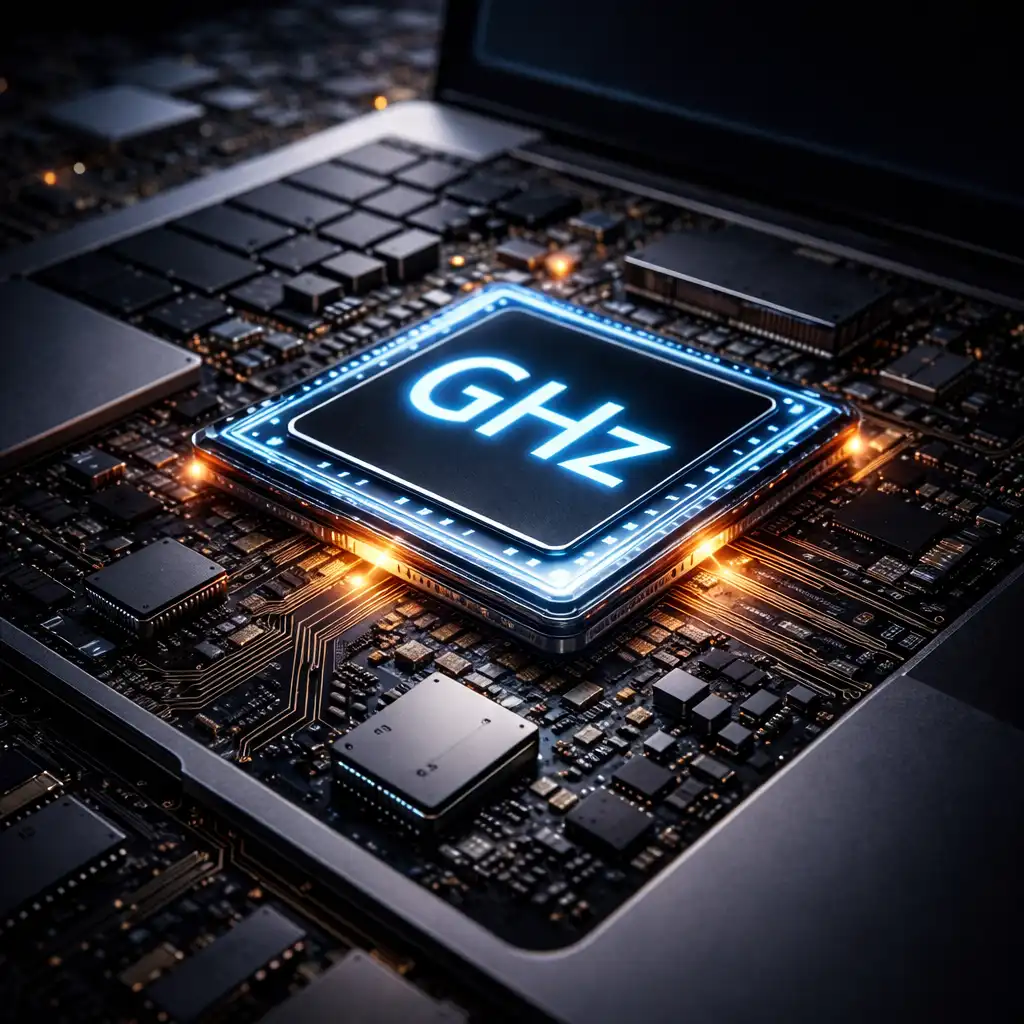
Laptop processor specifications often include a number measured in gigahertz (GHz). This value represents the clock speed of the CPU and helps indicate how quickly the processor can execute instructions.
Clock speed plays an important role in system responsiveness. Faster processors can complete certain tasks more quickly, which may improve how smoothly applications open and run.
👉 For a broader explanation of laptop CPUs, including clock speeds, cores, architectures, and performance, see our Laptop Processor Guide.
This guide explains what GHz means, how it relates to laptop performance, and why clock speed should be considered together with other processor specifications.
🔍 What GHz Means in a Laptop Processor
GHz stands for gigahertz, a unit used to measure processor clock speed.
One gigahertz represents one billion processing cycles per second. Each cycle allows the CPU to execute instructions generated by software or the operating system.
Processors with higher clock speeds can often process instructions faster, although real-world performance also depends on processor architecture and efficiency.
🔍 Base Clock vs Boost Clock
Modern laptop processors typically list two clock speeds.
The base clock represents the processor’s standard operating frequency during normal workloads.
The boost clock (sometimes called turbo frequency) indicates the maximum speed the processor can temporarily reach when extra performance is required. According to manufacturer specifications, boost speeds activate automatically when thermal and power conditions allow.
🔍 Why Clock Speed Alone Doesn’t Determine Performance
While GHz values are useful, they don’t tell the full story about processor performance.
Modern CPUs use improved architectures that allow them to complete more instructions per cycle. Because of this, a newer processor with a lower clock speed may outperform an older chip running at a higher GHz value.
Core count also plays a major role in performance.
👉 For example, the differences explained in 6 core vs 8 core laptop show how additional cores can improve multitasking performance.
🔍 How GHz Affects Real-World Laptop Tasks
Clock speed mainly impacts tasks that rely on single-thread performance.
These tasks may include:
- launching applications
- web browsing
- office productivity software
- some games and legacy programs
Workloads such as video editing, rendering, and software development often benefit more from additional CPU cores rather than clock speed alone.
📌 Key Takeaways
- GHz measures how many cycles a CPU can perform each second
- Higher clock speeds can improve single-task responsiveness
- Base clock and boost clock represent different performance levels
- Core count and architecture also influence laptop performance
🟢 FAQs
Q: what does ghz mean on a laptop processor?
GHz measures processor clock speed and indicates how many processing cycles the CPU can execute each second.
Q: is a higher ghz processor always faster?
Not necessarily. Processor generation, architecture, and core count also affect performance.
Q: what ghz is good for a laptop?
Many modern laptops operate between roughly 2.0 GHz and 5.0 GHz depending on processor type and workload.
✅ Conclusion
GHz is a measurement used to describe how quickly a laptop processor can execute instructions. Higher clock speeds can improve responsiveness for certain tasks, especially workloads relying on single-thread performance.
However, overall laptop performance depends on several factors including CPU architecture, core count, RAM capacity, and storage speed. Evaluating these specifications together provides a clearer picture of how a laptop will perform in everyday use.