What Makes a Laptop Good for Business Use – Key Features That Actually Matter
Disclosure: This post contains affiliate links. LaptopVoyager.com participates in the Amazon Associates Program and may earn commissions on qualifying purchases, at no extra cost to you.
Last Updated: April 2026
Not all laptops are built with business needs in mind. While many devices can handle everyday tasks, business laptops are designed to support productivity, reliability, and security across different work environments.
This guide explains the key features that make a laptop suitable for business use, based on specifications and typical professional workflows.
👉 For a complete overview of work-ready devices, see our guide to best business laptop
📌 Key Takeaways
- Business laptops prioritize reliability, security, and long-term performance
- Processor, RAM, and storage determine how well the system handles daily tasks
- Security features like TPM and encryption are essential for protecting data
- Portability and battery life matter for remote and mobile work
🔍 Performance That Matches Business Workloads
A business laptop should be equipped with a processor that supports multitasking and consistent performance. Based on specifications, modern Intel Core, AMD Ryzen, and Snapdragon processors are designed to handle office applications, video conferencing, and browser-based tools.
RAM also plays a key role. Most business users benefit from:
- 8GB RAM → basic tasks
- 16GB RAM → multitasking and professional use
Storage should be SSD-based, as it improves system responsiveness and file access speed.
👉 For a deeper breakdown, see this guide to best processor for business laptops
🔍 Reliable Build Quality and Design
Business laptops are designed for daily use over long periods. According to manufacturer specifications, many models include reinforced chassis designs and durable materials.
This is especially important for:
- Frequent travel
- Long work sessions
- Shared office environments
A comfortable keyboard and responsive trackpad also support productivity during extended use.
🔍 Battery Life and Portability
Battery life is a critical factor for business users who work on the go. Many manufacturers rate business laptops for full-day use, depending on configuration and usage patterns.
Lightweight designs also improve portability. This makes it easier to move between meetings, offices, or travel locations.
👉 You can explore portable options in this guide to best lightweight laptops for business
🔍 Security Features for Data Protection
Business laptops often include built-in security features designed to protect sensitive data. These may include:
- TPM chips for hardware-level encryption
- Biometric authentication
- Secure boot and firmware protection
These features are designed to reduce risks related to unauthorized access and data loss.
🔍 Connectivity and Ports
A good business laptop should support modern connectivity options. According to manufacturer specifications, common features include:
- USB-C and Thunderbolt ports
- Wi-Fi 6 or newer wireless standards
- HDMI or display output for presentations
These allow professionals to connect external devices, displays, and networks without limitations.
🔍 Software Compatibility and Ecosystem
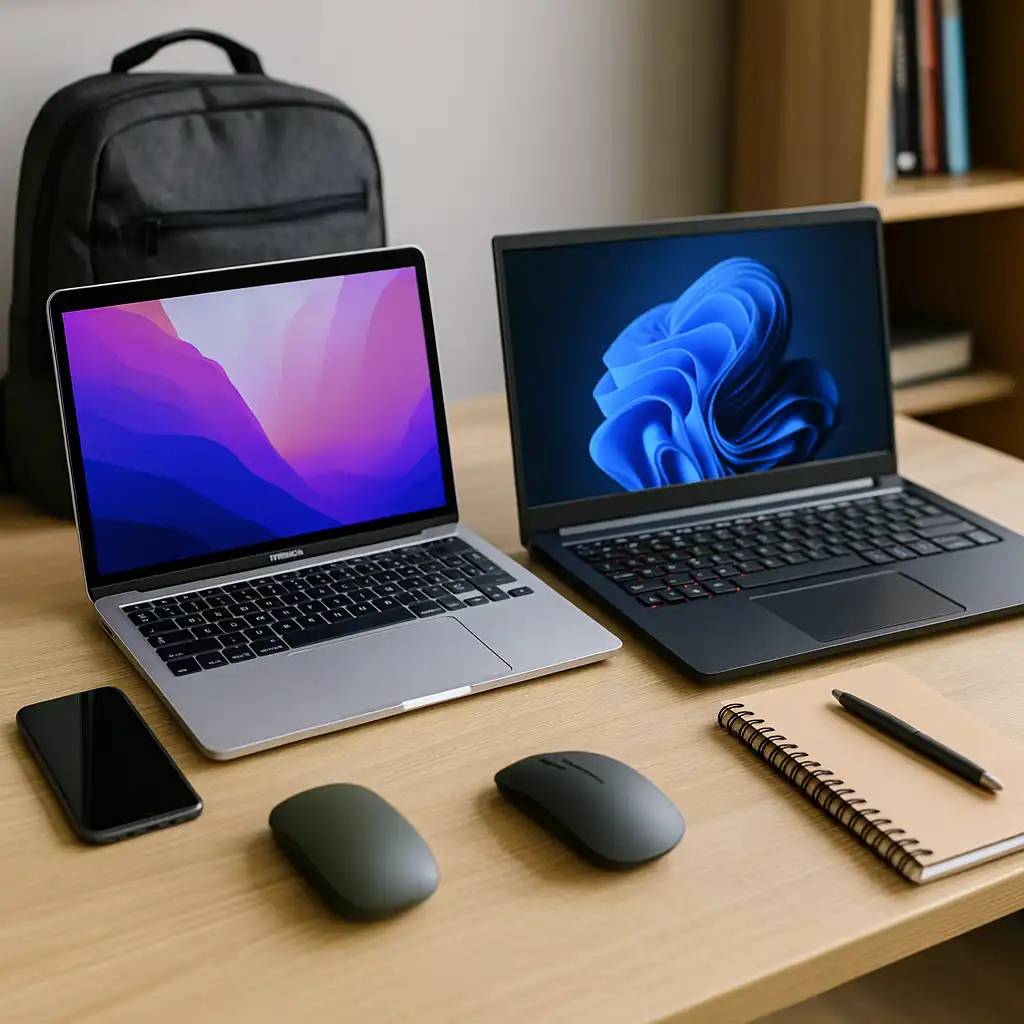
Business workflows often depend on specific software tools. Windows laptops support a wide range of applications, including enterprise and legacy programs.
Mac laptops are designed to work seamlessly within the Apple ecosystem, supporting productivity tools and integration with other Apple devices.
Choosing the right platform depends on the software and services you use daily.
🔍 Long-Term Value and Upgradability
Some business laptops allow upgrades to RAM or storage, extending their usable lifespan. This can be useful for growing businesses or evolving workloads.
Other models are designed as fixed configurations but focus on efficiency and long-term reliability based on their hardware design.
🟢 FAQs
Q: What is the most important feature in a business laptop?
Performance, security, and reliability are the most important factors, depending on your workflow.
Q: How much RAM is enough for business use?
Most users benefit from 8GB to 16GB depending on multitasking needs.
Q: Do business laptops need dedicated graphics?
For most office tasks, integrated graphics are sufficient based on typical usage.
Q: Are lightweight laptops good for business use?
Yes, especially for mobile professionals who need portability and long battery life.
✅ Conclusion
A good business laptop combines performance, security, and reliability. From processor choice to build quality and connectivity, each feature contributes to a smoother and more secure work experience.
Choosing the right laptop comes down to matching these specifications with your daily workflow and business needs.