Best Portable Monitor for Laptop – Top 4K Displays for Work, Travel, and Productivity
Disclosure: This post contains affiliate links. LaptopVoyager.com participates in the Amazon Associates Program and may earn commissions on qualifying purchases, at no extra cost to you.
Last Updated: July 2026
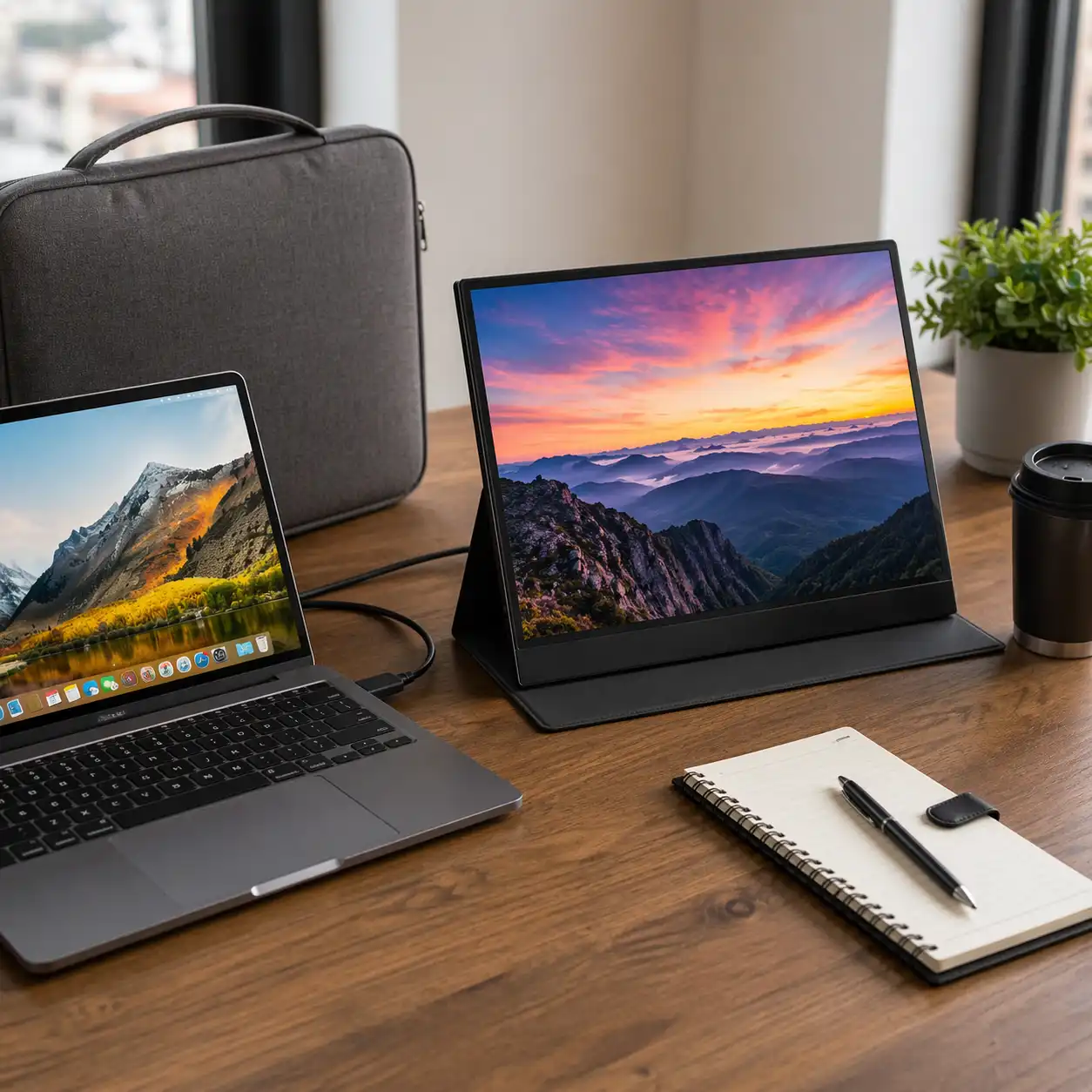
A portable monitor is one of the easiest ways to expand your laptop workspace without committing to a permanent desk setup. Whether you’re working remotely, traveling, or multitasking at home, an extra display can make it easier to organize applications and view more content at once.
This guide compares three portable monitors based on manufacturer specifications, display technology, portability, and intended use cases.
👉 For a complete overview of accessories, see Best Laptop Accessories
💰 Check Price & Availability
View on Amazon – WCKUN 4K Touchscreen Portable Monitor
View on Amazon – Newsoul 4K 120Hz Portable Monitor
View on Amazon – VisionOwl 4K Portable Monitor
📋 Quick-View Comparison List
Best for Touch Users: WCKUN 4K Touchscreen Portable Monitor
Best for Gaming and Work: Newsoul 4K 120Hz Portable Monitor
Best Overall Quality: VisionOwl 4K Portable Monitor
🔍 Why Use a Portable Monitor?
Portable monitors are designed to expand your available screen space while remaining easy to carry.
Based on manufacturer specifications, many models include USB-C connectivity, HDMI input, integrated stands, and lightweight construction, making them suitable for both travel and permanent desk setups.
👉 If you’re deciding between different multi-screen solutions, see Portable Monitor vs Second Screen Apps.
📦 WCKUN 4K Touchscreen Portable Monitor – Best for Touch Users
The WCKUN monitor combines portability with touchscreen functionality.
According to manufacturer specifications, it features a 4K touchscreen display, 100% NTSC color gamut, HDR support, FreeSync compatibility, USB-C and HDMI connectivity, and an aluminum body with tempered glass.
📦 Newsoul 4K 120Hz Portable Monitor – Best for Gaming and Work
The Newsoul monitor is designed for users who want both high resolution and a fast refresh rate.
Based on manufacturer specifications, it includes a 4K QLED display, 120Hz refresh rate, 0.1ms response time, 100% DCI-P3 color coverage, VESA compatibility, and an adjustable stand.
📦 VisionOwl 4K Portable Monitor – Best Overall Quality
The VisionOwl monitor focuses on image quality and everyday usability.
According to manufacturer specifications, it features a 4K IPS display, 600-nit brightness, a matte screen, integrated speakers, VESA compatibility, and USB-C connectivity optimized for many modern laptops.
👉 If you plan to use your monitor while traveling, see Best Laptop Sleeve for Travel.
📌 Key Takeaways
- Portable monitors provide additional screen space without requiring a permanent setup.
- USB-C connectivity simplifies connecting compatible laptops.
- Touchscreen models add another way to interact with applications.
- High refresh rate displays can benefit both productivity and gaming.
- Choose a monitor based on display quality, portability, and connectivity.
🟢 FAQs
Q: Are portable monitors compatible with all laptops?
Most portable monitors support USB-C, HDMI, or both. Compatibility depends on the ports available on your laptop.
Q: Is a 4K portable monitor worth it?
A 4K display provides higher resolution than Full HD models and may benefit users who work with detailed content, creative applications, or multiple windows.
Q: Can portable monitors be used for gaming?
Some models include high refresh rates and adaptive sync technologies designed for gaming as well as everyday productivity.
Q: Do portable monitors need external power?
Many USB-C portable monitors can receive power from compatible laptops, while others may require an external power adapter depending on the model and usage.
✅ Conclusion
The best portable monitor for a laptop depends on how you plan to use it. The WCKUN model offers touchscreen functionality, the Newsoul monitor balances gaming and productivity features, and the VisionOwl monitor focuses on premium image quality for everyday work. Choosing the right display comes down to your preferred features, connectivity, and portability requirements.