How Long Does Thermal Paste Last? Lifespan and Replacement Guide
Disclosure: This post contains affiliate links. LaptopVoyager.com participates in the Amazon Associates Program and may earn commissions on qualifying purchases, at no extra cost to you.
Last Updated: September 2026
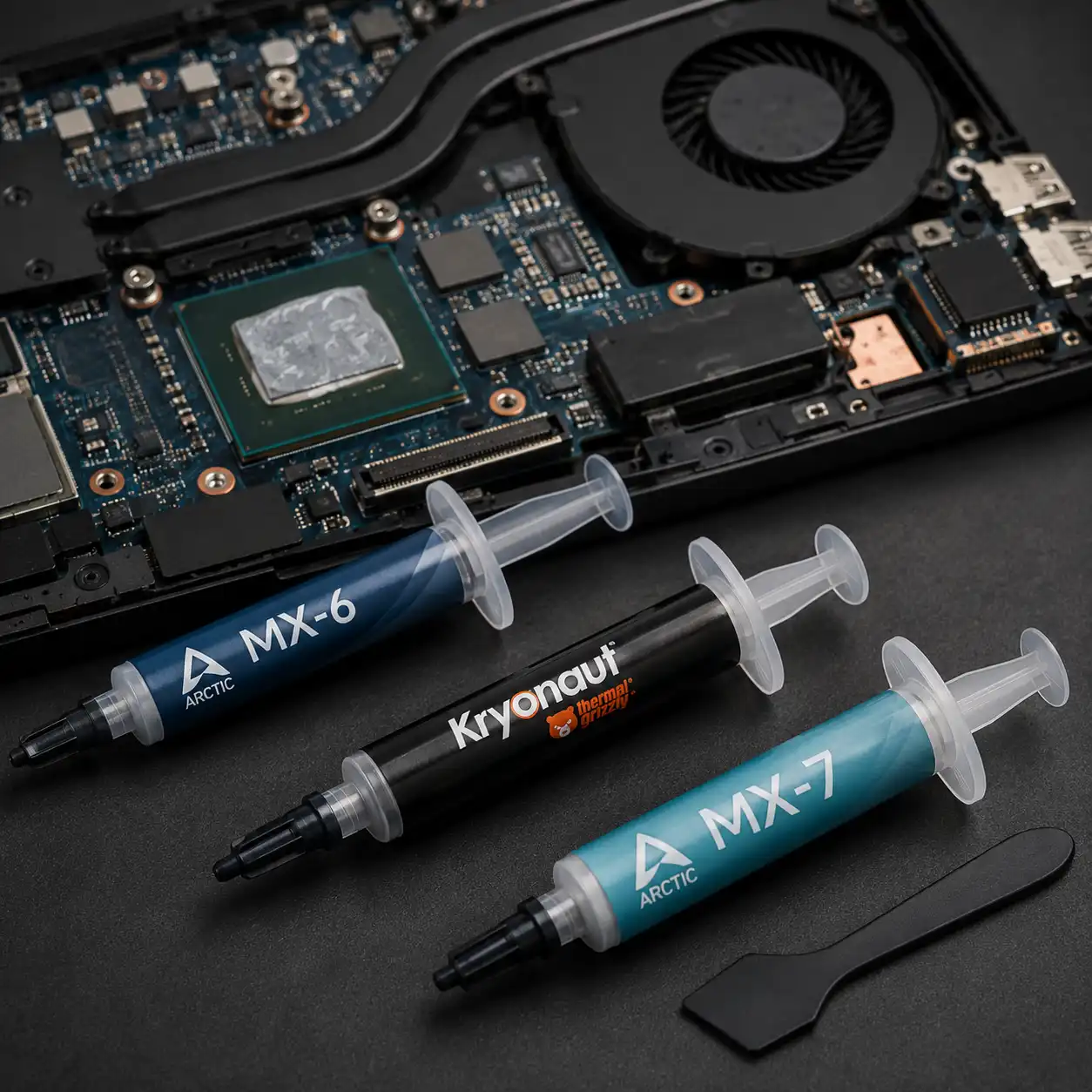
Thermal paste is designed to maintain efficient heat transfer between a laptop’s CPU or GPU and its cooling system. Unlike components with a fixed service interval, however, thermal paste doesn’t have one universal lifespan.
Some compounds are rated for several years after application, while actual longevity depends on the thermal material, operating conditions, cooling design, and manufacturer specifications.
👉 For a complete overview of thermal interface materials, see Laptop Thermal Paste Guide.
📌 Key Takeaways
- Thermal paste can remain effective for several years, but there is no universal lifespan that applies to every compound or laptop.
- Manufacturer specifications vary; Noctua rates NT-H2 for up to five years of CPU use, while ARCTIC says a general lifespan for applied paste can’t be specified.
- Higher temperatures don’t automatically indicate degraded thermal paste because airflow, dust, fans, and cooling-system design can also affect temperatures.
- Removing the heatsink is a common reason to inspect and restore the thermal interface according to manufacturer instructions.
- Thermal paste stored in a syringe has different storage considerations from compound already applied inside a laptop.
🔍 How Long Does Thermal Paste Last in a Laptop?
Thermal paste can remain effective for several years, but there isn’t a single replacement interval that applies to every laptop or thermal compound.
Manufacturer guidance illustrates this variation. Noctua, for example, specifies a recommended usage time of up to five years on a CPU for its NT-H2 compound, while ARCTIC states that a universal lifespan for thermal paste after application can’t be given.
This means thermal paste shouldn’t automatically be replaced simply because a laptop has reached a certain age. Changes in thermal behavior and the specifications of the material used are more useful indicators.
🔍 What Affects How Long Thermal Paste Lasts?
Several factors can influence the useful lifespan of thermal paste once it has been applied.
Thermal compound formulation: Different compounds use different formulations and have different long-term stability characteristics. Manufacturer recommendations should therefore take priority over a universal replacement schedule.
Operating temperatures: Thermal interface material repeatedly experiences heating and cooling as the laptop operates. Long-term stability under these thermal cycles varies between compounds.
Laptop cooling design: Laptops use compact cooling assemblies with different heatsink designs, mounting pressures, heat pipes, and processor configurations.
Application: The thermal interface needs appropriate coverage and contact between the processor and heatsink. An unsuitable application can affect thermal transfer independently of the age of the compound.
Cooling-system condition: Dust, restricted airflow, fan problems, and other cooling issues can increase temperatures even when the thermal paste itself remains functional.
🔍 Does Thermal Paste Dry Out Over Time?
Some thermal compounds can change consistency or dry over extended periods, but the rate depends heavily on their formulation and operating environment.
Manufacturers consequently make different durability claims. CORSAIR, for example, describes its TM30 compound as designed to remain stable for years without drying, cracking, or changing consistency.
A laptop running warmer than before doesn’t automatically prove that its thermal paste has dried out. The complete cooling system should be considered before identifying the thermal interface as the cause.
🔍 Signs Thermal Paste May Need Replacing
Age alone isn’t always a good reason to open a laptop and replace its thermal paste.
Replacement may be worth investigating when:
- CPU or GPU temperatures have increased noticeably under comparable workloads
- Fan activity has increased without an obvious change in workload
- The heatsink has been removed during servicing
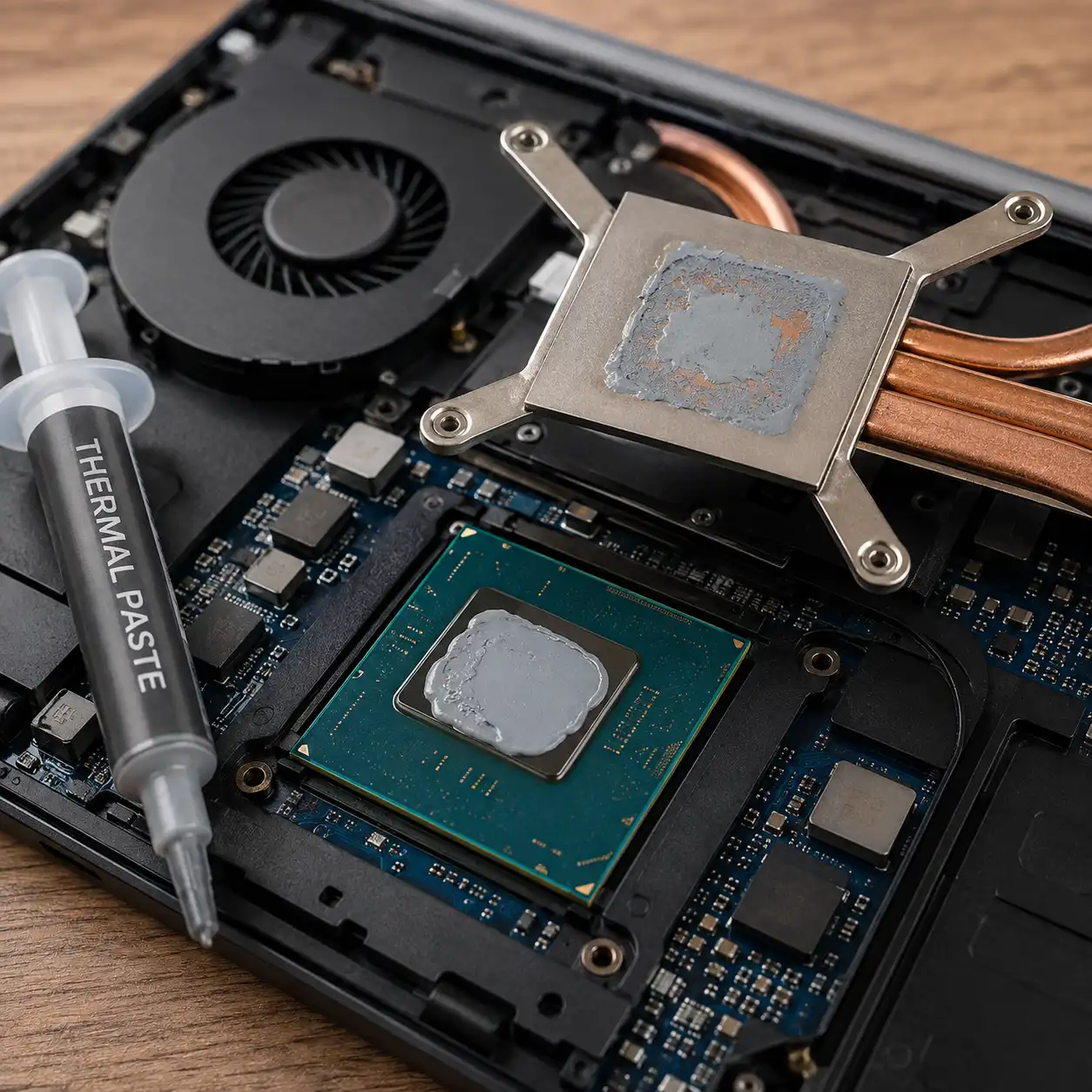
- Existing paste appears dry or poorly distributed after disassembly
- The cooling system has been cleaned but thermal behavior remains unusually different
- Manufacturer service documentation calls for replacing the thermal interface material
CORSAIR similarly advises considering fresh thermal paste when CPU temperatures become higher than normal or when a cooler has been removed.
High temperatures can have other causes, including dust buildup, blocked vents, fan problems, demanding workloads, or the laptop’s original cooling design.
👉 If replacement appears necessary, see Laptop Thermal Paste Replacement for the general process and precautions.
🔍 Should You Replace Thermal Paste Every Few Years?
Not necessarily. A fixed replacement schedule can overlook substantial differences between thermal compounds and laptop designs.
For example, Noctua specifies up to five years of recommended CPU usage for NT-H2 and advises checking temperatures after that point rather than automatically replacing the compound. The company says replacement isn’t necessary unless there is a clear increase in temperature differences under comparable conditions.
ARCTIC likewise states that general claims about applied thermal-paste lifespan can’t be made and instead suggests paying attention to changes in temperatures, noise, or performance.
For laptops, manufacturer service documentation is particularly important because some models use phase-change materials, thermal pads, or other thermal interfaces instead of conventional paste.
🔍 What Happens When Thermal Paste Gets Old?
Thermal paste fills microscopic imperfections between the processor surface and heatsink, creating a more effective thermal interface between them.
If the material deteriorates enough to interfere with that interface, heat transfer may become less effective. This can contribute to higher processor temperatures and greater cooling-system activity.
However, these symptoms aren’t unique to degraded thermal paste. Dust accumulation, airflow restrictions, fan condition, and heatsink mounting can produce similar behavior.
🔍 How Long Does Thermal Paste Last in the Tube?
Thermal paste stored in its original syringe has a different lifespan from paste already installed between a processor and heatsink.
Again, the manufacturer’s specifications matter. Noctua rates NT-H2 for up to three years of storage before use and says NT-H1 and NT-H2 can be used for up to two years once opened when stored appropriately. ARCTIC states that its unopened thermal paste can be stored for up to eight years.
Storage conditions can also matter. Noctua recommends keeping its compounds at normal room temperature, closing the cap tightly, avoiding extreme temperatures, and keeping the syringe away from direct sunlight.
👉 For more detail about stored and opened compounds, see Does Thermal Paste Expire?.
🔍 Laptop Thermal Paste vs Thermal Pads
Not every material inside a laptop cooling assembly is conventional thermal paste.
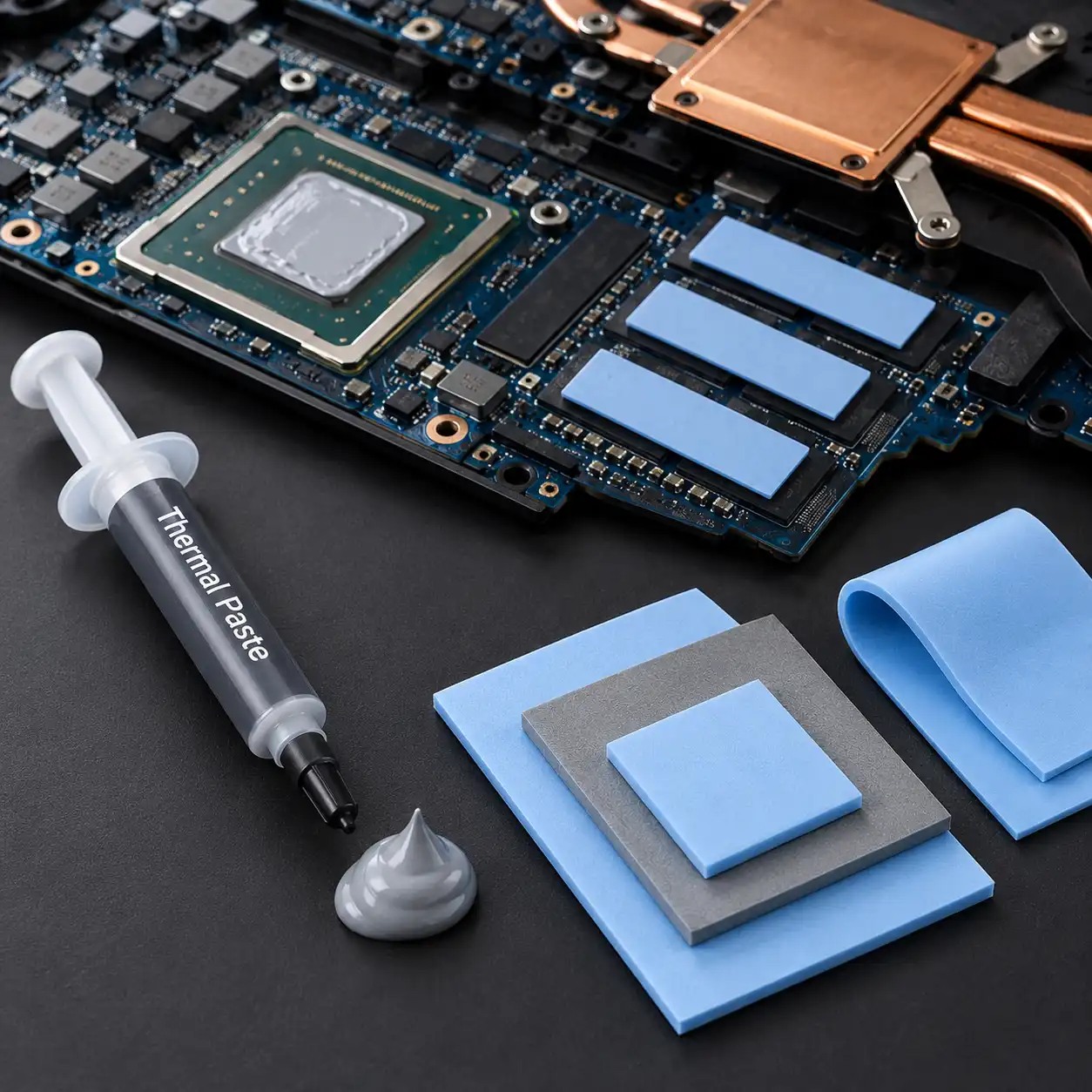
Thermal paste is generally used where components and heatsinks are designed for close contact. Thermal pads can instead bridge larger gaps and may be used on memory, voltage-regulation components, and other hardware.
Because these materials serve different purposes, replacing a thermal pad with ordinary thermal paste can alter the spacing intended by the cooling-system design.
👉 See Thermal Pad vs Thermal Paste for a closer comparison of their applications.
🟢 FAQs
Q: How many years does laptop thermal paste last?
There isn’t a universal number. Some manufacturers specify several years of service, but the actual interval depends on the compound, laptop cooling design, operating conditions, and manufacturer guidance.
Q: Does thermal paste need to be replaced every two years?
Not necessarily. Some compounds are designed to remain effective considerably longer, so replacement should be based on the thermal material’s specifications and changes in cooling behavior rather than a universal two-year schedule.
Q: How do I know if my laptop thermal paste is bad?
A sustained increase in CPU or GPU temperatures under comparable conditions can justify investigating the thermal interface, especially after other cooling issues have been ruled out. Higher temperatures alone don’t prove that the paste has degraded.
Q: Should I replace thermal paste after removing the heatsink?
The thermal interface should be restored according to the laptop and thermal-material manufacturer’s instructions whenever the cooling assembly is removed.
Q: Can thermal paste last 10 years?
Some compounds may remain functional for very long periods, but this shouldn’t be assumed for every product. Noctua, for example, specifies up to five years for NT-H1 and NT-H2 while reporting that these compounds can continue performing beyond that period.
✅ Conclusion
So, how long does thermal paste last? There isn’t one replacement interval for every laptop, but quality thermal compounds can be designed to remain effective for several years.
Instead of replacing laptop thermal paste automatically on a fixed schedule, consider the compound manufacturer’s guidance, changes in thermal behavior, and the condition of the overall cooling system. If the heatsink needs to be removed, follow the laptop manufacturer’s service procedure and restore the correct thermal interface during reassembly.