
Thermal Pad vs Thermal Paste – Key Differences Explained
Disclosure: This post contains affiliate links. LaptopVoyager.com participates in the Amazon Associates Program and may earn commissions on qualifying purchases, at no extra cost to you.
Last Updated: September 2026
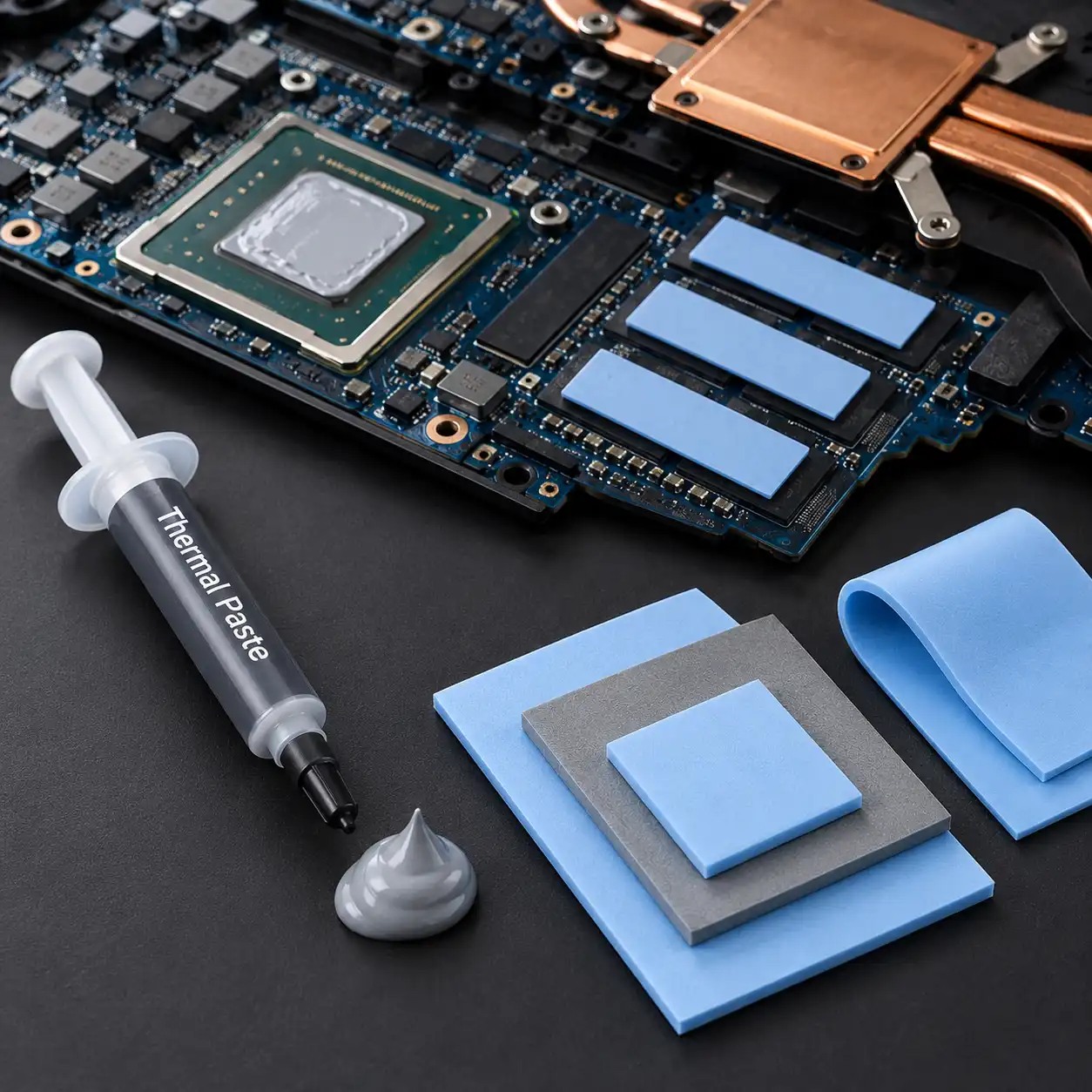
Thermal pads and thermal paste are both thermal interface materials designed to transfer heat from electronic components to a heatsink. However, they aren’t interchangeable in every laptop because they work with different contact surfaces and gap sizes.
This guide compares thermal pad vs thermal paste based on how each material works, where it’s commonly used, application requirements, and laptop cooling considerations.
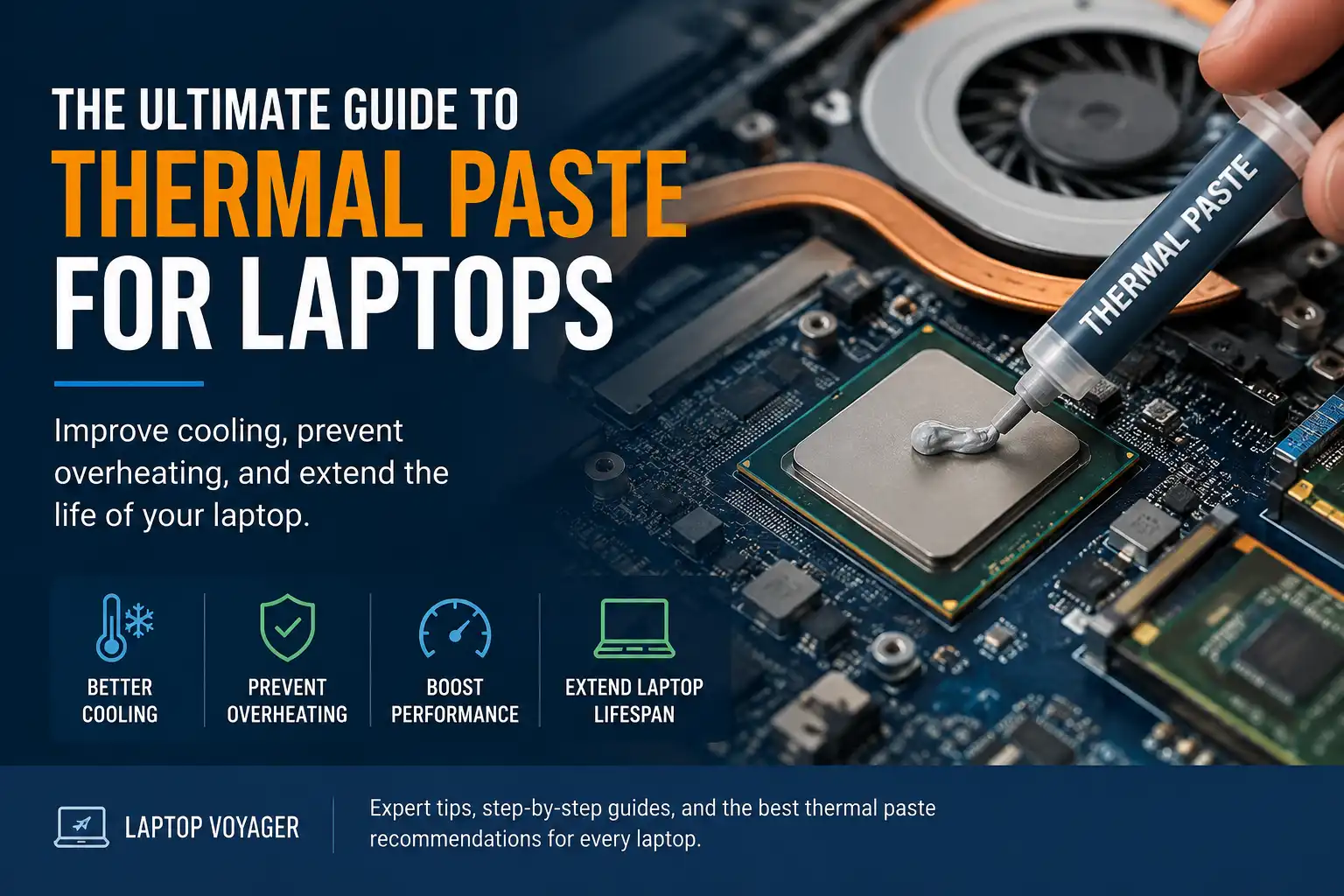
👉 For a complete overview of laptop thermal interface materials, see Laptop Thermal Paste Guide.
📌 Key Takeaways
- Thermal paste is designed for surfaces that make very close contact.
- Thermal pads are designed to bridge larger gaps between components and cooling surfaces.
- CPUs and GPUs commonly use paste or another thin thermal interface material.
- Thermal pads are often used on components such as VRAM and voltage-regulation hardware.
- Pad thickness matters because it affects contact between the component and cooling assembly.
- The original laptop cooling design should determine which thermal interface material you use.
🔍 What Is Thermal Paste?
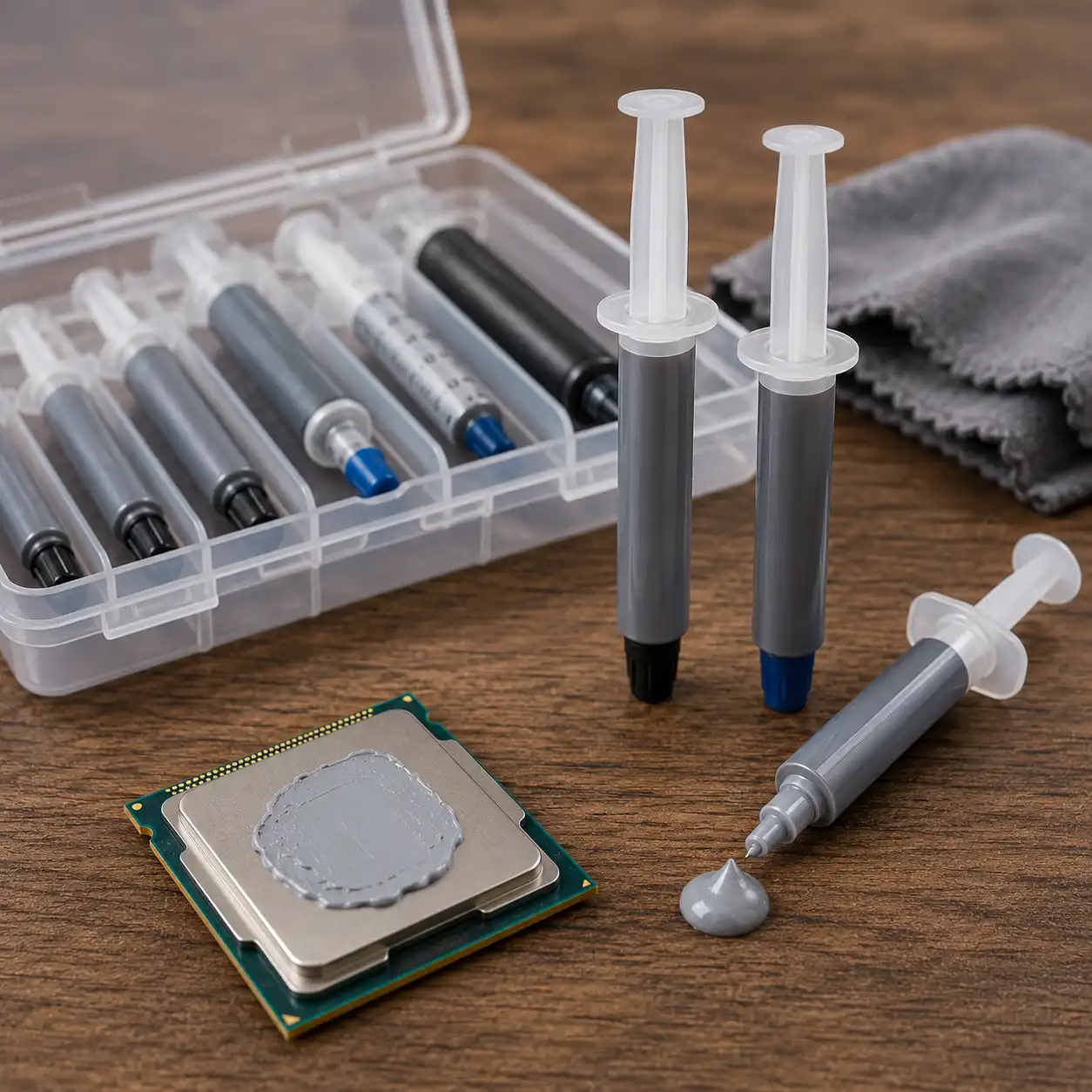
Thermal paste is a semi-fluid thermal interface material placed between a heat-producing component and a heatsink.
Processor and heatsink surfaces may appear smooth, but microscopic imperfections can create small air gaps between them. Thermal paste fills these irregularities to provide a more continuous path for heat transfer.
In laptops, conventional thermal paste is commonly associated with CPUs and GPUs where the heatsink is designed to sit very close to the chip surface.
Different compounds use different formulations and have different application and longevity characteristics.
👉 If you’re comparing compounds for a laptop, see Best Thermal Paste for Laptop.
🔍 What Is a Thermal Pad?
A thermal pad is a solid or compressible thermal interface material placed between an electronic component and a cooling surface.
Unlike conventional thermal paste, pads are available in specific thicknesses. This allows them to bridge gaps that are too large for a thin layer of thermal paste.
In laptops, thermal pads may be positioned over components such as memory chips, VRAM, SSD components, and voltage-regulation hardware, depending on the cooling-system design.
Because the pad occupies physical space between the component and cooling assembly, using the correct thickness is important when replacing it.
🔍 Thermal Pad vs Thermal Paste: Main Differences
The biggest difference between thermal pads and thermal paste is the type of gap they’re designed to fill.
Thermal paste is intended for very small imperfections between surfaces that already make close contact.
Thermal pads have a defined thickness and can bridge larger physical spaces between a component and a heatsink, heat spreader, or other cooling surface.
Their physical properties also affect installation. Paste spreads under mounting pressure, while a thermal pad remains a distinct layer that compresses when the cooling assembly is installed.
This is why choosing between the two shouldn’t be based only on thermal conductivity specifications. The physical design of the cooling system also determines which material is appropriate.
🔍 Thermal Pad vs Thermal Paste for Laptop CPUs
Laptop CPUs typically require a thin thermal interface between the processor and cooling assembly because the heatsink is designed to make close contact with the chip.
Conventional thermal paste can serve this role by filling microscopic surface imperfections without creating a substantial physical gap.
Some laptops use other thermal interface solutions instead, including phase-change materials. The original manufacturer design should therefore be checked before replacing the CPU interface with a different material.
Using a conventional thermal pad where the cooling system was designed for paste can change the distance between the CPU and heatsink. That can affect mounting pressure and contact across the cooling assembly.
🔍 Thermal Pad vs Thermal Paste for Laptop GPUs
Laptop GPUs present a similar situation.
The GPU die may use thermal paste or another thin thermal interface material where it contacts the heatsink. Nearby VRAM and power-delivery components may simultaneously use thermal pads because their surfaces sit at different heights.
As a result, a single laptop cooling assembly can use several types of thermal interface material at the same time.
This is especially important during servicing because changing the thickness or type of material on one component can affect how the shared heatsink sits against another component.
🔍 Thermal Conductivity and Cooling Performance
Thermal conductivity is commonly listed in watts per meter-kelvin, or W/mK, although manufacturers don’t always use identical testing methodologies.
A higher published conductivity figure can indicate greater theoretical heat-transfer capability within a material, but that number alone doesn’t determine how well the complete cooling system will operate.
Contact quality, material thickness, mounting pressure, component design, and heatsink construction also affect the thermal interface.
A thermal paste with suitable specifications may therefore be appropriate for a close-contact CPU interface, while a thermal pad may be the correct solution for a component separated from the heatsink by a larger gap.
🔍 Application and Installation
Thermal pads are generally cut or supplied to match the area they need to cover. Installation requires choosing the appropriate dimensions and, importantly, the correct thickness for the cooling assembly.
Thermal paste doesn’t require a predefined pad thickness. Instead, the compound is applied according to the manufacturer’s instructions before the heatsink is mounted.
Using excessive paste isn’t a substitute for a thermal pad when a substantial gap needs to be bridged. Conventional thermal paste is designed to form a thin interface rather than function as a thick gap-filling material.
Likewise, adding a thermal pad where the manufacturer designed the surfaces for paste can create excessive spacing.
🔍 Can You Replace a Thermal Pad With Thermal Paste?
Thermal pads and conventional thermal paste shouldn’t automatically be substituted for one another.
If a laptop uses a thermal pad to bridge a physical gap, ordinary thermal paste may not maintain the spacing required between that component and the cooling assembly.
Replacing a pad with paste could therefore leave inadequate contact, depending on the design.
Before replacing any laptop thermal interface material, check the manufacturer’s service documentation or identify the original material, location, and dimensions.
🔍 Can You Replace Thermal Paste With a Thermal Pad?
The same caution applies in the opposite direction.
A thermal pad has a defined thickness, so placing one between surfaces designed for a thin paste layer can alter heatsink positioning and mounting pressure.
This is particularly important in laptop cooling assemblies where a single heat pipe or heatsink may contact the CPU, GPU, VRAM, and other components.
If the laptop originally uses conventional thermal paste on its processor, replacing it with a thermal pad should only be considered when the replacement material is specifically designed and specified for that application.
🔍 What About PTM7950?
PTM7950 represents another type of thermal interface material that doesn’t fit neatly into the conventional paste-versus-pad distinction.
Honeywell describes PTM7950 as a phase-change thermal interface material. It is supplied in pad and paste formats and is designed to change characteristics as its temperature increases.
This makes terminology particularly important: a material supplied as a sheet or pad isn’t necessarily equivalent to the conventional compressible thermal pads used to bridge larger component gaps.
👉 For a closer look at this type of material, see PTM7950 vs Thermal Paste.
🔍 Which Should You Use in a Laptop?
Use the type of thermal interface material specified for the particular component and cooling assembly.
Thermal paste generally makes sense when:
- The component and heatsink are designed for close contact
- The manufacturer specifies conventional thermal compound
- You’re restoring an interface that originally used paste
Thermal pads generally make sense when:
- A physical gap exists between the component and cooling surface
- The original cooling design uses a pad
- A specific pad thickness is required
- The material is being used on components such as VRAM or voltage-regulation hardware where specified
A laptop can require both materials simultaneously, so the choice isn’t necessarily thermal pad or thermal paste for the entire cooling system.
🟢 FAQs
Q: Is a thermal pad better than thermal paste?
Not universally. Thermal paste is designed for close-contact surfaces, while thermal pads can bridge larger gaps, so the appropriate material depends on the cooling-system design.
Q: Can I use thermal paste instead of a thermal pad?
Not automatically. If a thermal pad is required to bridge a physical gap, ordinary thermal paste may not provide the spacing necessary for correct contact with the cooling assembly.
Q: Can I use a thermal pad instead of thermal paste on a CPU?
Only if the thermal interface is specifically designed for that application. A conventional thermal pad can change the spacing and mounting pressure between a CPU and heatsink designed for a thin layer of paste.
Q: Do laptops use thermal pads?
Yes. Depending on the model, laptops can use thermal pads on components such as VRAM and voltage-regulation hardware while using paste or another thin thermal interface on the CPU and GPU.
Q: Does thermal pad thickness matter?
Yes. Because thermal pads bridge physical gaps, their thickness affects component contact and the position of the cooling assembly. Replacement pads should match the requirements of the laptop’s original cooling design.
✅ Conclusion
The thermal pad vs thermal paste comparison isn’t simply about which material has better specifications. Thermal paste is designed primarily for very close contact between components and heatsinks, while thermal pads can bridge larger physical gaps.
For laptop maintenance, the safest approach is to preserve the thermal interface design specified for each component. Check the original material and required pad thickness before changing anything in the cooling assembly.



One Comment
Comments are closed.