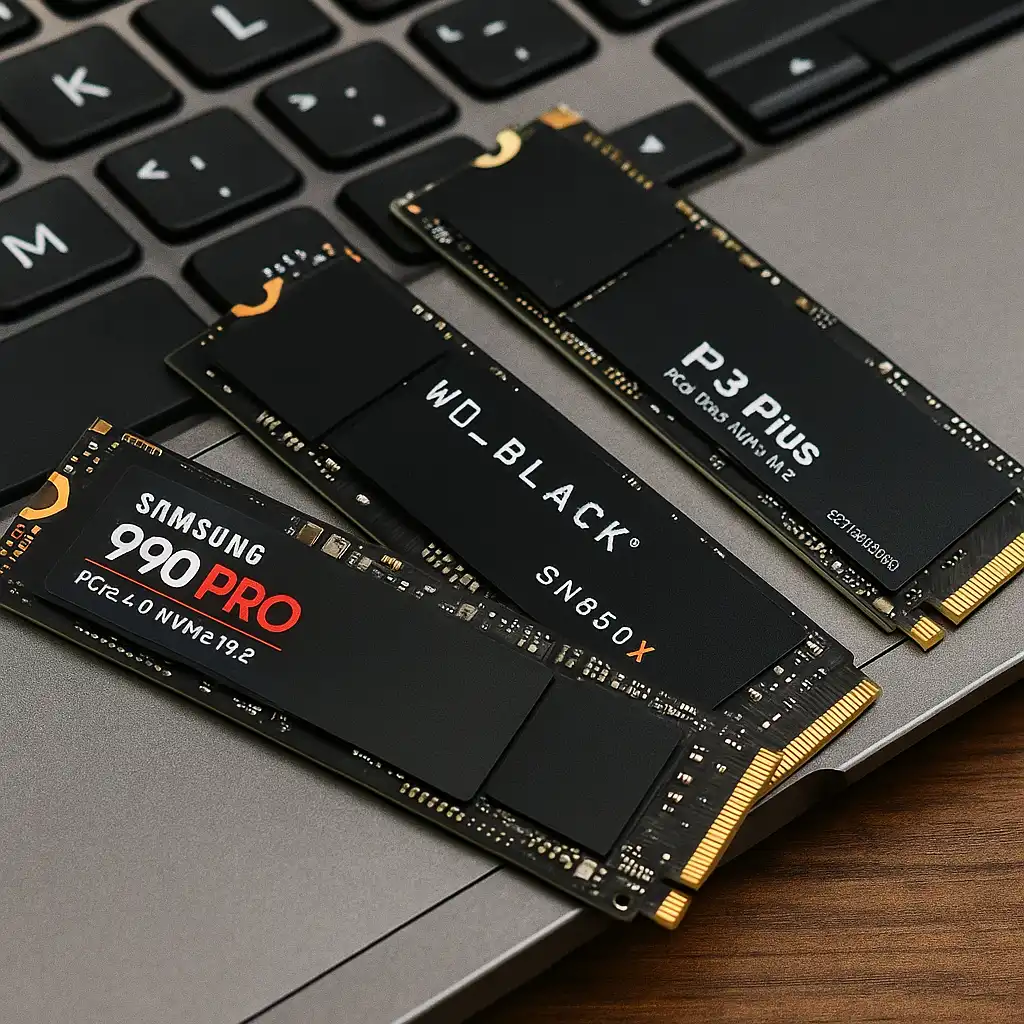
Best 1TB SSD for Laptops – Speed, Reliability, and Real-World Performance Compared
Disclosure: This post contains affiliate links. LaptopVoyager.com participates in the Amazon Associates Program and may earn commissions on qualifying purchases, at no extra cost to you.
Last Updated: February 2026
Upgrading to a 1TB SSD is one of the most practical ways to improve laptop storage capacity and responsiveness. For students, professionals, gamers, and content creators, 1TB offers enough room for applications, large files, and long-term use without constant storage management.
This guide compares three high-performance PCIe 4.0 NVMe drives based on manufacturer specifications, rated speeds, and workload suitability.
👉 If you’re planning a full upgrade, see our complete guide to the best laptop ssd upgrade.
💰 Check Price & Availability
View on Amazon – SAMSUNG 990 PRO SSD 1TB PCIe 4.0 (7,450 MB/s Read)
View on Amazon – WD_BLACK 1TB SN850X NVMe Gen4 (7,300 MB/s Read)
View on Amazon – Crucial P310 1TB PCIe 4.0 NVMe (7,100 MB/s Read)
📋 Quick-View Comparison List
Best Overall Performance: Samsung 990 PRO 1TB for top-tier Gen4 speeds
Best for Gaming Workloads: WD_BLACK SN850X 1TB for sustained performance
Best Value Gen4 Option: Crucial P310 1TB for strong speeds at lower cost
🔍 What to Look for in a 1TB SSD for Laptops
Most modern laptops support either SATA SSDs or NVMe PCIe drives. These three models use PCIe 4.0 NVMe, which offers significantly higher theoretical speeds than older SATA drives.
Beyond speed ratings, you’ll want to consider endurance (TBW), thermal management, and compatibility with your laptop’s M.2 slot. If you’re unsure about your current setup, this guide explains how to check if your laptop has ssd or hdd.
Higher read and write speeds benefit large file transfers, game load times, video editing workflows, and heavy multitasking.
📦 Samsung 990 PRO 1TB – Flagship Gen4 Performance
The Samsung 990 PRO 1TB is rated at up to 7,450 MB/s read speeds according to manufacturer specifications. It uses PCIe 4.0 and is designed for high-performance computing tasks.
This drive suits users who work with large media files, run demanding creative software, or want top-tier gaming load speeds. Samsung also provides endurance ratings appropriate for long-term heavy workloads.
Its performance profile makes sense for professionals and advanced users who want maximum throughput from a Gen4-compatible laptop.
📦 WD_BLACK SN850X 1TB – Strong Gaming and Sustained Speeds
The WD_BLACK SN850X 1TB is rated up to 7,300 MB/s read speeds based on manufacturer data. It’s positioned for gaming systems and high-performance environments.
Professional reviews frequently highlight its sustained performance under extended workloads, which can matter for game installs, updates, and content creation projects.
For gaming laptops with PCIe 4.0 support, this model aligns well with fast asset streaming and shorter load times. If gaming is your priority, you may also want to review our guide to the best ssd for laptop gaming.
📦 Crucial P310 1TB – Balanced Performance and Value
The Crucial P310 1TB is rated for up to 7,100 MB/s read speeds according to its specifications. While slightly below the other two models on peak ratings, it still falls within high-end Gen4 territory.
This makes it suitable for everyday professional use, large application libraries, and moderate creative workloads. For users upgrading from SATA or older NVMe drives, the jump in performance can still be substantial.
It’s a practical option for buyers who want PCIe 4.0 performance without paying flagship pricing.
🔍 Is 1TB Enough for a Laptop?
For most users, 1TB provides strong long-term flexibility.
Students can store coursework, media, and applications without immediate storage pressure. Professionals working with documents, design software, or moderate video files typically find 1TB sufficient for daily operations.
Gamers with large modern titles may still need to manage installations over time, but 1TB strikes a practical balance between capacity and cost.
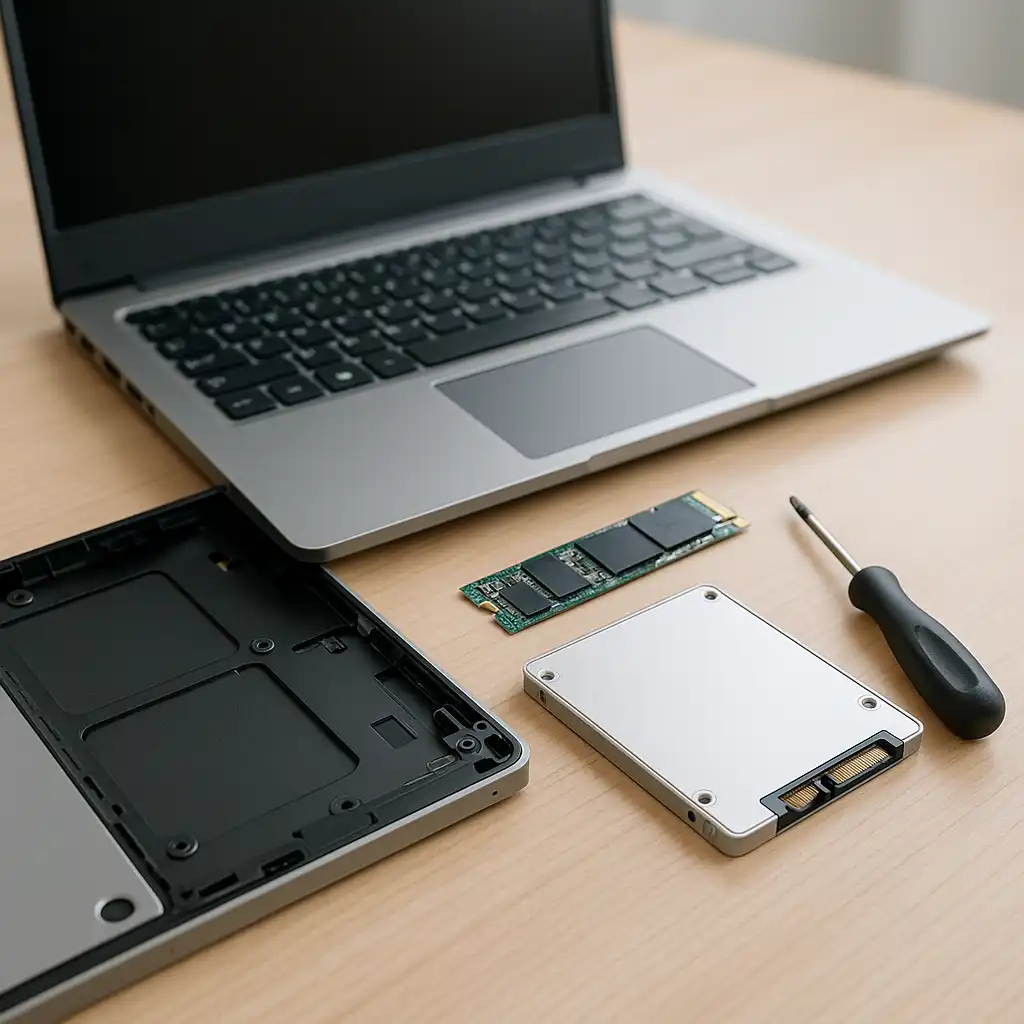
If you’re installing the drive yourself, our guide on how to install an ssd in a laptop walks through the process.
📌 Key Takeaways
- PCIe 4.0 NVMe SSDs offer significantly higher speeds than SATA drives
- Samsung 990 PRO leads in peak rated read performance
- WD_BLACK SN850X is optimized for gaming and sustained workloads
- Crucial P310 balances Gen4 performance with value pricing
- 1TB capacity suits most students, professionals, and gamers
🟢 FAQs
Q: Will a 1TB SSD make my laptop faster?
If your laptop supports NVMe PCIe 4.0 and you’re upgrading from an HDD or older SATA SSD, performance improvements in boot time and application loading can be significant.
Q: Do I need PCIe 4.0 for everyday use?
For basic browsing and office tasks, PCIe 3.0 or SATA may be sufficient. PCIe 4.0 benefits heavier workloads like gaming and media editing.
Q: Are these SSDs compatible with all laptops?
Compatibility depends on your laptop’s M.2 slot and PCIe support. Always verify specifications before purchasing.
✅ Conclusion
The best 1TB SSD for laptops depends on your workload and system compatibility. The Samsung 990 PRO delivers top-tier Gen4 speeds, the WD_BLACK SN850X balances gaming-focused performance, and the Crucial P310 offers strong value within PCIe 4.0 standards.
Choosing the right model means matching rated performance and endurance to how you actually use your laptop.