Best External Webcams for Laptops: Clear Video, Reliable Audio, and Easy Setup
Disclosure: This post contains affiliate links. LaptopVoyager.com participates in the Amazon Associates Program and may earn commissions on qualifying purchases, at no extra cost to you.
Last Updated: January 2026
Choosing an external webcam for your laptop comes down to how you want to look and sound on camera every day. You want clear video, natural colors, and a setup that works instantly—without fiddling with settings before every call.
Built-in laptop webcams often struggle with soft focus, poor low-light performance, and awkward framing. An external webcam gives you sharper image quality, better consistency, and a more polished look across meetings, classes, and video calls.
👉 If you’re upgrading your setup, this guide to best laptop accessories highlights upgrades that genuinely improve everyday laptop use.
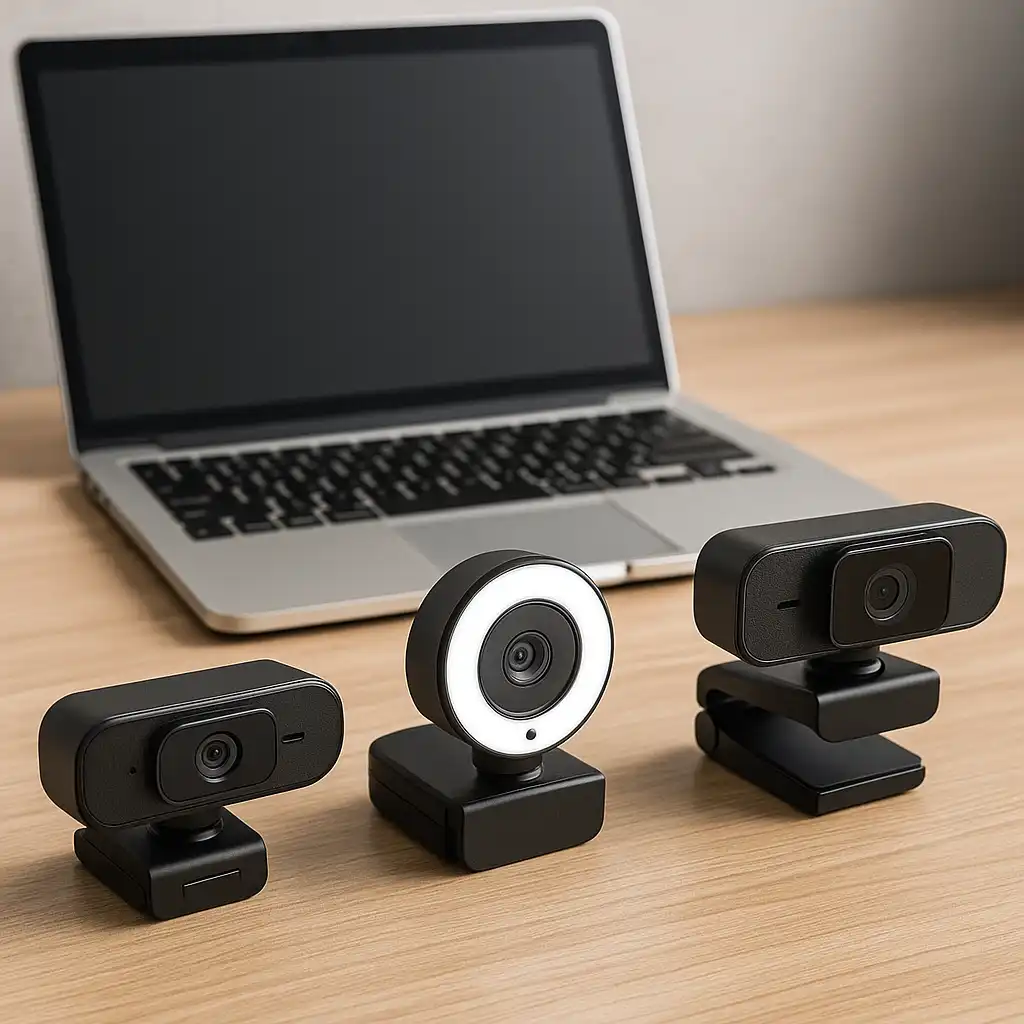
Below are three external webcams that pair especially well with laptops, each designed for a different type of use.
💰 Check Price & Availability
View on Amazon – EMEET 1080P Webcam C950 Ultra Slim
View on Amazon – Angetube 1080P 60FPS Streaming Webcam
View on Amazon – Logitech MX Brio 4K Ultra HD Webcam
📋 Quick-View Comparison List
Best Budget External Webcam for Laptops: EMEET C950 (1080p resolution, wide-angle view, simple plug-and-play)
Best Webcam for Streaming and Smooth Video: Angetube 1080p 60FPS (Smooth motion, strong clarity, reliable performance)
Best Premium Webcam for Work and Content Creation: Logitech MX Brio (4K detail, advanced image tuning, professional look)
🔍 What Matters Most in an External Webcam for Laptops
A good external webcam should fade into the background and simply work.
For laptop users, ease of setup matters just as much as image quality. Plug-and-play USB support, a stable mount, and consistent performance across video apps like Zoom, Teams, or Meet make a real difference in day-to-day use.
Resolution helps, but lighting performance, focus, and frame rate often have a bigger impact on how you actually appear on camera.
🔍 Video Quality: Resolution vs Real-World Clarity
Higher resolution doesn’t always equal better-looking video.
For most laptop users, 1080p webcams offer the best balance of clarity and reliability. They look sharp on calls without stressing your system and work well in typical home or office lighting. Higher frame rates improve motion smoothness, which is useful for presentations or light streaming.
4K webcams add extra detail and flexibility, but they make the most sense if video quality is central to your work or content creation.
🔍 Built-In Microphones and Framing
Most external webcams include built-in microphones, but they’re usually best treated as a backup.
Webcam mics work fine for quick calls, but longer meetings sound better with a dedicated headset or microphone. Still, having a usable built-in mic is helpful when you need a fast, no-fuss setup.
Framing also matters. Adjustable mounts and wider fields of view help keep you centered without awkward camera angles.
📦 EMEET 1080P Webcam C950 – Best Budget External Webcam for Laptops
The EMEET C950 focuses on simple, reliable performance.
It delivers clean 1080p video, a wide-angle view, and true plug-and-play USB setup. The slim design sits neatly on laptops or monitors without blocking the screen.
This webcam is a strong option if you want a clear upgrade over your laptop’s built-in camera without spending much.
📦 Angetube 1080P 60FPS Webcam – Best Webcam for Streaming and Smooth Video
The Angetube 1080P 60FPS Webcam is built around smooth motion.
The higher frame rate makes video feel more natural during presentations, screen sharing, or casual streaming. Image quality stays sharp, and performance remains consistent across different lighting conditions.
This webcam makes sense if you value smoother video but don’t need premium 4K resolution.
📦 Logitech MX Brio 4K Ultra HD Webcam – Best Premium Webcam for Laptop Users
The Logitech MX Brio is designed for users who want top-tier image quality.
Its 4K resolution delivers excellent detail, while advanced image tuning helps maintain clarity in challenging lighting. It’s a strong fit for professionals, creators, and anyone who wants a polished on-camera presence.
This webcam is ideal if video quality plays a major role in your daily work or content.
📌 Key Takeaways
- External webcams provide clearer, more consistent video than laptop cameras
- 1080p webcams are ideal for most calls, meetings, and classes
- Higher frame rates improve smoothness for presentations and streaming
- Built-in webcam microphones are convenient but limited
- Premium webcams suit professional and creative workflows
🟢 FAQs
Q: Are external webcams better than laptop webcams?
Yes. External webcams usually offer sharper video, better low-light performance, and more consistent results.
Q: Is 1080p enough for video calls and meetings?
Yes. 1080p is perfect for everyday calls, remote work, and online classes.
Q: Do I need a 4K webcam for laptop use?
Not usually. 4K is best for content creation or users who want maximum image quality.
Q: Can external webcams work with Windows and macOS laptops?
Most modern webcams support plug-and-play on both platforms.
✅ Conclusion
The best external webcam for a laptop depends on how you use your camera day to day. The EMEET C950 is a solid budget upgrade, the Angetube 1080p 60FPS model delivers smoother motion for presentations and streaming, and the Logitech MX Brio offers premium image quality for professional and creative use. Choosing the right webcam comes down to clarity, smoothness, and how important on-camera quality is in your workflow.