Best Laptop Cooling Stands That Actually Reduce Heat and Improve Everyday Performance
Disclosure: This post contains affiliate links. LaptopVoyager.com participates in the Amazon Associates Program and may earn commissions on qualifying purchases, at no extra cost to you.
Last Updated: January 2026
Laptop overheating isn’t just a gaming problem. Excess heat can lead to slower performance, louder fans, and an uncomfortable typing surface—especially on thin laptops with limited airflow during long sessions.
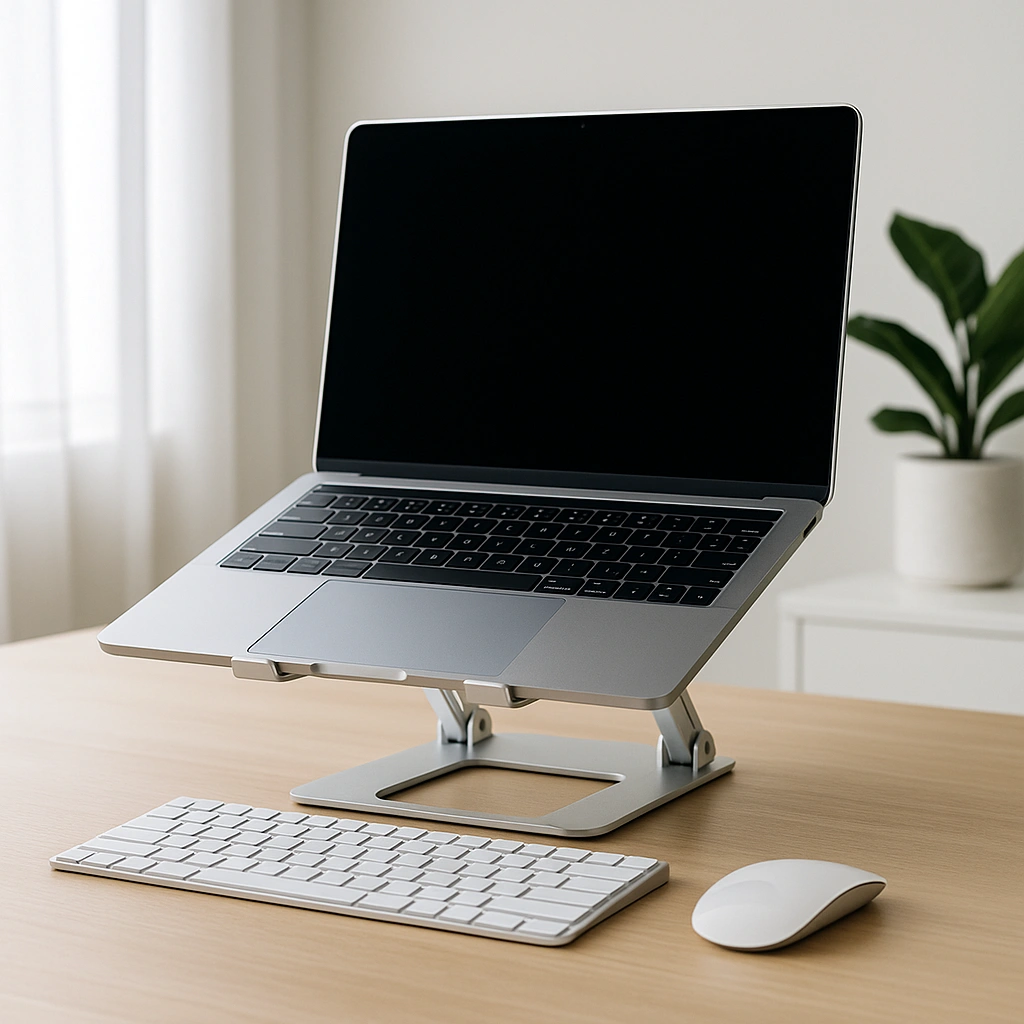
A good laptop cooling stand improves airflow underneath your device, helps manage heat buildup, and raises the screen to a more comfortable viewing height. The right stand can make everyday laptop use feel quieter, smoother, and more comfortable without complicating your desk setup.
👉 If you’re upgrading more than just cooling, our best laptop accessories guide covers other tools that improve comfort, performance, and everyday usability.
💰 Check Price & Availability
View on Amazon – KeiBn Laptop Cooling Pad (2 Fans, 10–15.6″)
View on Amazon – KLIM Everest Laptop Cooling Pad (4300 RPM Turbo Fan)
View on Amazon – Thermaltake Massive EXTREME Notebook Cooler (up to 18″)
📋 Quick-View Comparison List
Best Budget Cooling Stand for Everyday Use: KeiBn Laptop Cooling Pad
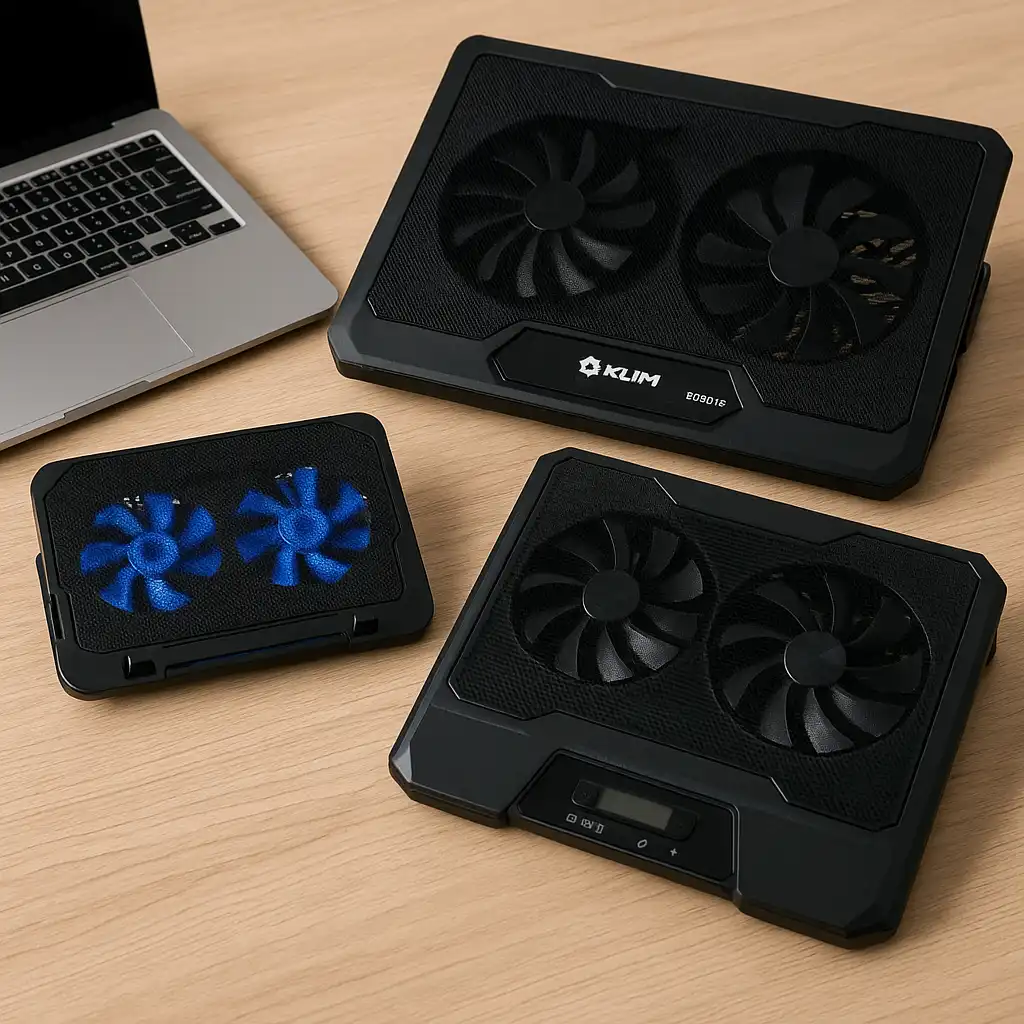
Best High-Performance Cooling Stand for Hot Laptops: KLIM Everest Laptop Cooling Pad
Best Cooling Stand for Large and Heavy Laptops: Thermaltake Massive EXTREME Notebook Cooler
🔍 Why Laptop Cooling Stands Matter More Than You Think
Modern laptops pack more power into slimmer designs, which naturally restricts airflow.
When heat builds up, laptops often reduce performance to protect internal components. Cooling stands help by lifting the laptop off the desk and directing fresh air toward intake vents, improving airflow during long work or study sessions.
Even non-gaming laptops can benefit from better cooling when multitasking, video calls, or sustained workloads push temperatures higher.
🔍 Cooling Performance vs Noise Levels
Cooling power isn’t the only thing that matters.
Some cooling stands are designed for quieter operation with moderate airflow, while others prioritize aggressive cooling at the cost of louder fans. The right balance depends on how and where you use your laptop—whether you’re working in a quiet room or pushing your system under heavier loads.
Knowing how much cooling you actually need helps avoid unnecessary noise.
🔍 Ergonomics and Desk Comfort
Cooling stands don’t just manage heat—they also improve posture.
By raising the laptop screen, they reduce the need to hunch forward, which helps ease neck and shoulder strain over long sessions. Adjustable angles and stable platforms make a noticeable difference, especially when paired with an external keyboard and mouse.
For many users, the ergonomic benefit becomes just as valuable as the cooling itself.
📦 KeiBn Laptop Cooling Pad – Best Budget Cooling Stand
The KeiBn Laptop Cooling Pad is designed for everyday laptops that need light to moderate cooling.
Its dual-fan setup provides consistent airflow for laptops up to 15.6 inches, making it a practical option for students and home office users. The lightweight build also makes it easy to move between desks or workspaces.
This is a solid choice if you want simple cooling without spending much.
📦 KLIM Everest Laptop Cooling Pad – Best High-Performance Cooling Stand
The KLIM Everest is built for users dealing with higher temperatures.
Its powerful turbo fan pushes significantly more air than standard cooling pads, helping laptops stay cooler during sustained workloads. Airflow is focused where laptops need it most, which makes it effective for hotter systems.
This stand makes sense if cooling performance matters more than keeping things ultra-quiet.
📦 Thermaltake Massive EXTREME – Best Cooling Stand for Large Laptops
The Thermaltake Massive EXTREME is designed for larger laptops up to 18 inches.
Its oversized fan and wide airflow surface help move a large volume of air, which is especially useful for bigger laptops that generate more heat. The broad platform also adds stability for heavier devices.
This is the best option if you’re using a large workstation or gaming laptop.
🔍 Which Laptop Cooling Stand Should You Choose?
The right cooling stand depends on your laptop size and how hard you push it.
If you want affordable cooling for everyday use, the KeiBn pad is a safe pick. If your laptop regularly runs hot, the KLIM Everest offers stronger airflow. For large laptops that need full coverage, the Thermaltake Massive EXTREME stands out.
Matching cooling power to real-world usage delivers the best results.
📌 Key Takeaways
- Laptop cooling stands help reduce heat buildup and thermal throttling
- Improved airflow makes long sessions more comfortable
- Some stands focus on quiet cooling, others on maximum airflow
- Raised screen height improves posture and desk ergonomics
- Choosing the right size is critical for effective cooling
🟢 FAQs
Q: Do laptop cooling stands really work?
Yes. They improve airflow and can help reduce surface temperatures and performance throttling.
Q: Are cooling stands noisy?
It depends on the model. High-performance cooling stands are usually louder than basic pads.
Q: Can a cooling stand improve laptop performance?
Indirectly, yes. Lower temperatures help laptops maintain consistent performance during heavier use.
Q: Are cooling stands useful for non-gaming laptops?
Absolutely. Any laptop that runs warm can benefit from better airflow.
✅ Conclusion
The best laptop cooling stands help manage heat while also improving desk comfort. Whether you need a budget-friendly option for everyday use, a high-performance cooler for demanding workloads, or a wide stand for a large laptop, choosing the right cooling stand can make your laptop quieter, more comfortable, and more reliable over time.