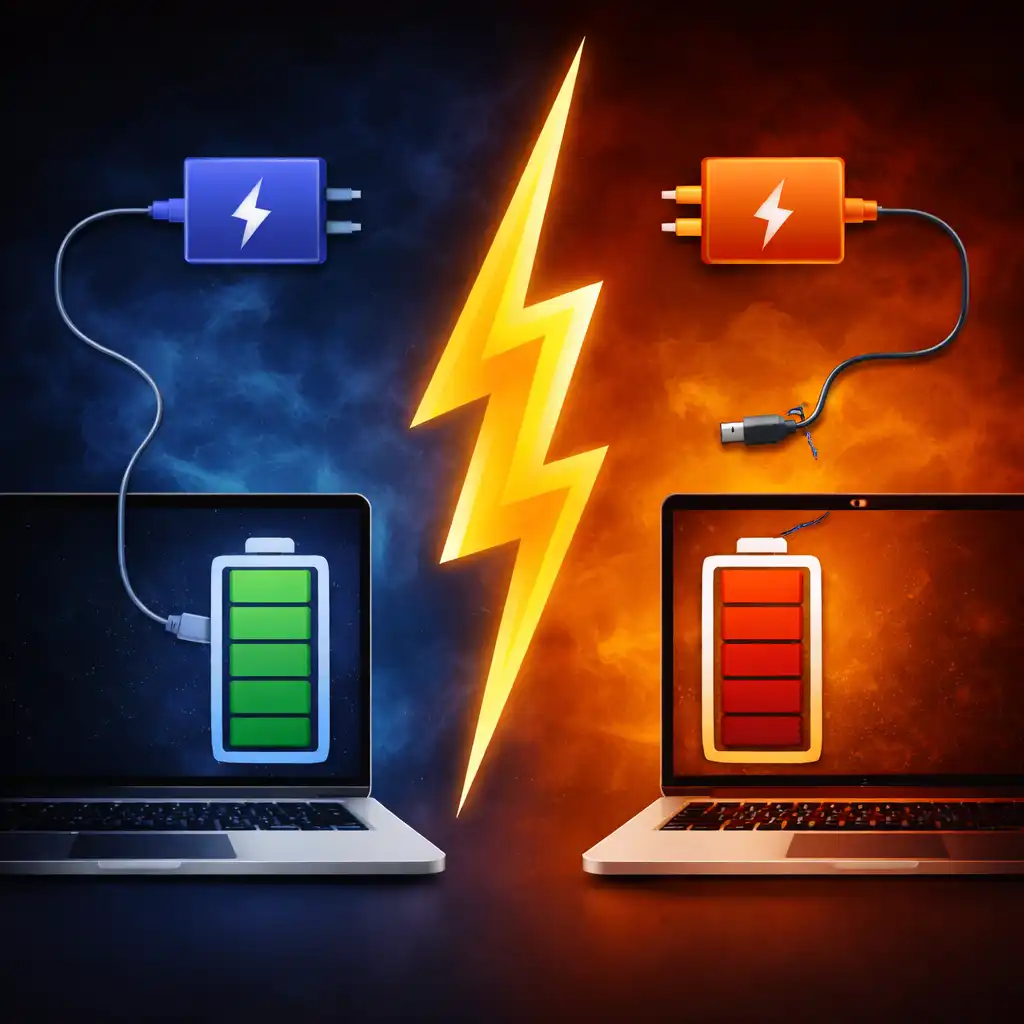
Fast Charging vs Slow Charging – How Laptop Charging Speed Affects Battery Health
Disclosure: This post contains affiliate links. LaptopVoyager.com participates in the Amazon Associates Program and may earn commissions on qualifying purchases, at no extra cost to you.
Last Updated: March 2026
Laptop charging speed can vary significantly depending on the charger, battery design, and charging technology used. Modern laptops often support fast charging through USB-C Power Delivery or high-wattage adapters, while others rely on slower charging designed to reduce battery stress.
Understanding the difference between fast charging and slow charging helps users balance convenience with long-term battery lifespan.
👉 For a full overview of how laptop charging systems work and how to choose compatible chargers, see the laptop charging guide. link-rules
🔍 What Is Fast Charging?
Fast charging refers to delivering higher electrical power to a laptop battery in order to recharge it more quickly.
Many modern laptops support fast charging technologies that allow the battery to reach around 50–60% capacity in less than an hour. This is often achieved through higher wattage chargers and intelligent power management systems.
Fast charging is particularly useful for travelers, students, or professionals who need to quickly top up their battery between meetings or classes.
🔍 What Is Slow Charging?
Slow charging delivers power at a lower rate and usually takes longer to reach a full charge.
While it may seem less convenient, slower charging generates less heat and can reduce stress on the battery’s chemical components. Many manufacturers design laptops to gradually slow charging speeds as the battery approaches full capacity.
This approach helps balance charging speed with long-term battery health.
🔍 How Charger Wattage Affects Charging Speed
Charging speed depends heavily on the wattage of the charger used.
Higher wattage adapters can deliver more power to the laptop battery, which may allow faster charging if the device supports it. However, the laptop’s internal power management system ultimately determines how much power is accepted.
If you want to understand how charger wattage influences charging speed and compatibility, our guide on laptop charger wattage explained covers the technical details.
🔍 Does Fast Charging Damage Laptop Batteries?
Modern laptops are designed with battery management systems that regulate charging speed and temperature.
These systems monitor voltage, temperature, and current to ensure safe charging conditions. As a result, fast charging does not automatically damage a battery when supported by the device.
However, higher temperatures generated during fast charging can contribute to gradual battery wear over long periods.
🔍 When Slow Charging May Be Better
Slow charging can be beneficial in situations where battery longevity is the priority.
Charging at a lower power level reduces heat generation and may place less stress on the battery over time. Some users intentionally use lower-power chargers when working at a desk for long periods.
Understanding long-term battery wear also involves learning about battery cycles and degradation. Our guide on how long a laptop battery should last explains how battery lifespan is typically measured.
📌 Key Takeaways
- Fast charging delivers higher power to recharge batteries more quickly
- Slow charging generates less heat and may reduce long-term battery stress
- Charger wattage and laptop power management determine charging speed
- Modern battery systems regulate charging to maintain safe operating conditions
🟢 FAQs
Q: Is fast charging safe for laptops?
Yes. Most modern laptops include battery management systems that regulate power and temperature during fast charging.
Q: Why does charging slow down near 100%?
Many laptops intentionally reduce charging speed near full capacity to protect battery health and prevent overheating.
Q: Can using a lower wattage charger slow charging?
Yes. Lower wattage chargers deliver less power, which increases the time required to recharge the battery.
✅ Conclusion
Fast charging and slow charging represent two different approaches to laptop battery management. Fast charging provides convenience and rapid power when time is limited, while slower charging can reduce heat and battery stress.
Choosing the right charging approach depends on how you use your laptop and whether speed or long-term battery lifespan is the priority.