Signs Your Laptop Is About to Fail: Warning Symptoms You Shouldn’t Ignore
Disclosure: This post contains affiliate links. LaptopVoyager.com participates in the Amazon Associates Program and may earn commissions on qualifying purchases, at no extra cost to you.
Last Updated: January 2026
Laptops almost never fail without warning. In most cases, there are clear signs well before something completely stops working. The problem is that many of these symptoms feel “normal” at first—until the laptop suddenly won’t turn on or crashes for good.
Knowing the signs your laptop is about to fail gives you time to back up important files, decide whether repairs are worth it, and plan a replacement instead of being forced into one.
👉 If you’re weighing repair versus replacement, our laptop repair and maintenance guide explains common failure points, repair costs, and long-term ownership decisions.
🔍 Sudden Slowdowns and Freezing
One of the earliest warning signs is a noticeable change in performance.
If your laptop starts freezing during simple tasks, takes much longer to boot, or struggles with apps it used to handle easily, internal components may be wearing out. Storage problems and heat buildup are common causes at this stage. For a breakdown of what common hardware fixes typically cost, see common laptop repairs and their costs.
Occasional slowness is normal. Repeated freezing usually isn’t.
🔍 Overheating and Loud Fan Noise
Excessive heat is a major red flag.
If your laptop feels hot even during light use, or the fans are running loudly most of the time, the cooling system may be clogged or failing. Persistent overheating puts extra stress on internal components and can dramatically shorten the laptop’s lifespan.
Heat problems tend to get worse, not better, if ignored.
🔍 Battery Problems and Power Issues
Battery and power issues are some of the most common signs of a failing laptop.
Rapid battery drain, sudden shutdowns, or a laptop that only works when plugged in usually point to battery degradation. In some cases, these symptoms can also indicate charging port or internal power issues.
Unexpected power loss should never be brushed off.
🔍 Random Crashes and Error Messages
Frequent crashes often signal deeper hardware problems.
Blue screens, system errors, or apps closing without warning may be caused by failing storage drives, memory issues, or motherboard problems. When crashes start happening regularly, full failure may not be far away.
This is often the point where backing up your data becomes urgent.
🔍 Screen Issues and Visual Glitches
Display problems can also be warning signs.
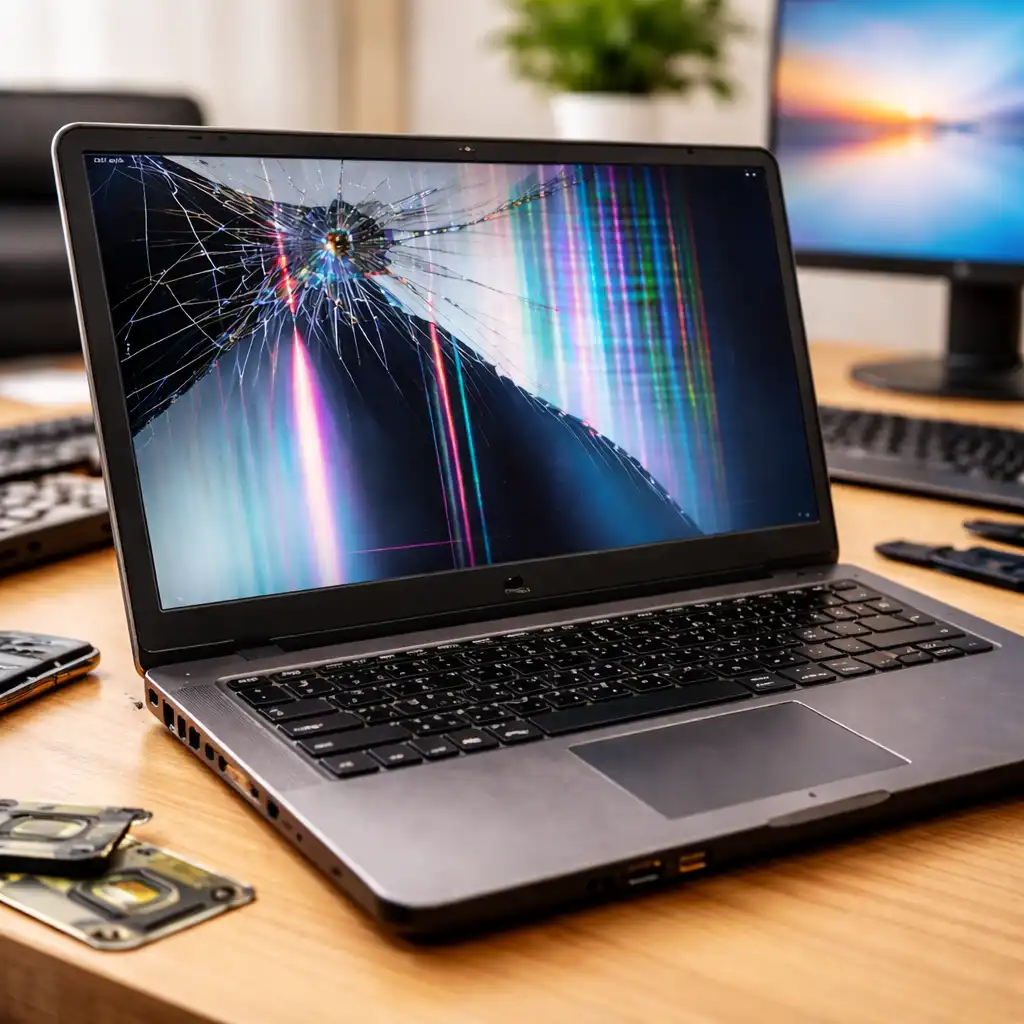
Flickering screens, lines across the display, discoloration, or sudden blackouts may be related to display cables, graphics components, or failing panels. While some screen issues are repairable, they often worsen over time.
Visual glitches should be taken seriously, even if everything else still works.
🔍 Unusual Noises or Physical Changes
Strange sounds or physical changes are never a good sign.
Clicking, buzzing, or grinding noises—especially in older laptops—can point to failing fans or storage drives. Swelling batteries may cause trackpads or keyboards to lift, which is a serious safety concern.
Any change in the laptop’s shape, feel, or sound deserves immediate attention.
🔍 Frequent Connection or Charging Problems
Connection issues can also hint at internal damage.
Loose charging ports, USB ports that stop working, or Wi-Fi connections that constantly drop may indicate worn internal connections. If charging issues are becoming frequent, laptop charging port repair cost explains when repair is reasonable. These problems usually get worse over time and can eventually lead to total failure.
Small connection issues rarely stay small.
📌 Key Takeaways
- Laptops usually show warning signs before failing
- Slowdowns and overheating are early indicators
- Battery and power issues are common failure points
- Crashes and error messages suggest deeper problems
- Physical changes or unusual noises need quick action
🟢 FAQs
Q: How long do laptops usually show warning signs before failing?
It can range from weeks to months, depending on the issue and how the laptop is used.
Q: Should I stop using a laptop that shows failure signs?
Not necessarily, but you should back up your data and plan next steps quickly.
Q: Can repairs prevent total laptop failure?
Sometimes. Early repairs can extend life if the cost stays reasonable.
Q: Is overheating always a sign of failure?
Not always, but persistent overheating is a serious warning sign.
✅ Conclusion
Laptops rarely fail out of nowhere. Slowdowns, overheating, power issues, crashes, and physical changes are all signs that something isn’t right. Spotting these symptoms early gives you time to protect your data and make smart decisions about repair or replacement—before a small issue turns into a complete failure.