What Laptop Accessories Do I Need? A Practical Guide for Everyday Use
Disclosure: This post contains affiliate links. LaptopVoyager.com participates in the Amazon Associates Program and may earn commissions on qualifying purchases, at no extra cost to you.
Last Updated: January 2026
Buying a laptop is only the first step. The accessories you pair with it can make daily use smoother, more comfortable, and far less frustrating—or they can end up as unused clutter.
If you’ve ever wondered which laptop accessories actually matter and which ones you can safely ignore, you’re not alone. This guide focuses on accessories that solve real, everyday problems, not things that look useful but rarely earn their place on your desk or in your bag.
👉 If you want a broader overview of proven upgrades, this guide to best laptop accessories highlights tools that consistently improve everyday laptop use.
Let’s walk through the accessories that make the biggest difference for most laptop users.
🔍 Accessories Almost Every Laptop User Needs
Some accessories are genuinely useful for nearly everyone.
A laptop sleeve or case protects your device from bumps, scratches, and everyday wear—especially if you carry it in a backpack or commute regularly. A wireless mouse is another simple upgrade that improves control and comfort, particularly during longer sessions.
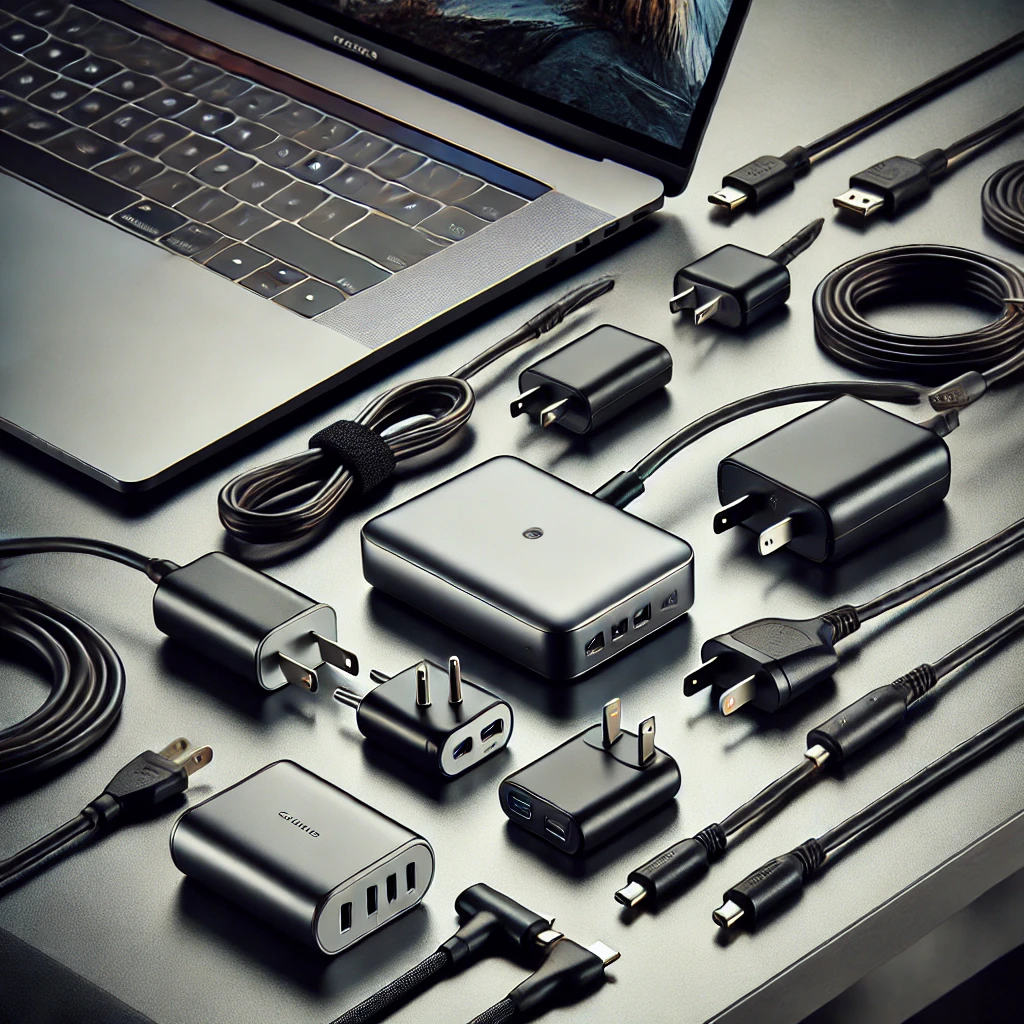
Reliable charging gear matters just as much. Having an extra cable or compact charger can save you from a dead battery at the worst possible moment.
🔍 Accessories That Improve Comfort and Ergonomics
Comfort becomes more important the longer you sit with your laptop.
Laptop stands raise the screen to a better viewing height, which helps reduce neck strain and improves airflow underneath the device. Pairing a stand with a mouse or external keyboard can make long work or study sessions noticeably easier on your body.
You don’t need a full ergonomic workstation, but a few small adjustments can make daily laptop use much more comfortable.
🔍 Accessories for Productivity and Multitasking
If you regularly connect other devices, the right accessories can simplify everything.
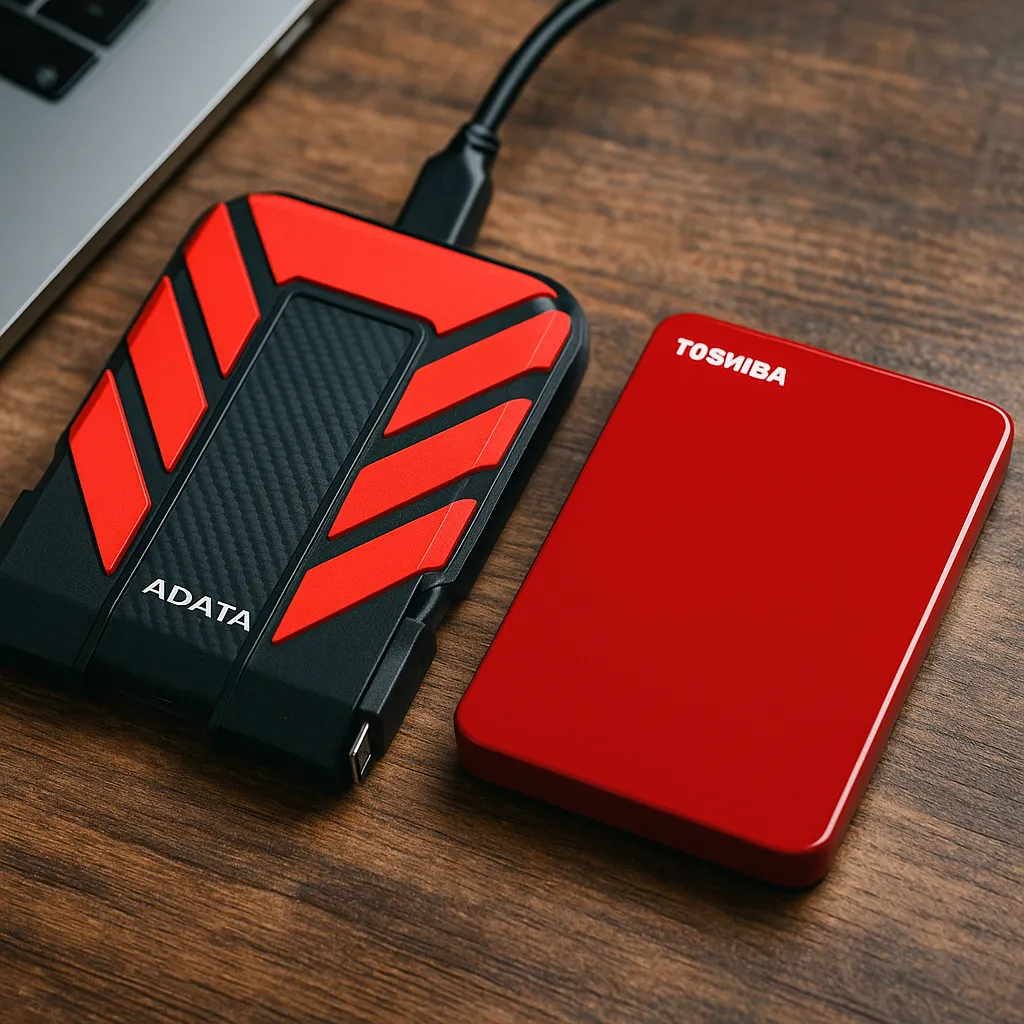
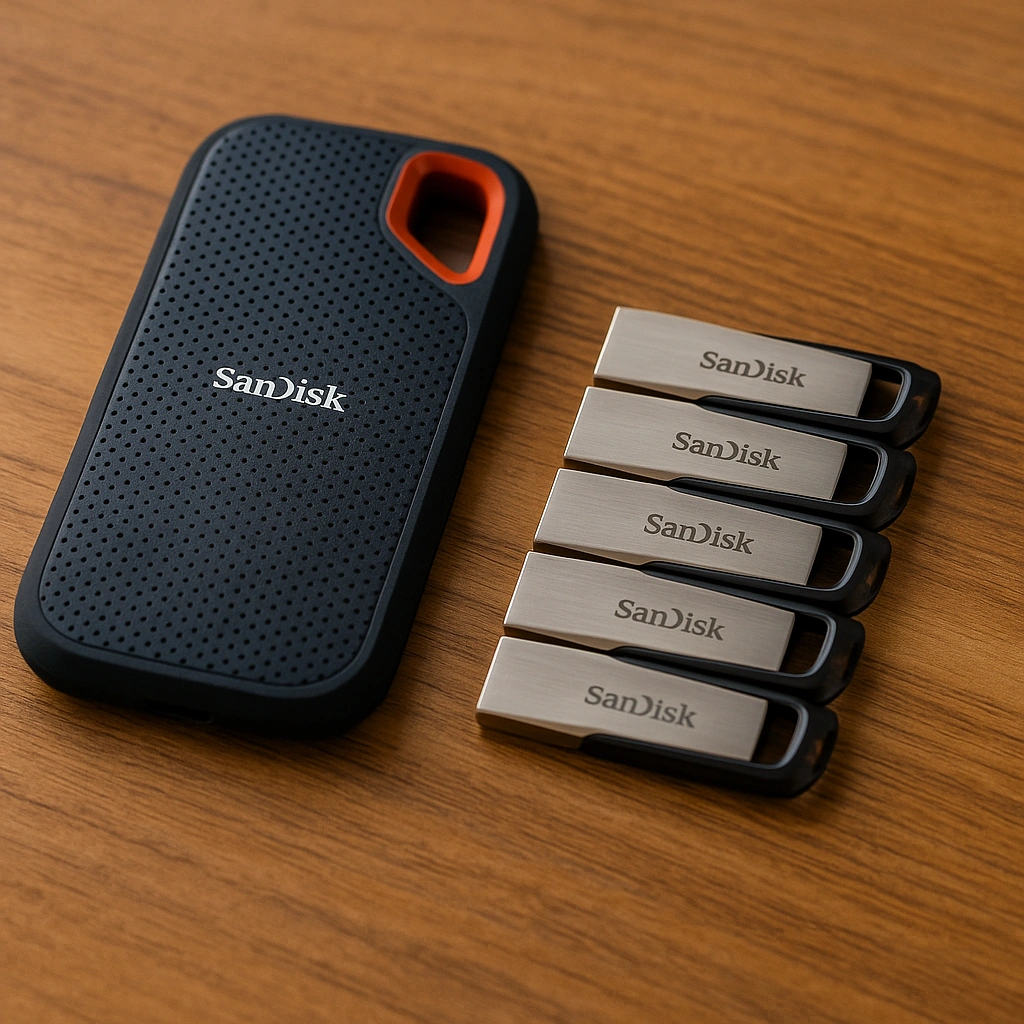
USB-C hubs add extra ports for displays, storage drives, and peripherals without juggling multiple adapters. External monitors can also boost productivity by giving you more screen space, especially for work, studying, or creative tasks.
These accessories are particularly helpful if your laptop has limited built-in ports.
🔍 Accessories for Travel and Remote Work
Travel changes which accessories make sense.
Lightweight protection, compact chargers, and portable input devices often matter more than desk-focused gear. Noise-canceling headphones or a USB headset can also be valuable, helping you focus or take calls in busy or shared environments.
When you’re on the move, accessories that serve more than one purpose usually offer the best value.
🔍 Accessories You Can Usually Skip
Not every accessory is necessary.
Large docking stations, oversized cooling pads, and highly specialized gear often only make sense for specific setups. If an accessory doesn’t solve a problem you actually experience, it’s usually safe to skip.
Starting simple and adding accessories only when you need them helps avoid wasted money and unnecessary clutter.
🔍 Choosing Accessories Based on How You Use Your Laptop
The best accessories depend on how you use your laptop day to day.
Students often benefit most from portability and comfort upgrades. Remote workers may prioritize connectivity and ergonomics. Casual users usually need only basic protection and reliable charging.
Thinking about your habits makes it much easier to choose accessories you’ll actually use.
📌 Key Takeaways
- Start with protection, charging, and basic input accessories
- Comfort upgrades matter most during long laptop sessions
- USB-C hubs and external monitors improve multitasking
- Travel setups benefit from lightweight, multi-use gear
- Add accessories only when they solve a real problem
🟢 FAQs
Q: What is the most important laptop accessory?
Protection and reliable charging are usually the most important for most users.
Q: Do I need a laptop stand?
Not always, but it can improve comfort and airflow during long sessions.
Q: Are USB-C hubs necessary?
They’re helpful if your laptop has limited ports or you connect multiple devices.
Q: Should I buy all accessories at once?
No. Start with essentials and add more as your needs become clear.
✅ Conclusion
The laptop accessories you need depend entirely on how you use your device every day. Most people benefit from a few essentials—protection, charging, and basic comfort upgrades—while more specialized accessories only make sense for specific workflows. Instead of buying everything at once, focus on accessories that solve real problems and make your laptop easier and more comfortable to use.