Liquid Metal vs Thermal Paste – Key Differences Explained
Disclosure: This post contains affiliate links. LaptopVoyager.com participates in the Amazon Associates Program and may earn commissions on qualifying purchases, at no extra cost to you.
Last Updated: September 2026
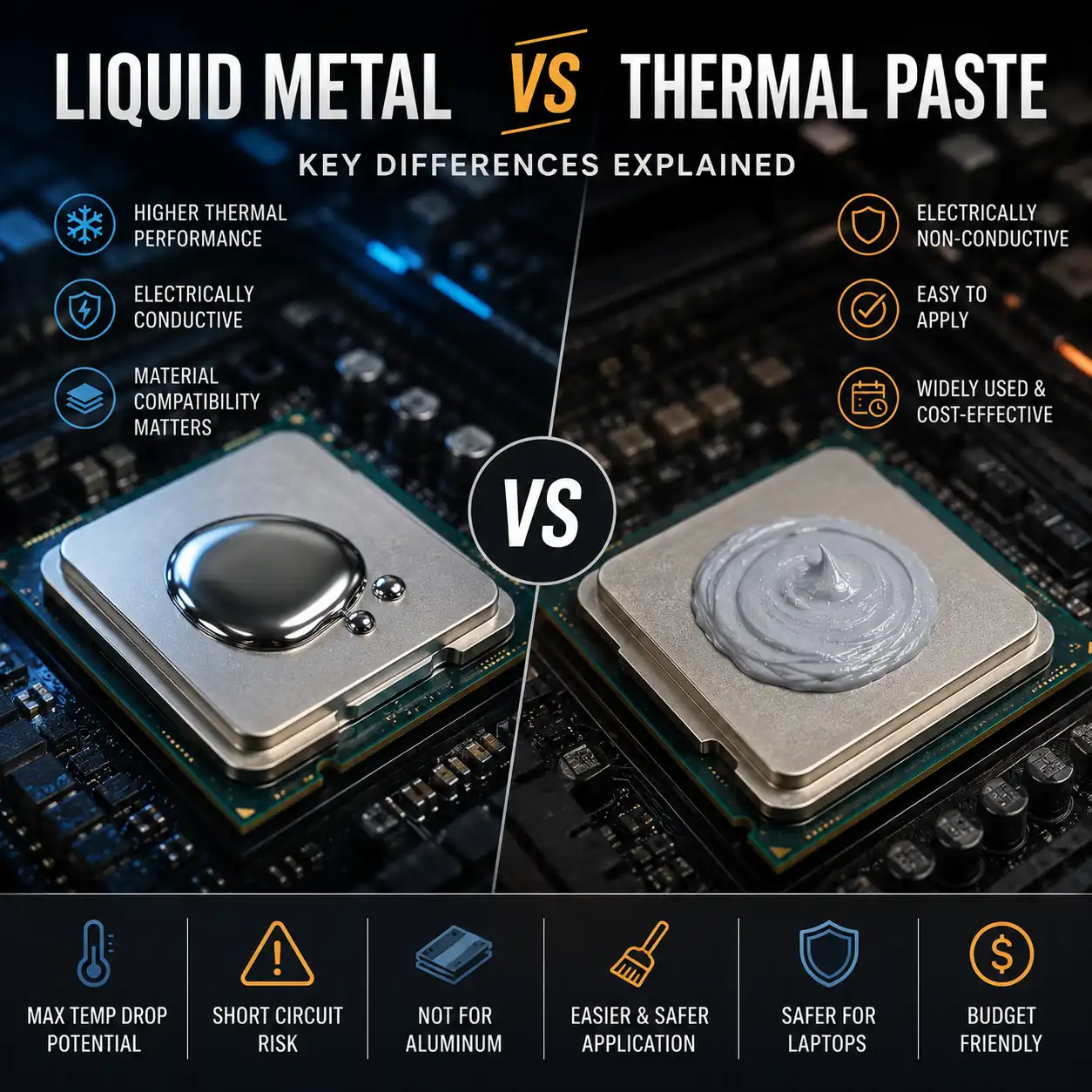
Liquid metal and conventional thermal paste are both designed to transfer heat between a processor and its cooling system. However, liquid metal uses a metallic alloy and requires significantly more attention to electrical safety and material compatibility.
This guide compares liquid metal vs thermal paste based on cooling characteristics, electrical conductivity, application, compatibility, longevity, and suitability for laptops.
👉 For a complete overview of laptop thermal interface materials, see Laptop Thermal Paste Guide.
📌 Key Takeaways
- Liquid metal uses a metallic alloy rather than the conventional matrix and particles found in standard thermal paste.
- Liquid metal can provide very high heat-transfer performance when used in a compatible cooling system.
- Liquid metal compounds such as Thermal Grizzly Conductonaut are electrically conductive.
- Conductonaut must not be used with aluminum cooling surfaces.
- Thermal Grizzly recommends nickel-plated copper for the best long-term stability with Conductonaut.
- Conventional non-conductive thermal paste is generally more forgiving to apply in laptops.
- The laptop’s original cooling design and manufacturer guidance should take priority before changing thermal interface materials.
🔍 What Is Liquid Metal?
Liquid metal is a type of thermal interface material made from a metallic alloy that remains liquid at normal operating temperatures.
For example, Thermal Grizzly describes Conductonaut as a eutectic alloy containing metals including gallium, indium, and tin. Because the material itself is metallic, it behaves differently from conventional thermal compounds.
Liquid metal can create a very thin thermal interface between the processor and heatsink. This characteristic makes it attractive for applications where maximum heat transfer is a priority.
However, its metallic composition also introduces important electrical and material compatibility considerations.
🔍 What Is Conventional Thermal Paste?
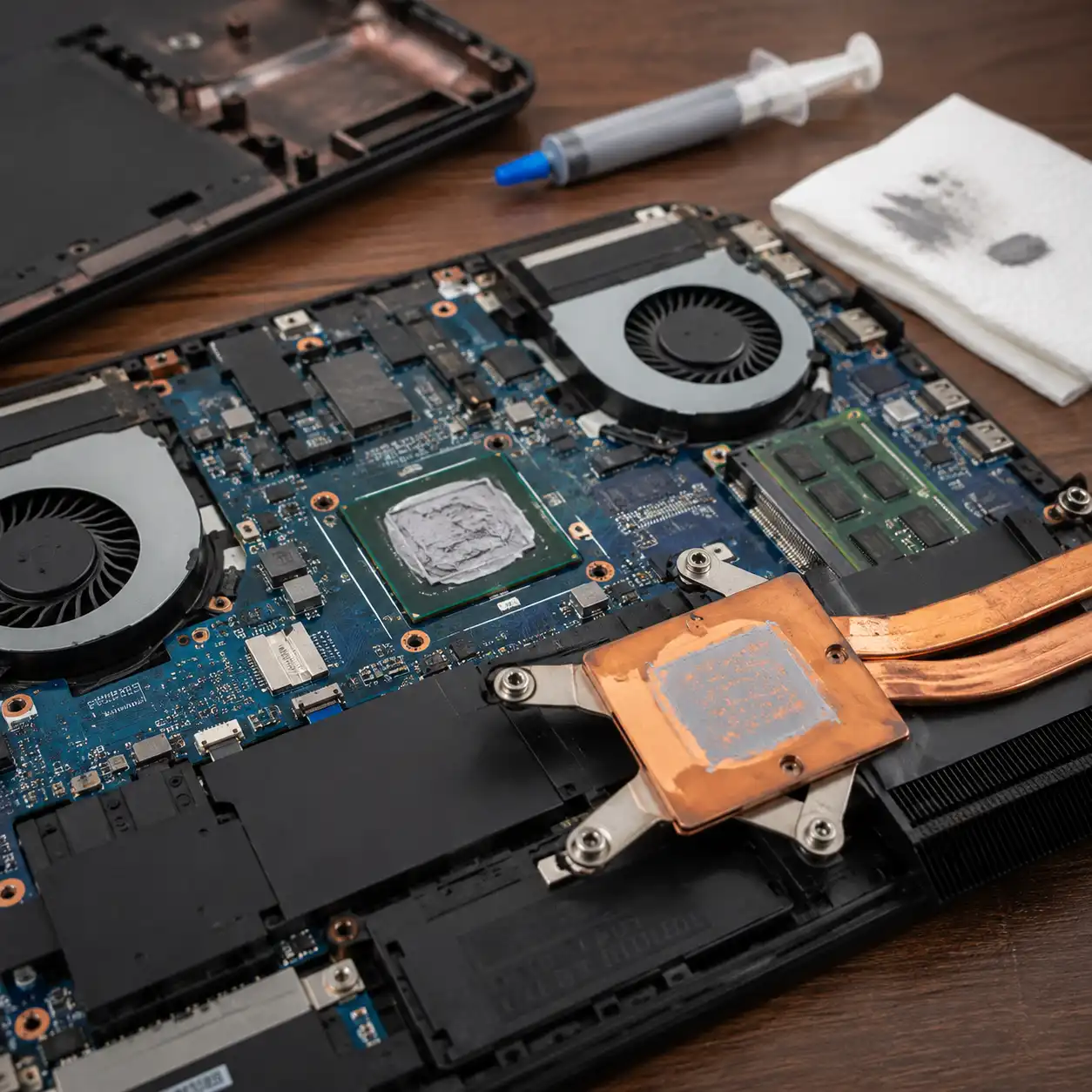
Conventional thermal paste is a semi-fluid compound designed to fill microscopic imperfections between a processor and its heatsink.
Thermal Grizzly describes conventional compounds such as Kryonaut, Hydronaut, and Aeronaut as using a carrier or matrix material with heat-conducting particles. These particles are typically made from materials such as electrically non-conductive oxides.
Different thermal pastes use different formulations, so viscosity, application characteristics, thermal performance, and expected service life can vary.
For laptop applications, conventional thermal paste is commonly used on direct-contact CPU and GPU cooling surfaces.
👉 If you’re choosing a conventional compound, see Best Thermal Paste for Laptop.
🔍 Liquid Metal vs Thermal Paste: Main Differences
The biggest differences involve composition, electrical conductivity, application, and material compatibility.
Liquid metal is a metallic alloy. Conventional thermal paste generally combines a carrier material with thermally conductive particles.
This distinction matters because liquid metal products such as Conductonaut conduct electricity, while conventional pastes such as Thermal Grizzly Kryonaut and Noctua NT-H1 and NT-H2 are specified as electrically non-conductive.
Liquid metal also requires careful consideration of the heatsink material. Conductonaut, for example, must not be used with aluminum.
Conventional thermal paste is therefore generally the more forgiving option when servicing a typical laptop.
🔍 Cooling Performance
Liquid metal is designed for applications where very high heat-transfer performance is required.
Thermal Grizzly positions Conductonaut as a high-performance solution for experienced users seeking maximum heat dissipation. Because it remains liquid and can form a very thin interface, it can reduce the amount of thermal interface material separating the processor from the cooling surface.
However, comparing liquid metal and conventional thermal paste using thermal-conductivity figures alone can be misleading.
Thermal Grizzly notes that thermal performance is influenced by variables such as contact pressure, temperature, and surface characteristics. The company no longer publishes specific thermal-conductivity values for all of its cooling products for this reason.
Published benchmarks can still show temperature differences between individual products, but those results should be interpreted within the specific CPU, GPU, heatsink, mounting pressure, and test configuration being used.
🔍 Electrical Conductivity and Short-Circuit Risk
Electrical conductivity is one of the most important differences between liquid metal and conventional thermal paste.
Thermal Grizzly explicitly identifies Conductonaut as electrically conductive. This means accidental contact with exposed electronic components can create an electrical path where one shouldn’t exist.
This consideration is particularly important inside laptops because processors are often surrounded by densely packed surface-mounted components.
Noctua also warns that liquid metal compounds can be risky in laptops because applying slightly too much can potentially cause short circuits.
By comparison, Noctua specifies that NT-H1 and NT-H2 are not electrically conductive. Thermal Grizzly similarly states that its conventional Kryonaut, Kryonaut Extreme, Hydronaut, and Aeronaut pastes are not electrically conductive.
For users prioritizing straightforward maintenance and a larger margin for application error, conventional non-conductive paste has a clear practical advantage.
🔍 Liquid Metal and Aluminum Compatibility
Liquid metal shouldn’t be applied without first checking the material used by the cooling surface.
Thermal Grizzly explicitly states that Conductonaut must not be used with aluminum coolers. Its safety documentation also identifies aluminum among the materials that should be avoided.
This restriction is especially important because laptop heatsinks and cooling assemblies can use different metals, coatings, and combinations of materials.
A heatsink that visually appears metallic isn’t enough information to determine compatibility.
Before considering liquid metal, identify the actual contact-surface material and check the liquid-metal manufacturer’s compatibility instructions.
🔍 Liquid Metal and Copper
Copper requires a more nuanced distinction than aluminum.
Thermal Grizzly recommends nickel-plated copper surfaces for Conductonaut because the company states that this combination provides the best long-term stability.
The manufacturer also notes that liquid metal can diffuse into heat spreaders and leave visible residues. These effects don’t necessarily mean that the thermal interface has immediately failed, but they illustrate why material compatibility matters.
For laptop maintenance, nickel-plated copper should therefore not automatically be treated as equivalent to bare copper.
Always follow the instructions for the specific liquid-metal compound and cooling assembly.
🔍 Application and Installation
Conventional thermal paste is generally simpler to apply.
Depending on the manufacturer’s instructions, a controlled amount of paste is placed on the processor before the heatsink is installed. Mounting pressure then helps distribute the compound across the contact area.
Liquid metal requires much more controlled application.
Because it is electrically conductive, excess material shouldn’t be allowed to reach surrounding components. Only a very small amount is normally needed to create the thin interface for which the material is designed.
Some systems designed for liquid metal also incorporate protective measures around the processor to reduce the consequences of material migration.
For a laptop that wasn’t originally designed for liquid metal, changing from conventional paste should therefore be treated as a cooling-system modification rather than a routine repaste.
🔍 Longevity and Maintenance
There isn’t a universal replacement interval for either liquid metal or conventional thermal paste.
Conventional pastes differ in formulation, and their service life can depend on operating temperatures, thermal cycling, mounting pressure, and the specific cooling design.
Liquid metal has different long-term considerations. Thermal Grizzly notes that Conductonaut can diffuse into a heat spreader and leave optical residues, while recommending nickel-plated copper for the best long-term performance.
For either material, rising temperatures under comparable workloads may be more useful as a maintenance indicator than replacing the interface according to an arbitrary calendar schedule.
👉 For more information about conventional compounds, see How Long Does Thermal Paste Last?.
🔍 Liquid Metal for Laptop CPUs and GPUs
Liquid metal can be used in laptop cooling systems, and some high-performance laptops are designed around liquid-metal interfaces.
Thermal Grizzly lists CPUs, GPUs, notebooks, and integrated circuits among typical Conductonaut applications.
However, that doesn’t mean liquid metal is appropriate for every laptop CPU or GPU.
Laptop cooling assemblies are compact, mounting tolerances can be important, and nearby electrical components increase the consequences of an application error.
The safest approach is to determine what thermal interface the laptop manufacturer originally used and whether its service documentation specifies a suitable replacement.
🔍 Can You Replace Thermal Paste With Liquid Metal?
Physically replacing conventional paste with liquid metal may be possible in some cooling systems, but compatibility should be established first.
At minimum, the cooling surface must be compatible with the specific liquid-metal product. Aluminum is specifically prohibited for Conductonaut, while Thermal Grizzly recommends nickel-plated copper for the best long-term stability.
Electrical protection around the processor also matters because liquid metal can cause a short circuit if it reaches exposed circuitry.
Changing materials may additionally affect warranty coverage. Thermal Grizzly notes that diffusion into a heat spreader can make engraved information illegible and may create a risk of manufacturer warranty invalidation.
For these reasons, replacing paste with liquid metal shouldn’t be treated as a universal laptop cooling upgrade.
🔍 Liquid Metal vs PTM7950
Liquid metal and PTM7950 are both alternatives to conventional thermal paste, but they work differently.
Liquid metal uses an electrically conductive metallic alloy. Honeywell PTM7950 is a phase-change thermal interface material designed to soften as its operating temperature rises.
The safety considerations are therefore different. Liquid metal requires particular attention to nearby electronics and heatsink material, while PTM7950 doesn’t use the same electrically conductive liquid-metal alloy.
The best choice depends on the laptop’s original thermal design, contact surfaces, mounting system, and manufacturer guidance.
👉 See PTM7950 vs Thermal Paste for a closer look at phase-change thermal interfaces.
🔍 Which Should You Use in a Laptop?
For routine laptop maintenance, conventional non-conductive thermal paste is generally the simpler option when the laptop was designed to use it.
Conventional thermal paste may make sense when:
- The laptop originally uses standard thermal compound
- Manufacturer documentation specifies conventional paste
- Straightforward application is a priority
- You want to avoid the electrical conductivity associated with liquid metal
- The cooling-surface material hasn’t been verified for liquid-metal compatibility
Liquid metal may make sense when:
- The cooling system is designed or confirmed to support it
- Maximum thermal performance is an important requirement
- The heatsink contact surface is compatible
- Appropriate electrical protection is present
- The person performing the application understands the additional risks
Liquid metal shouldn’t be selected solely because it can offer stronger thermal performance. Compatibility and safe installation are equally important.
🟢 FAQs
Q: Is liquid metal better than thermal paste?
Liquid metal can provide very high heat-transfer performance, but that doesn’t make it universally better. Conventional thermal paste is easier to apply, has fewer material-compatibility concerns, and many popular formulations are electrically non-conductive.
Q: Is liquid metal safe for laptops?
It can be used in compatible laptop cooling systems, but liquid metal products such as Conductonaut are electrically conductive. Noctua warns that excess liquid metal in a laptop can potentially cause short circuits if it reaches nearby components.
Q: Can liquid metal damage aluminum?
Liquid-metal compatibility depends on the product, but Thermal Grizzly explicitly states that Conductonaut must not be used with aluminum coolers.
Q: Can liquid metal be used on copper?
Compatibility depends on the specific product and surface. Thermal Grizzly recommends nickel-plated copper for Conductonaut because it provides the best long-term stability according to the manufacturer.
Q: Is normal thermal paste electrically conductive?
It depends on the formulation. Noctua specifies NT-H1 and NT-H2 as non-conductive, while Thermal Grizzly states that its conventional Kryonaut, Kryonaut Extreme, Hydronaut, and Aeronaut compounds are not electrically conductive.
Q: Should I replace my laptop’s thermal paste with liquid metal?
Not automatically. First check the laptop’s original thermal interface, heatsink material, electrical protection, service documentation, and warranty implications. Conventional paste is generally the more straightforward choice when the laptop was designed for it.
✅ Conclusion
Liquid metal can provide excellent heat-transfer performance, but the liquid metal vs thermal paste decision involves more than cooling temperatures.
Products such as Thermal Grizzly Conductonaut are electrically conductive and must not be used with aluminum coolers. Thermal Grizzly recommends nickel-plated copper for the best long-term stability, while Noctua specifically warns about the short-circuit risk associated with excess liquid metal inside laptops.
Conventional non-conductive thermal paste is generally easier and more forgiving for routine laptop maintenance. Liquid metal is better treated as a specialized thermal interface for compatible cooling systems where its additional application and material requirements can be properly managed.