ARM vs x86 Laptops – Architecture Differences Explained
Disclosure: This post contains affiliate links. LaptopVoyager.com participates in the Amazon Associates Program and may earn commissions on qualifying purchases, at no extra cost to you.
Last Updated: March 2026
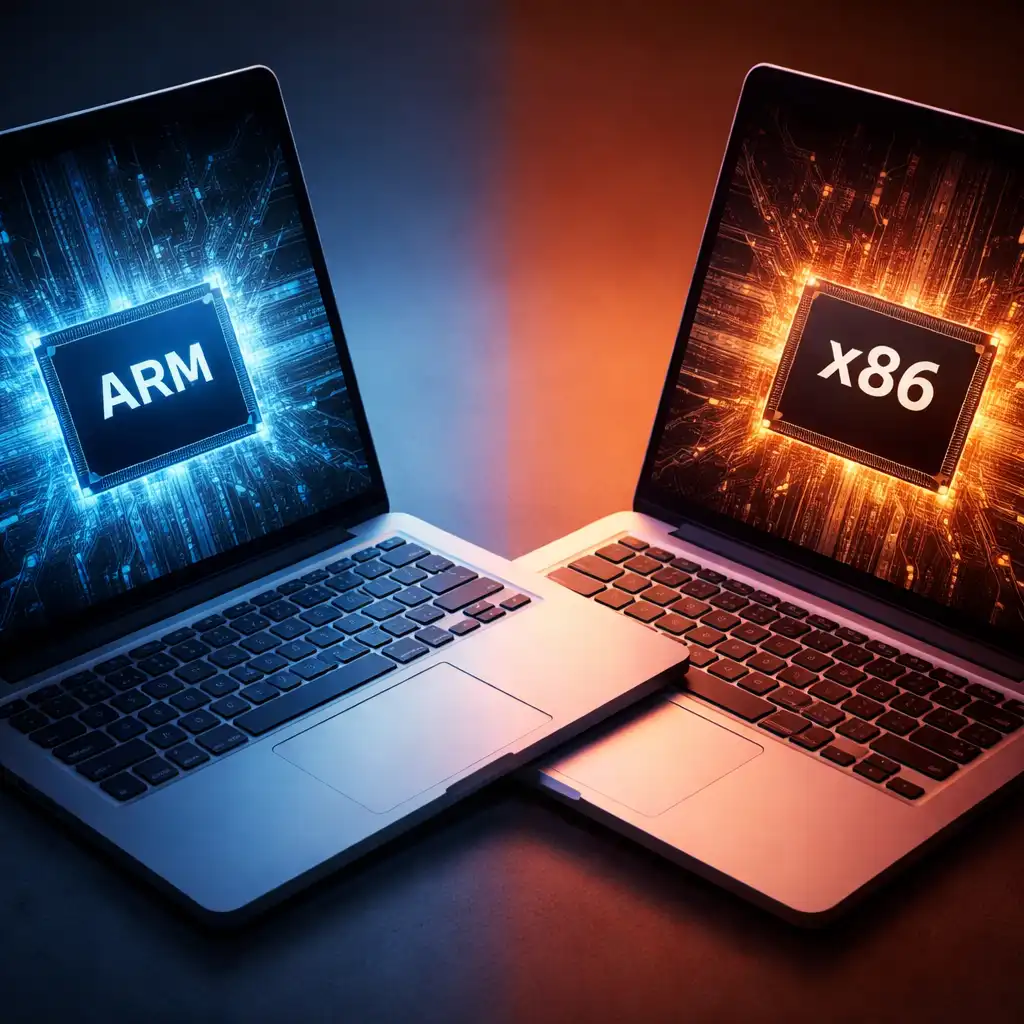
Laptop processors are built using different underlying architectures, which influence performance behavior, compatibility, and power efficiency. Two of the most common processor architectures used in modern laptops are ARM and x86.
Understanding how ARM and x86 processors differ can help you evaluate new laptop platforms, especially as ARM-based systems from companies like Apple and Qualcomm become more common in portable devices.
👉 For a broader look at CPU technologies used in modern laptops, see our guide to the best laptop processor.
🔍 What Is CPU Architecture?
CPU architecture defines the fundamental design of how a processor executes instructions and interacts with software. It determines how programs communicate with the hardware and how efficiently tasks are processed.
According to processor manufacturers, architecture choices influence performance efficiency, compatibility with operating systems, and how well a processor balances power consumption with computing power.
Two architectures dominate the laptop market today: x86 processors, historically used in most PCs, and ARM processors, which were originally developed for mobile devices.
🔍 What Are x86 Laptop Processors?
The x86 architecture has been the standard foundation of personal computers for decades. Processors from Intel and AMD are built on this architecture and power the majority of traditional laptops.
x86 processors are designed to support a wide range of desktop and laptop software with strong backward compatibility. Because of this long ecosystem history, most Windows and professional applications are optimized for x86 platforms.
Many high-performance laptops — including gaming systems and workstation models — still rely on x86 processors due to their strong compatibility and high sustained performance capabilities.
🔍 What Are ARM Laptop Processors?
ARM processors use a different instruction architecture designed around power efficiency. ARM chips were originally developed for smartphones and tablets, where low energy consumption is essential.
In recent years, ARM processors have expanded into laptops. Apple’s Apple Silicon chips and Qualcomm Snapdragon laptop processors are examples of ARM-based designs used in modern portable computers.
ARM architecture focuses on high performance per watt, which allows laptops to operate with lower power consumption and longer battery life in many scenarios according to manufacturer specifications.
🔍 Performance Differences Between ARM and x86
ARM and x86 processors can both deliver strong performance, but they often prioritize different design goals.
ARM processors typically emphasize power efficiency and battery life, which makes them well suited for thin and lightweight laptops. Many ARM systems also integrate specialized processing components such as AI accelerators.
x86 processors traditionally focus on broad compatibility and sustained performance, particularly for professional software, engineering tools, and gaming workloads.
Actual performance differences depend heavily on the specific processor model, generation, and laptop design.
🔍 Software Compatibility Considerations
One of the most important differences between ARM and x86 laptops is software compatibility.
Because most traditional desktop applications were originally developed for x86 processors, they typically run natively on Intel and AMD systems.
ARM laptops often rely on software compiled specifically for ARM architecture or use compatibility layers to run x86 applications. As ARM adoption increases, more applications are being optimized for these processors.
For example, Snapdragon-powered Windows laptops are expanding compatibility with common productivity software and development tools. Our guide on snapdragon laptop performance explains how these processors handle everyday workloads.
🔍 Efficiency and Battery Life
ARM processors are widely recognized for their energy efficiency. Their architecture allows laptops to deliver strong performance while consuming less power.
According to manufacturer specifications, this efficiency can translate into longer battery life and quieter cooling systems in many ARM-based laptops.
x86 processors, particularly high-performance models, often operate at higher power levels. This can deliver stronger peak performance but may require more robust cooling systems in demanding workloads.
📌 Key Takeaways
- ARM and x86 are two different processor architectures used in laptops
- x86 processors from Intel and AMD dominate traditional laptop platforms
- ARM processors prioritize efficiency and battery life
- Software compatibility historically favors x86 systems
- ARM laptops are becoming more common as manufacturers optimize software support
🟢 FAQs
Q: Is ARM better than x86 for laptops?
Neither architecture is universally better. ARM processors prioritize efficiency, while x86 processors emphasize compatibility and high sustained performance.
Q: Can ARM laptops run traditional Windows software?
Some applications run natively on ARM systems, while others rely on compatibility layers depending on the software.
Q: Are ARM processors used in modern laptops?
Yes. Apple Silicon chips and Qualcomm Snapdragon processors are examples of ARM-based designs now used in many modern laptops.
✅ Conclusion
ARM vs x86 laptops represent two different approaches to processor design. ARM architecture focuses on efficiency and battery life, while x86 platforms emphasize compatibility and long-established software ecosystems.
As laptop technology continues to evolve, both architectures are expected to play important roles in future portable computing platforms.