What Is a Snapdragon Processor in a Laptop – Features, Performance, and How It Works
Disclosure: This post contains affiliate links. LaptopVoyager.com participates in the Amazon Associates Program and may earn commissions on qualifying purchases, at no extra cost to you.
Last Updated: April 2026
Snapdragon processors are becoming more common in modern laptops, especially in thin and lightweight designs. These chips are based on ARM architecture, which focuses on efficiency, battery life, and always-on connectivity.
If you’re comparing laptops for school, work, or travel, understanding how Snapdragon processors work can help you decide whether they fit your needs.
👉 For a broader overview, see the snapdragon laptops guide
📌 Key Takeaways
- Snapdragon processors use ARM architecture designed for efficiency
- They focus on long battery life and low power consumption
- Many apps run natively, while others rely on emulation
- Best suited for everyday tasks, portability, and cloud-based workflows
🔍 What Is a Snapdragon Processor?
A Snapdragon processor is a system-on-chip (SoC) designed by Qualcomm, originally developed for smartphones and mobile devices.
In laptops, Snapdragon chips combine multiple components into a single unit, including:
- CPU (processing cores)
- GPU (graphics processing)
- AI processing unit
- Connectivity features like Wi-Fi and 5G
This integrated design helps improve efficiency and reduce power usage.
🔍 How Snapdragon Differs from Intel and AMD
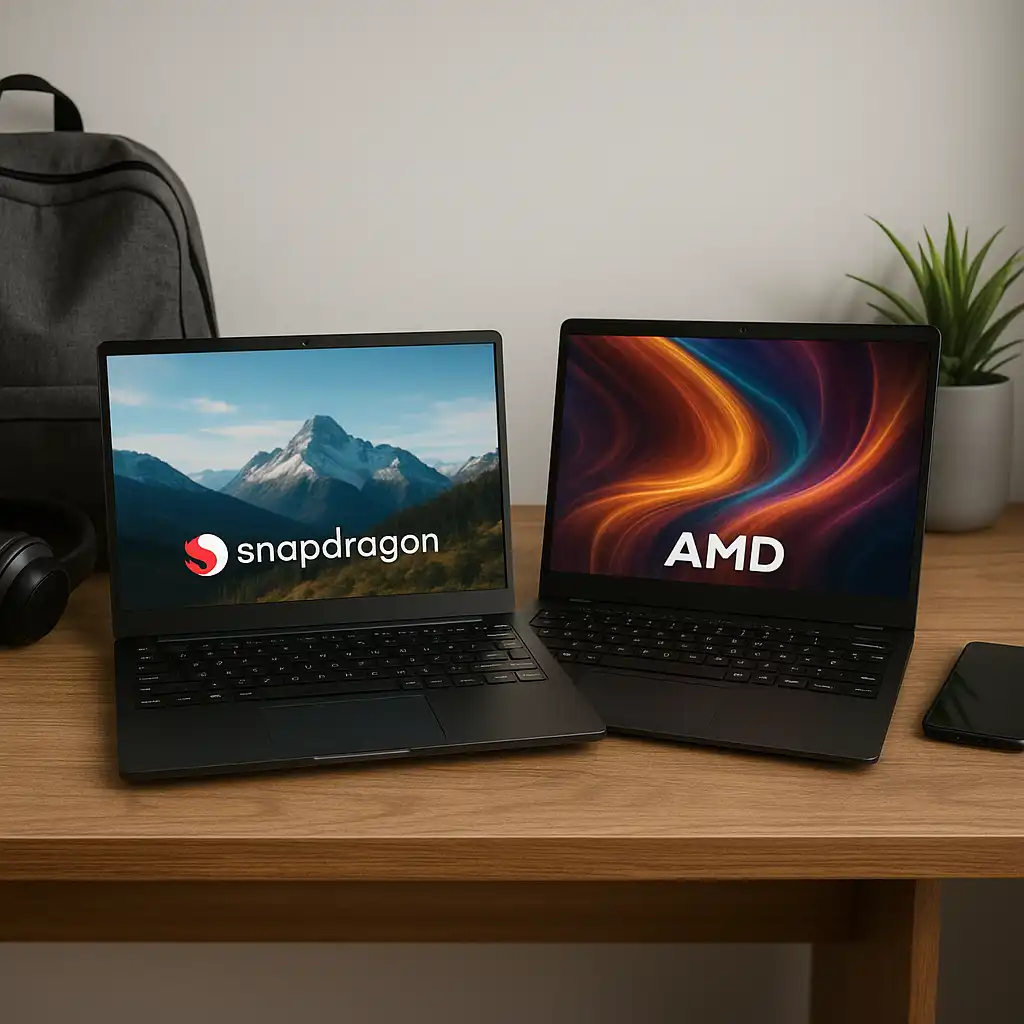
Snapdragon processors use ARM architecture, while Intel and AMD use x86.
ARM is designed for:
- Lower power consumption
- Longer battery life
- Mobile-style efficiency
x86 processors are designed for:
- High performance workloads
- Broad software compatibility
- Traditional desktop applications
👉 For a full comparison, see snapdragon processor vs intel
🔍 Performance in Everyday Use
Snapdragon processors are designed to handle everyday computing tasks efficiently.
They perform well in:
- Web browsing
- Office applications
- Streaming and media
- Video calls
Published benchmarks and professional reviews indicate that newer Snapdragon X Elite and X Plus chips offer improved multitasking performance compared to earlier generations.
🔍 Battery Life and Efficiency
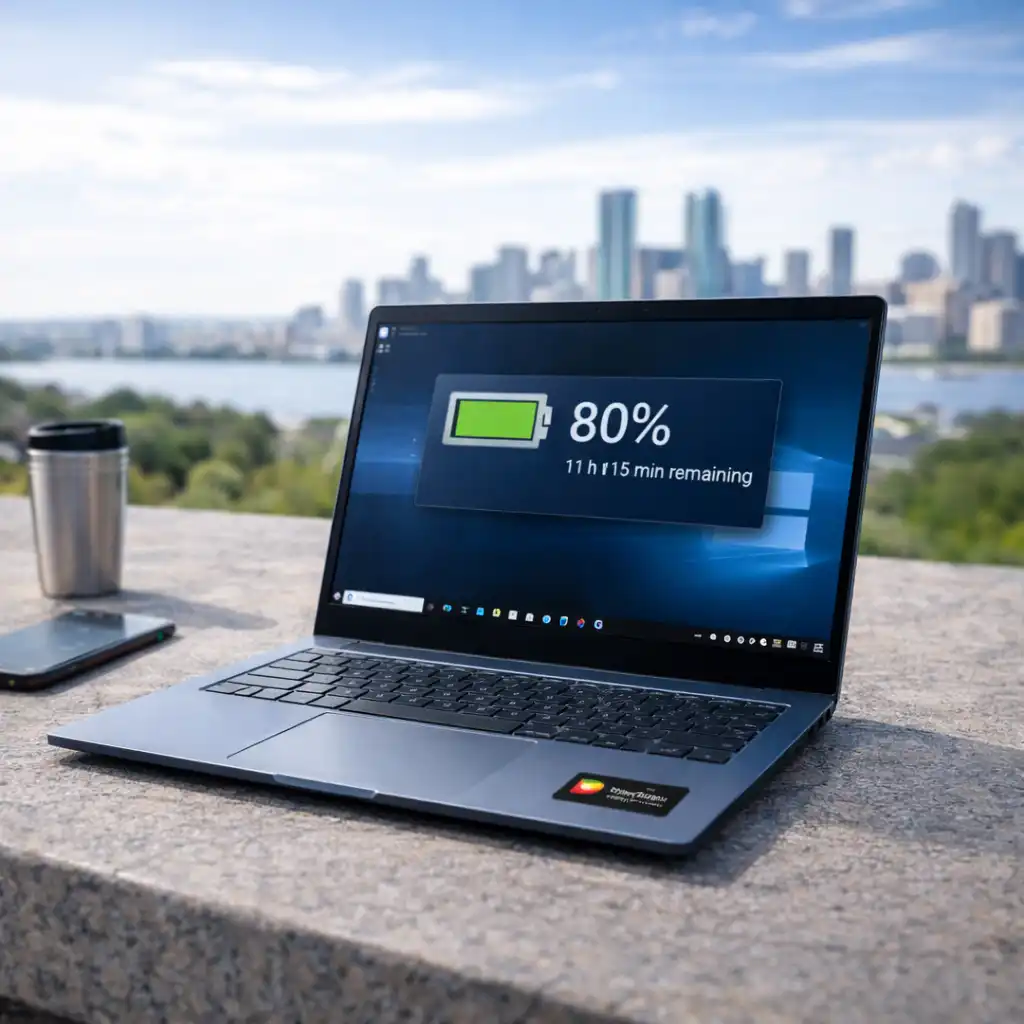
One of the main advantages of Snapdragon processors is battery life.
According to manufacturer specifications, laptops with Snapdragon chips are often rated for all-day use. Their low power consumption allows them to maintain longer usage times compared to many traditional laptops.
This makes them suitable for users who work on the go or need extended battery performance.
🔍 App Compatibility and Windows on ARM
Snapdragon laptops run Windows on ARM, which affects how applications work.
Apps fall into three categories:
- Native ARM apps (best performance)
- Emulated apps (x86/x64 compatibility layer)
- Unsupported apps
👉 Learn more in snapdragon laptop app compatibility
Compatibility continues to improve, but checking software requirements is still important.
🔍 Connectivity and Always-On Features
Snapdragon processors are designed with connectivity in mind.
Many models include:
- Instant-on capability
- Built-in 5G or advanced Wi-Fi
- Efficient standby power usage
These features allow laptops to behave more like mobile devices, staying connected even in low-power states.
🔍 Who Should Use a Snapdragon Laptop?
Snapdragon processors are a good fit for users who:
- Need long battery life
- Prefer lightweight and portable devices
- Use web-based or productivity applications
- Work remotely or travel frequently
They may not be ideal for users who:
- Run specialized or legacy software
- Need high-end gaming performance
- Perform heavy creative workloads
🟢 FAQs
Q: What does a Snapdragon processor do in a laptop?
It handles processing tasks, graphics, and connectivity in a single integrated chip.
Q: Is Snapdragon better than Intel?
It depends on usage. Snapdragon focuses on efficiency, while Intel focuses on performance and compatibility.
Q: Can Snapdragon laptops run Windows apps?
Yes, many apps run natively or through emulation, depending on compatibility.
Q: Are Snapdragon processors good for everyday use?
Yes, they are designed for browsing, productivity, and media tasks.
✅ Conclusion
Snapdragon processors bring a different approach to laptop design by focusing on efficiency, battery life, and connectivity. Based on specifications and current performance data, they are well-suited for everyday users who prioritize portability and long battery life over maximum performance.